













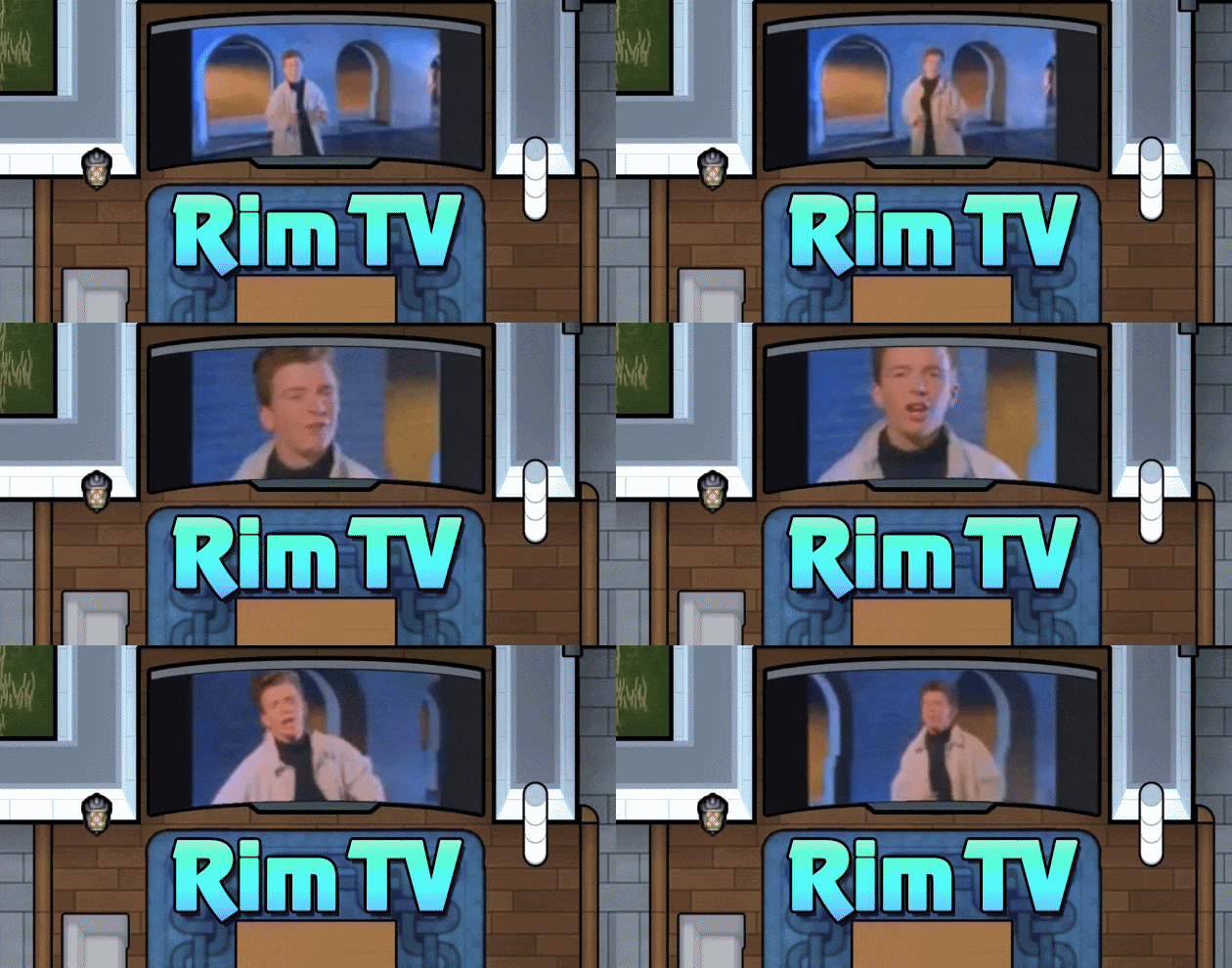



Plays local MP4 videos on in-game TVs. Select a TV, open Playlist → Open videos, add files to Videos and choose Reload → Use playlist. The TV panel controls playback, pause and volume. Select several TVs and use Link TVs for synchronized playback.
RimTV
v04.11.2026 · 2.3 МБ ·
0 downloads
Link verified · ModsFire
Plays local MP4 videos on in-game TVs. Select a TV, open Playlist → Open videos, add files to Videos and choose Reload → Use playlist. The TV panel controls playback, pause and volume. Select several TVs and use Link TVs for synchronized playback.
Use low-resolution files to reduce GPU memory use. An optional local FFmpeg path enables automatic re-encoding. WebM plays without audio. For a custom TV, use Developer Mode and the Screen Editor command to create a ScreenProfileDef.
Comments 0
No comments yet — be the first.
Log in or sign up to leave a comment.