

















## Compatibility
Contents
Compatibility
Designed for the original SCS infotainment. GPS/infotainment replacements are not supported by this release.
Known screen-file conflicts include New CarPlay and CarLife+ on supported trucks. Other mods replacing the same cabins, interiors, mirrors or infotainment files may also conflict.
Changing priority may disable features from either mod; it does not combine their interfaces. Voice navigation and map appearance mods are not automatically incompatible.
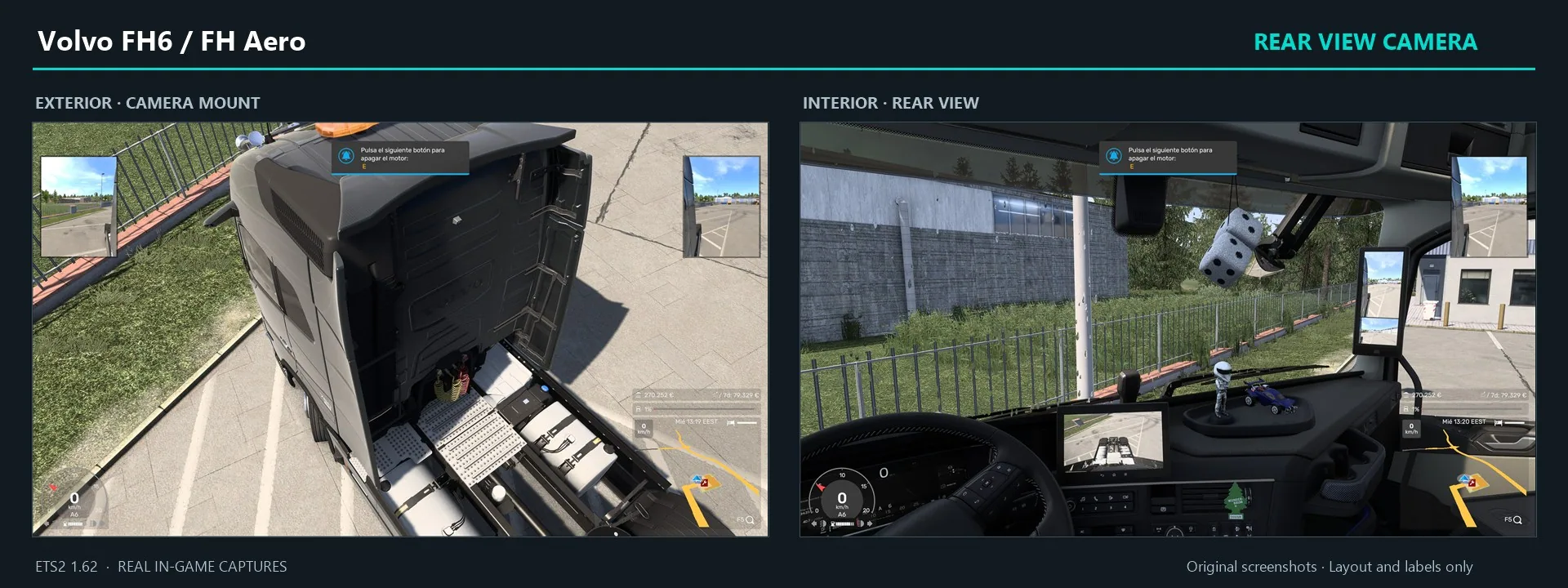
Volvo FH6 / FH Aero is included from version 1.1. Disable the separate Volvo Base and MAN Housing editions when using this combined package. Volvo FH6 Improved Dashboard also replaces screen files used by the camera and is not supported by this release.
Rear view camera
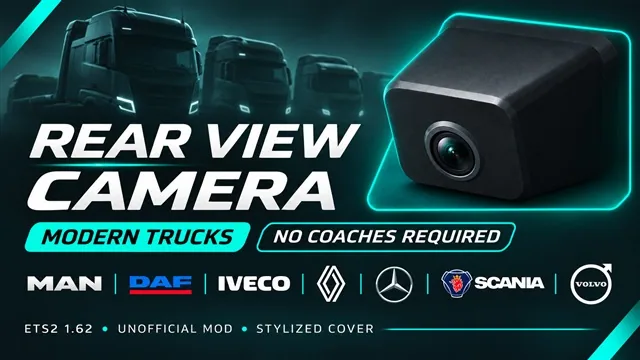
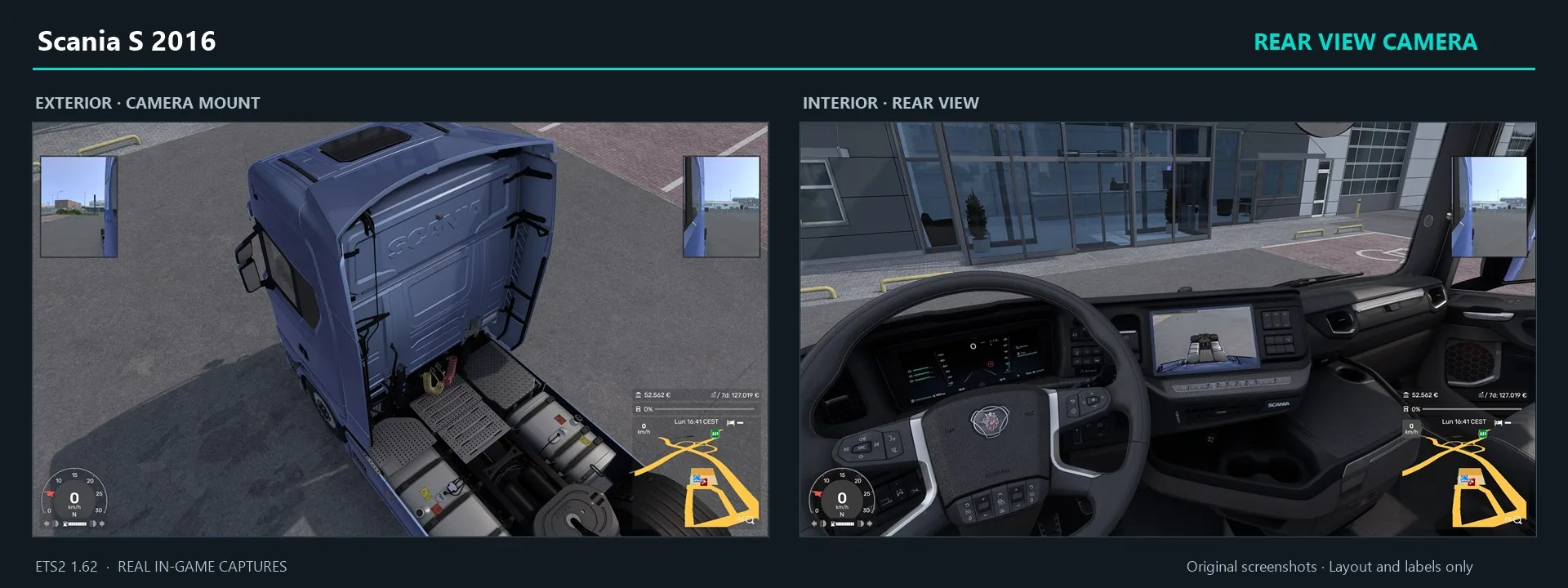
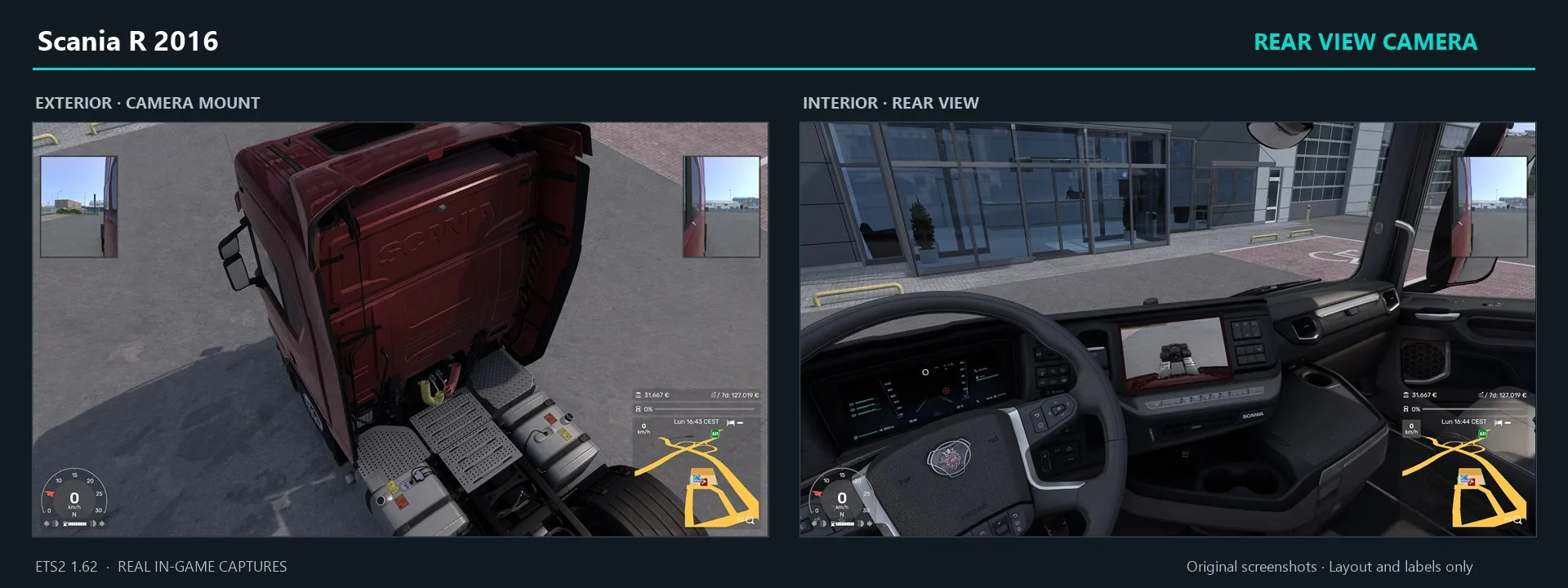
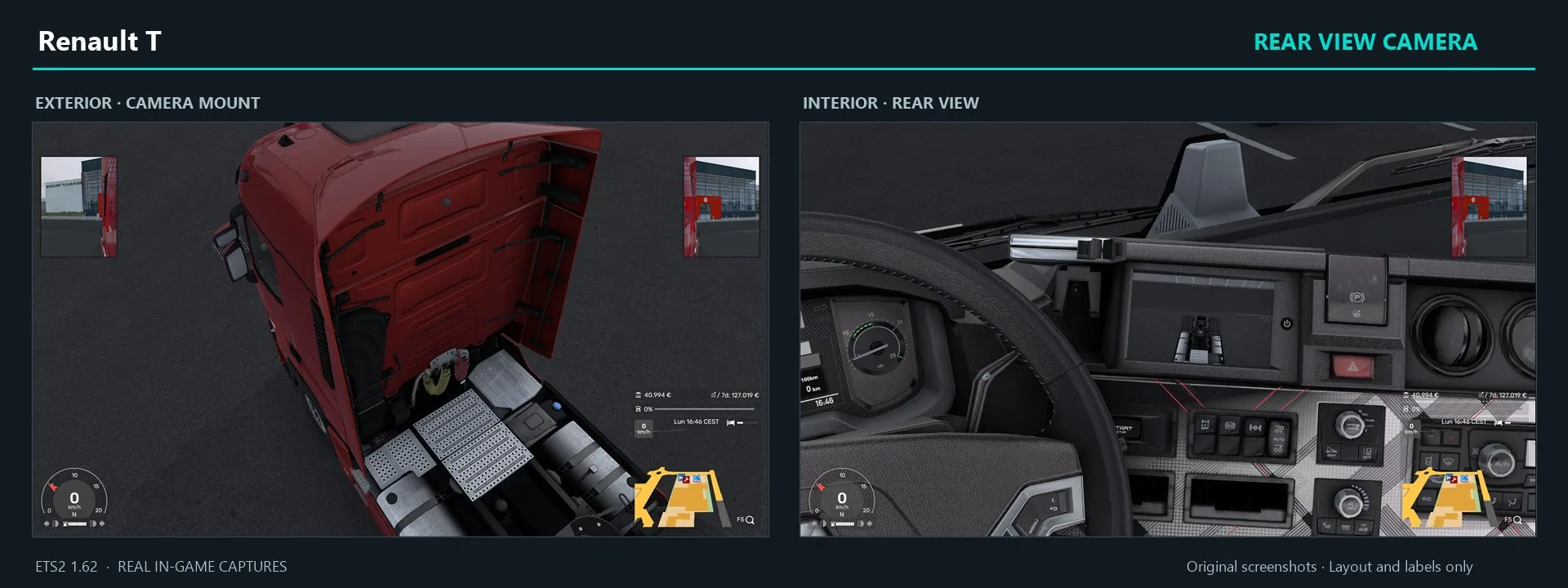
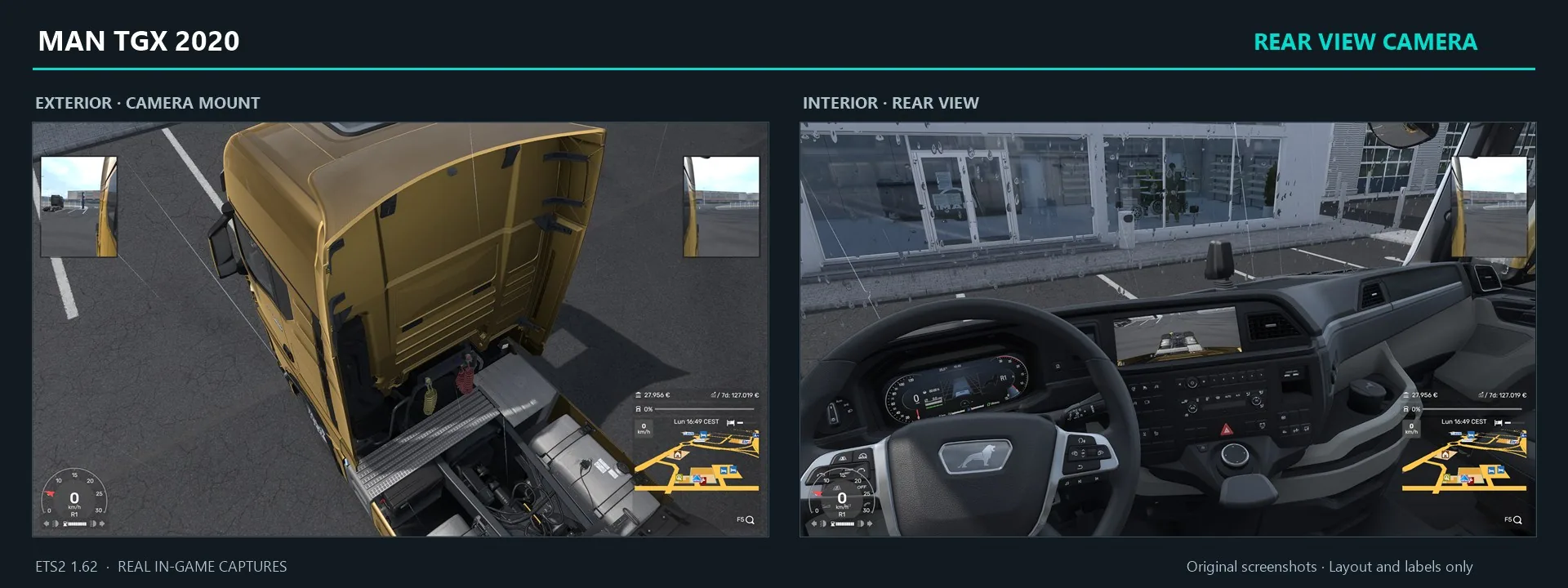
Add a small rear camera and view the coupling area on the truck’s existing infotainment. Designed for manoeuvring and approaching a trailer.
Original camera housing and textures. No DLL or external application is needed.
Supported trucks
- Volvo FH6 / FH Aero (official SCS 2024)
- MAN TGX 2020
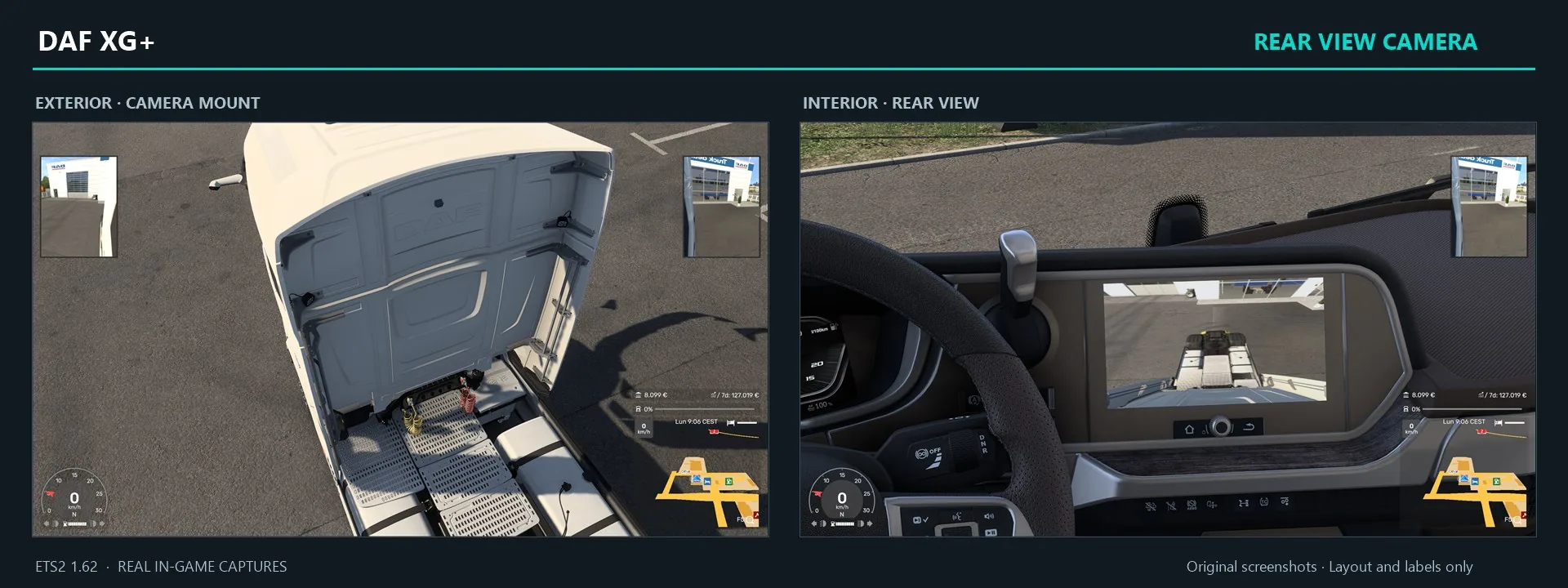
- DAF XF / XG / XG+ (2021 generation)
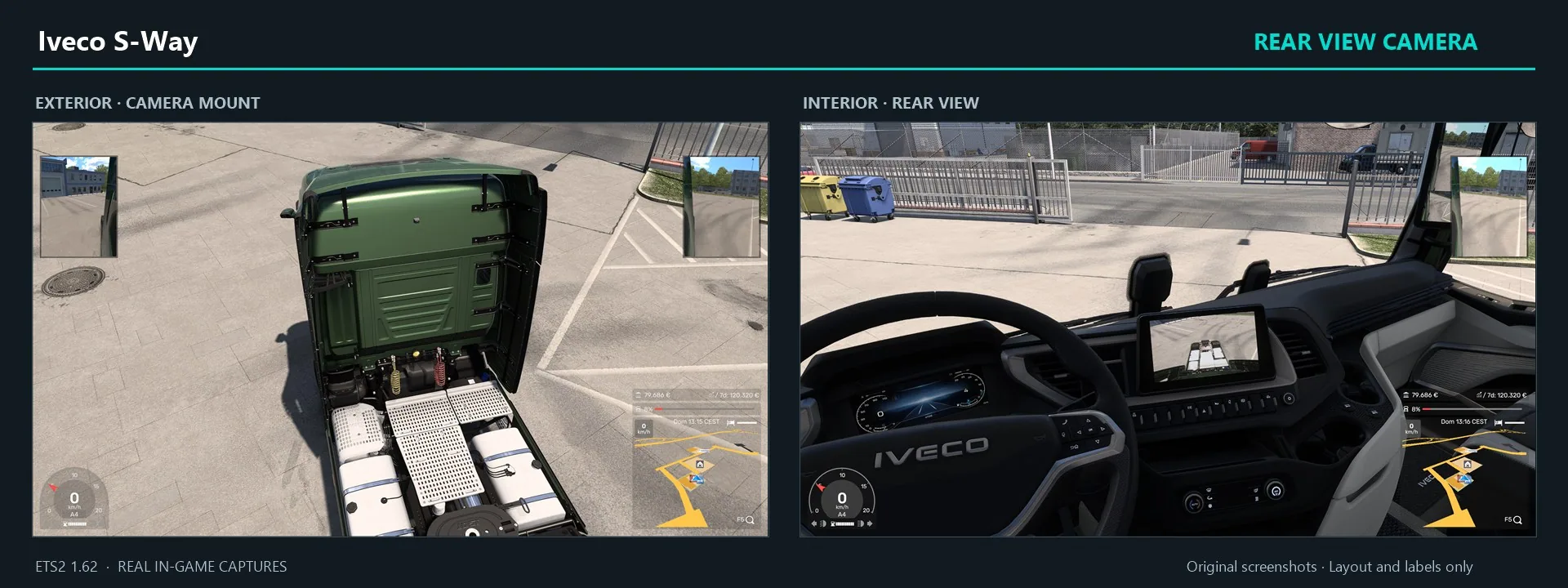
- Iveco S-Way
- Renault T
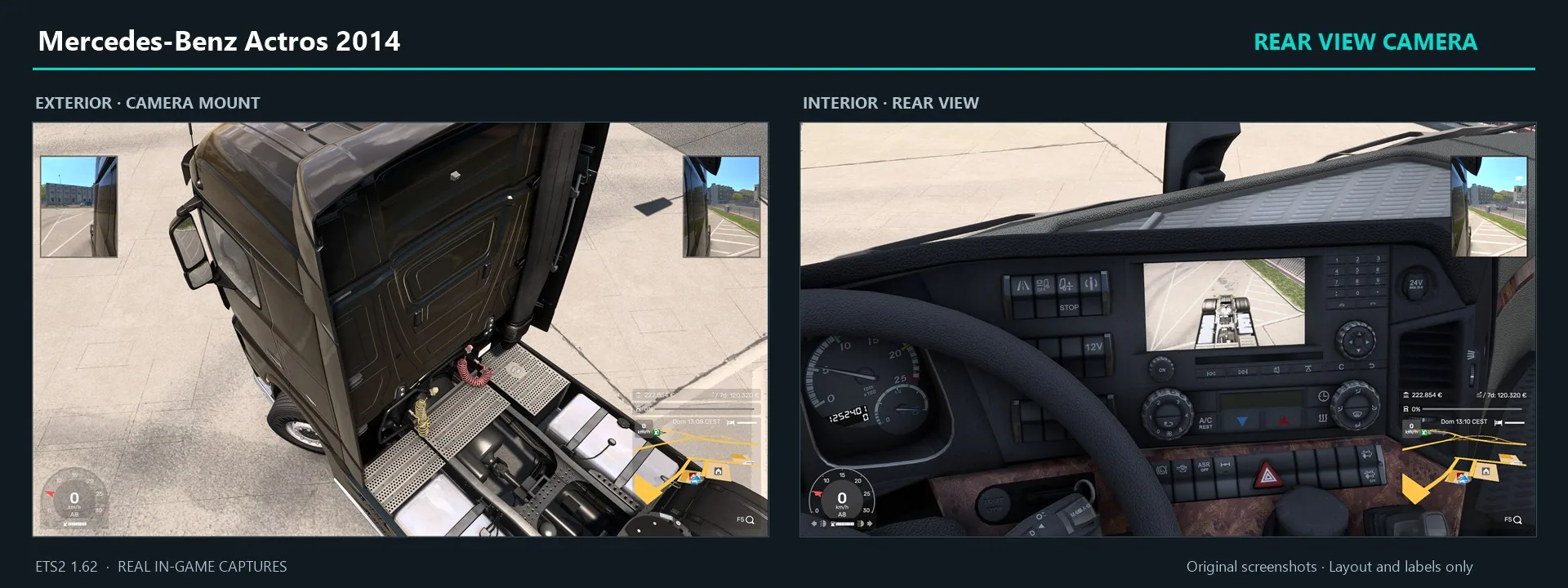
- Mercedes-Benz Actros 2014 / New Actros
- Scania R 2016 High Roof
- Scania S 2016 High Roof
Original GPS/infotainment interiors only. Standard Scania interiors without GPS, electric models are excluded. All eight models have representative in-game tests; DAF was tested directly as XG+. The combined 1.1 package with Volvo FH6 was confirmed working in game. This does not cover every cabin, chassis, interior or right-hand-drive variant.
Requirements
ETS2 1.62 and these free official truck packages: MAN TGX, DAF XG/XG+ and Iveco S-Way. Also requires the free official Volvo FH6 / FH Aero package. These four packages are dependencies of the combined edition.
Coaches is not required. This edition also works for owners of Coaches. It adds cameras to trucks, not coaches.
Installation
- Enable this mod in the Mod Manager.
- Visit a truck service and select the accessory point on the rear cab panel.
- Buy Rear View Camera for €800 in the standard economy.
- Remove the accessory at the service shop before permanently disabling the mod.
Controls
- Assign the game’s parking-camera control in Keyboard & Buttons.
- Use that control to show or hide the rear view on the infotainment. Selecting reverse gear alone is not the activation method.
- Return to your usual display after manoeuvring.
On the MAN TGX 2020, the original front camera uses the infotainment display-mode control. That is separate from our rear parking view.
Performance
The camera looks behind the tractor unit, not behind the trailer. An attached trailer can obstruct the view.
The active camera may reduce FPS; performance changes have not been benchmarked. Not every cabin, chassis, interior or right-hand-drive variant has been tested.
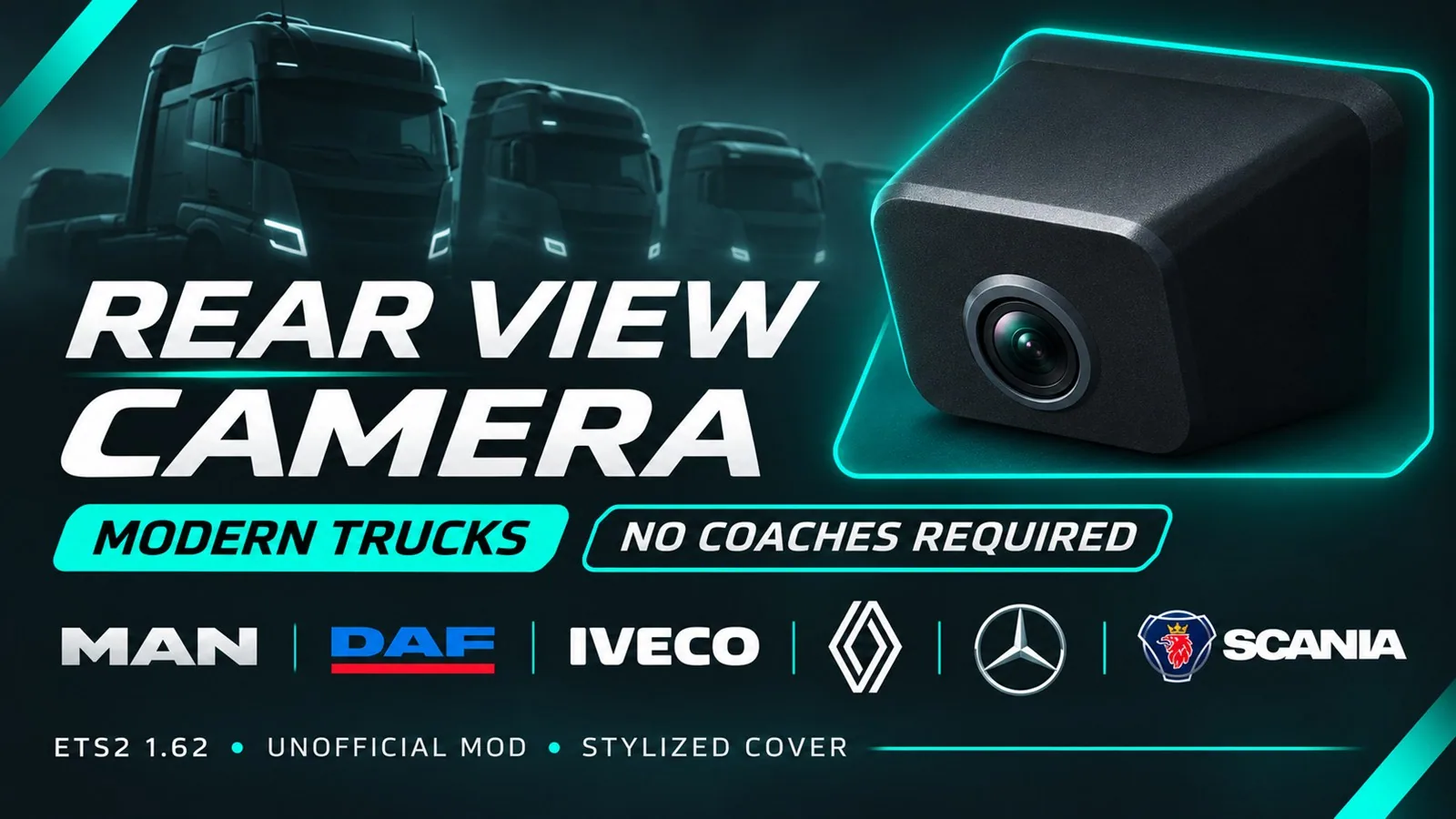
Images and credits: The cover is a stylized illustration. Gallery composites use original in-game screenshots with labels, without retouching or recreation. Original camera housing, textures and integration: Kron98. Original vehicle and game resources: SCS Software. Independent unofficial mod.
Screenshots 9

Comments 0
No comments yet — be the first.
Log in or sign up to leave a comment.