














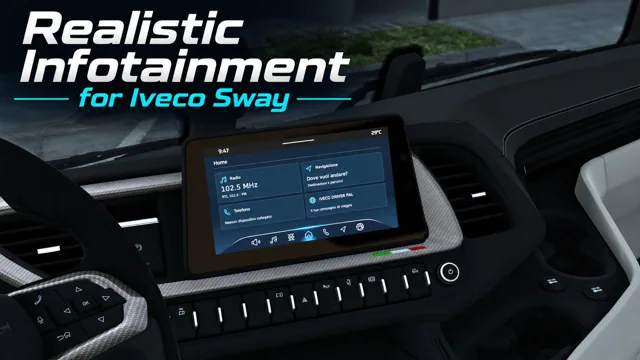



Give your Iveco S-Way a more immersive infotainment experience, with custom screens inspired by Iveco’s onboard interface and designed to blend naturally into the original SCS interior.
Contents
Give your Iveco S-Way a more immersive infotainment experience, with custom screens inspired by Iveco’s onboard interface and designed to blend naturally into the original SCS interior.
What's New in Version 1.0.1
- Added a Rear View Camera for the stock 4x2 and 6x2 chassis.
- Added Iveco S-Way 2025 engine sounds by Kapitan Kriechbaum.
- Improved cabin soundproofing for a more refined interior sound experience.
Features
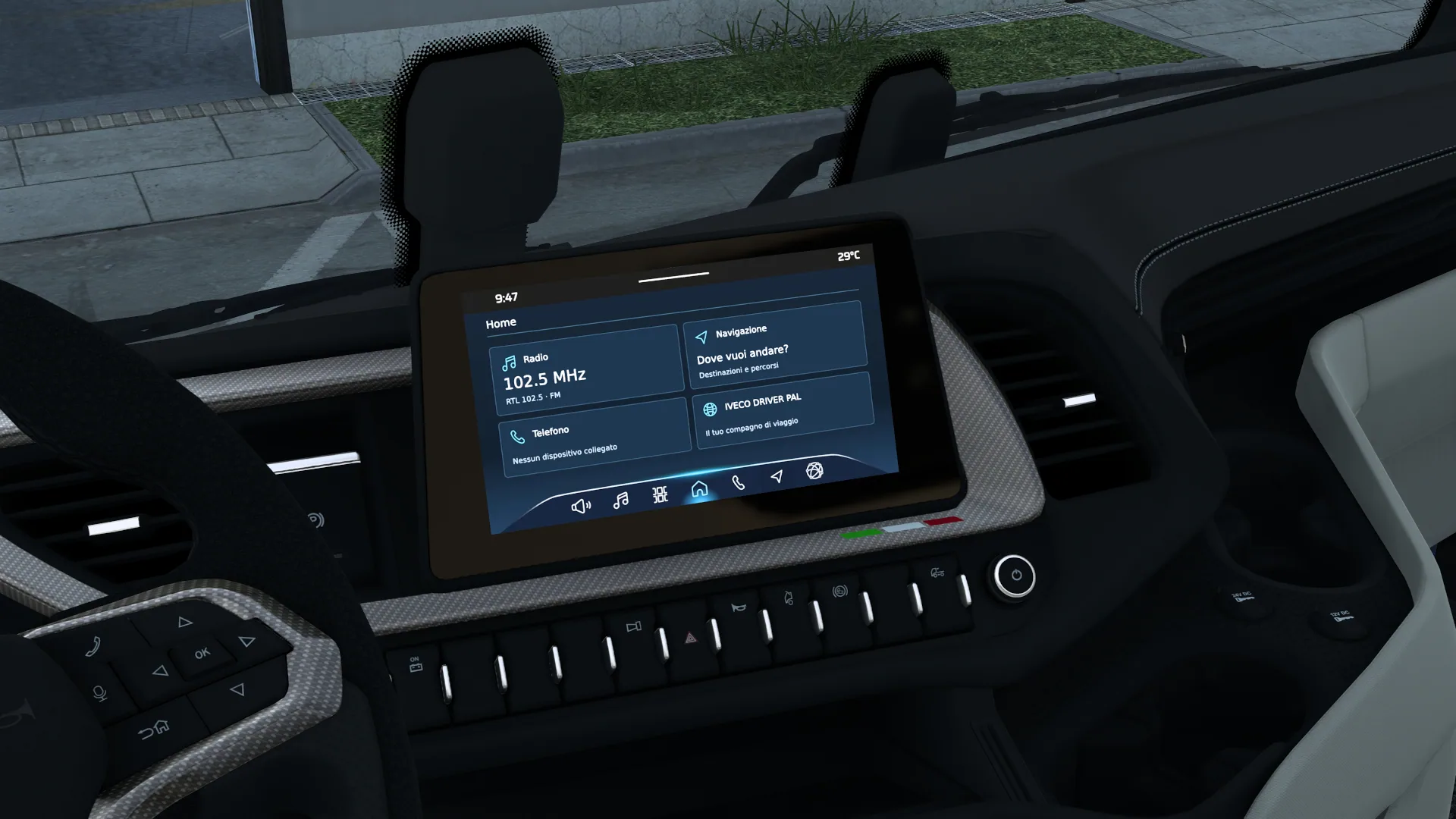
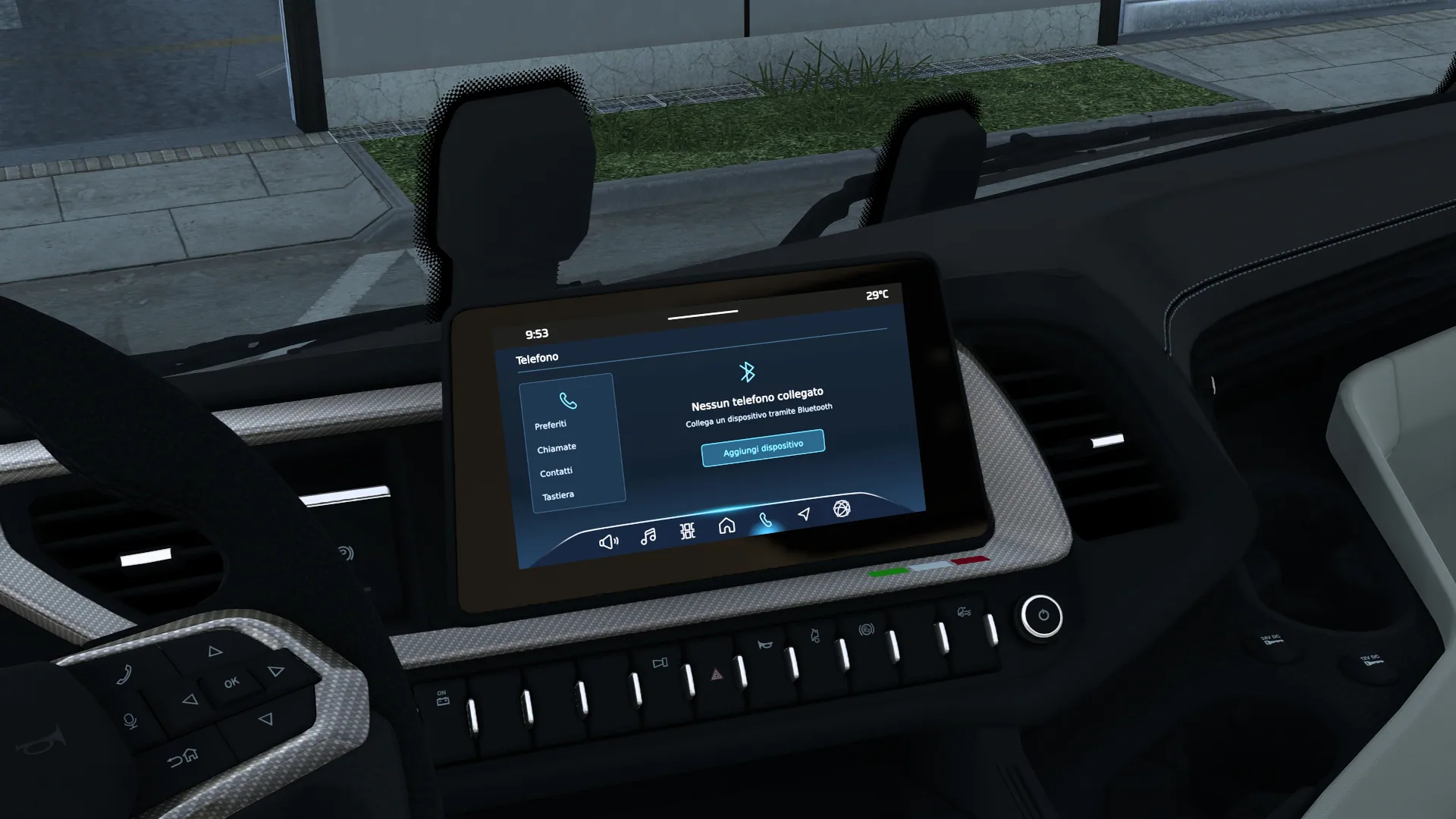
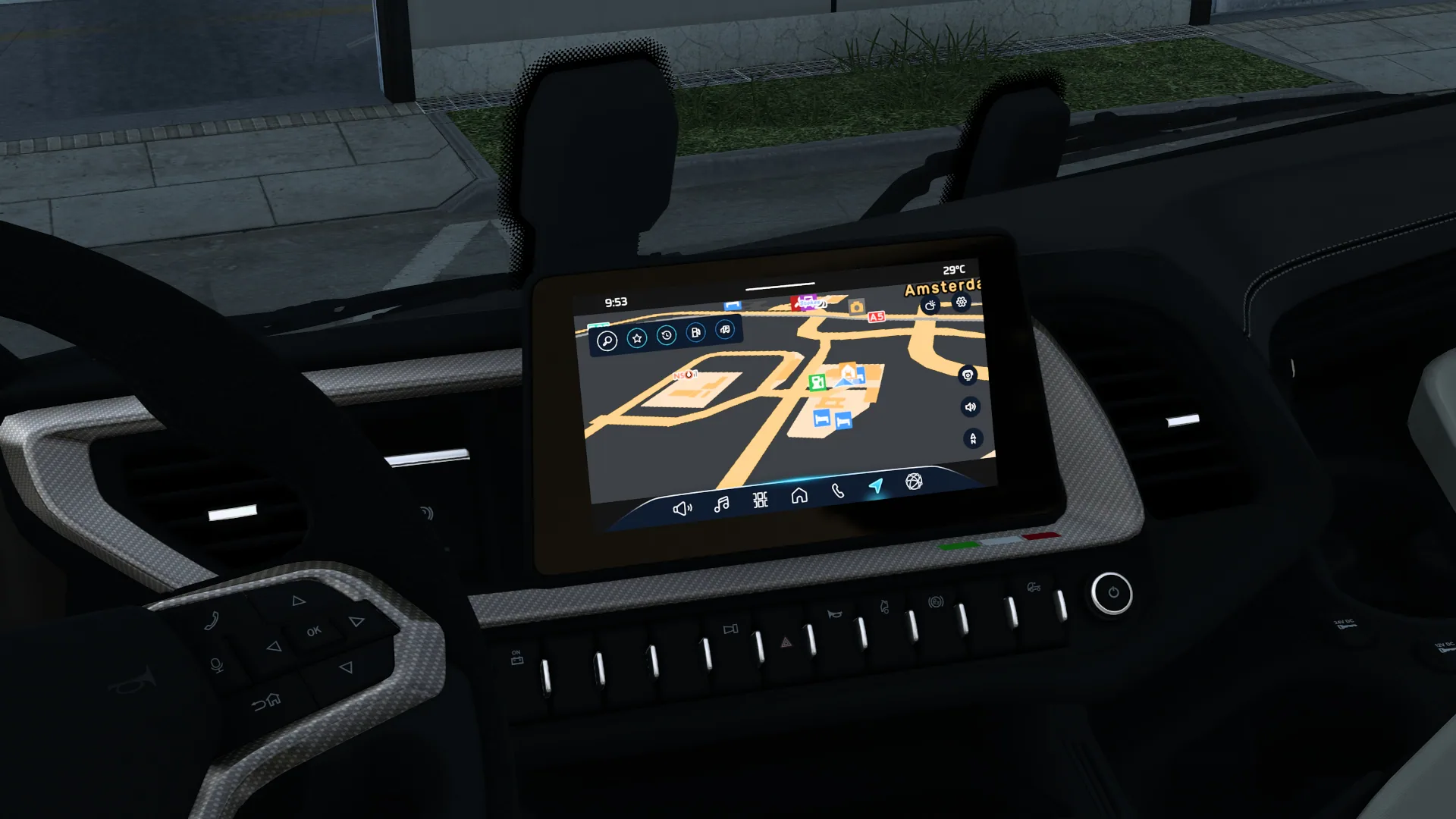
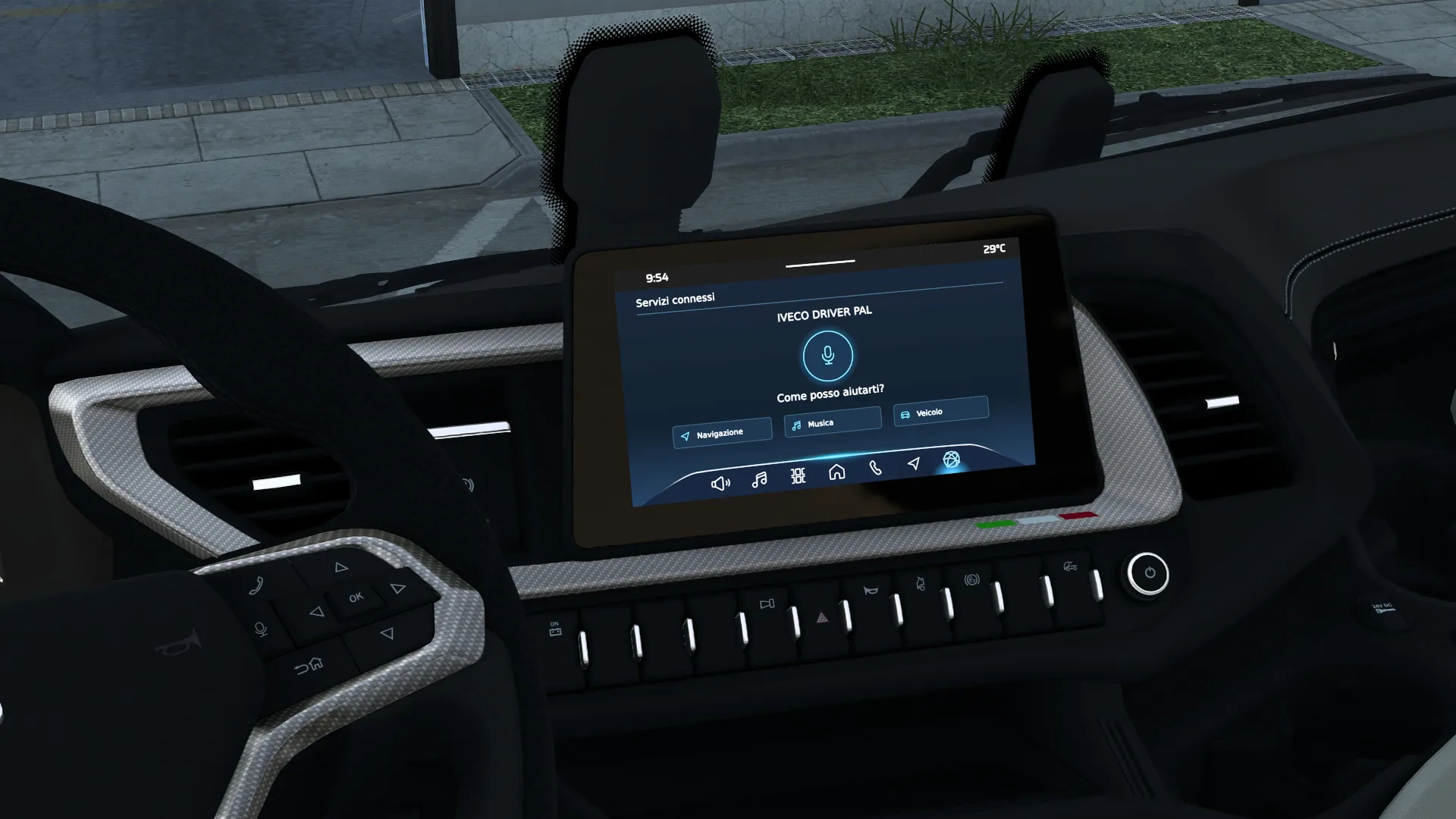
- Eight selectable infotainment pages.
- Original bottom icon bar, with the active page highlighted in blue.
- Dynamic clock and outside temperature on all active infotainment pages.
- Original GPS appearance and functionality preserved.
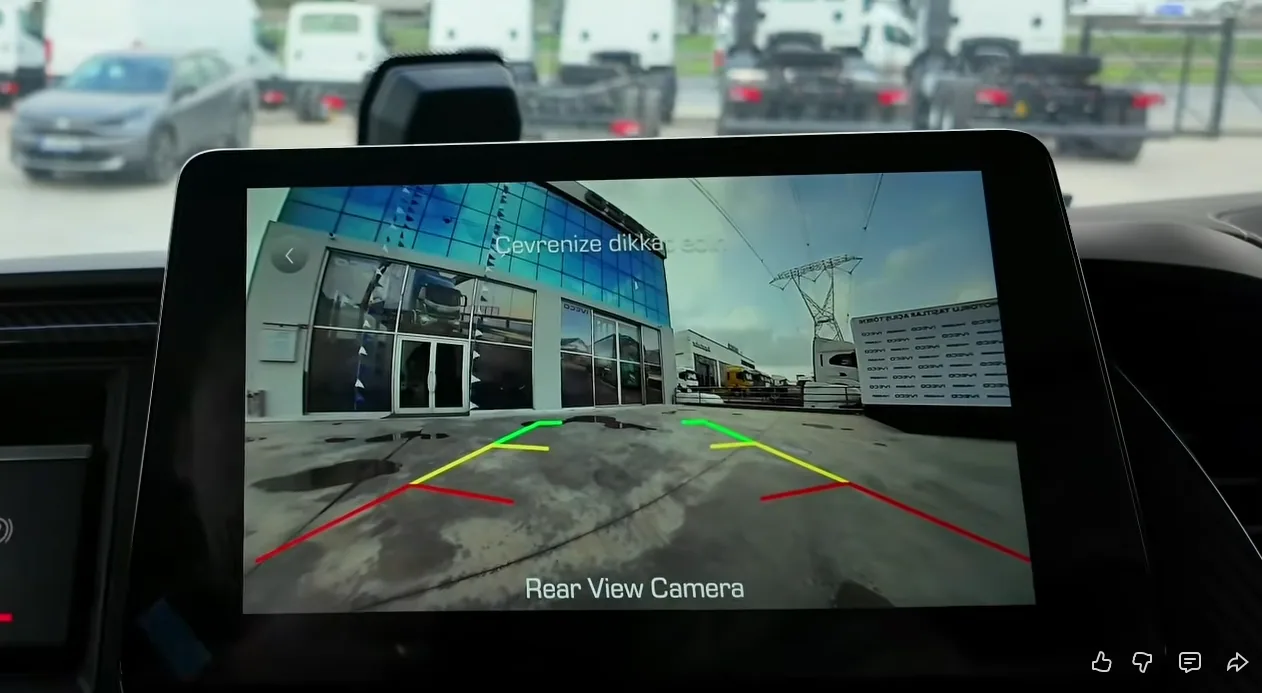
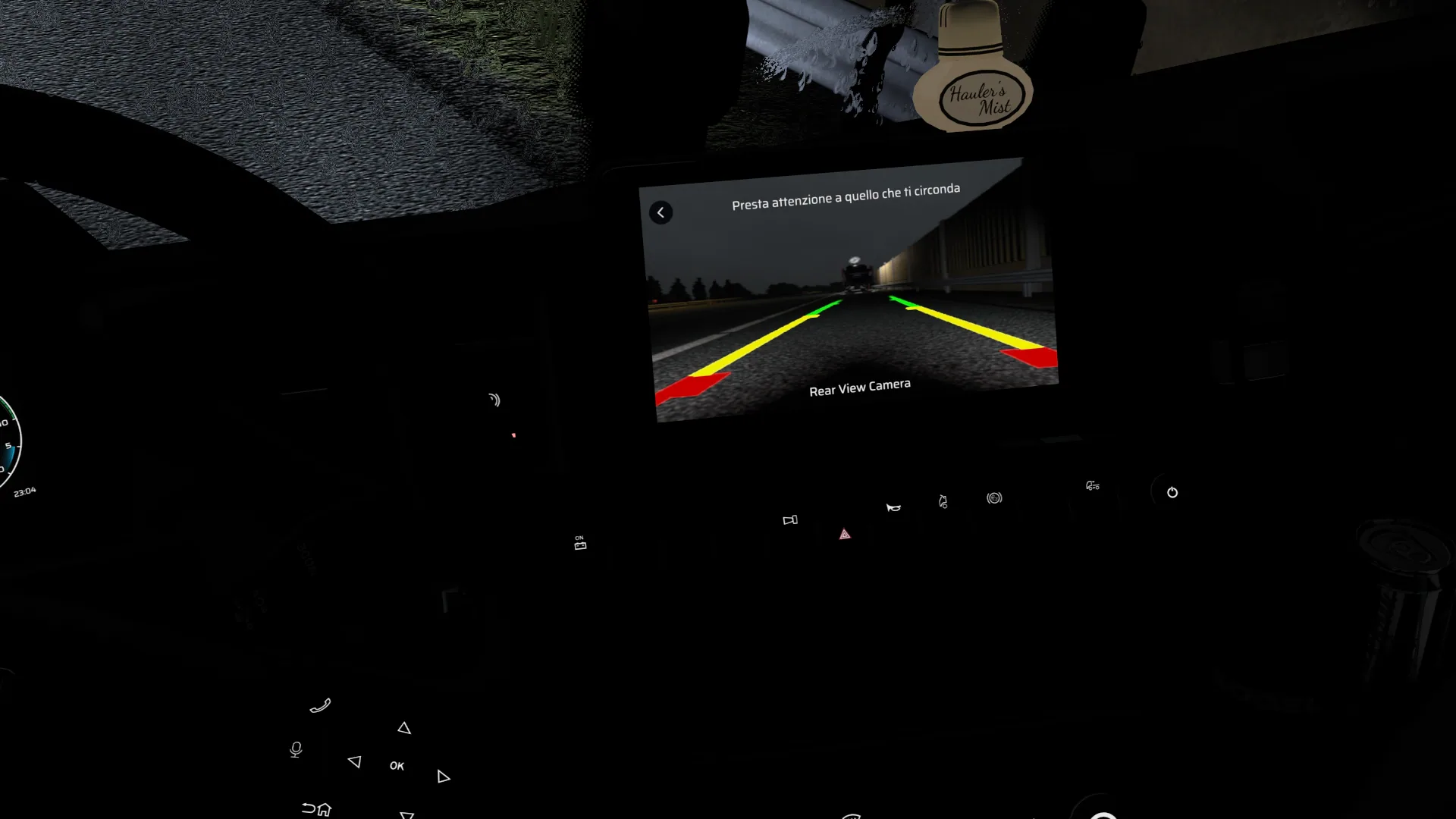
- Rear View Camera activated automatically when reverse gear is selected.
- Camera overlay inspired by the real Iveco S-Way, featuring parking guidelines, a blue back-arrow icon, an Italian surroundings warning and the “Rear View Camera” label.
- Iveco S-Way engine sounds by Kriechbaum, combined with cabin soundproofing adjustments by NiamhFox.
Available Pages
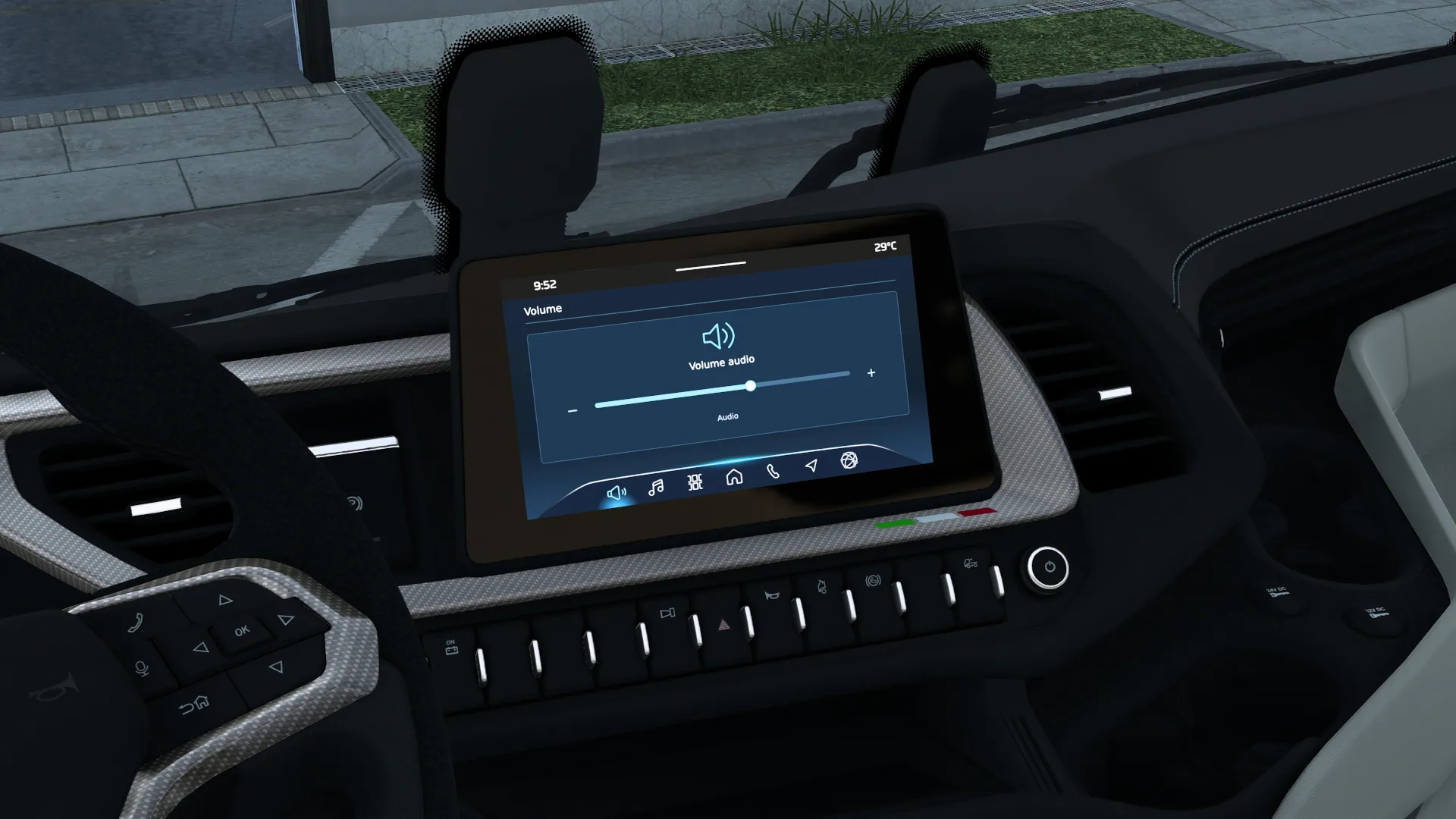
- Volume
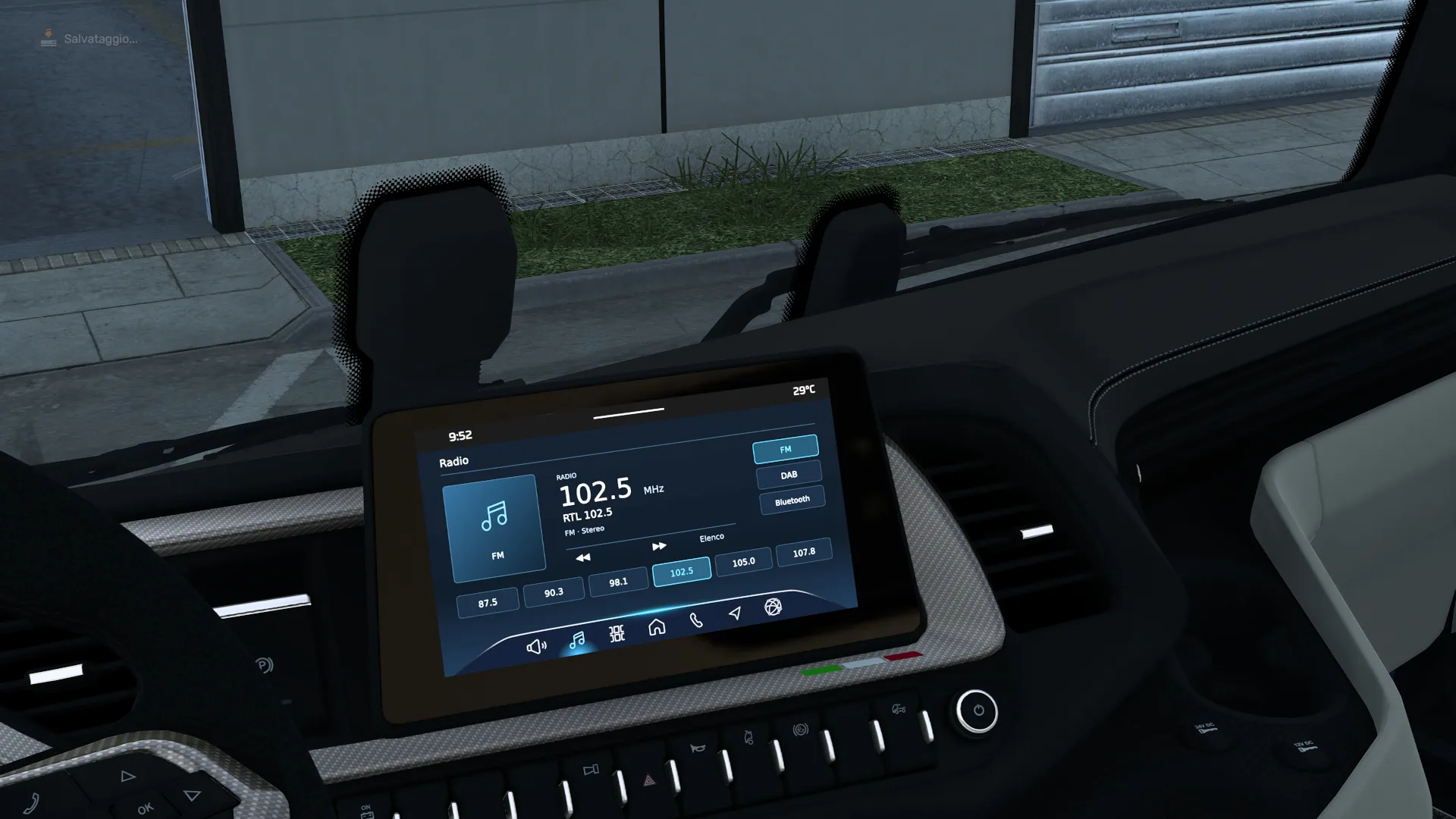
- Radio
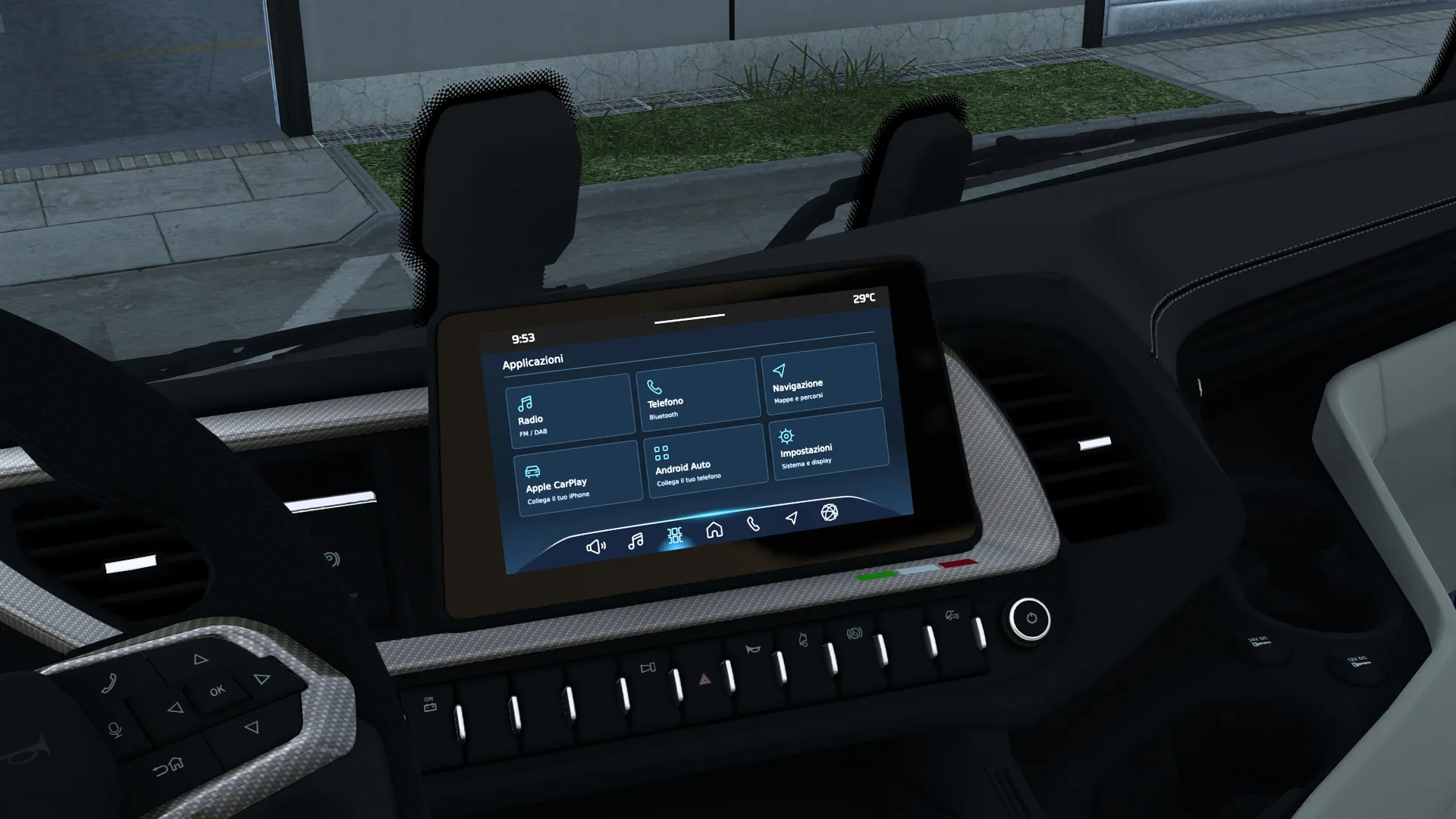
- Applications
- Home
- Phone
- GPS Navigation
- Connected Services — IVECO DRIVER PAL
- OFF
How to Use
Assign a key to the infotainment screen switching control in the game settings, then use it to cycle through the pages.
The Rear View Camera appears automatically when reverse gear is selected.
Rear View Camera — Limitations
The camera uses SCS’s existing parking-camera system, adapted to the Iveco S-Way with the ATS Ford F-150 and Bronco as technical references. The overlay is inspired by the real Iveco interface.
- Image quality: the camera feed is subject to the game’s rendering limitations. Changes to graphics quality and resolution settings may be more noticeable on the overlay than on the camera image itself. A sharp overlay does not guarantee a high-resolution camera feed.
- Brightness: SCS digital-camera brightness settings are retained to preserve visibility during both daytime and nighttime. Bright sunlight may still produce an overly bright image.
- Parking guidelines: I have not found an independent adjustment that correctly matches their width and spacing to the Iveco’s dimensions. They are a visual aid, not a calibrated indication of clearance, obstacle distance or the trailer’s path.
- Trailer visibility: the camera remains mounted on the truck. It does not move to the rear of an attached trailer, which may obstruct the view.
- Back-arrow icon: this is a decorative overlay, not a clickable control.
Compatibility
- For Euro Truck Simulator 2 1.61+.
- Designed for the stock SCS Iveco S-Way, with rear-camera support for its 4x2 and 6x2 chassis.
- When updating an existing truck, reselect the chassis in the workshop and confirm the configuration to apply the matching camera setup.
- Compatibility with other mods that modify the cabin, chassis, dashboard, infotainment, engine sounds or cabin soundproofing has not been tested. Conflicts may occur when mods replace the same files or settings.
Please Note
The additional infotainment pages are visual only. They do not add touchscreen controls, Bluetooth connectivity, Apple CarPlay, Android Auto, voice assistance or interactive volume adjustments.
GPS navigation retains its original functionality. The rear camera displays a live view, subject to the limitations described above.
Credits
- SCS Software — Original vehicle assets and the Ford F-150 and Bronco parking-camera systems from American Truck Simulator, used as technical references for this adaptation.
- Kapitan Kriechbaum — Iveco S-Way engine sounds.
- NiamhFox — Infotainment design, Iveco S-Way adaptation, Rear View Camera implementation and cabin soundproofing improvements.
Screenshots 9

Comments 0
No comments yet — be the first.
Log in or sign up to leave a comment.