












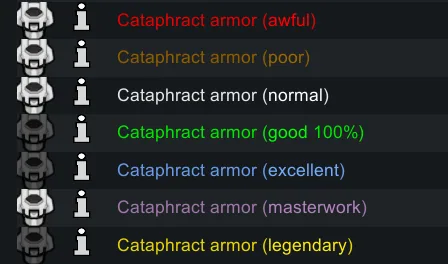



A RimWorld mod that colors item labels by quality in the trade window, gear tab, mouseover readout and inspect pane. Includes several color presets and a color picker for custom colors.
Contents
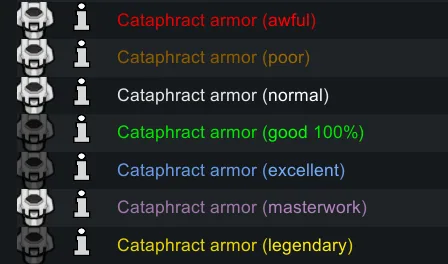
Quality Colors (Continued) is an updated version of the Quality Colors mod (which covered RimWorld 1.4 and earlier). It colors items in the trade window according to their quality, and the same highlighting is used in several other interface elements. All colors are configured in the mod settings.
Where quality colors are shown
- Item labels in the trade window.
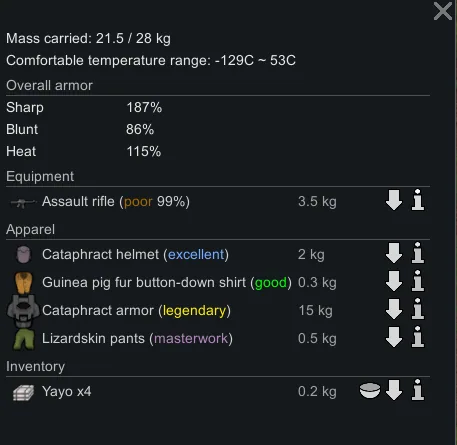
- The gear tab, including items that are forced or locked.
- The mouseover readout in the bottom-left corner of the screen when the cursor is over an object.
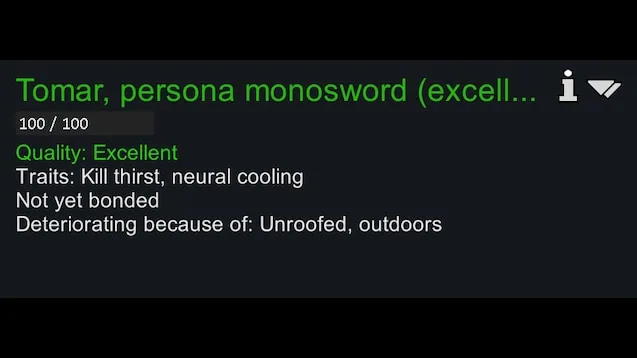
- Durability percentages shown after quality labels in the inspect pane title, the equipped item text in the inspect pane, and the info card title.
Color presets
- Default - new and improved colors; Excellent quality uses a different shade of blue for better visibility.
- Legacy - the first colors used by the mod, as featured in the preview.
- RPG Inventory - the same quality colors used by the RPG Inventory mod.
- WoW - rarity colors from World of Warcraft.
- Colorblind - an attempt at colorblindness-friendly colors.
- Final Fantasy 14 - contributed by Erin.
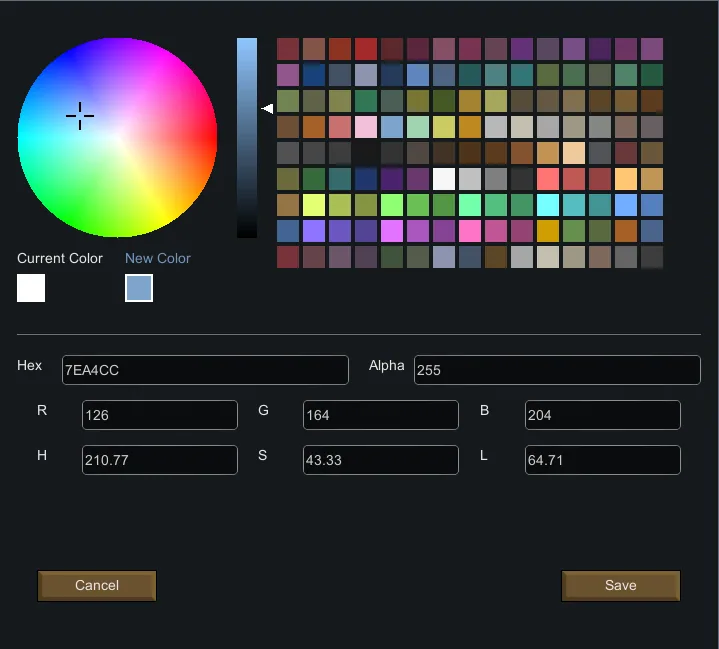
The RPG Style Inventory Revamped palette is also available. The new color picker in the settings lets you change colors and adjust their brightness.
Performance and fixes
The continued version adds caching, which improves performance significantly when a large number of labels is drawn at once. It also fixes two problems of earlier versions: color brightness could not be adjusted (the bug came from the 1.5 fork and is solved by the new color picker), and the settings window could not be opened (in the original mod and the 1.5 fork).
Compatibility and troubleshooting
The mod is described as compatible with everything. If an error appears, sort your mod list with RimSort first, then check whether the problem persists with only this mod and its requirements enabled. If it does not, add your other mods back one at a time until the error returns. When reporting a problem, generate the log with only this mod and the conflicting mod enabled rather than the whole mod list, and upload it with the Log Uploader or the Standalone Log Publisher.
Screenshots 5



Comments 0
No comments yet — be the first.
Log in or sign up to leave a comment.