












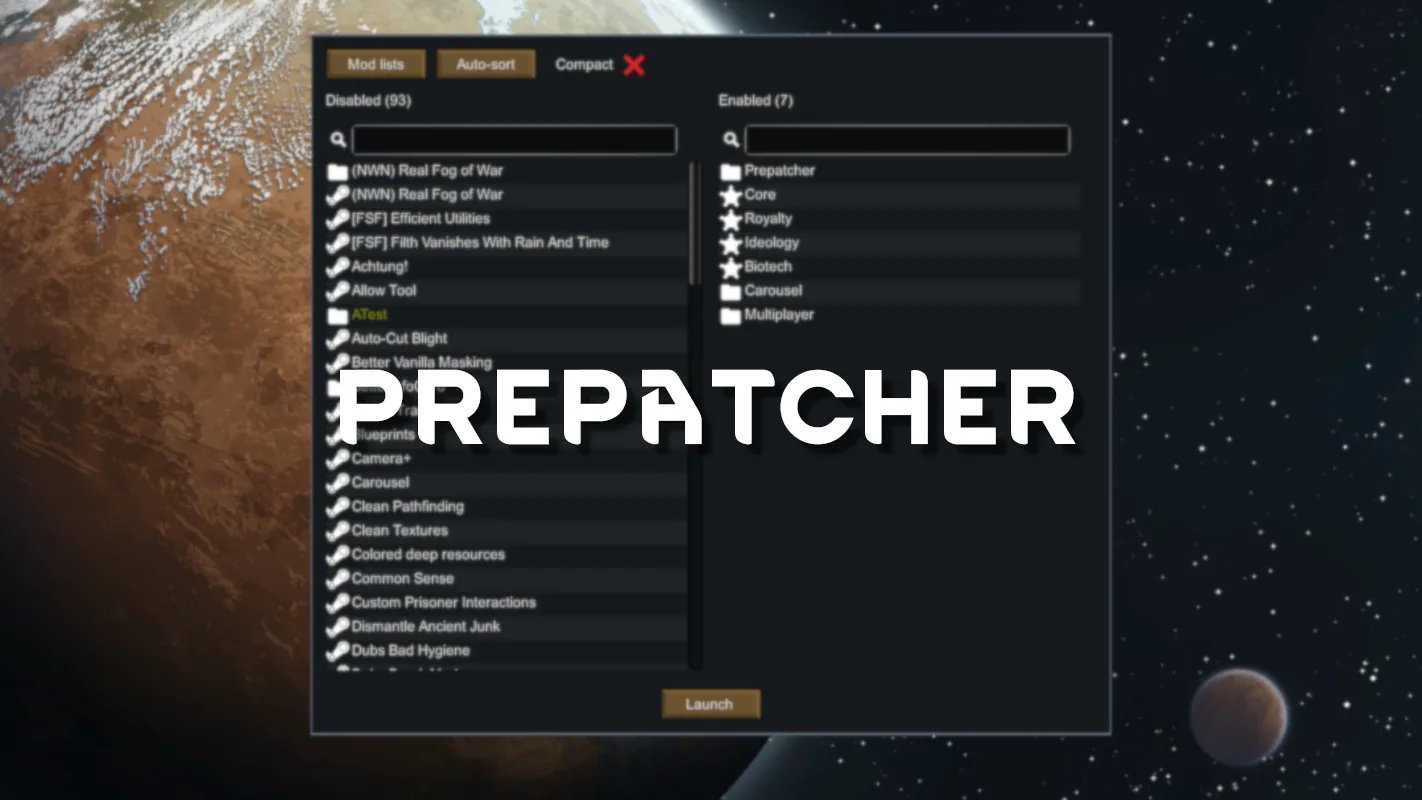



Prepatcher is a RimWorld library for mod developers that can also replace the Harmony mod and includes Prestarter, a mod manager that runs before the game loads and lets you load, save, copy and paste mod lists.
Contents
Prepatcher is primarily a tool for mod developers. The project also includes a mod manager called Prestarter, which runs before the game loads.
Prestarter mod manager
Prestarter is currently in more of a preview state and is planned to be expanded in the near future. It already offers:
- Running before the game loads.
- Opening by pressing Space while the game is loading - only once the on-screen message saying you can do so has appeared.
- Loading, saving, copying and pasting mod lists.
- Undo and redo while editing (Ctrl-Z and Ctrl-Shift-Z).
Relation to Harmony
With Brrainz's permission, Prepatcher is an alternative provider of the Harmony library for RimWorld mods. This means that:
- Prepatcher can be used in place of the Harmony mod (brrainz.harmony). In practice this is done by patching the mod loading system so that Prepatcher satisfies dependencies on Harmony.
- Having both the Harmony mod and Prepatcher active will not cause any problems.
Dependencies and load order
Prepatcher has no dependencies on other mods. It should go first in the mod list, above Core and the expansions. Its placement relative to Harmony does not matter - it can be put below or above it.
For modders
Prepatcher does nothing on its own; it is only useful when other mods depend on it. The library provides patching capabilities beyond those of Harmony. Currently these are:
- Adding fields to types.
- Free editing of the game's assembly before the game starts.
More information is available in the developer wiki on GitHub.
Troubleshooting
When you encounter an issue you think might be caused by Prepatcher, the information about what happened is most likely contained in RimWorld's error log (Player.log). Upload the log file somewhere like pastebin.com and share the link, or preferably post a bug report at the project's GitHub issue tracker.
Location of RimWorld's error log file (Player.log):
- Windows shortcut: press Win+R, type appdata and hit Enter, then go to LocalLow\Ludeon Studios\RimWorld by Ludeon Studios.
- Windows path: %USERPROFILE%\Appdata\LocalLow\Ludeon Studios\RimWorld by Ludeon Studios\Player.log
- Linux: ~/.config/unity3d/Ludeon Studios/RimWorld by Ludeon Studios/Player.log
- Mac: ~/Library/Application Support/RimWorld/Player.log


Comments 2
Довольно интересный мод
Спасибо за мод
Log in or sign up to leave a comment.