










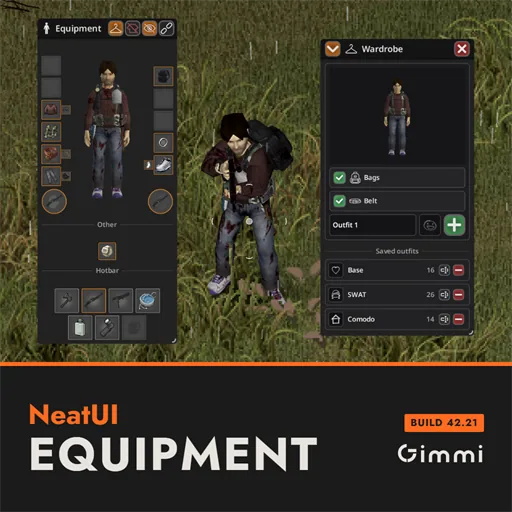



Opens a 3D character preview with equipment, layered clothing, both hands and hotbar slots from the figure icon beside inventory. Drag and drop to equip, unequip, change hands or attach to the hotbar. Right-click for standard item actions. The header can…
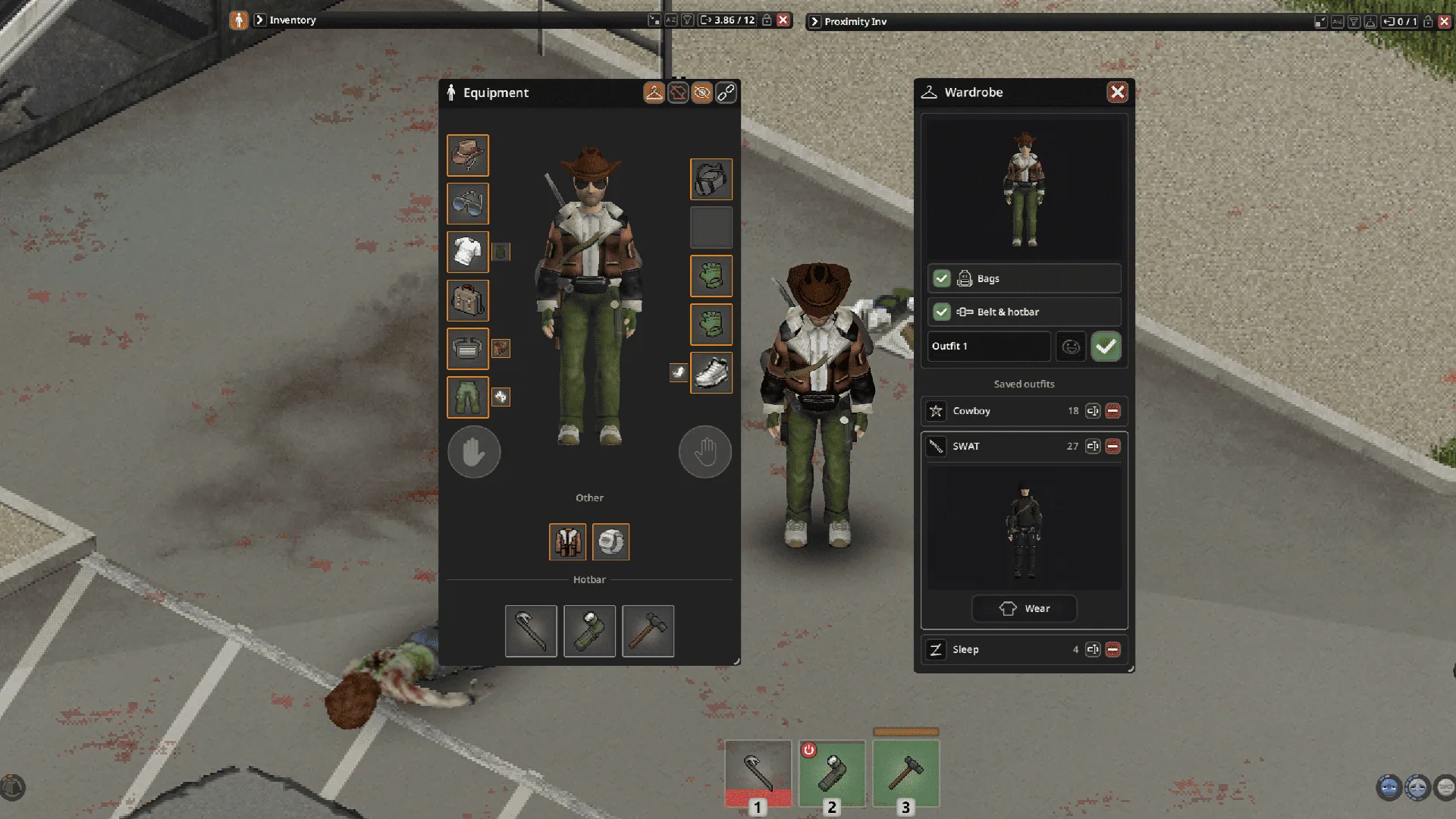
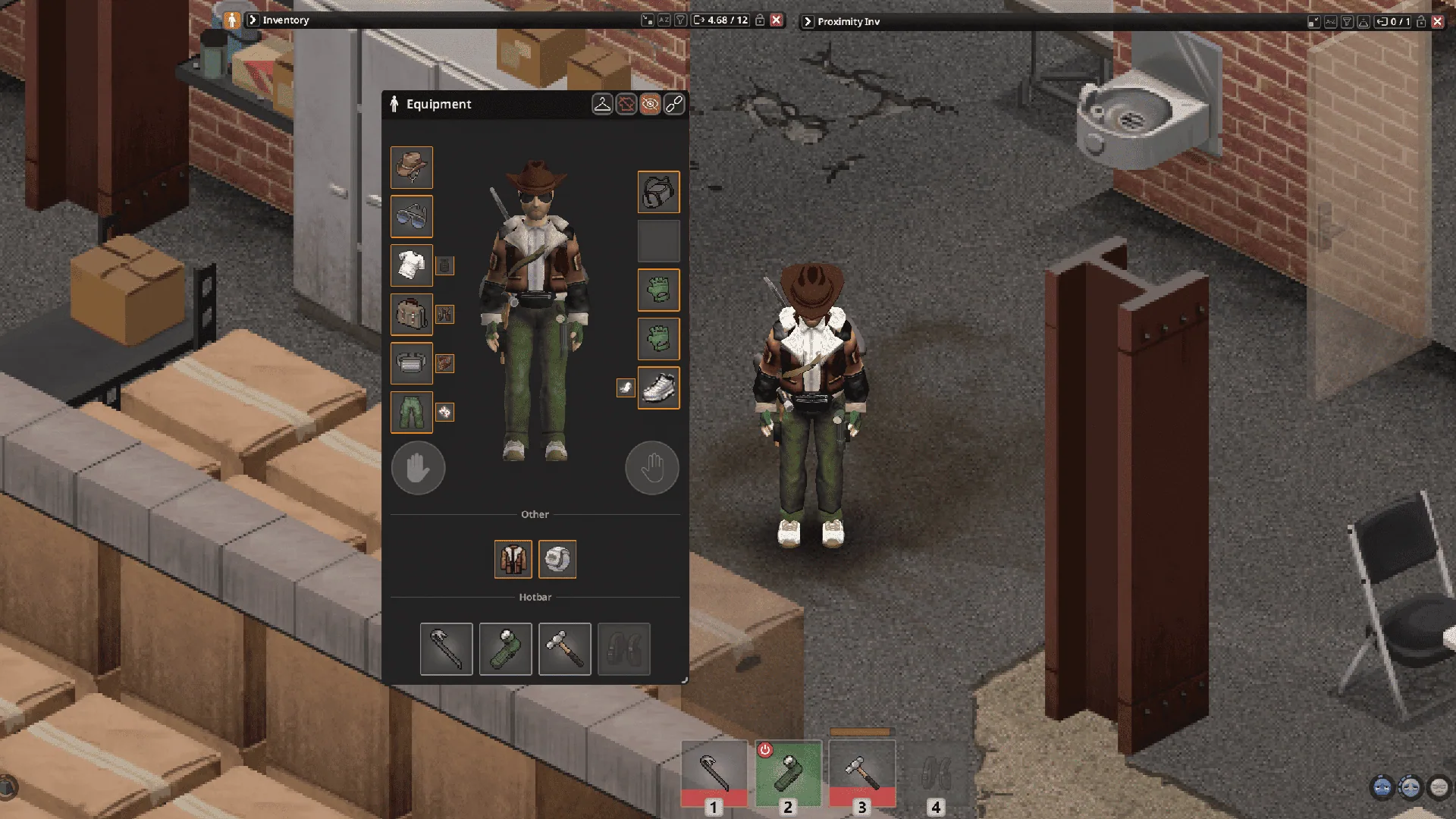
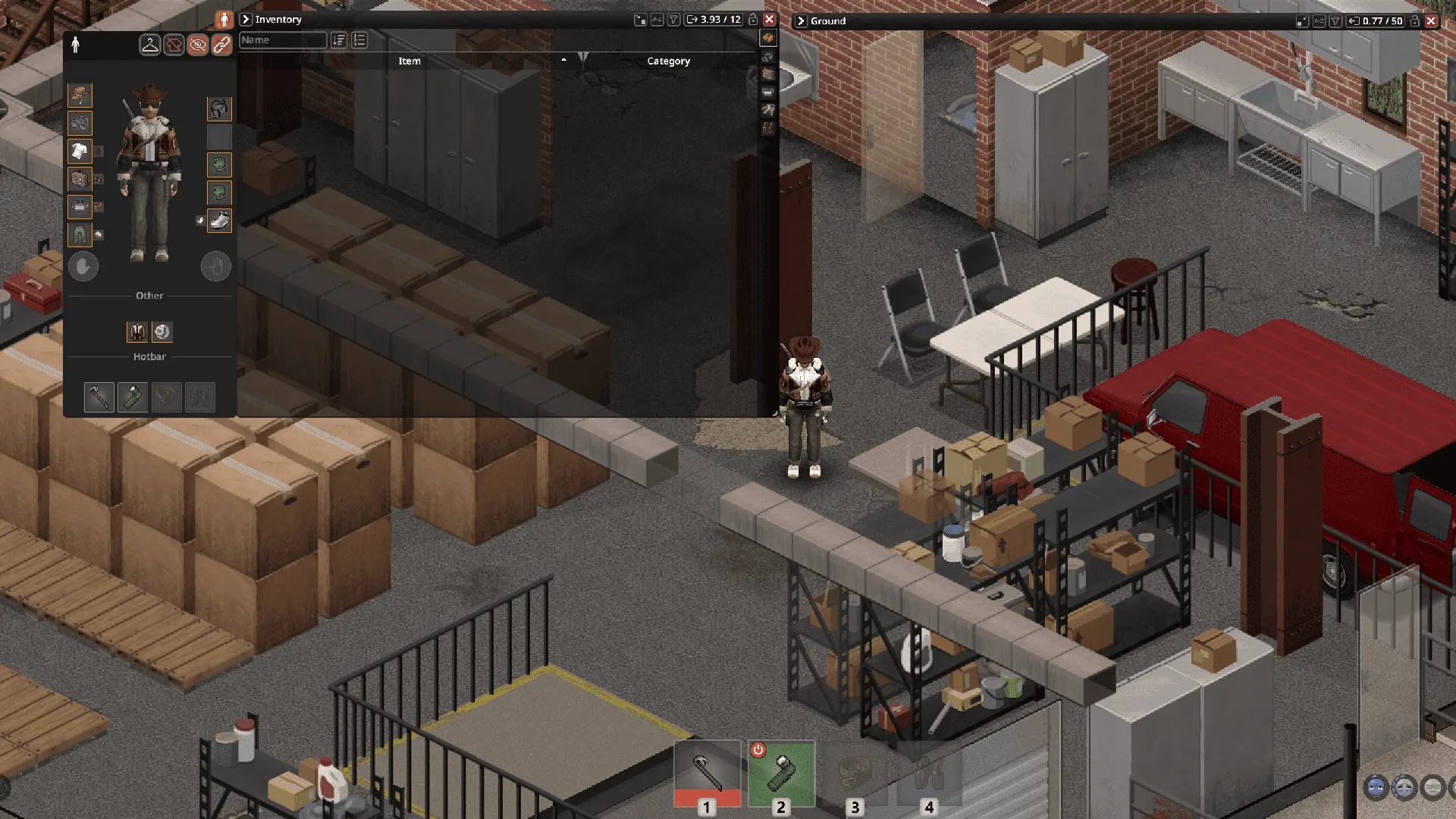
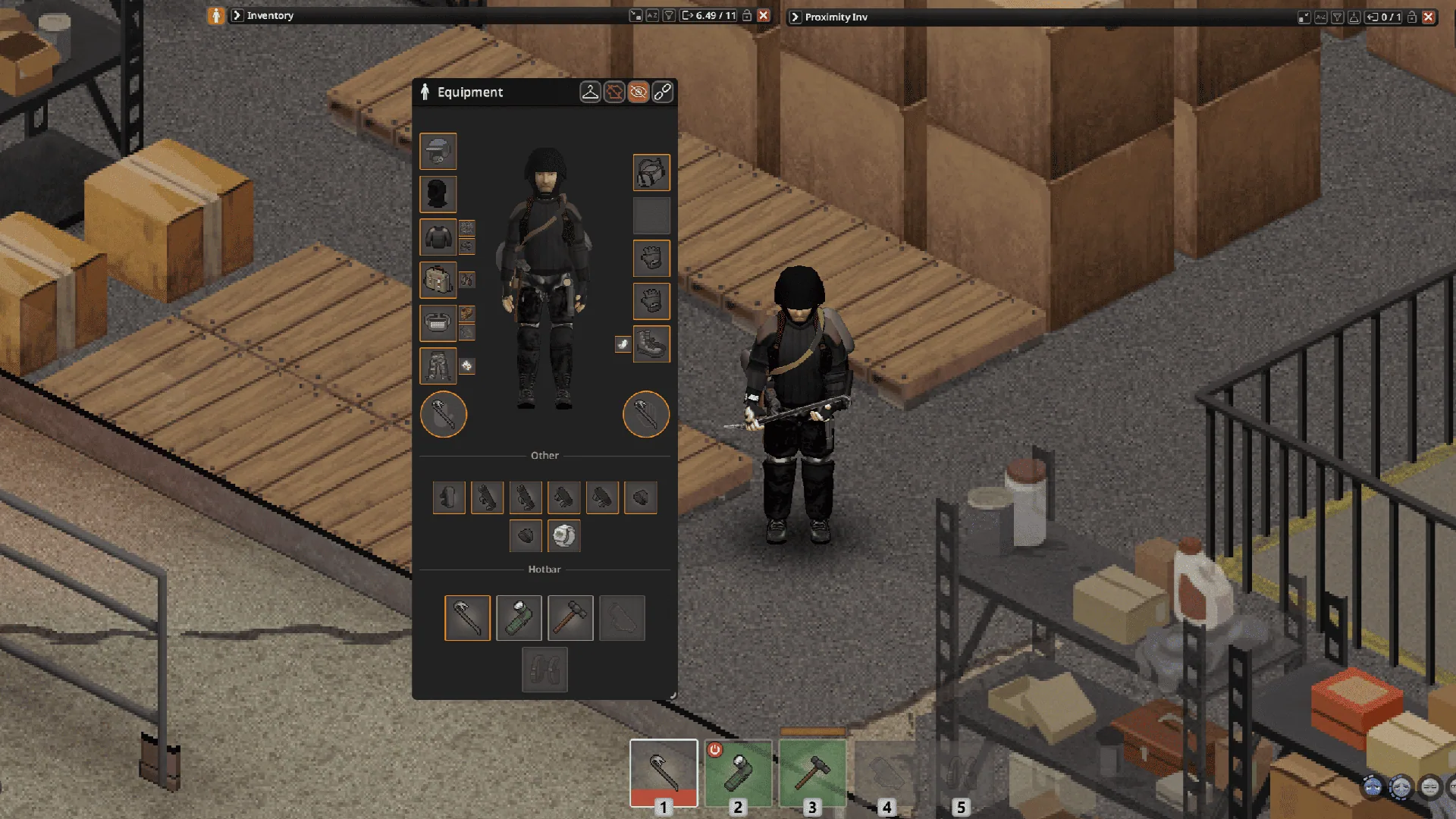
Opens a 3D character preview with equipment, layered clothing, both hands and hotbar slots from the figure icon beside inventory. Drag and drop to equip, unequip, change hands or attach to the hotbar. Right-click for standard item actions. The header can detach and resize the panel, hide equipped items in inventory, take off and restore clothes, or open the wardrobe.
Saved outfits
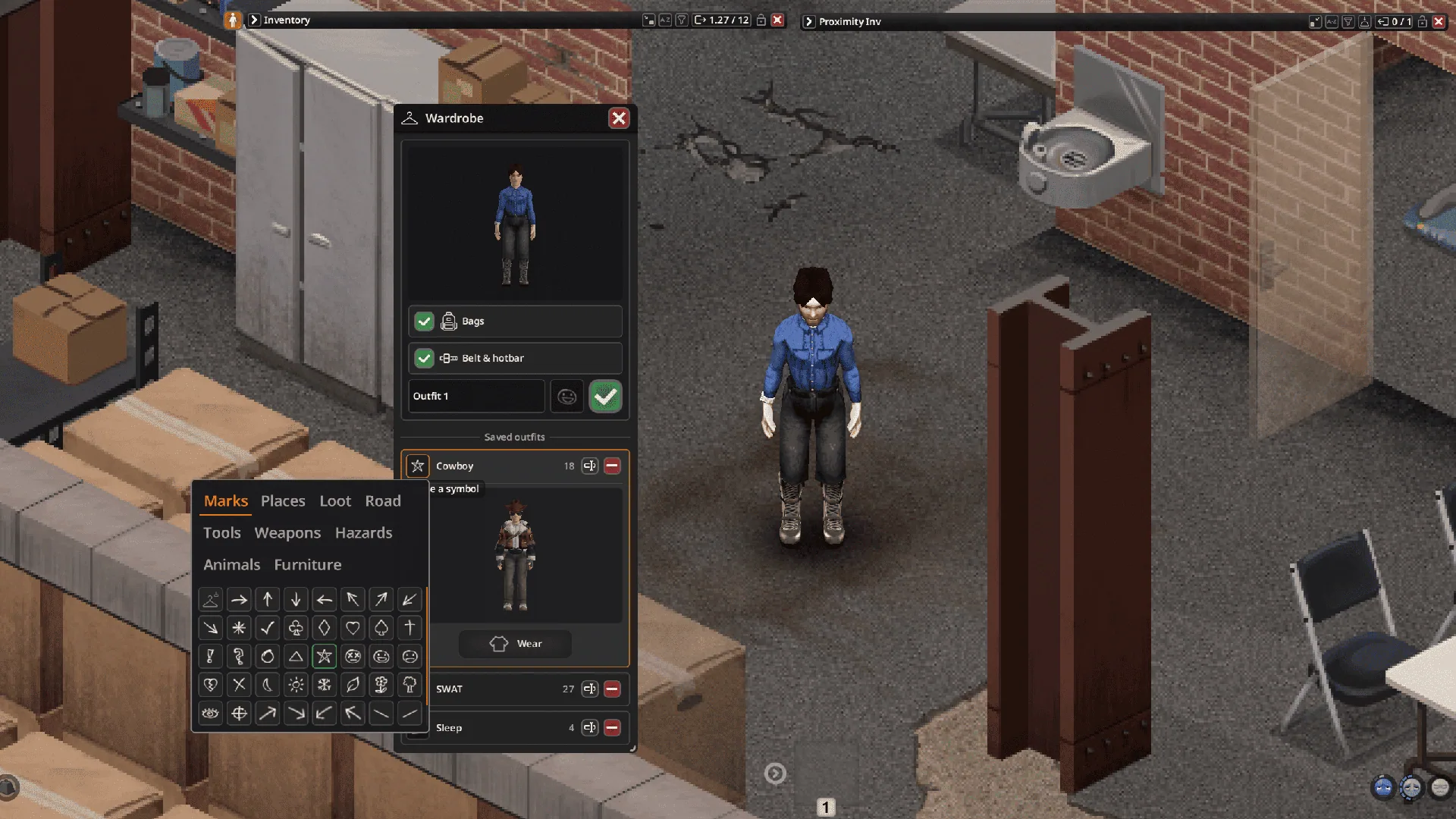
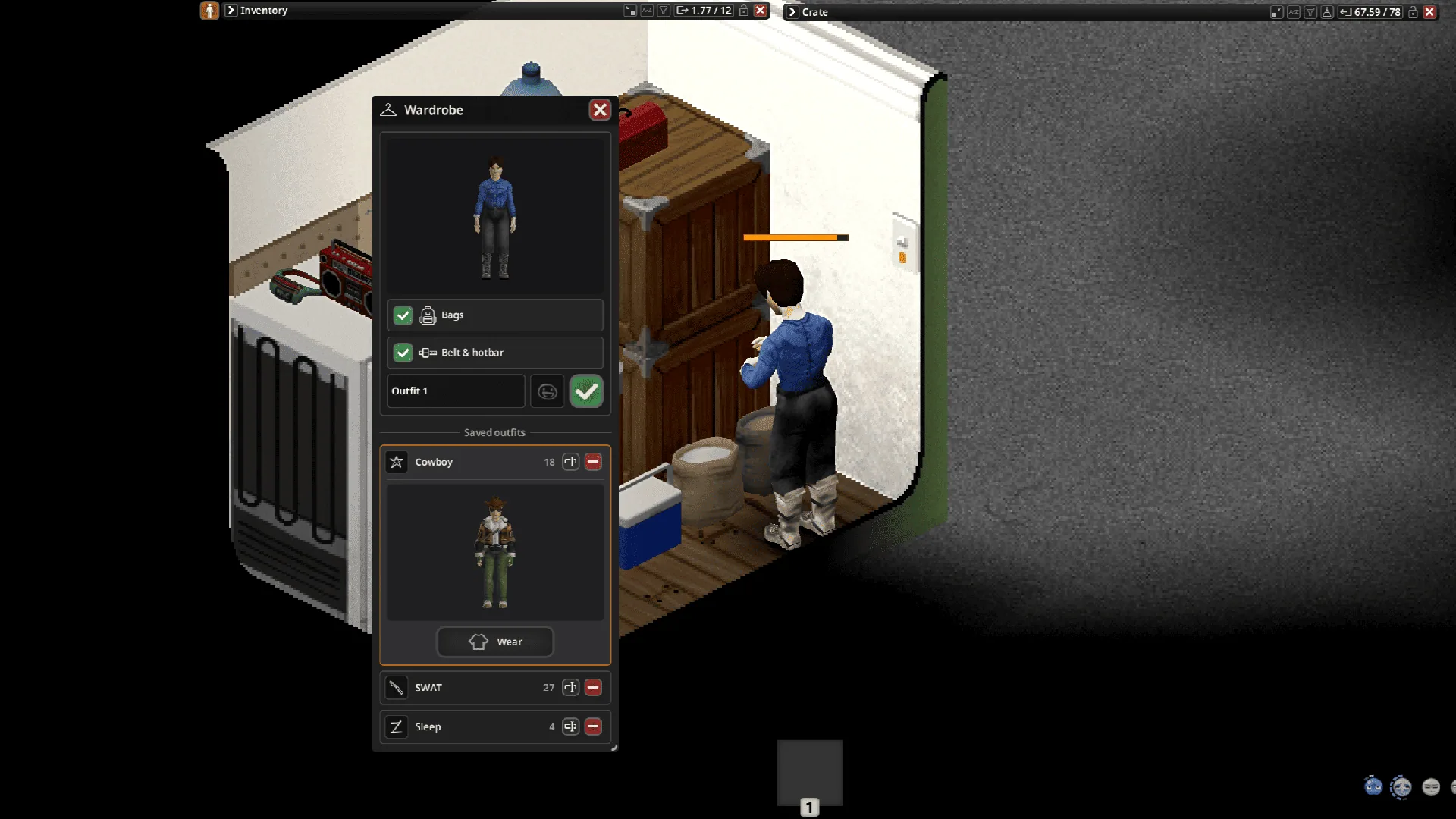
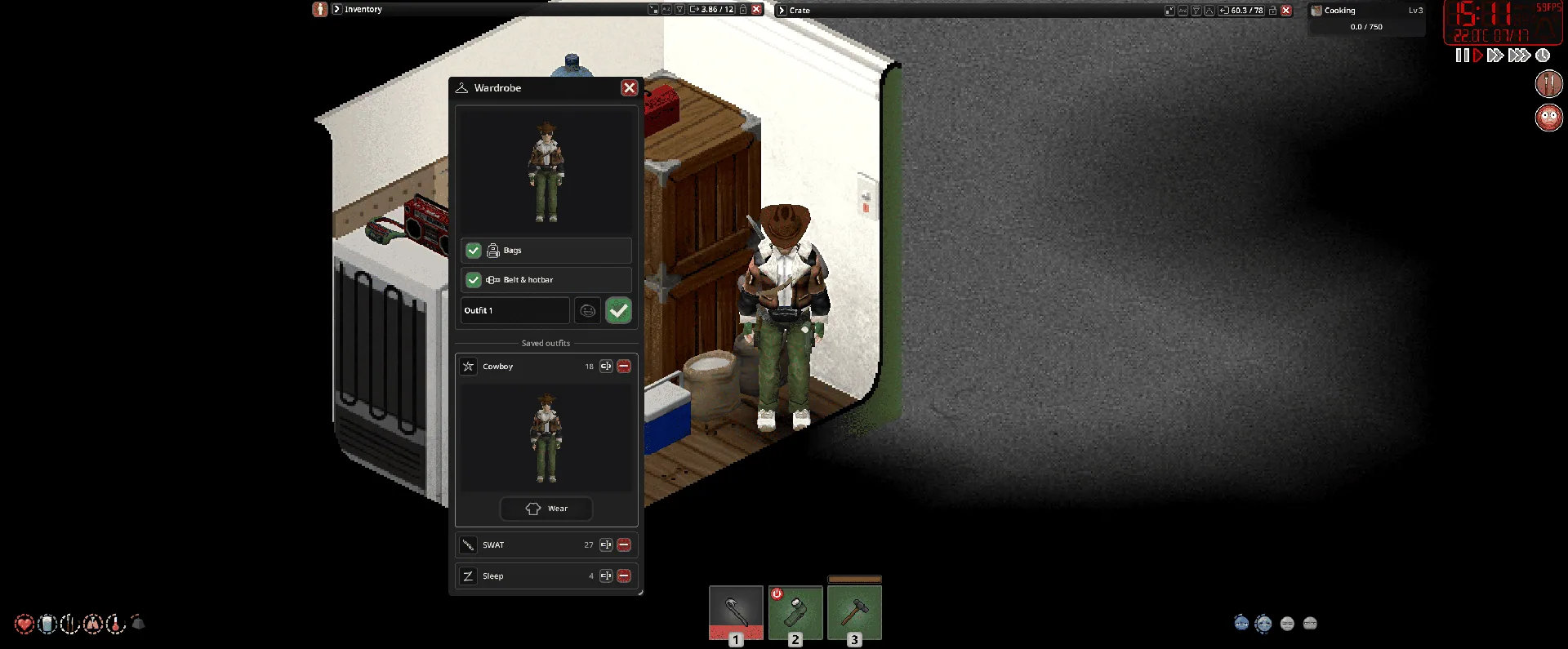
Preview named outfits on your own character and compare protection and warmth by body part. It matches colours and patterns and searches equipped gear, inventory and nearby containers. Choose whether to include bags or belt/hotbar. Outfits report missing pieces and apply the rest. Changes progress from feet upward. Removed items usually go into the replacement’s container or another suitable one, otherwise inventory. Saved outfit definitions persist through reload and can outlive the original garments.
Requirements and compatibility
Needs NeatUI Framework and Build 42.20+. Controller and configurable hotkey supported. Client-side. Integrates with CleanUI, can match its frame and opacity, and replaces the Inventory Tetris equipment panel while retaining grid drag-and-drop. Translated into 26 languages. Includes outfit symbols with thanks to Wipe, Lexx, B and Golem.
Screenshots 7

Comments 0
No comments yet — be the first.
Log in or sign up to leave a comment.