












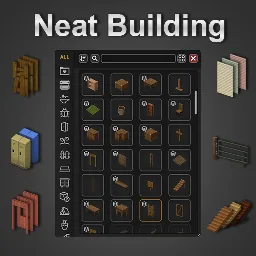



Neat Building [B42] replaces the vanilla Build menu in Project Zomboid Build 42 with a cleaner, more compact and customizable interface. Requires NeatUI Framework.
Contents
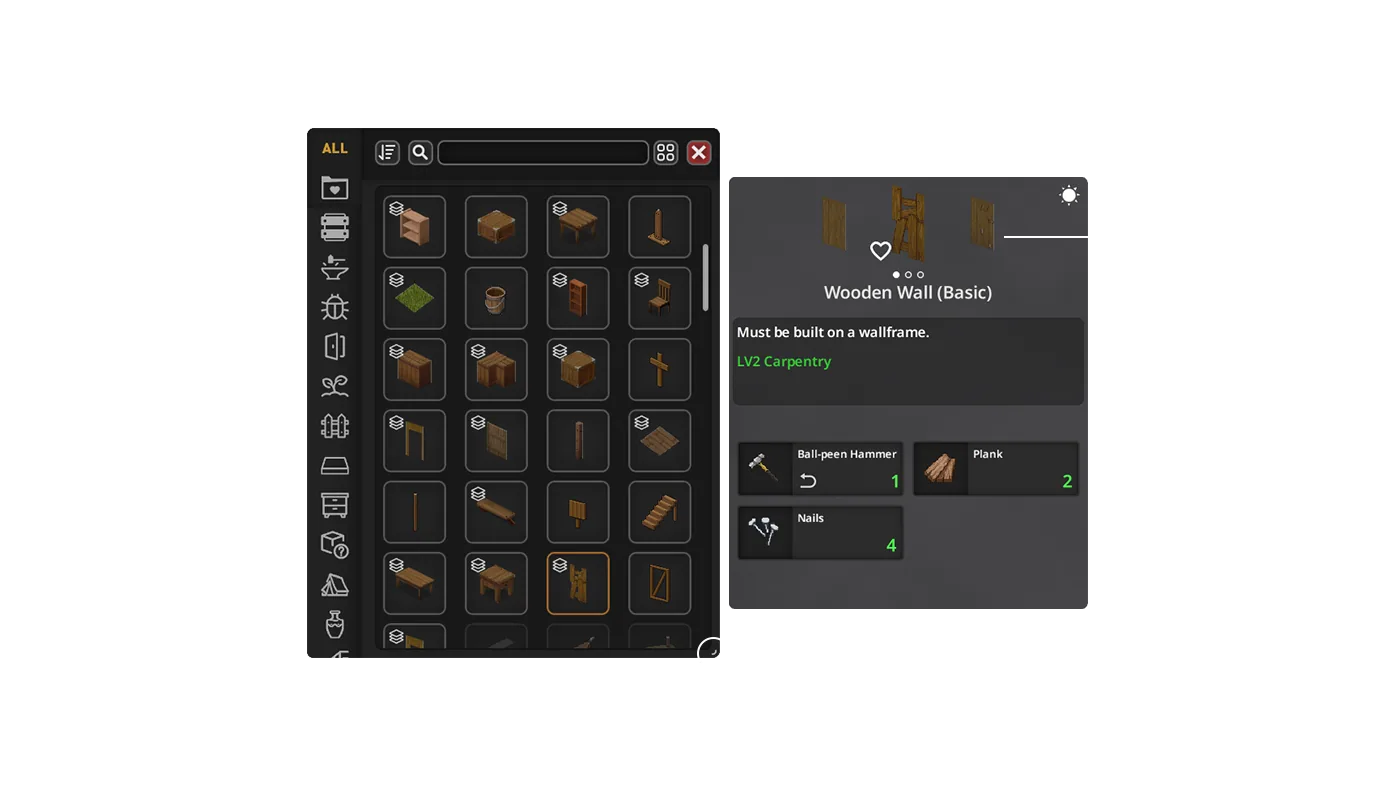
Neat Building [B42] is a user interface mod for Project Zomboid Build 42 that replaces the standard Build menu with a compact, streamlined, and customizable alternative. The new interface allows players to browse, search, and filter construction recipes, inspect requirements, choose compatible materials, and adjust settings, while still retaining access to the vanilla Build menu.
NeatUI Framework must be loaded before Neat Building or any of its UI-only variants.
Variants and Setup
- Neat Building: Full UI, extra buildables, and railings.
- Neat Building - UI Only: UI replacement only; no buildable entities.
- Neat Building - Buildables - SES Compatibility: Extra buildables without railings, compatible with Stairs East & South.
- Neat Building - Railings: Metal railing buildables as a separate module.
Do not enable the full Neat Building together with modular buildable variants.
Recommended configurations: - For existing worlds with full Neat Building: NeatUI Framework + Neat Building. - With Stairs East & South: NeatUI Framework + Stairs East & South + Neat Building - UI Only + Neat Building - Buildables - SES Compatibility. - Modular setup without Stairs East & South: NeatUI Framework + Neat Building - UI Only + Neat Building - Buildables - SES Compatibility + Neat Building - Railings. - For interface only: Neat Building - UI Only.
Existing Saves and Servers
Back up your world before changing mods or variants. Buildable variants register recipes, entities, and WorldDictionary data. If you remove a variant that was previously used, enable the corresponding Safe Uninstall Support variant:
| Previously used | Use after removing |
|---|---|
| Neat Building | Safe Uninstall Support |
| Buildables - SES Compatibility | Safe Uninstall Support - SES Compat |
| Railings | Safe Uninstall Support - Railings |
The UI Only variant does not add buildable entities and does not require Safe Uninstall Support.
Main Features
- Compact replacement for the vanilla Build interface
- List and grid recipe views
- Search by recipe name or required item
- Sorting and filters: Can Build, Skill, Known
- Back/Forward navigation
- Refresh materials, recipe state, and build conditions
- Persistent search, filters, sorting, layout, and window geometry
- Dedicated Neat Building Settings panel
- Auto-collapse mode
- Persistent recipe details while selected
- Resizable and movable interface
- Controller/gamepad navigation
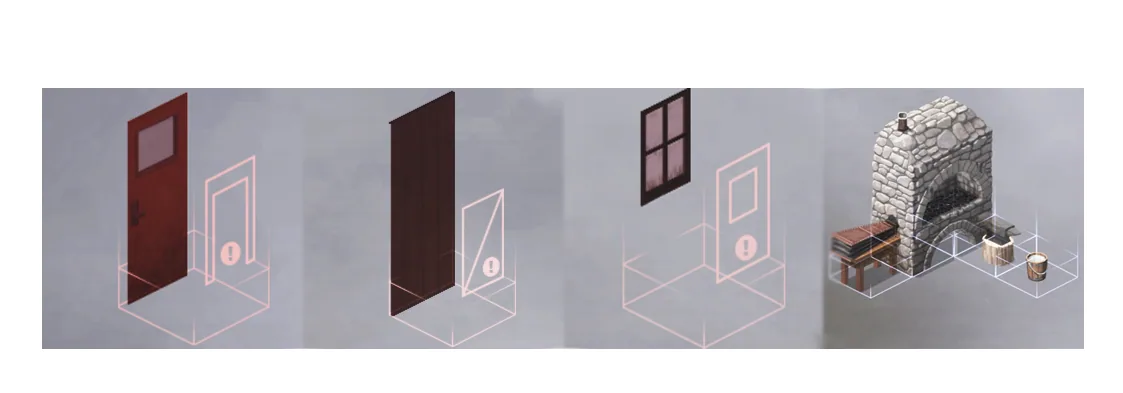
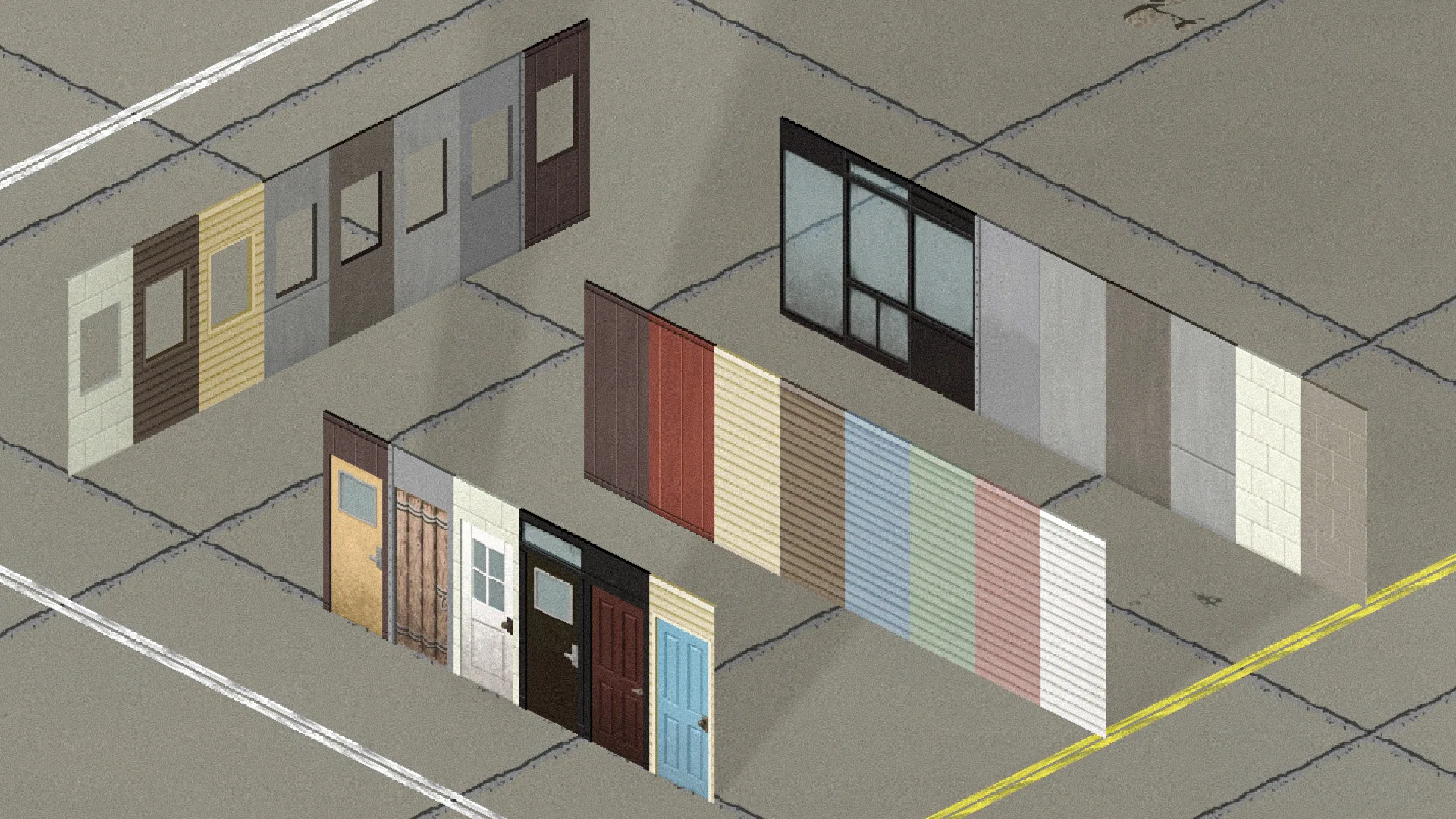
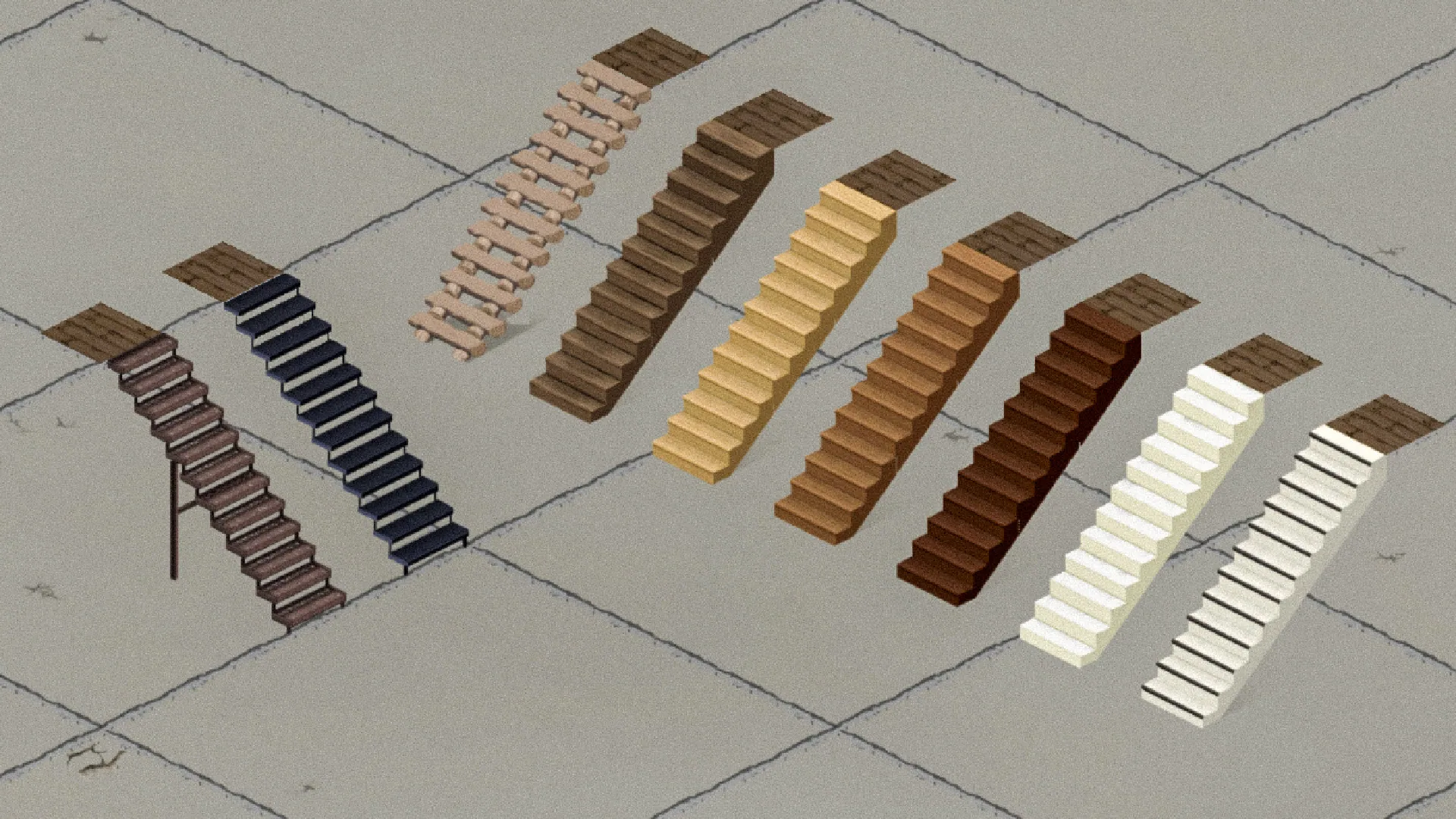
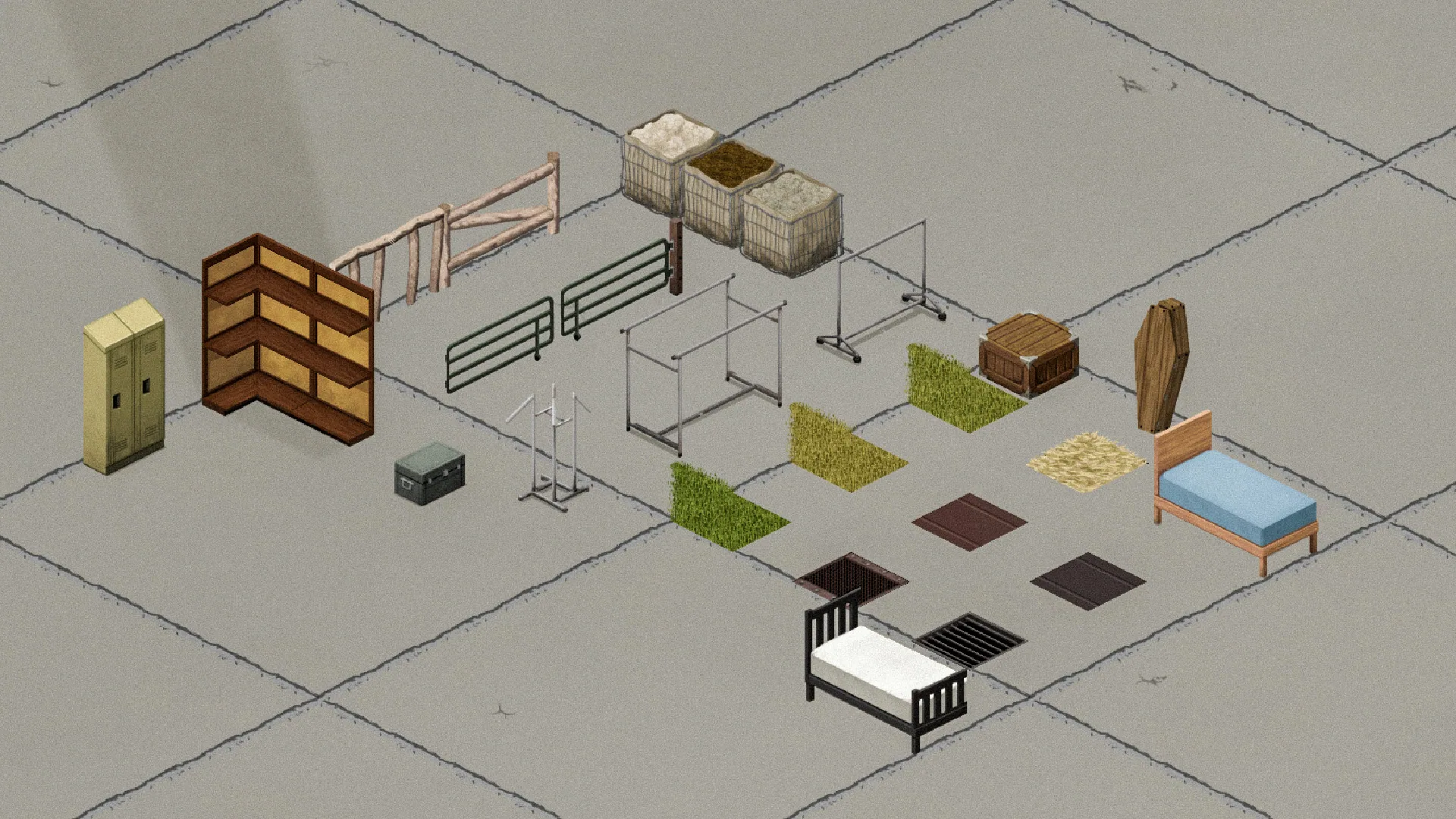
- Optional extra buildables depending on variant
- Supports all Project Zomboid languages except STREW
Required Items & Item Picker
Required-item slots display available and required quantities, partial-use items, item condition, remaining uses, and other relevant stats. - Double arrows: another valid item type is available - "?": other valid item types exist but are not currently available
Click a required item slot to open the Item Picker: - Inspect compatible item types and individual inventory items - Double-click an item type to auto-select enough matching items - Double-click an individual item to prioritize it and fill the remaining requirement - Supports quantities, partial-use items, and preserved tools
Magnifier: - Left-click: find crafting recipes that produce that exact item type - Right-click: find crafting recipes that produce/use it, or building recipes that require it
If Neat Crafting is enabled, searches integrate with it; otherwise, the vanilla Crafting/Building UI is used.
Search, Filters & Settings
The interface includes controls for Back/Forward navigation, Search Mode, Search, Sort, Can Build, Skill, Known, Refresh, List/Grid view, Settings, and window management. The magnifying-glass button next to the search bar changes Search Mode. If no results are found, check the mode/category or use ALL.
If the Neat Crafting & Neat Building - XP & Mod Display mod is installed, its XP and source-mod filters are integrated into the same bar.
How to Build
Double-click a recipe in List or Grid view to start placement. The placement ghost can preview construction even if requirements are missing. Before building begins, Neat Building rechecks requirements from the character's current position and cancels if they are not met.
To switch back to the vanilla Build UI without removing the mod: - ESC → Options → Mods → Neat Building - Right-click the vanilla Build sidebar button
Controller / Gamepad Support (WIP)
- RB + D-Pad: move between subpanels
- Horizontal navigation for toolbars
- Vertical navigation for lists
- Matrix navigation for recipe grids and Required Items
- X on an Item Picker type: main magnifier search
Multiplayer
Supports Singleplayer, MP Host, and Dedicated Server. For multiplayer: - Add required mods to both Mods= and WorkshopItems= - Keep server and clients on the same Workshop files - Fully restart the server after mod changes
Compatibility
Known conflicts and special cases: - Buildables Expansion - Rebalanced Prop Moving - Stairs East & South (use the modular SES-compatible setup instead of the full variant)
Other mods that replace the Build UI, construction definitions, or SpriteConfigs may also conflict.
Troubleshooting
- Restart Project Zomboid and confirm NeatUI Framework loads before Neat Building
- Verify game files and ensure Steam downloaded the latest Workshop files
- For multiplayer, verify both Mods= and WorkshopItems=
- Test a new game or backup save with only the required minimum setup
For bug reports, include game/mod versions, SP/MP Host/Dedicated, reproduction steps, mod list/load order, and relevant console/server errors.
Screenshots 6



Comments 2
Обновление от 11.11.2026
Файл: Neat Building [B42]
Что изменилось:
Список изменений — в Steam: https://steamcommunity.com/sharedfiles/filedetails/changelog/3536052310
Обновление от 17.11.2026
Файл: Neat Building [B42]
Что изменилось:
Version 1.8.4 — Shared Search Icons & Localization Improvements
Search UI Improvements
- Added shared icons for Recipe Name, Required Items, and Output Items searches, consistent with Neat Crafting.
- The search button now displays the icon matching the active search mode.
- Added dynamic placeholders for Recipe Name and Required Items searches.
- Updated contextual search icons in the Item Picker, inventory, and loot containers.
- Improved search mode labels and shortened tooltips for better readability.
Localization
- Reviewed and updated translations across all 28 supported languages.
- Added missing search labels, placeholders, and tooltip translations.
- Improved consistency with vanilla terminology where appropriate.
- Restored missing common translation files for several languages, improving B42.15+ localization coverage.
Compatibility & Maintenance
- Preserved existing building icons, recipes, entities, and construction functionality.
Requirement
- Requires NeatUI Framework v1.0.11 or newer for the shared search icons.
Log in or sign up to leave a comment.