















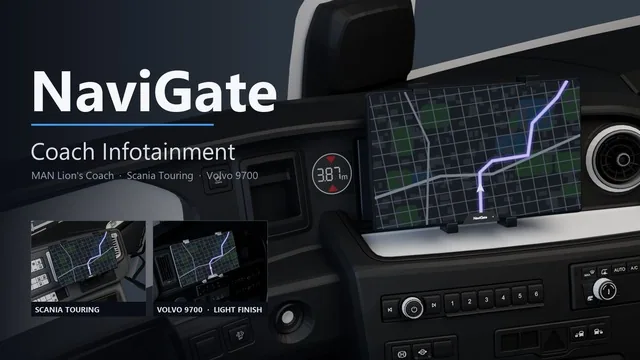



An aftermarket infotainment display for the MAN Lion's Coach 2024, Scania Touring and Volvo 9700, now in three sizes: 12.3, 14 and 16 inch. A clean, almost borderless screen in a tablet-style clamp holder with rubber-tipped hands. The map runs down to a…
Contents
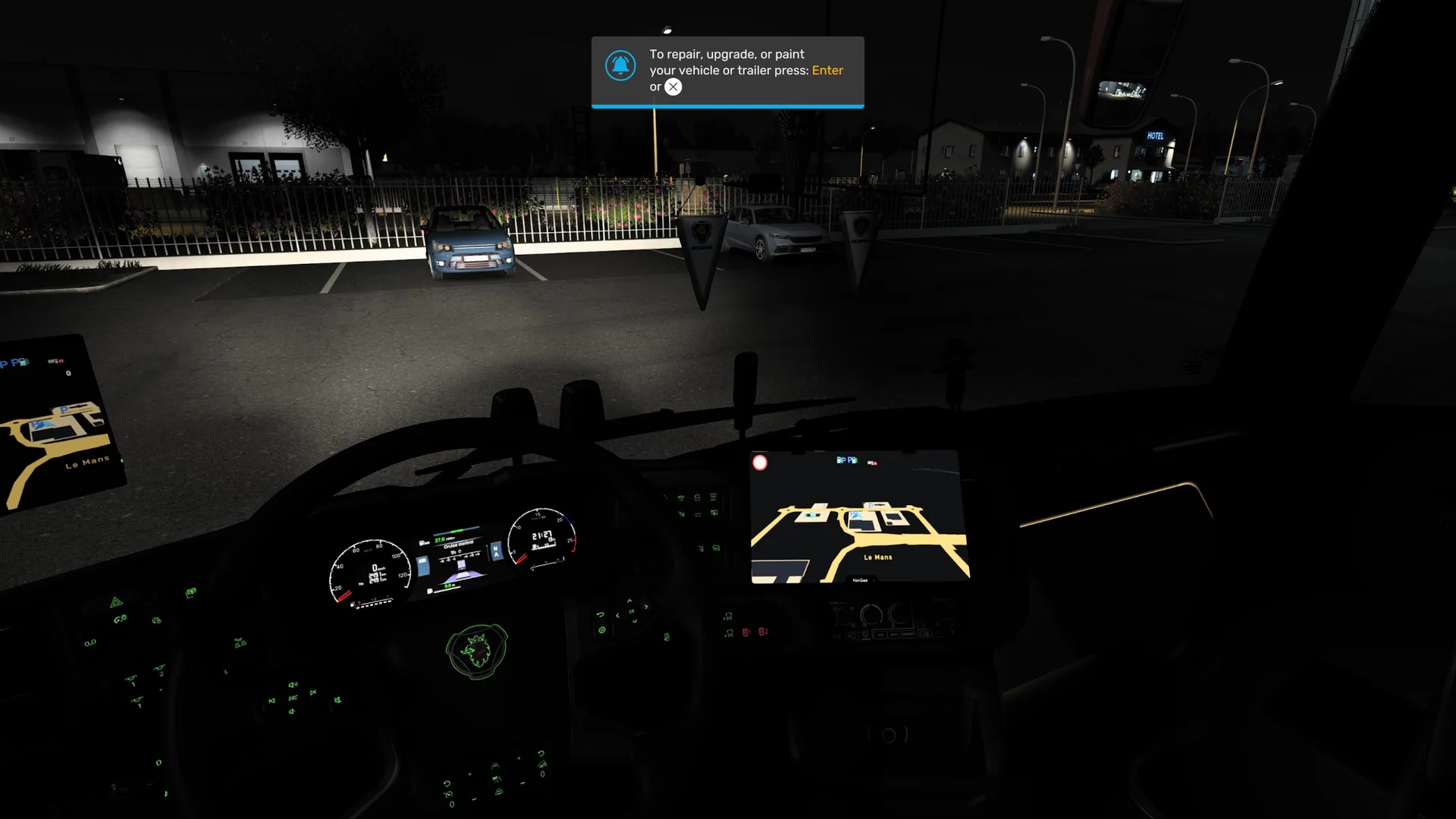
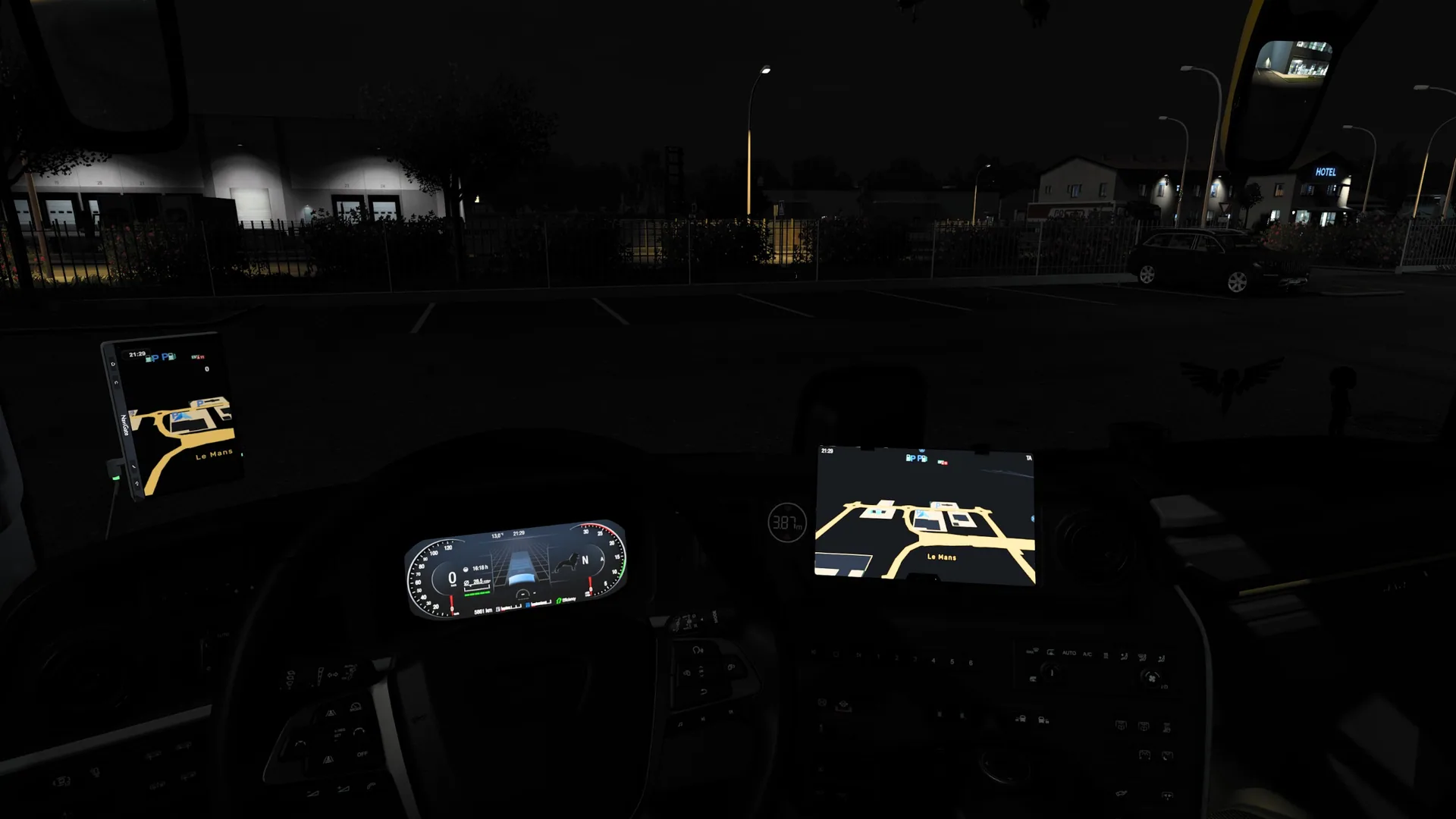
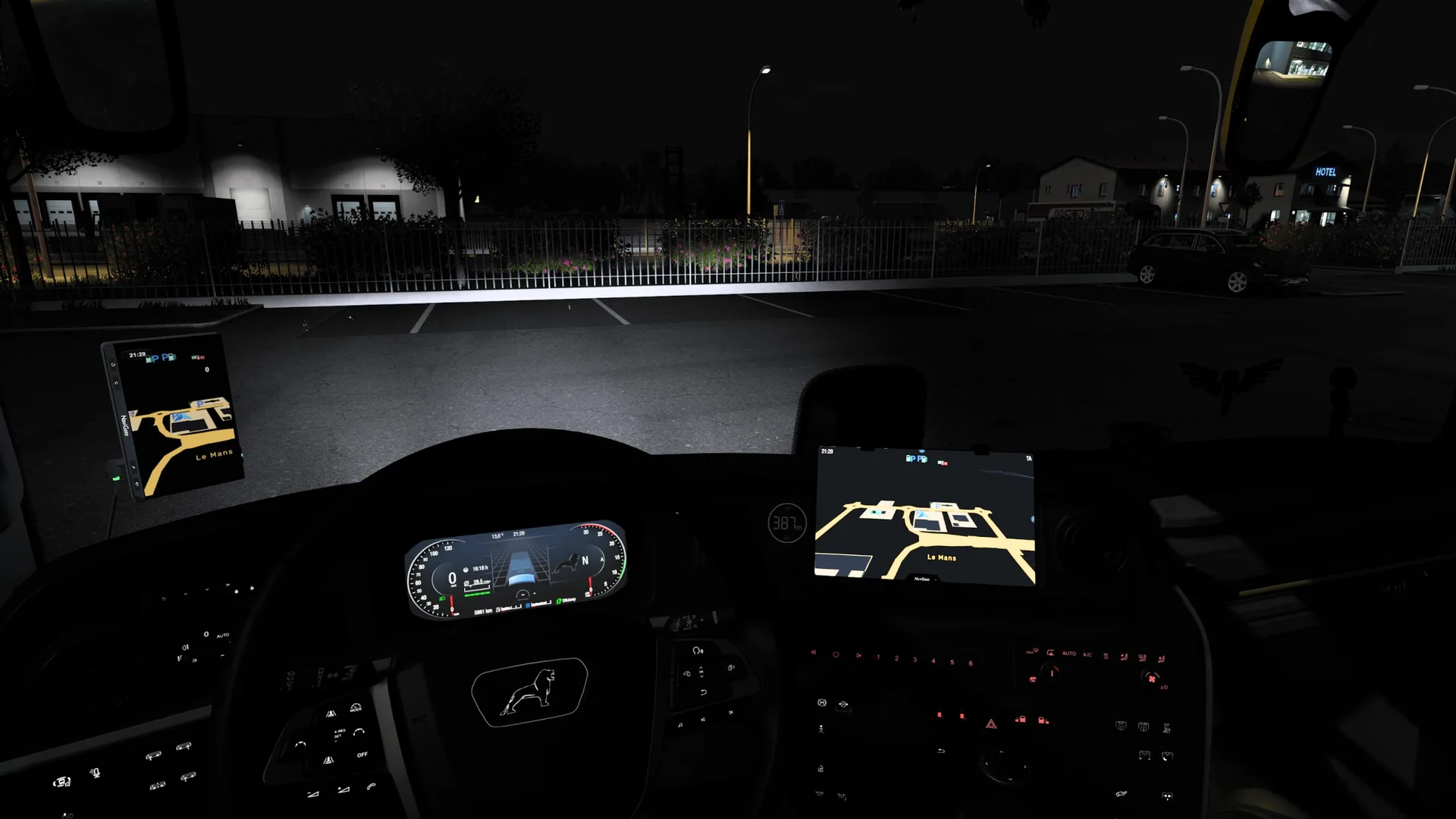
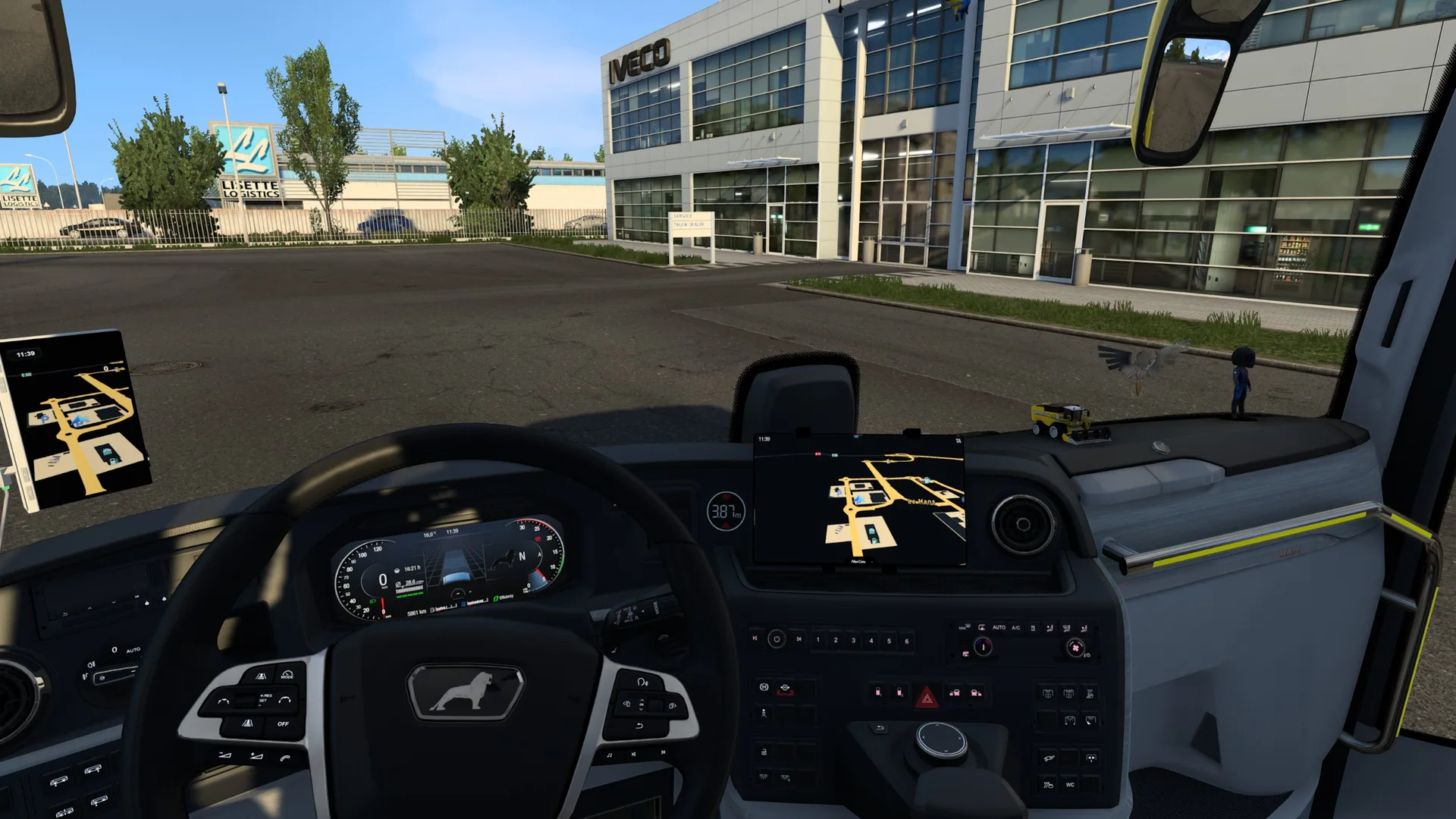
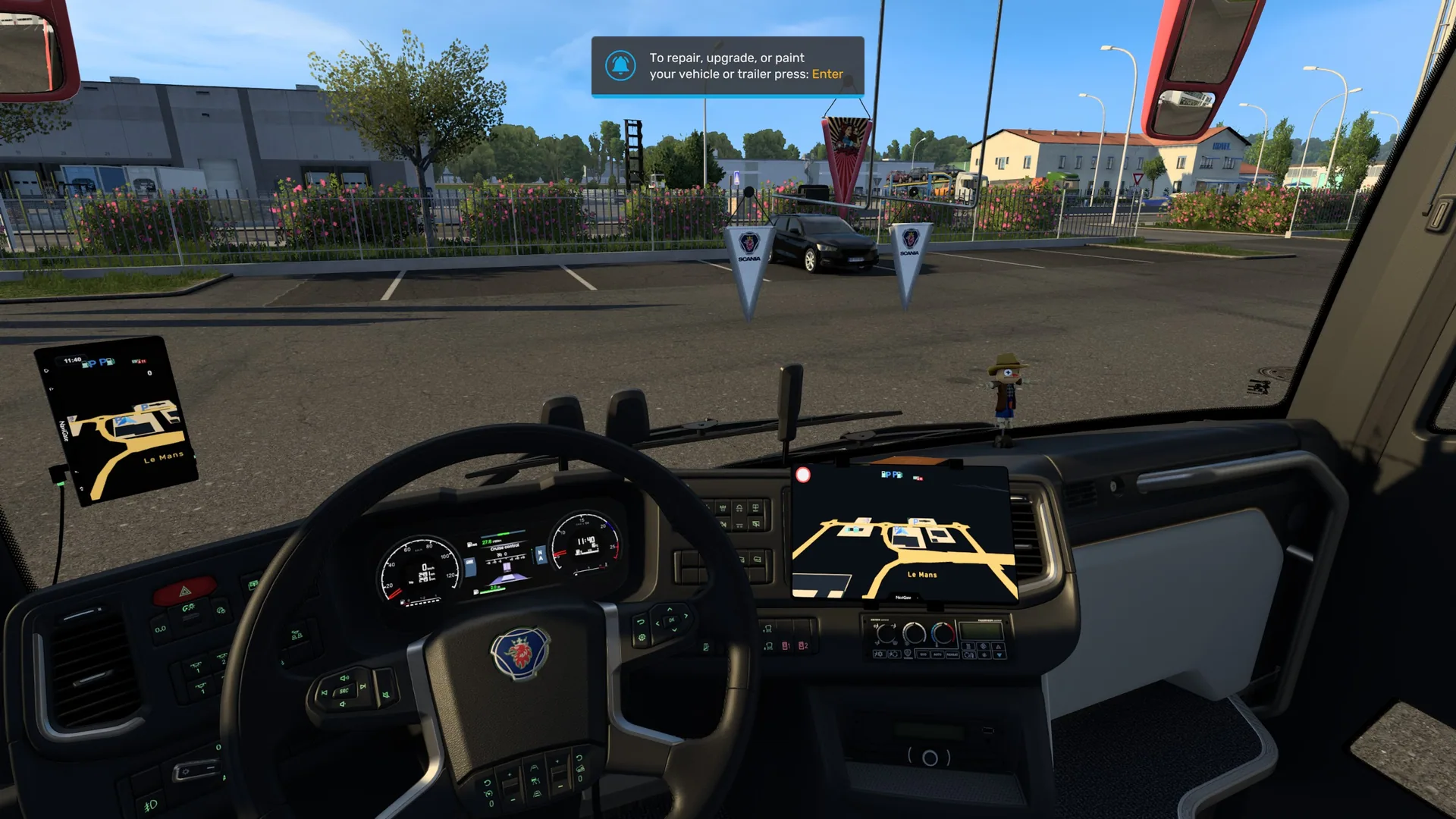
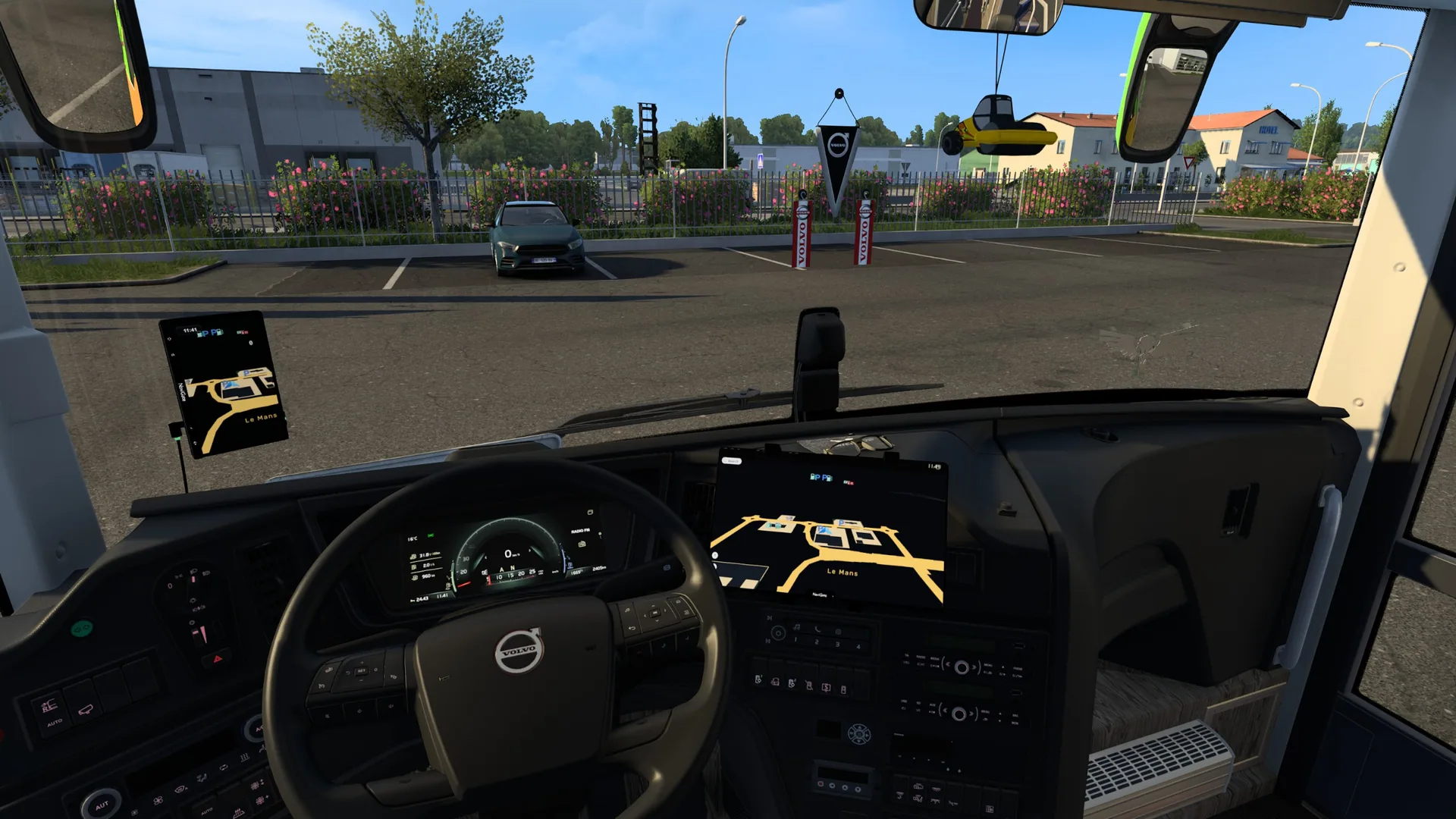
An aftermarket infotainment display for the MAN Lion's Coach 2024, Scania Touring and Volvo 9700, now in three sizes: 12.3, 14 and 16 inch. A clean, almost borderless screen in a tablet-style clamp holder with rubber-tipped hands. The map runs down to a thin bottom frame with a small NaviGate logo tab. It shows the coach's own GPS, so it works with the default navigation and with GPS overlay tools that draw into the game GPS.
Tip: for a darker map, better icons and a smaller, compact GPS layout on these large screens, use Dark GPS or any other map/icon mod you like.
Features
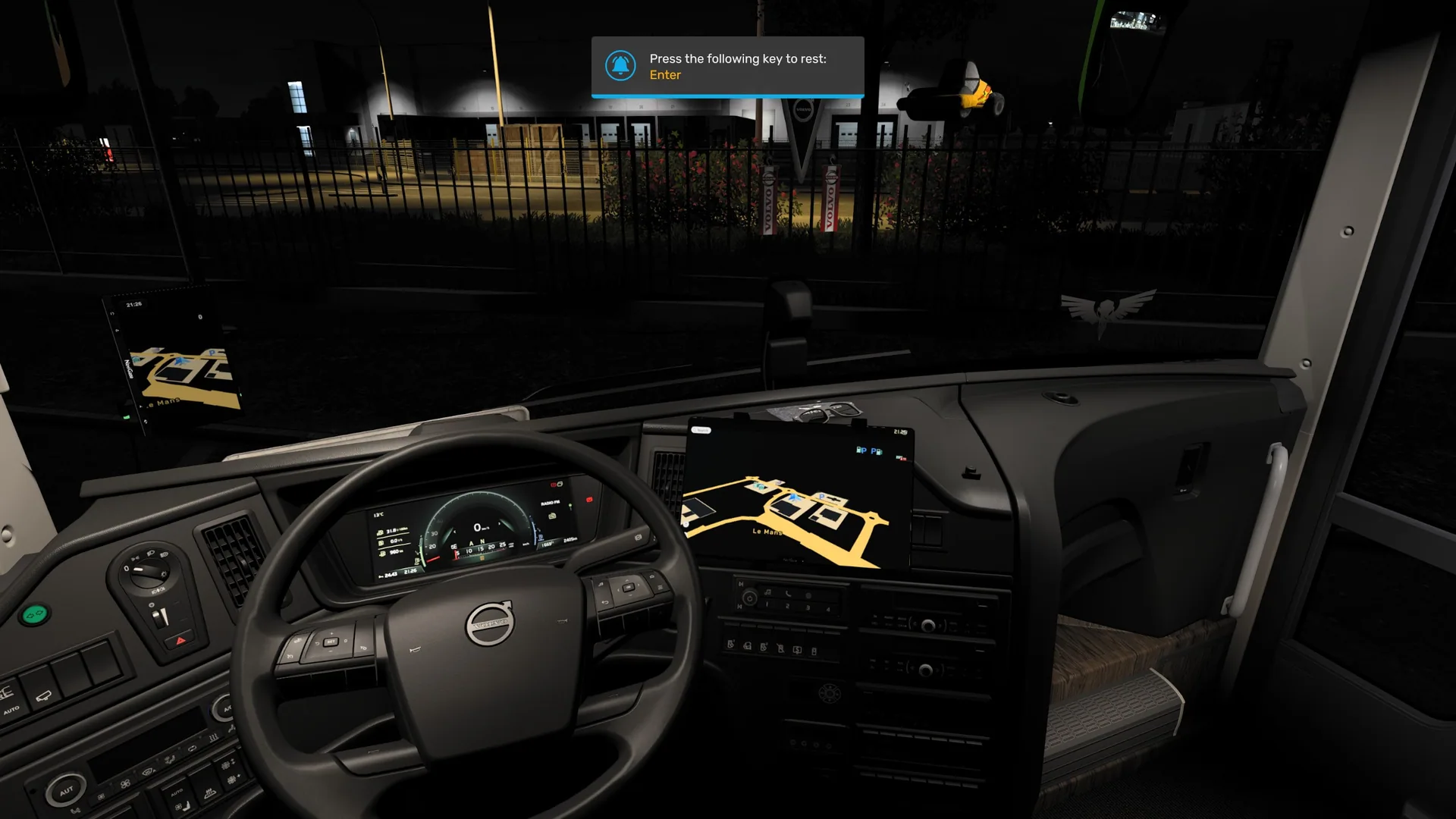
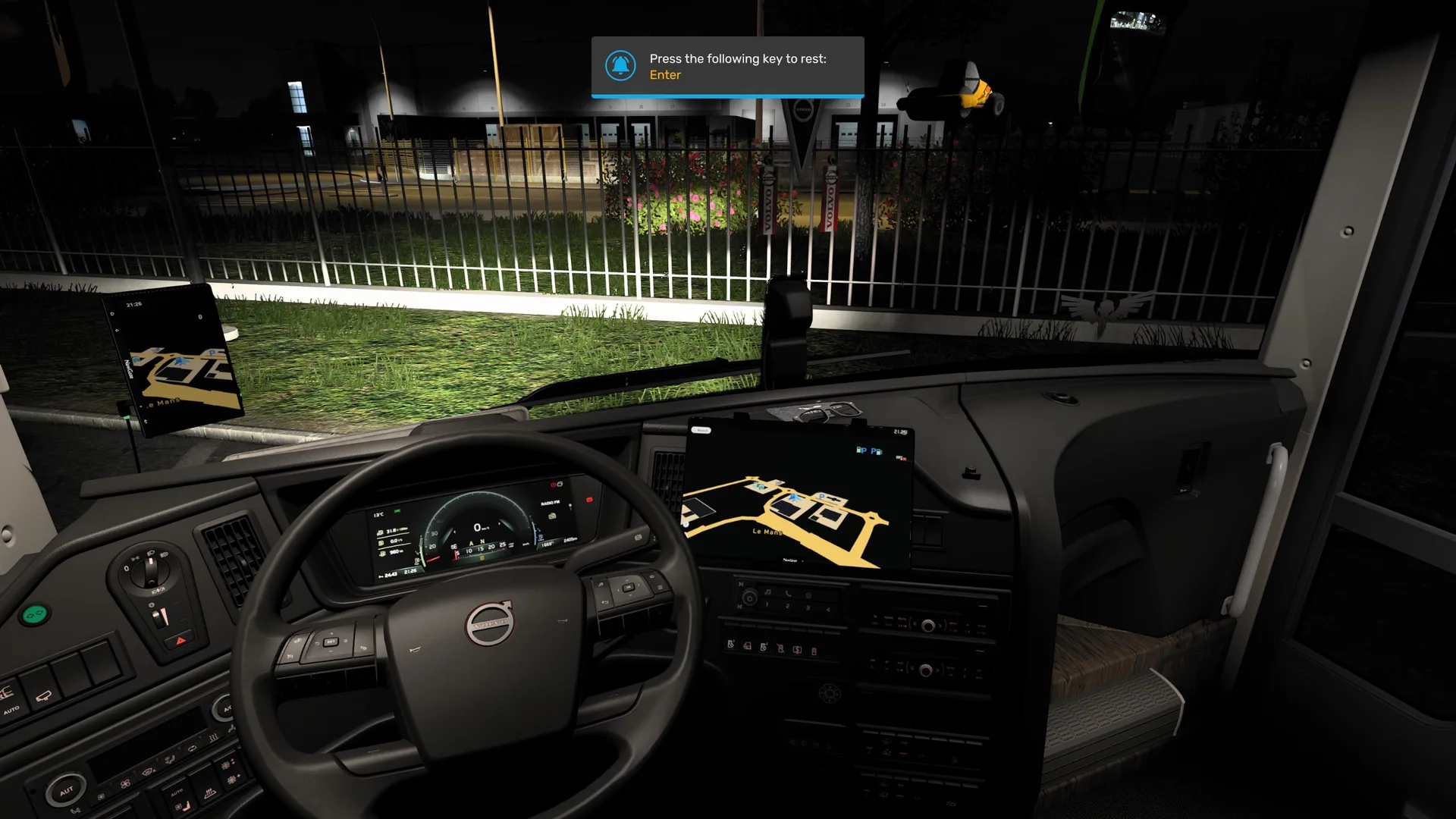
- Dark and Light editions: every coach and all three sizes now offer Dark frame/holder or Light frame/holder. The light edition has off-white plastic and a matching off-white logo badge, with grey holder parts, rubber seals and realistic darker accents. The illuminated NaviGate lettering remains visible. These options change the hardware finish; map colours come from the game or your GPS theme.
-
Split rear-camera view: the rear camera uses the right 70% of the display, while the GPS map stays visible on the left 30%. Normal driving keeps the full-screen map. Fixed overlapping map layers in the split view.
-
Three screen sizes: 12.3, 14 and 16 inch, each fitted to all three coaches
- Large, almost borderless display showing the factory GPS feed - the map fills the screen down to a thin bottom frame
- Deep blacks: the screen no longer looks grey in daylight
- Matte black logo tab with a chrome-rimmed NaviGate logo, a tiny status LED and one small power LED in the right side - no buttons under the screen
- Tablet clamp holder with four rubber-tipped hands and a ball joint
- MAN: screen sits low over the original GPS and storage opening, on a stand fitted inside the opening
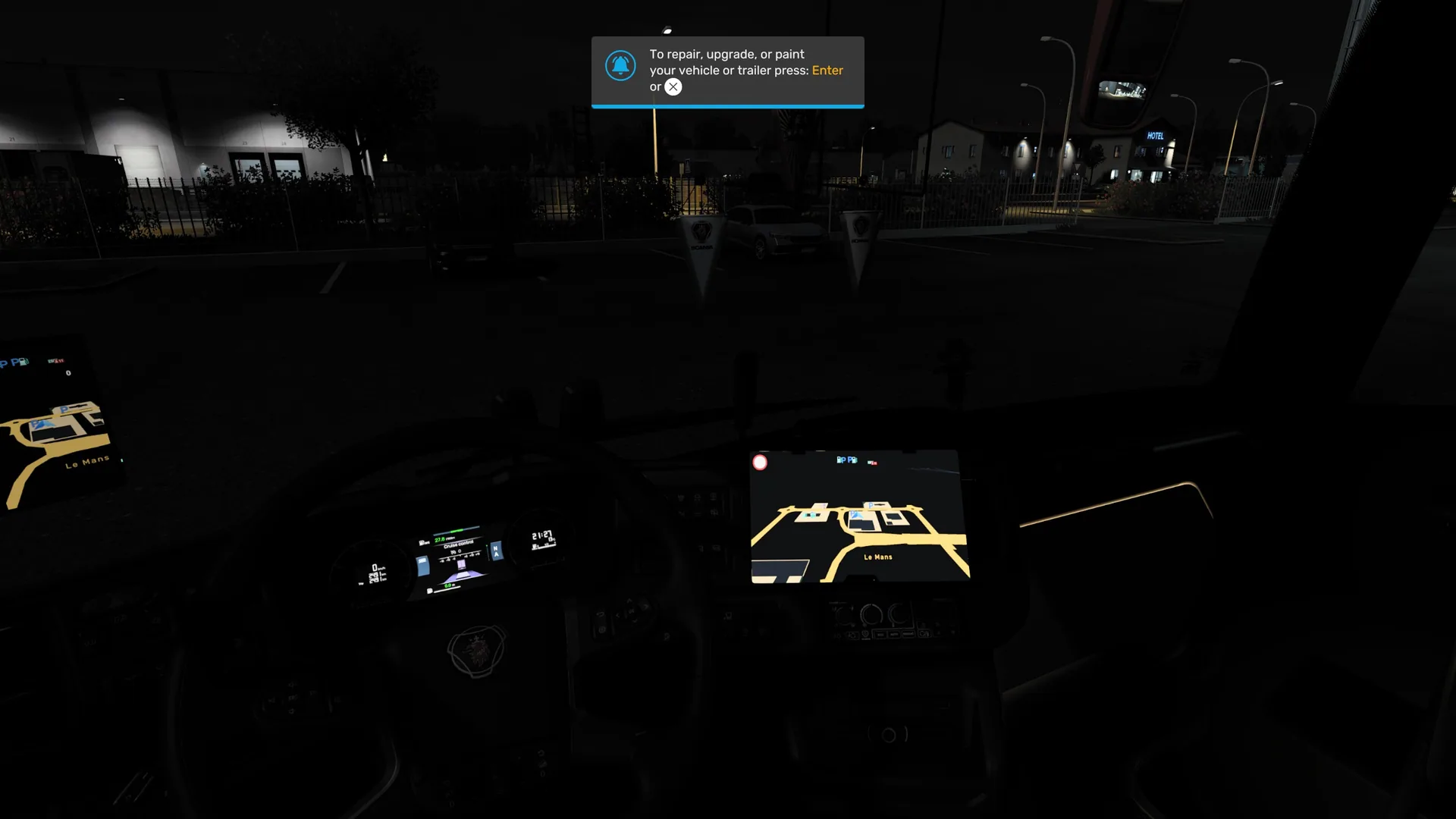
- Scania / Volvo: screen covers the original GPS opening, mounted on a post through a fitted blanking panel
- Volvo 14 / 16 inch: the larger screens grow to the right, away from the steering wheel
- The NaviGate logo lights up with the dashboard backlight (light switch) and stays white with every dashboard colour; the status LED comes on with the battery/ignition
- The logo tab is the same size on all three screen sizes
- Screen brightness matched across MAN, Scania and Volvo
- All coach lengths: MAN 12.1 / 13.9 m, Scania 12.9 / 13.7 m, Volvo 14.3 m
- Works with the factory interiors
- Optional accessory: coaches without it keep the factory GPS screen unchanged
How to use
Go to a service shop with one of the three coaches and select NaviGate Infotainment 12.3-inch, 14-inch or 16-inch under Air Conditioner Items. Each size is available as Dark frame/holder or Light frame/holder. Existing saved displays keep their dark finish.
Requirements
- Euro Truck Simulator 2 1.62 or newer
- Coaches DLC
- Cabin Accessories DLC
Compatibility
- Works with GPS colour mods, including Dark GPS.
- No dashboard meshes are replaced, so most interior and dashboard mods keep working.
Split camera compatibility
The split layout also applies to the factory coach GPS screens. Other mods replacing the coach GPS layout, or plugins drawing over the entire GPSWindow, may override the split.
The parking camera follows the game's own controls. It can remain active after leaving reverse while stationary: drive forward a short distance, or use a button assigned to the parking/rear-camera action in Options > Keys & Buttons.
FAQ
- The map, speed limit sign and text are too big. The screen shows the coach's own GPS layout, which was made for the smaller factory screen. Enable Dark GPS: it includes compact coach GPS layouts (the map shows more area; speed limit, clock and buttons are 25% smaller).
- The screen is black. The GPS screen is only on with the battery/ignition on, like the factory one.
- There is no speed limit sign on the Volvo screen. The factory Volvo GPS layout has none either - the Volvo shows the speed limit on its instrument cluster.
- What is the "TA" in the top-right corner (MAN)? It is part of SCS's own MAN GPS screen layout and appears on the factory screen too.
AI disclaimer
This mod was made with the help of AI tools: 3D model, holder, textures, game definition files, build scripts, preview images and this description were created or edited with AI assistance and then checked and tested in game by the author. Preview images are renders of the actual mod model; the map shown on the screen is an illustration. Mistakes are possible - please report any problem in the comments.
Screenshots 9
Comments 0
No comments yet — be the first.
Log in or sign up to leave a comment.