












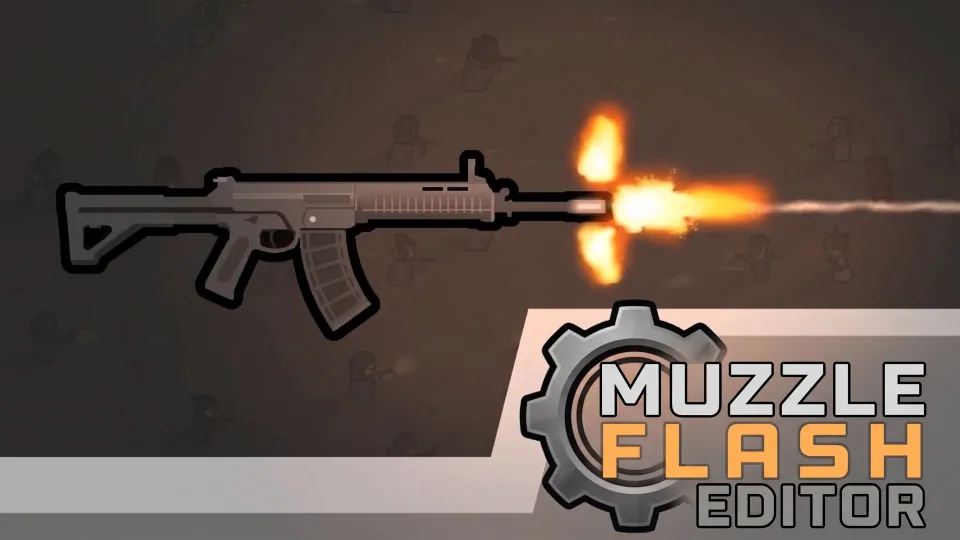



Muzzle Flash Editor is an in-game tool for RimWorld that allows you to visually configure weapon muzzle flashes, projectile spawn points, and aiming indicators without editing XML files.
Contents
Muzzle Flash Editor is a RimWorld mod that provides an in-game visual tool for configuring weapon muzzle flashes and related effects. It removes the need for manual XML editing by offering an intuitive 2D canvas interface.
Visual Muzzle Flash Editing
The mod enables users to adjust muzzle flash positions by dragging a yellow crosshair on a 2D canvas. Key features include: - Canvas zoom and pan - Flip facing (left/right) - Automatic alignment with weapon textures - Previewing muzzle flash and aiming effects - Demonstration of firing animations - Selection of effect presets and adjustment of flash width and height - Adding or removing nodes for multi-barrel weapons, with support for alternating firing modes
Projectile Spawn Point & Aiming Indicator
You can modify the projectile spawn point by dragging a gray crosshair, which helps correct bullet offset issues. This feature is experimental, disabled by default, and not recommended for Combat Extended users. The mod also allows positioning of the fan-shaped aiming indicator using a green crosshair, shown as a 30° translucent sector on the canvas.
Utility Tools and Import/Export
Additional tools are included for efficiency: - Auto-Configure: Scans weapon textures to align muzzle flash and aiming indicators automatically - One-Click Alignment: Synchronizes coordinates between muzzle flash, barrel, and aiming indicator - Independent visibility toggles for each crosshair - Reset and revert options for offsets and weapon defaults - Import and export of weapon configurations in two XML formats
Requirements and Compatibility
- Requires the Muzzle Flash mod and must be loaded after it
- Compatible with Combat Extended, with specific compatibility adjustments
- Can be added or removed mid-save with minimal performance impact
Comments 0
No comments yet — be the first.
Log in or sign up to leave a comment.