













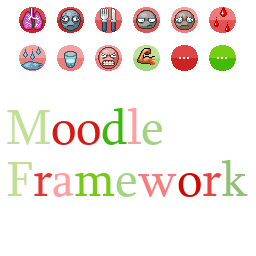



A Project Zomboid framework for custom moodles. It can use a white (Build 41-style) or grey (Build 42-style) colour reference for both vanilla and modded moodles. The white reference is enabled by default. Display components can be disabled for…
Contents
A Project Zomboid framework for custom moodles. It can use a white (Build 41-style) or grey (Build 42-style) colour reference for both vanilla and modded moodles. The white reference is enabled by default. Display components can be disabled for compatibility, and slightly oversized mod backgrounds are supported.
For players
Use the compatibility add-on if an older mod still expects the previous interface. Split-screen is expected to work when mods assign moodles to player numbers but was untested by the author. Oscillation may vary with performance.
For mod authors
The old IsoPlayer ModData.Moodles table was removed. Access moodles through MF.getMoodle and check for nil. Put a 30×30 transparent PNG in media/ui, with optional level files such as Name_Bad_2.png. Add positive and negative names and descriptions in Moodles.json for the levels you use. Require MF_ISMoodle, create the moodle with MF.createMoodle, and update MF.getMoodle(name, playerNum):setValue(value) from 0.0 to 1.0. Pass the player number for split-screen.

Comments 0
No comments yet — be the first.
Log in or sign up to leave a comment.