












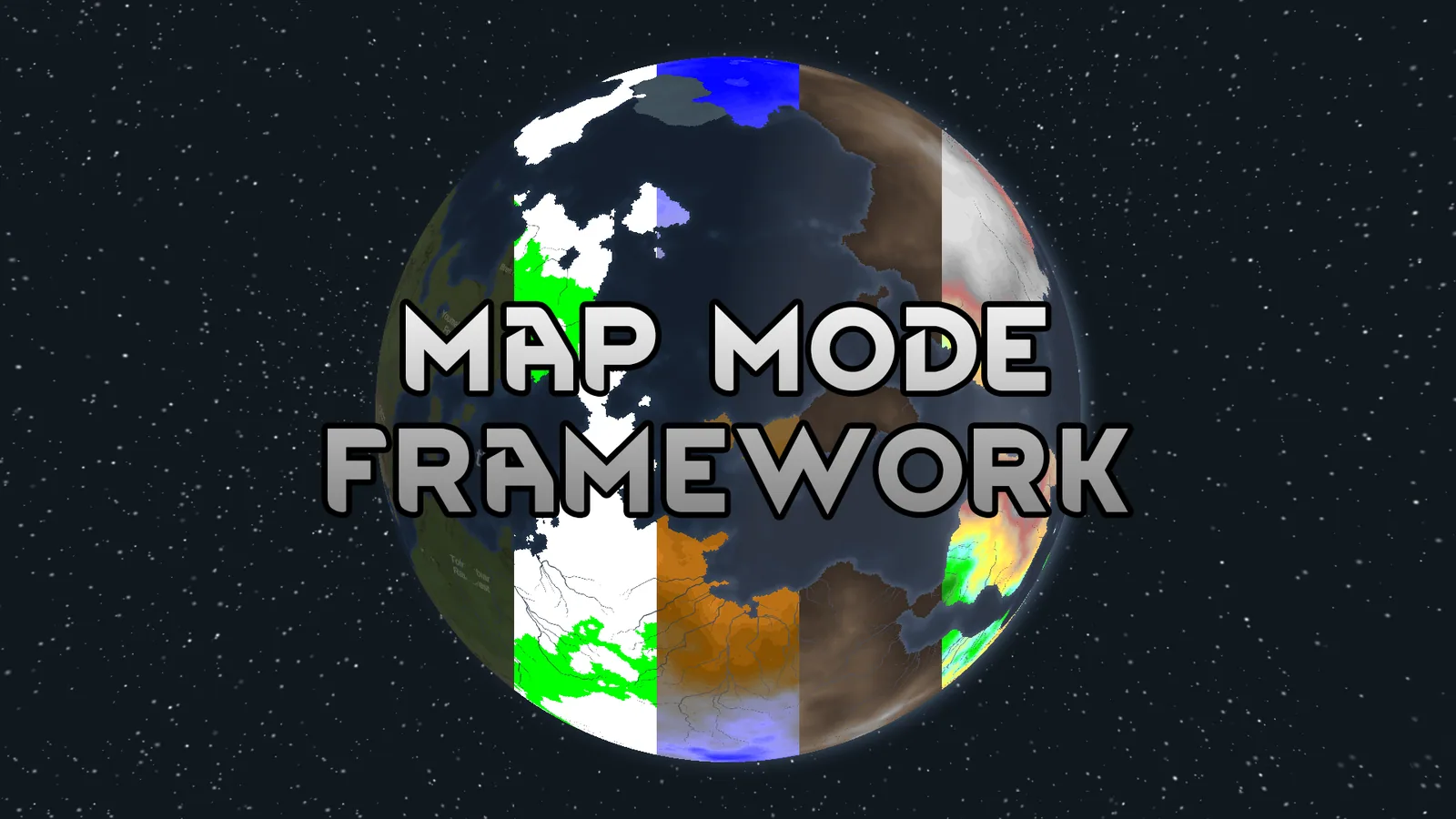



A framework for RimWorld that adds switchable map modes (Biome, Temperature, Elevation, Rainfall, Growing Period, Animal/Plant Commonality, Features) and provides C# utilities for mod authors to create custom map modes.
Contents
Map Mode Framework is a utility mod for RimWorld that introduces switchable map modes to the world map and provides C# utilities for mod authors to develop their own modes. The framework was created to support features like faction territories without cluttering the UI, offering a unified system for visualizing world data.
Default Map Modes
The mod includes nine built-in map modes that can be toggled via the UI:
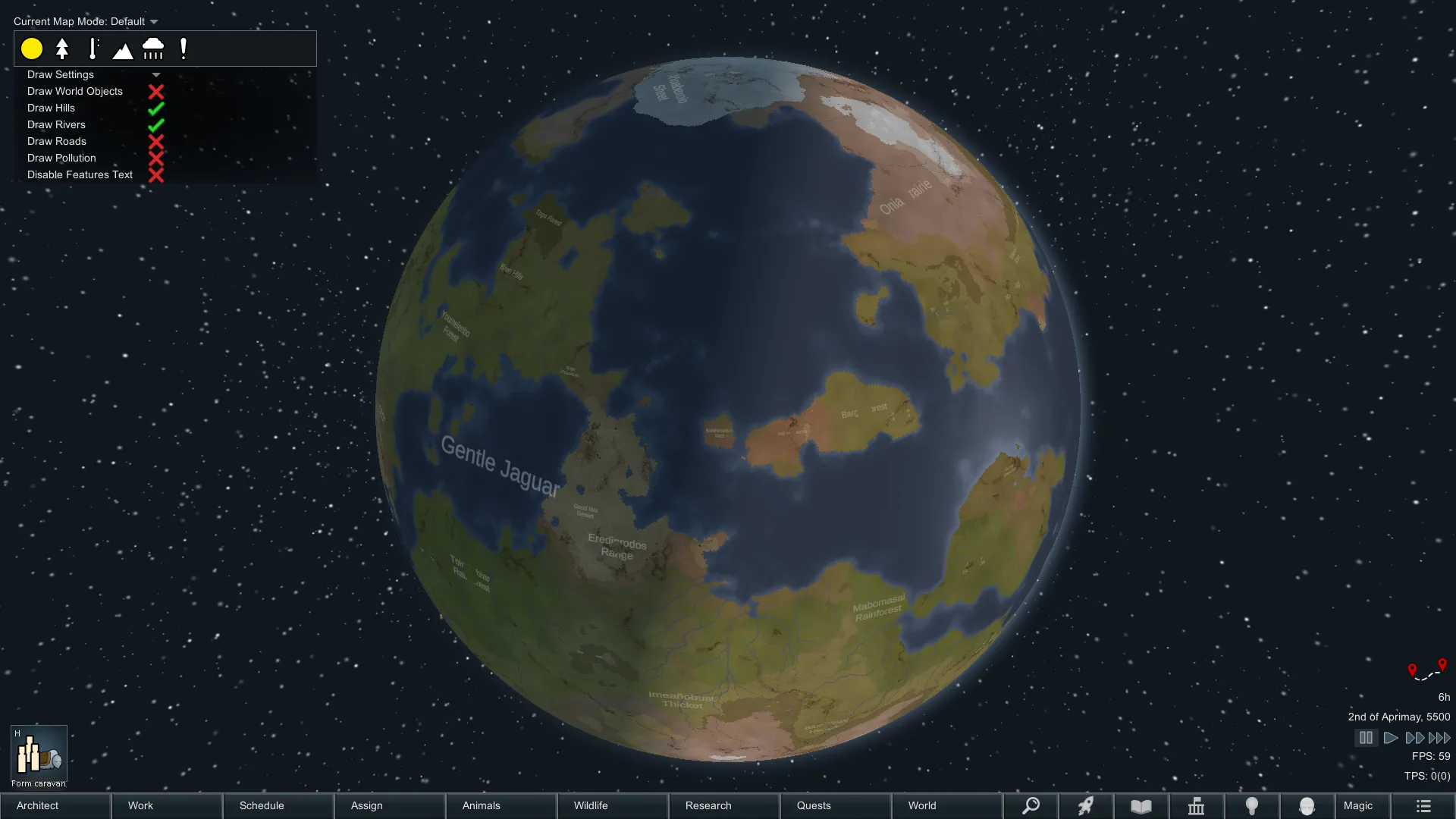
- Default: Displays the standard RimWorld world map with no overlays.
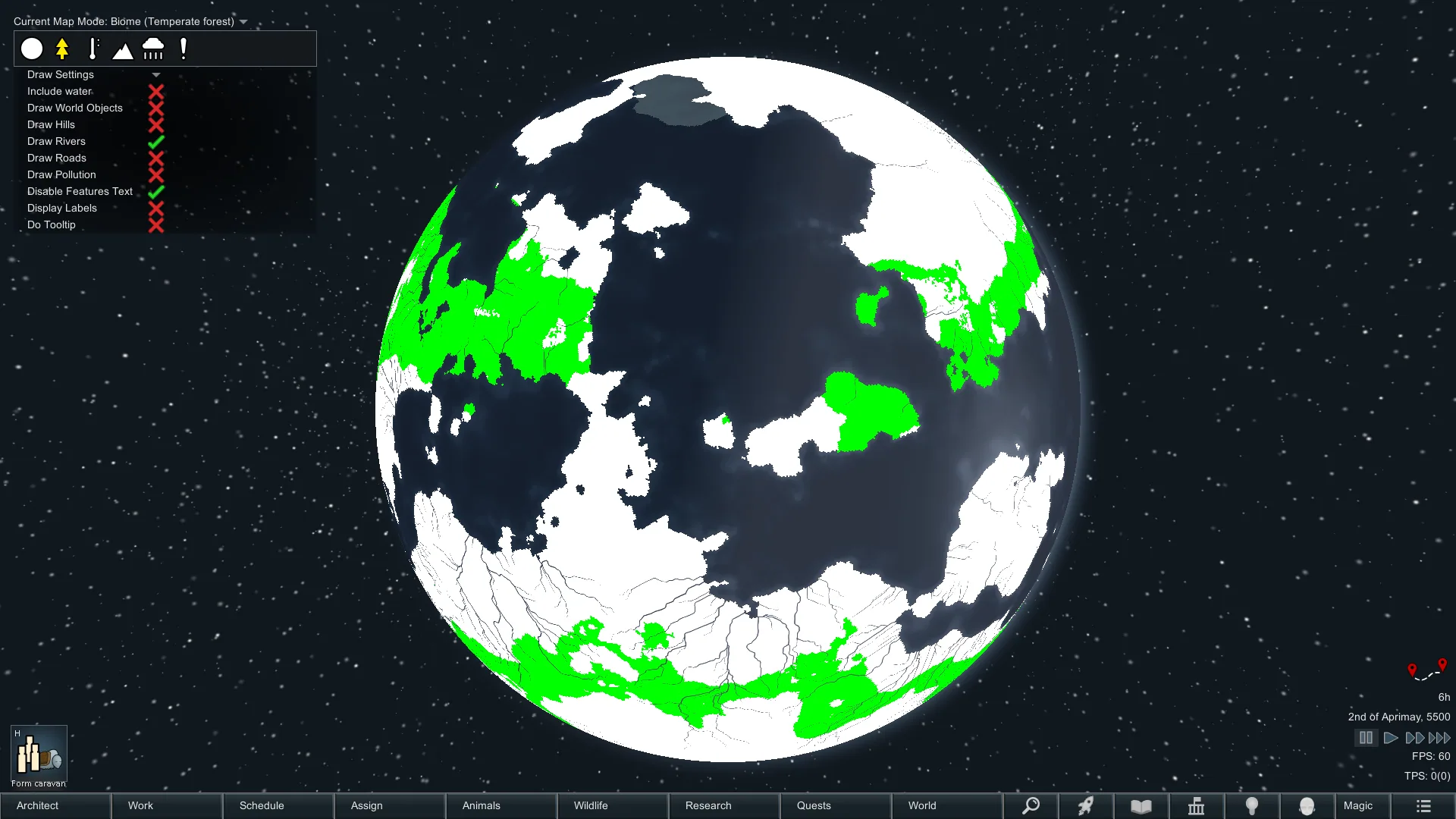
- Biome: Highlights tiles of a selected biome in green.
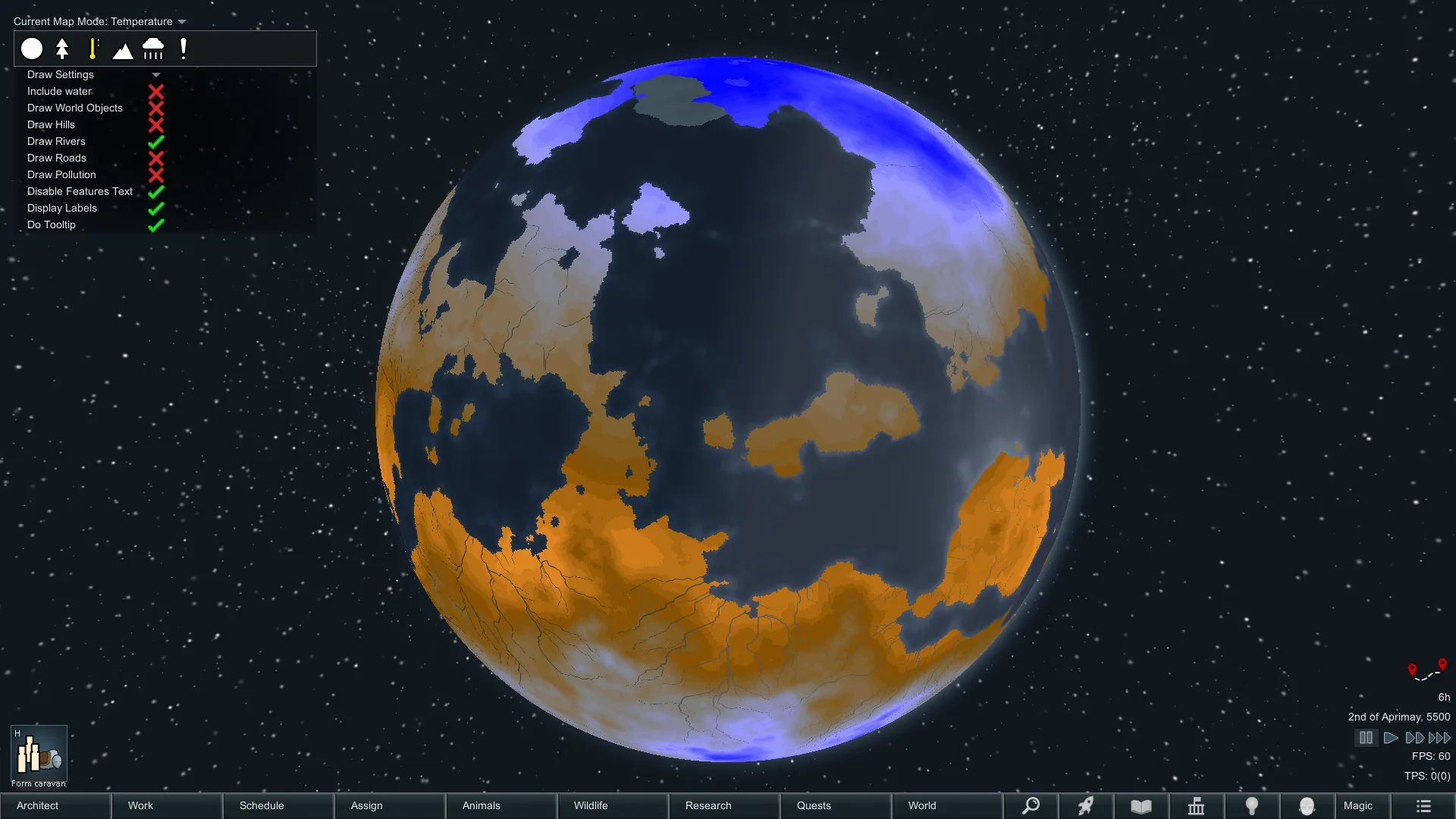
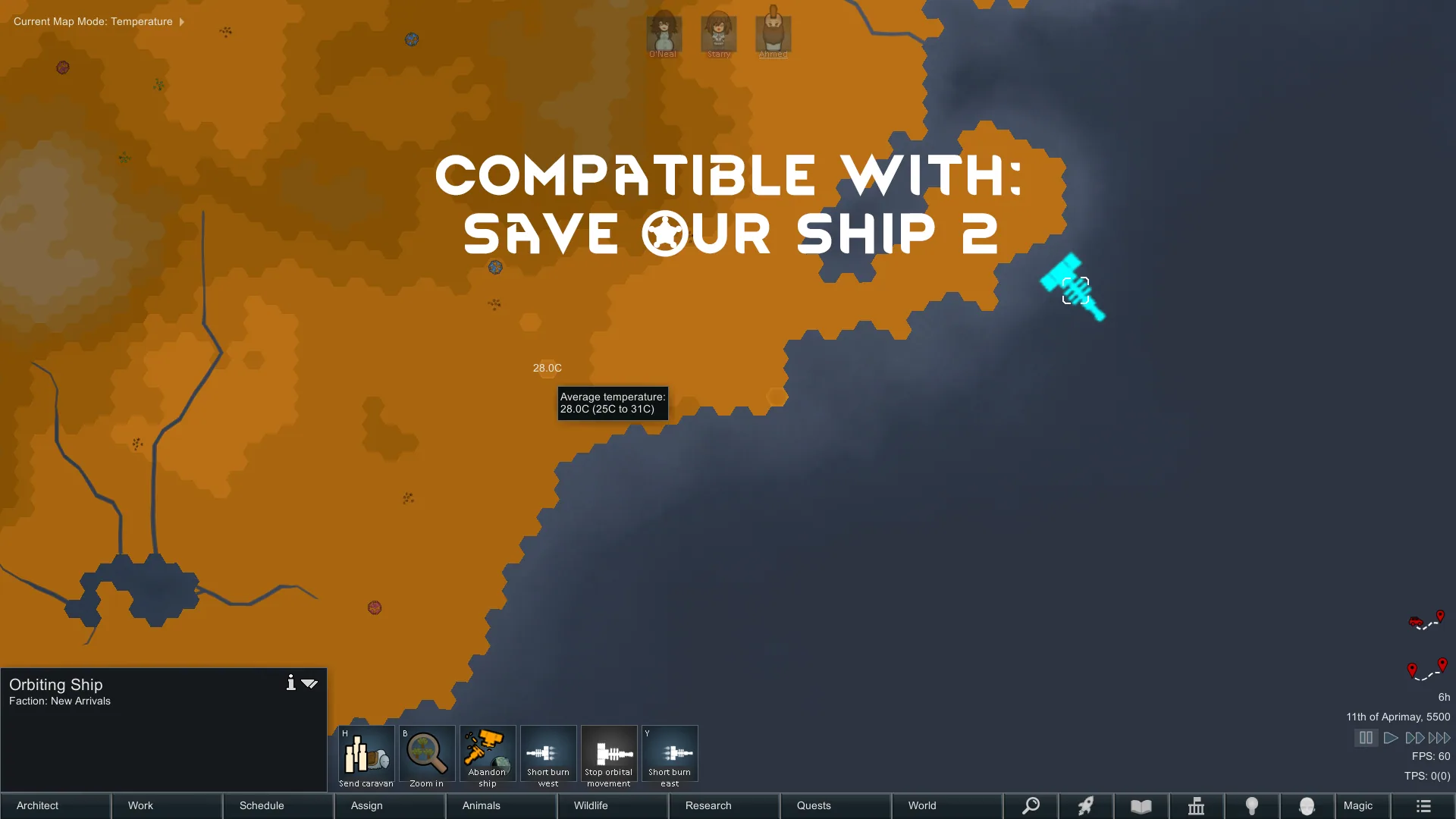
- Temperature: Visualizes tiles based on average temperature.
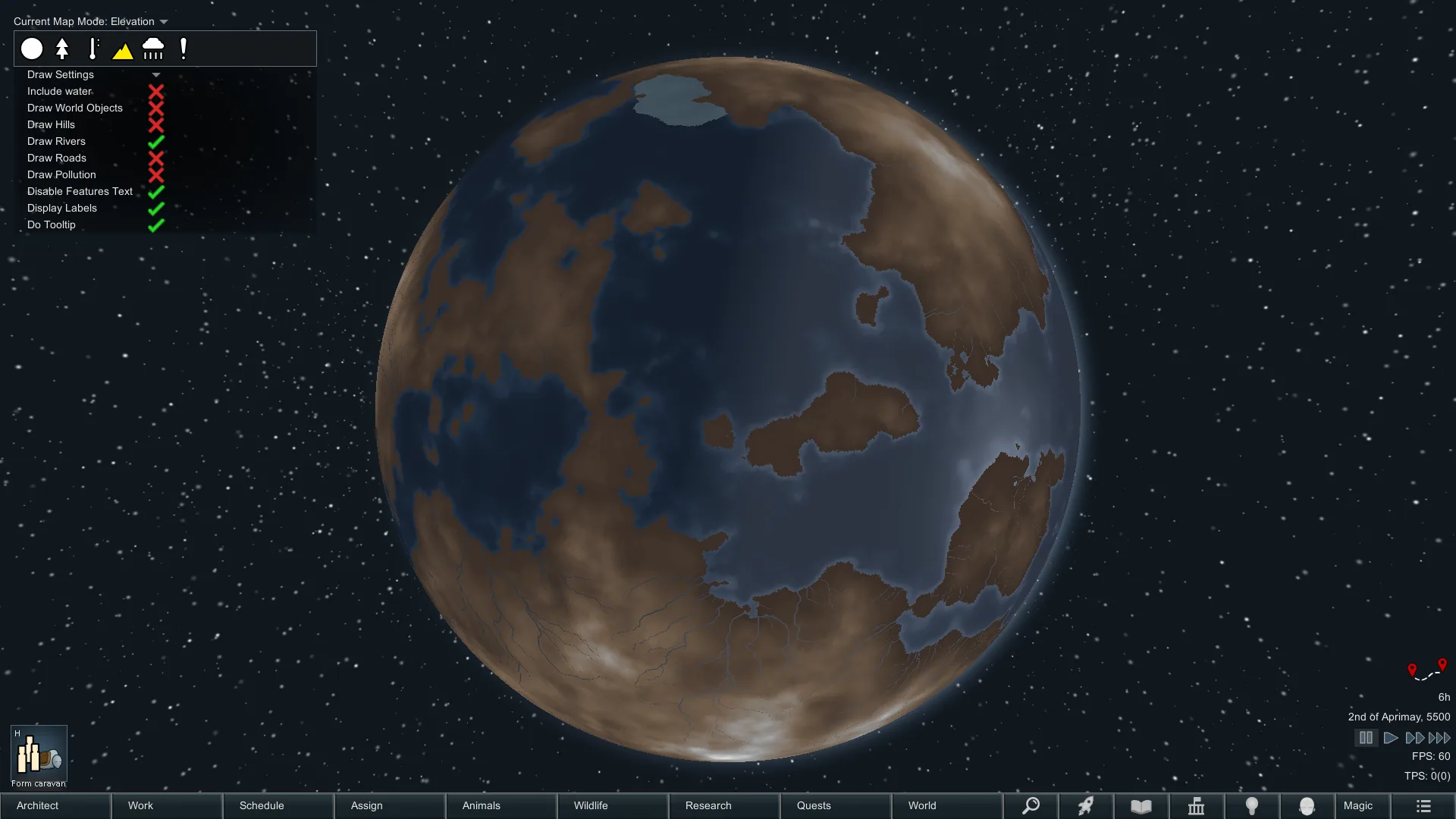
- Elevation: Renders tiles according to elevation levels.
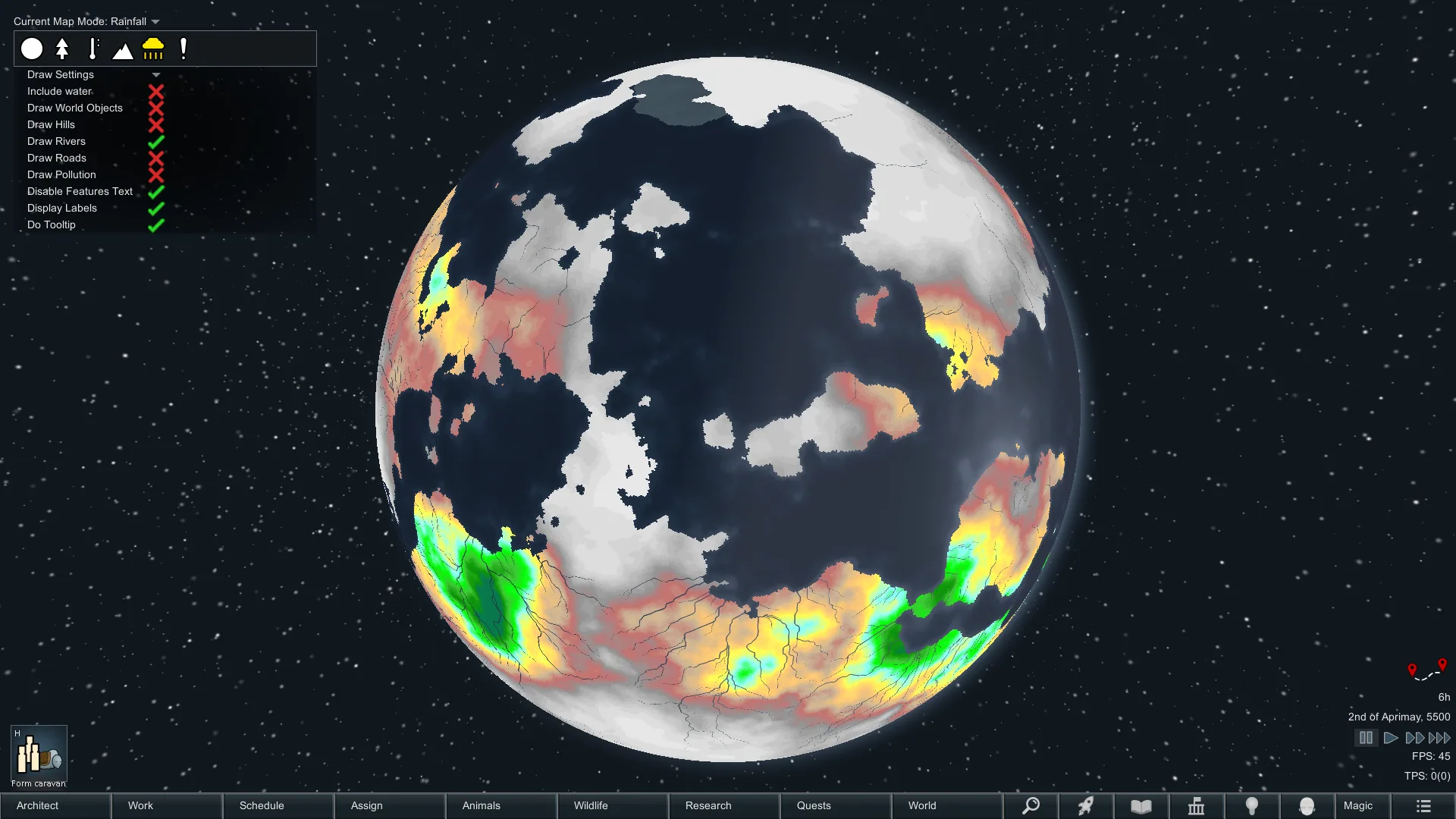
- Rainfall: Shows rainfall distribution across the map.
- Growing Period: Displays tiles based on the growing period.
- Animal Commonality: Colors tiles according to the commonality of a selected animal.
- Plant Commonality: Colors tiles according to the commonality of a selected plant.
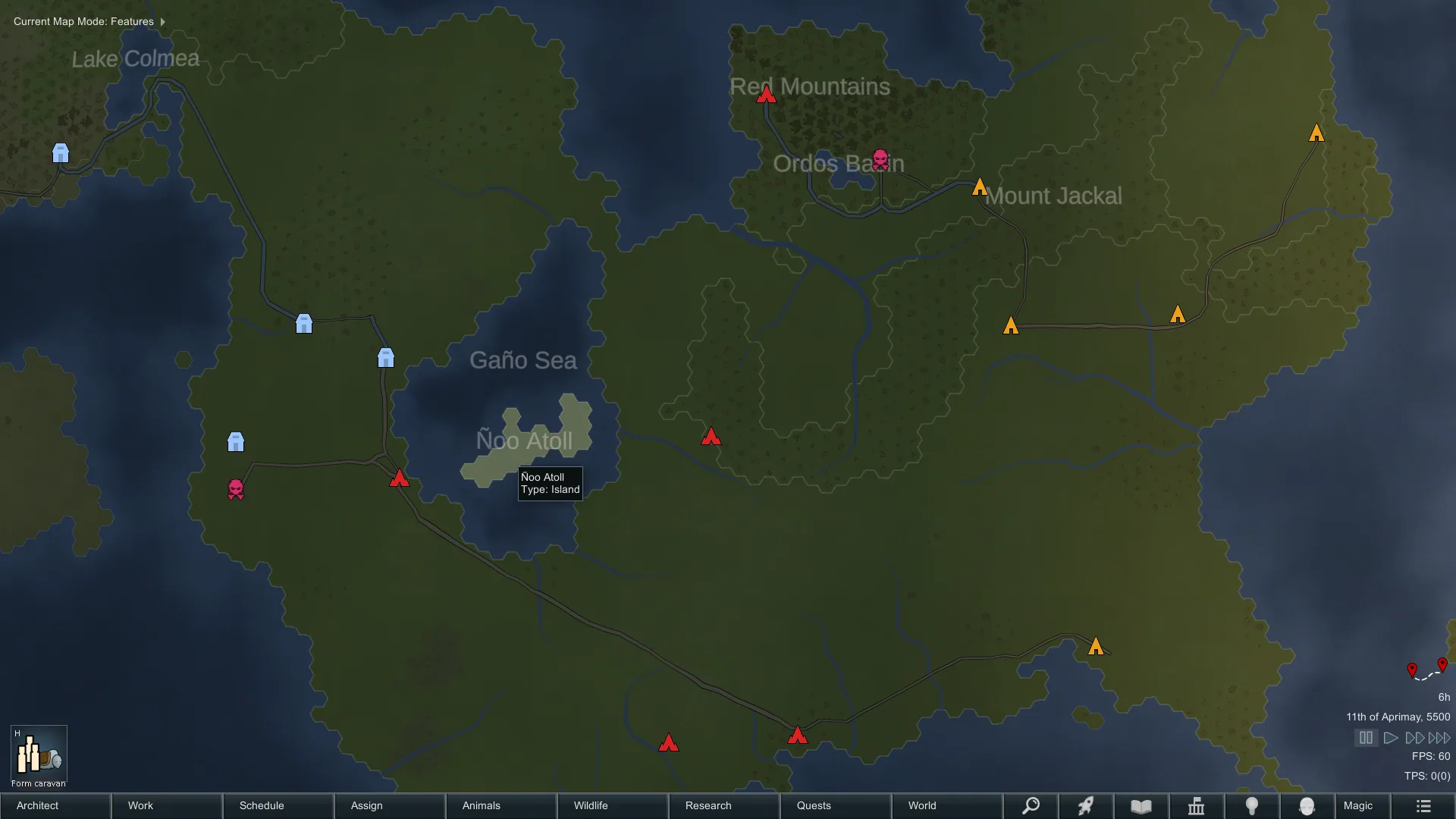
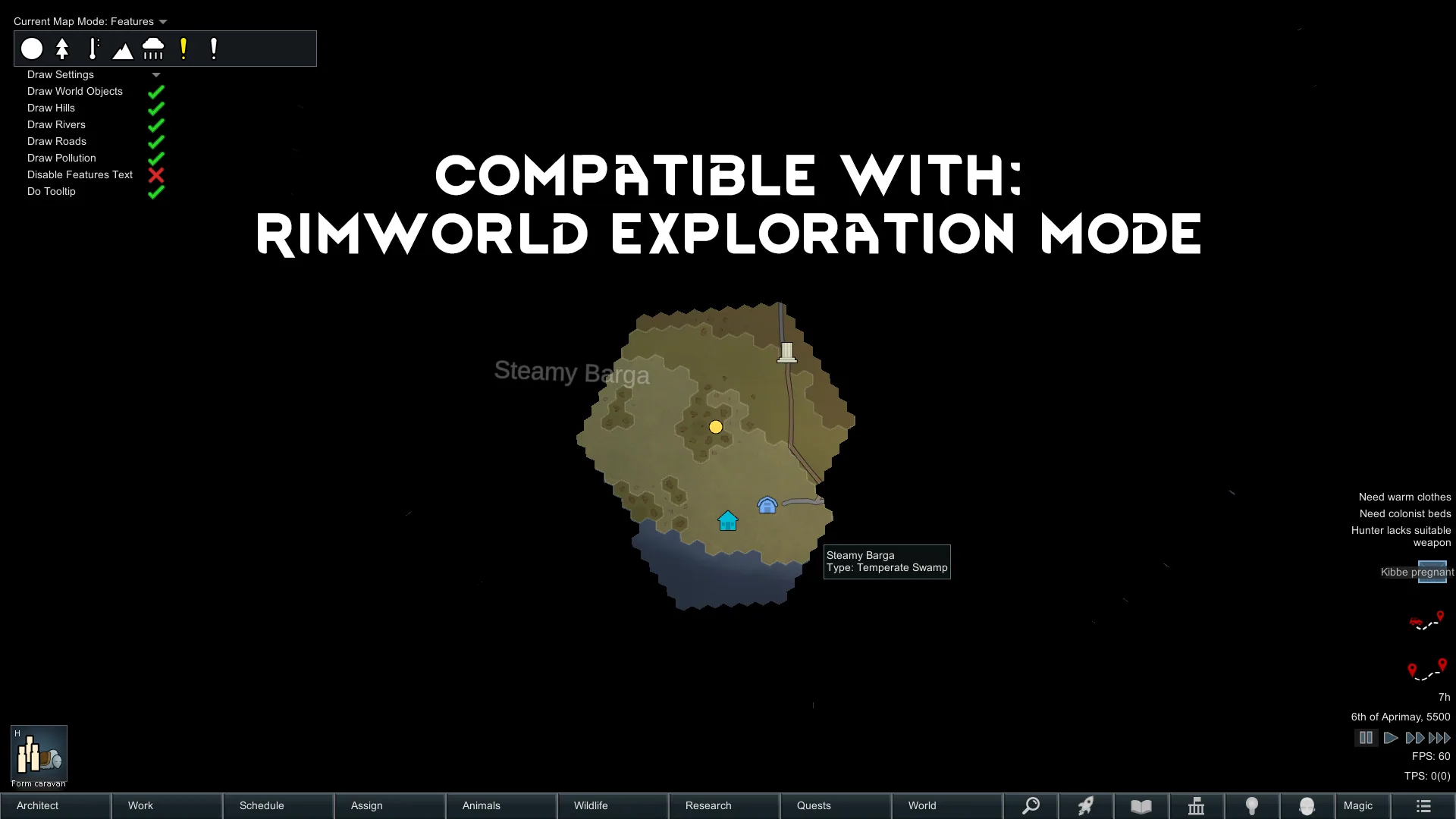
- Features: Groups tiles by "world features" or landforms.
These modes were inspired by map visualization features present in earlier versions of RimWorld, with specific implementations for temperature, elevation, and rainfall.
Performance and Optimization
Map modes that require complex calculations, such as Growing Period and Regions, are cached and begin caching in the background when a game loads or starts. Users can toggle this caching behavior in the mod settings.
The framework handles WorldLayer caching and regeneration asynchronously in a background thread. This prevents the main thread from freezing during the loading of complex map modes. Note that stuttering may still occur on extremely large worlds, as building meshes must be performed on the main thread.
User Interface Features
- Draggable UI: The map mode bar is draggable.
- Button Sorting: Map mode buttons can be sorted by dragging. This sorting preference is saved.
Compatibility and Patches
The framework is designed to be compatible with most mods. Specific patches have been implemented for the following:
- Geological Landforms: Patched so that landform textures are toggled by the "Draw Hills" setting. A map mode for finding specific landforms is planned.
- Save Our Ship 2: Map modes are not visible from the ship view but function correctly on the world map screen.
- Rimworld Exploration Mode: Patched so that textures, labels, and tooltips do not render over unexplored tiles.
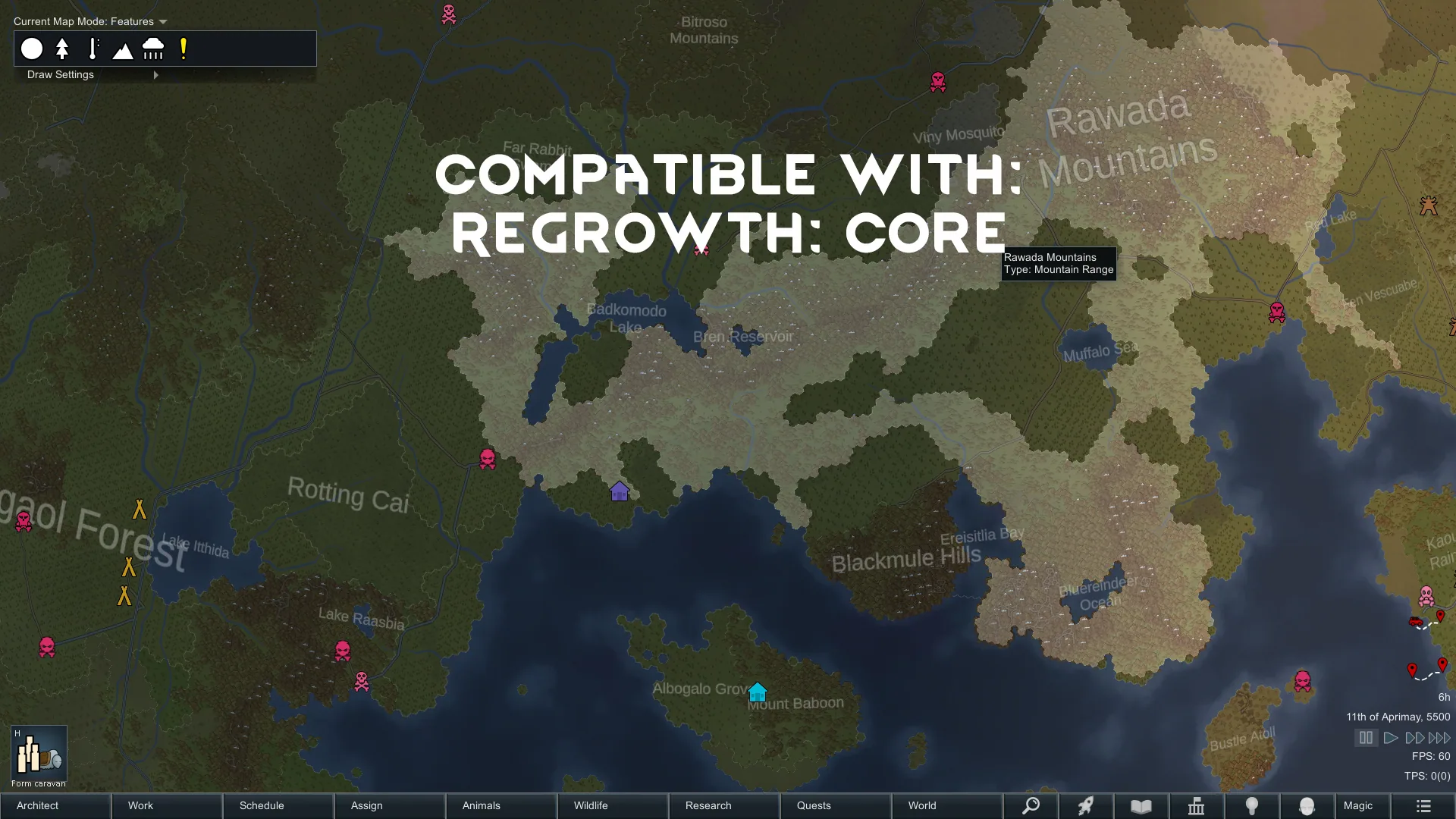
- ReGrowth: Core: Patched so that World Beautification textures are toggled by the "Draw Hills" setting. This includes trees and forests, as they share the WorldLayer with hills and mountains.
Save Game and Installation
- Add/Remove: The mod can be safely added to or removed from an existing save game mid-game.
- Save Data: The mod does not save data to the save file other than the map mode handler and button sorting settings.
- World Generation: Map modes do not affect or change world/map generation; they only render textures over the existing terrain.
Planned Features
Future updates may include: - Changing the color palette of certain map modes. - Adding text meshes for "region" map modes to display region names. - Adding visibility conditions for mod authors to specify when certain map modes can be accessed.
Languages
The mod supports English by default. A Spanish translation is included (by Ferchu). Users are free to create translations via their own mods or submit pull requests to the source repository.
Screenshots 9

Comments 0
No comments yet — be the first.
Log in or sign up to leave a comment.