










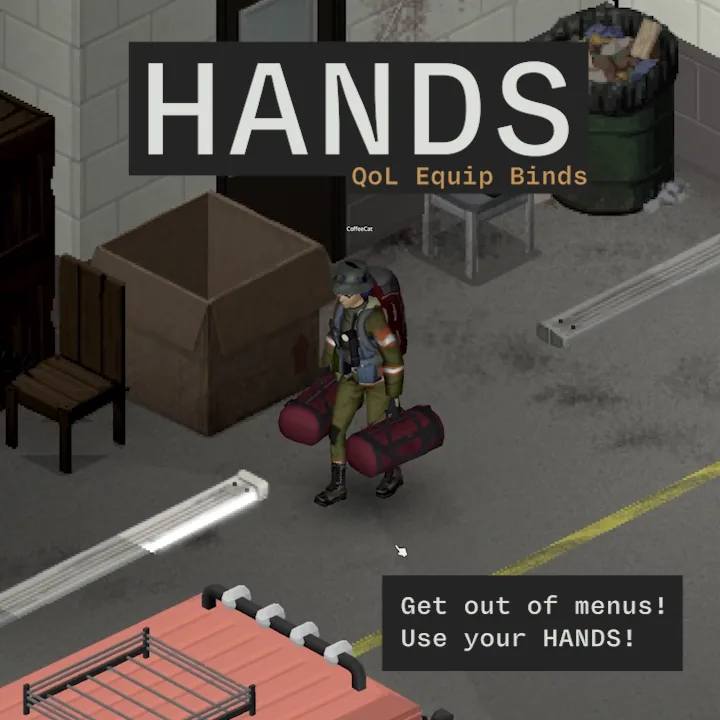



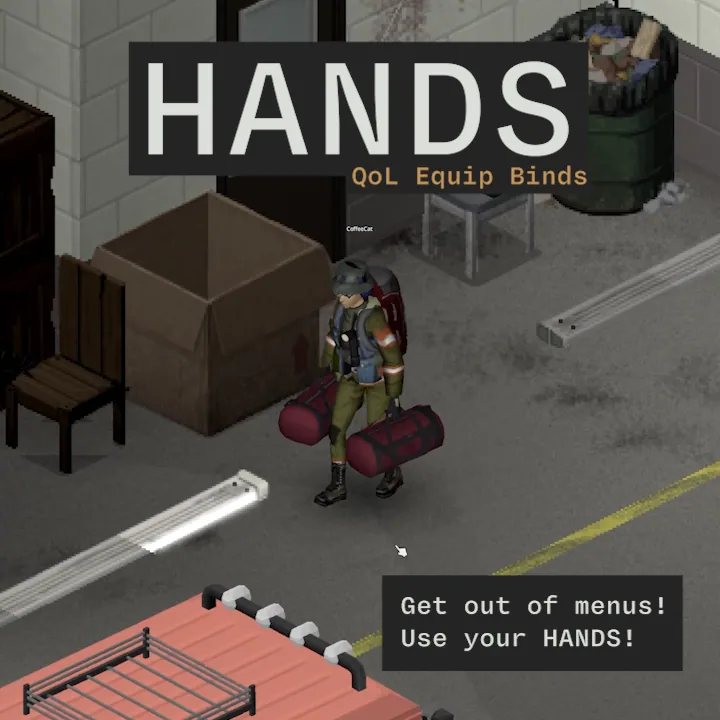
Equip and move items without opening a menu. Alt+left click equips the primary hand and Alt+right click the secondary. Alt+E stows held items in the active container or drops them to the floor if none is available. Ctrl+E starts normal placement. Usual…
Contents
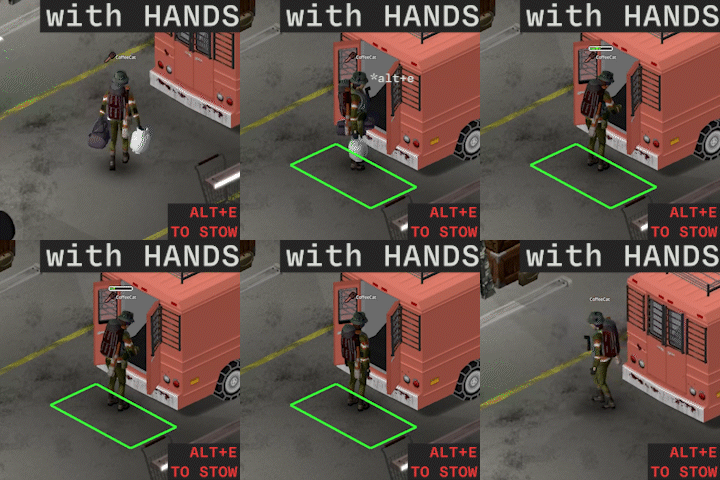
Equip and move items without opening a menu. Alt+left click equips the primary hand and Alt+right click the secondary. Alt+E stows held items in the active container or drops them to the floor if none is available. Ctrl+E starts normal placement. Usual interaction time and restrictions apply.
Settings and compatibility
Swap mouse buttons, disable Alt+click in favour of rebindable hotkeys or change which hand goes first. Optional double-click wears the item or equips it in both or one hand, depending on the item. Double-click conflicts with Grab and Drop. Load after Tactical Hold Complete to avoid a looping draw animation. Carry Visible Items In Hands is optional. Tested on a dedicated Build 42.20.4 server.
Default keys
Alt+left or right click equips, Alt+E stows, Ctrl+E places.
Screenshots 7






Comments 0
No comments yet — be the first.
Log in or sign up to leave a comment.