











Move an outfit from the wardrobe to your personal car, find it in the trunk menu and see what changing it clears.
Contents
Save a complete outfit at a wardrobe
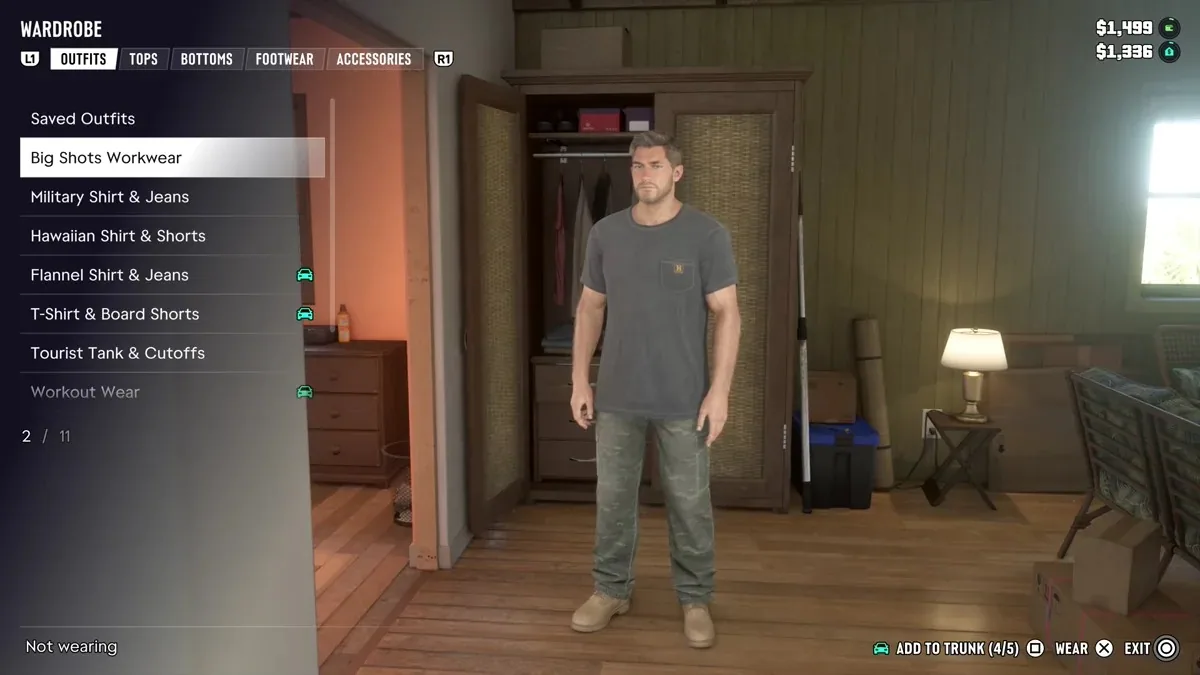
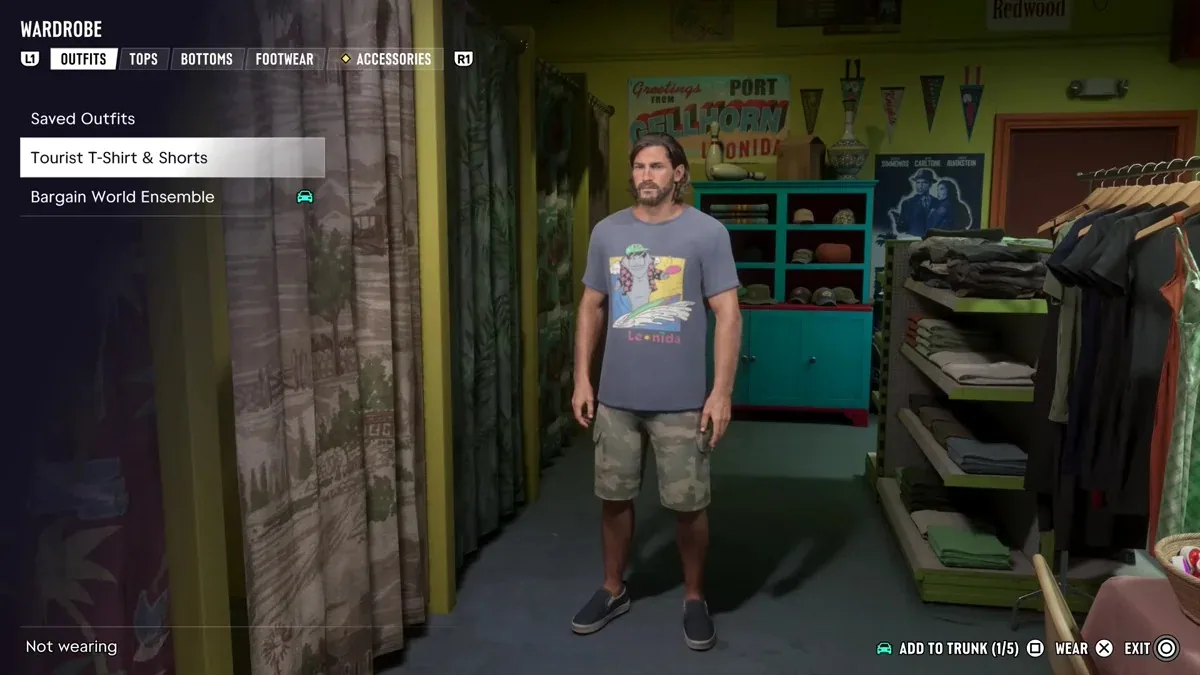
Use the wardrobe at home or a changing room in a clothing shop. Put the look together, then open Saved Outfits. To clear a clothing description later, pack a visibly different complete outfit. Swapping a cap alone may leave the clothing indicator in place.
Assign the outfit to the car
Highlight the outfit and use Add to Trunk, shown as Square on PlayStation. A small car icon appears beside the name, and the counter shows how many of the five slots you have filled. To free a slot, highlight a packed outfit and use Remove From Trunk. The wardrobe keeps its copy.
Equip a packed set from Items
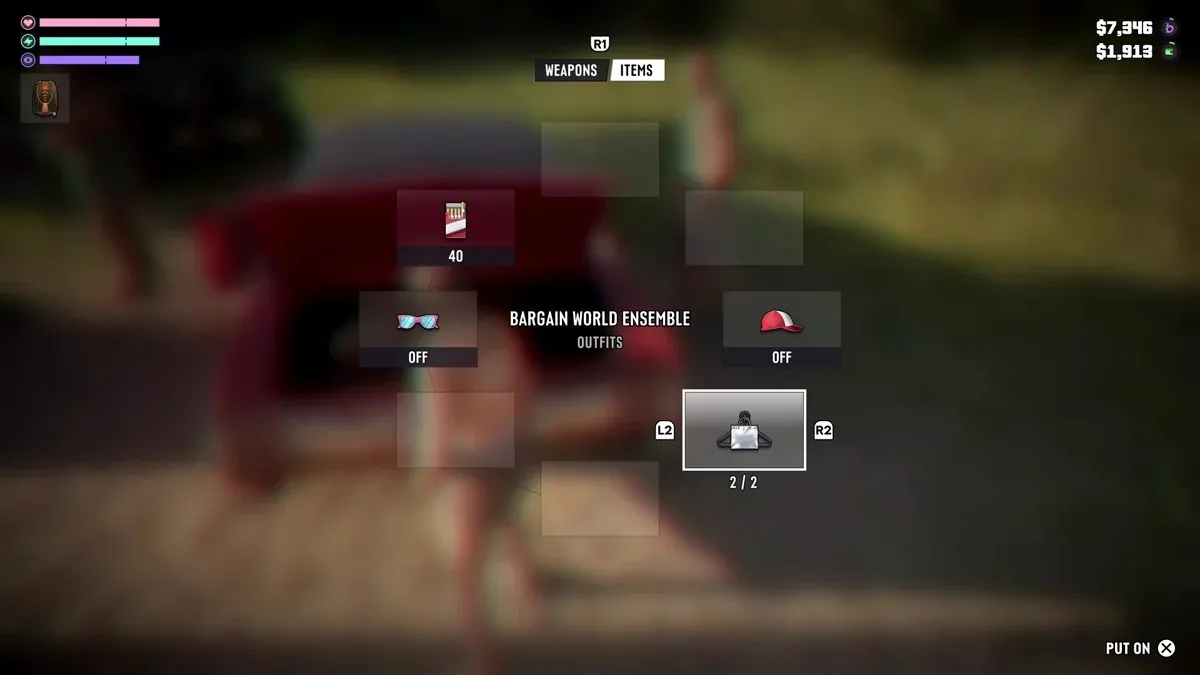
Open your personal vehicle’s trunk and enter its loadout. Under Items, select the central outfit slot, cycle through your saved sets and confirm Put On. If witnesses identified your clothes, check the clothing indicator after changing. Vehicle and other evidence indicators are tracked separately.


Comments 0
No comments yet — be the first.
Log in or sign up to leave a comment.