















GBlood 3 is a realistic blood addon for Garry's Mod, simulating physical blood effects using GWater2. Includes customizable blood behavior, dynamic pooling, and new splatter systems.
GBlood 3 UPDATE (READ DESCRIPTION)
v23.12.2025 · ModsFire, 17.6 КБ ·
12 downloads
Contents
GBlood 3 is a blood simulation addon for Garry's Mod, designed to create realistic physical blood effects based on GWater2. This version introduces several new features and improvements over previous versions. Keep Corpses must be enabled for the mod to function correctly.
Features
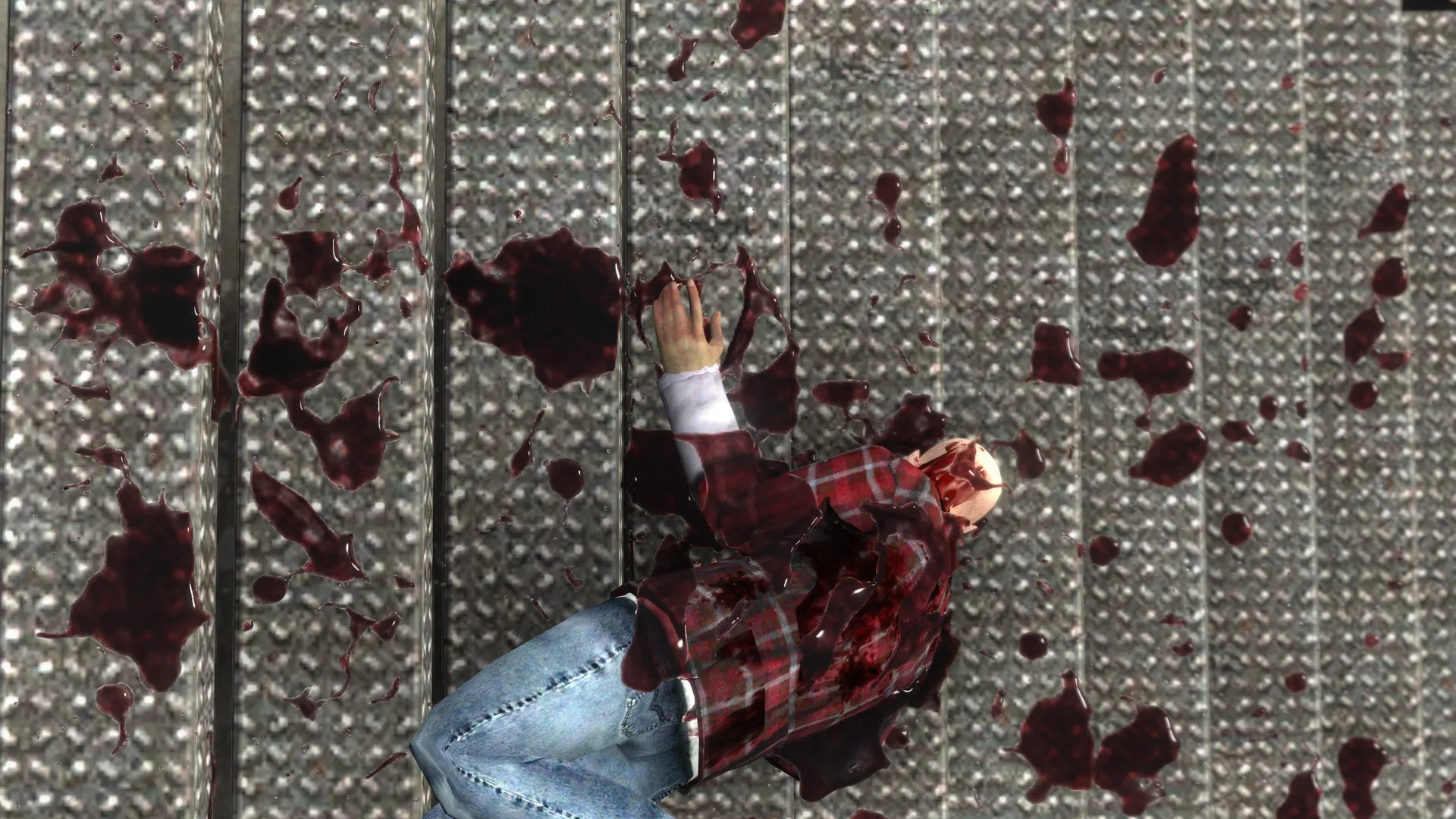
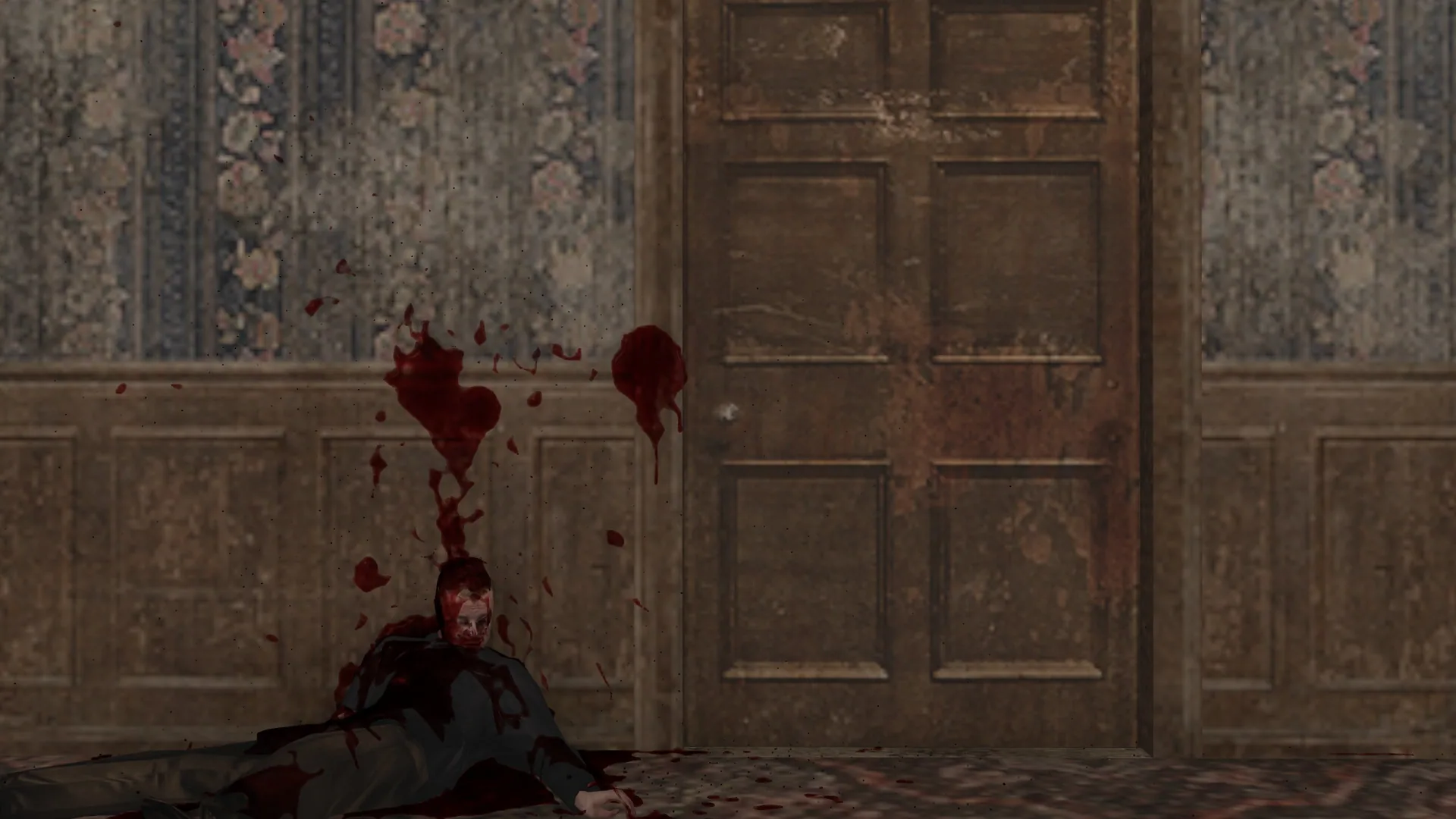
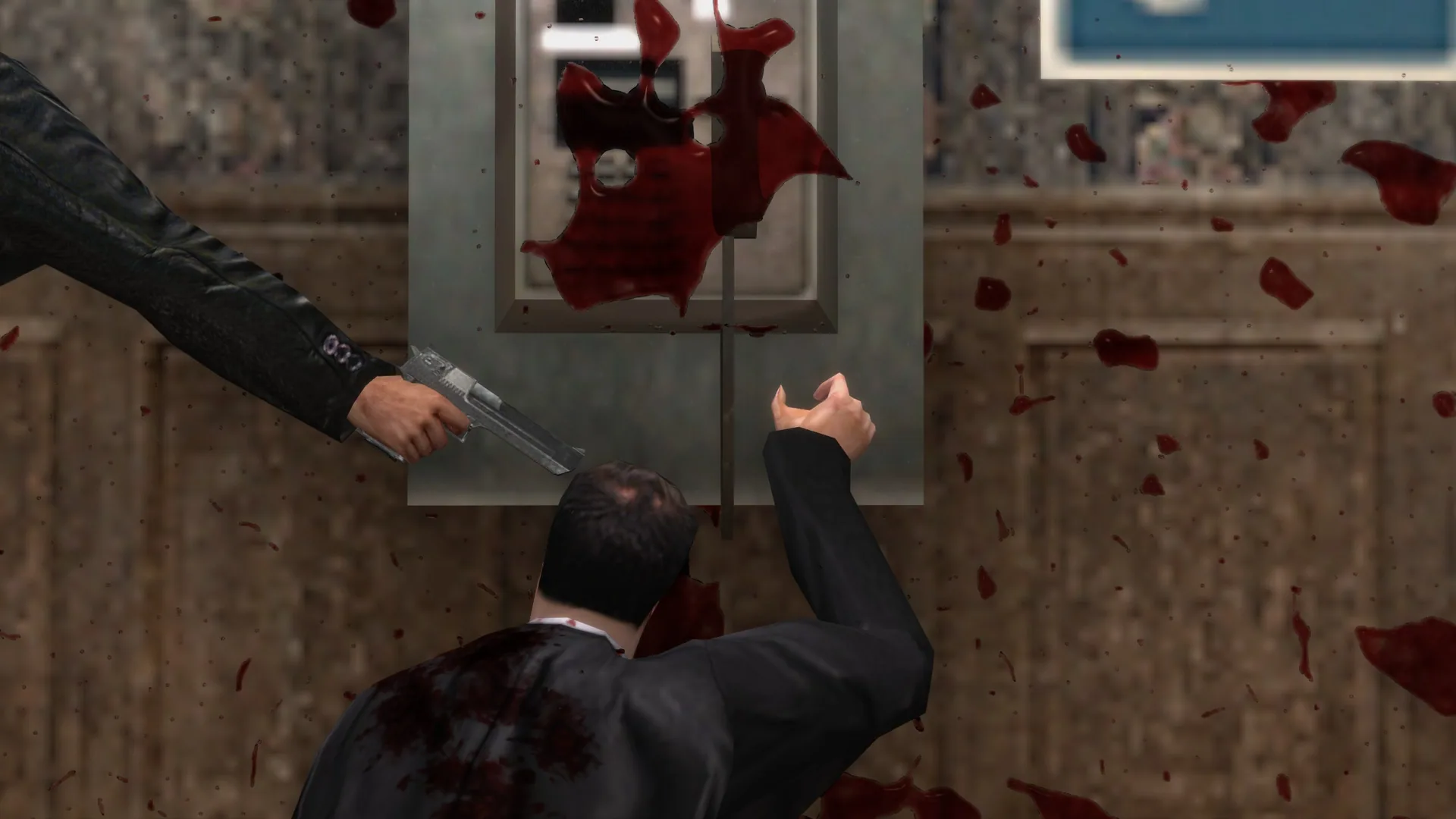
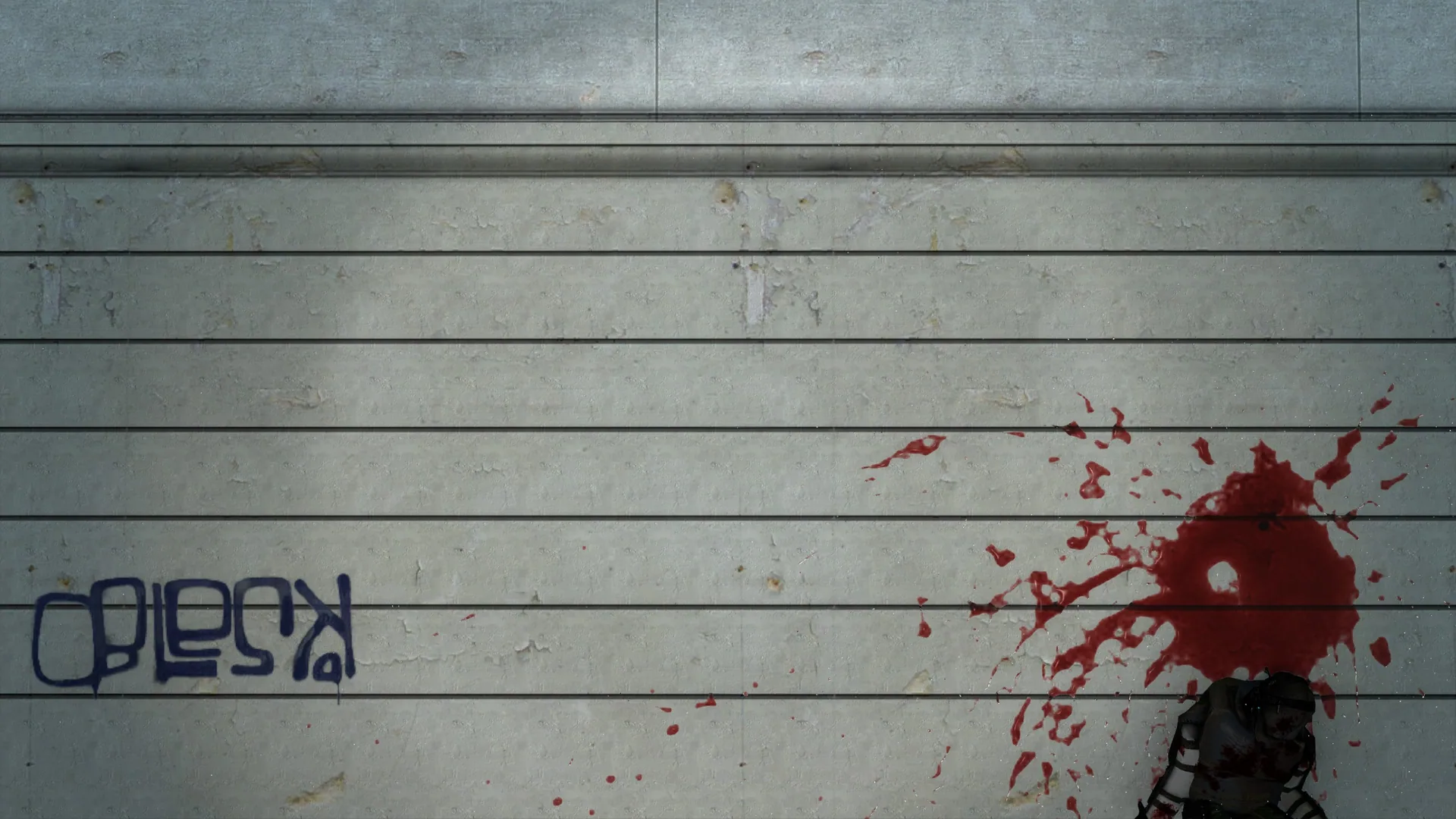
- New blood splatter system
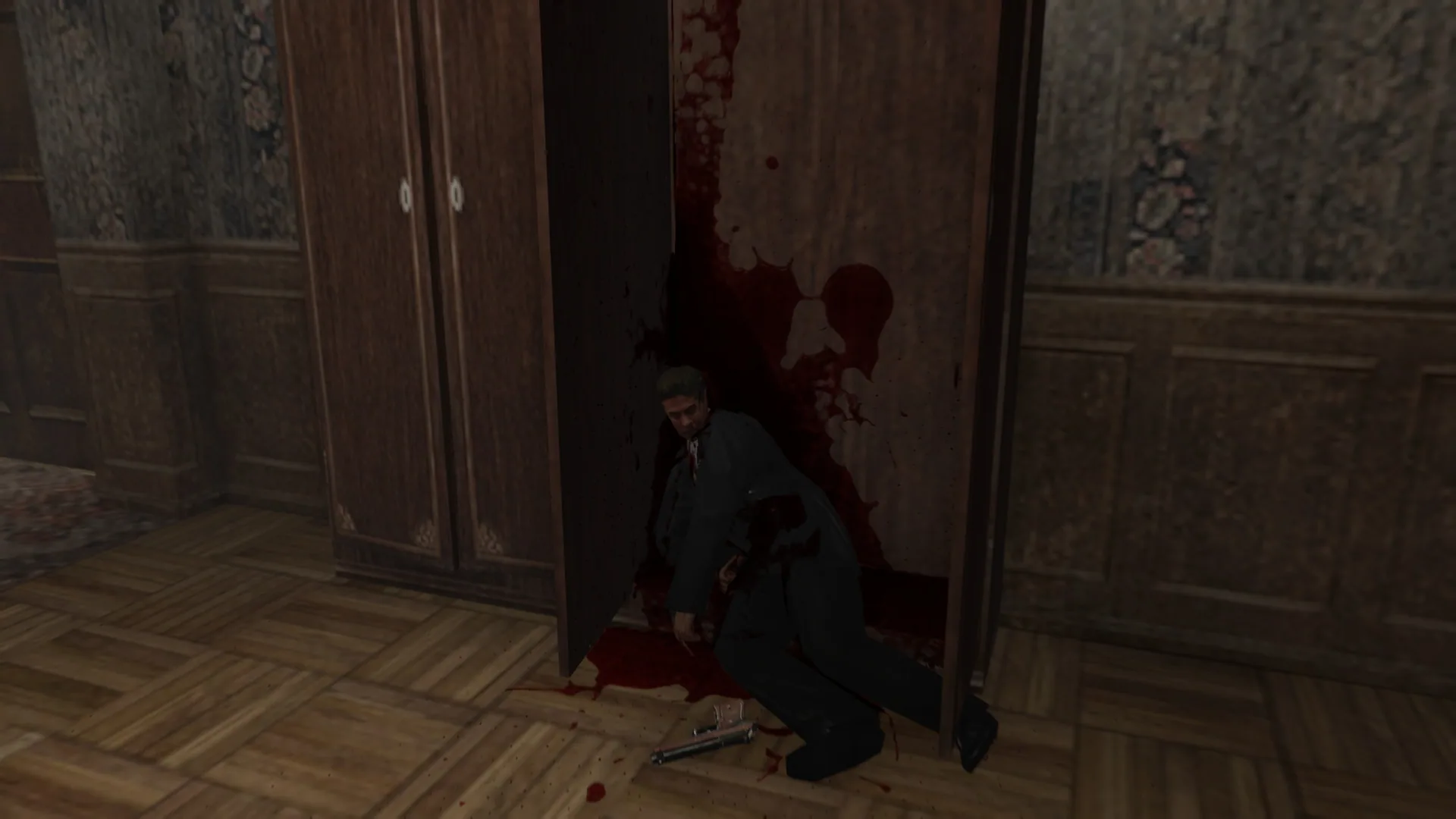
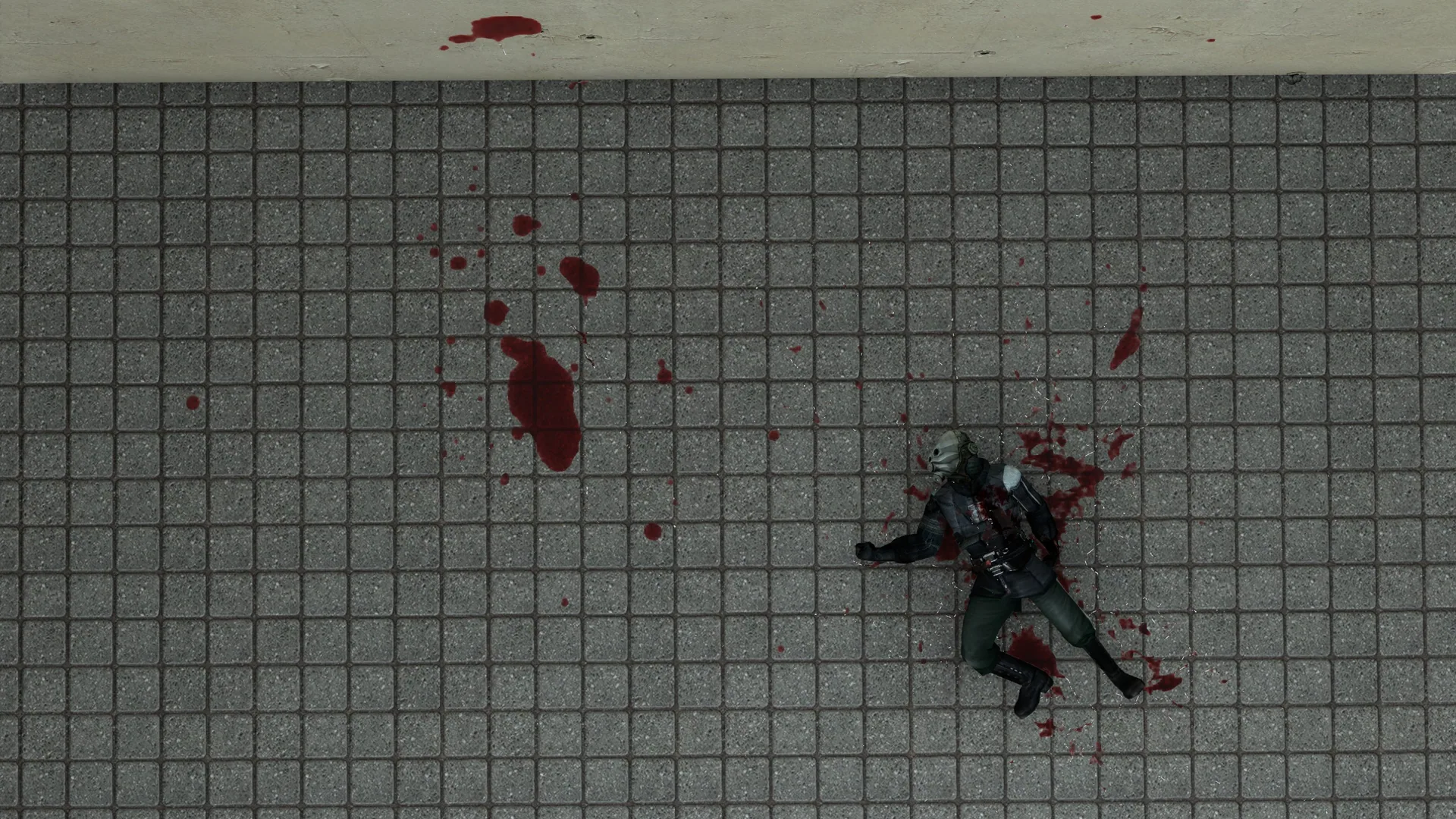
- New dynamic pooling
- New soaking wounds
- New blood trailing system
- Dynamic interaction with geometry and physical objects
- Fully customizable blood behavior and color
- Realistic blood fluidity
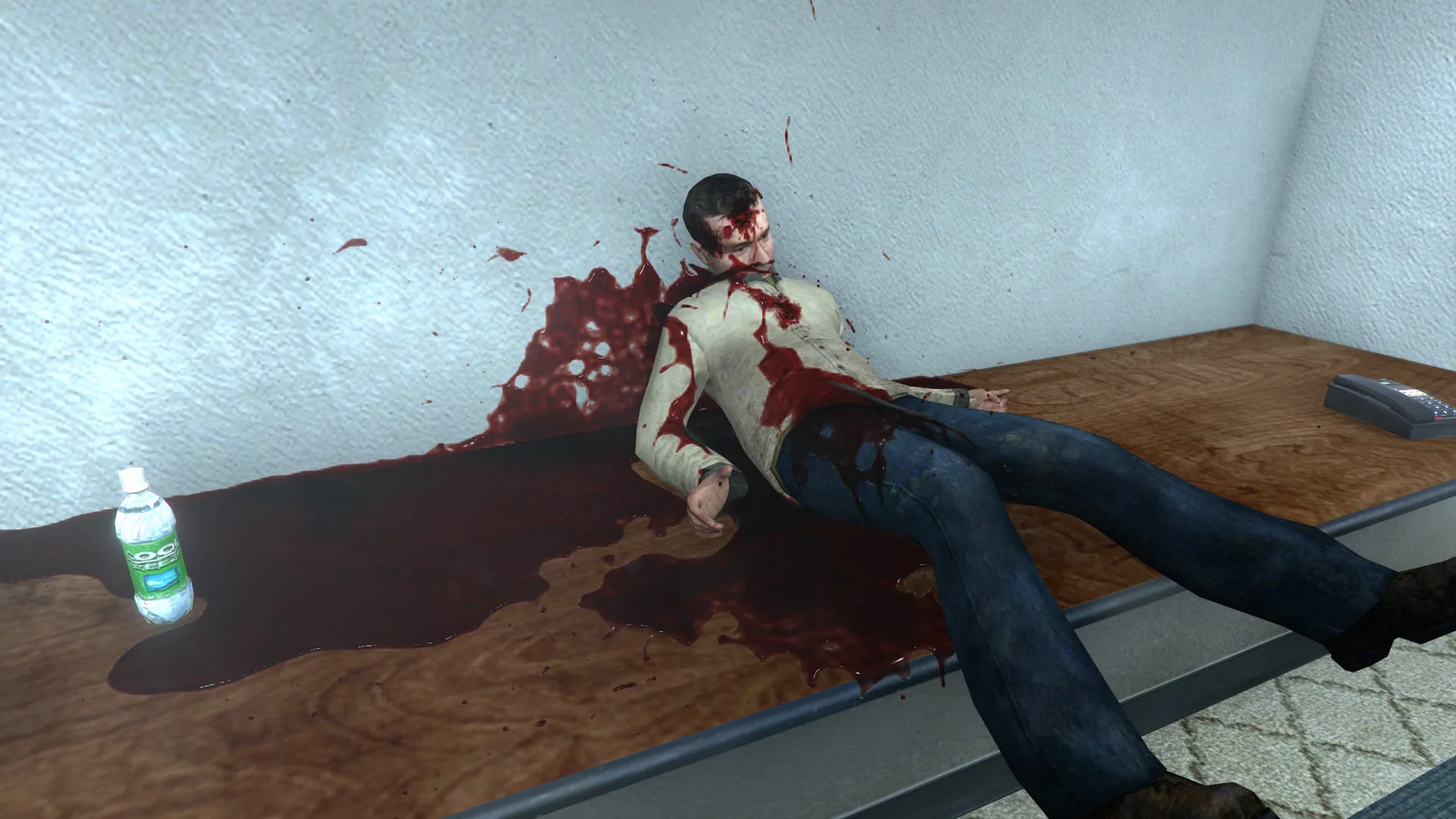
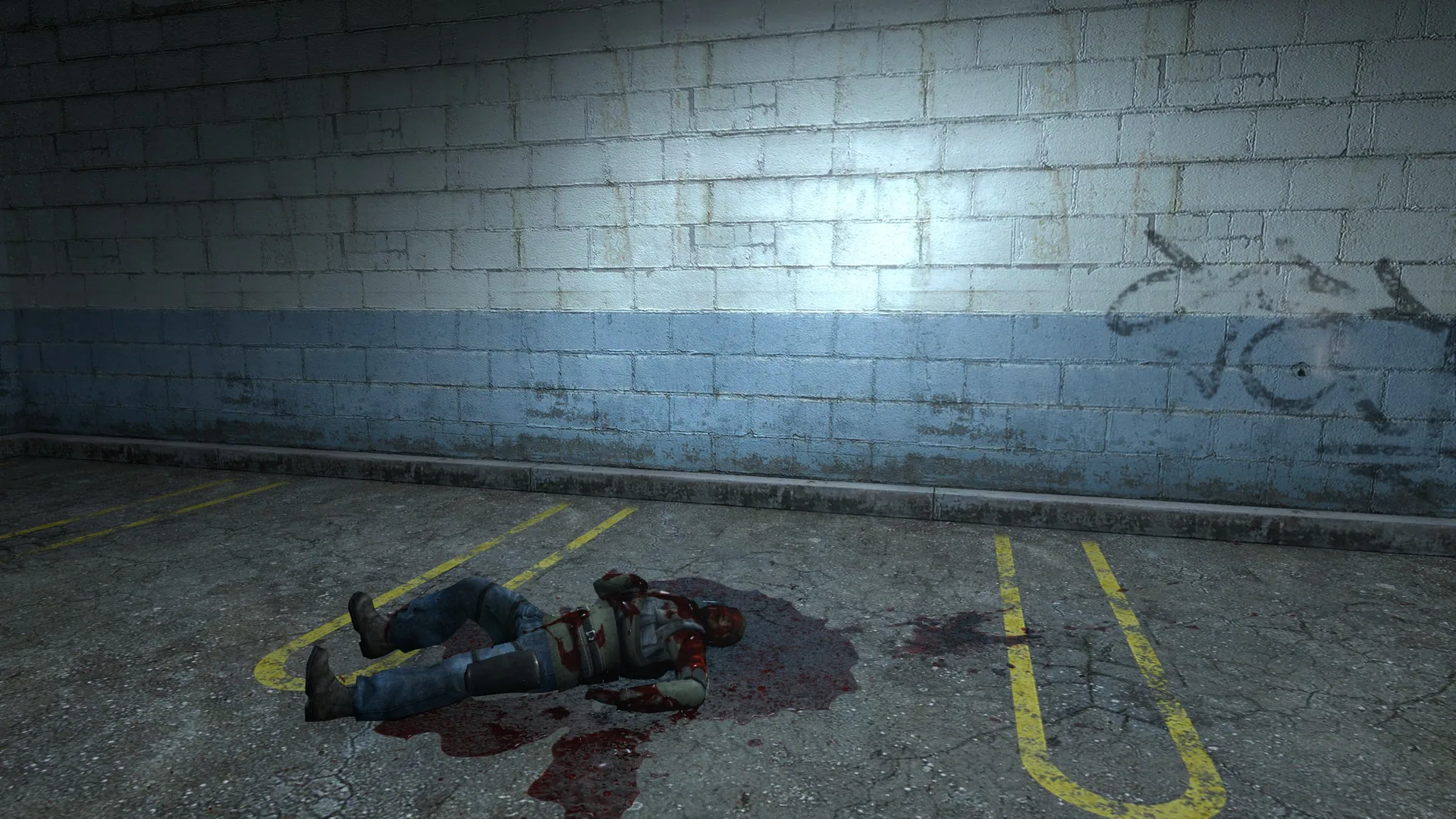
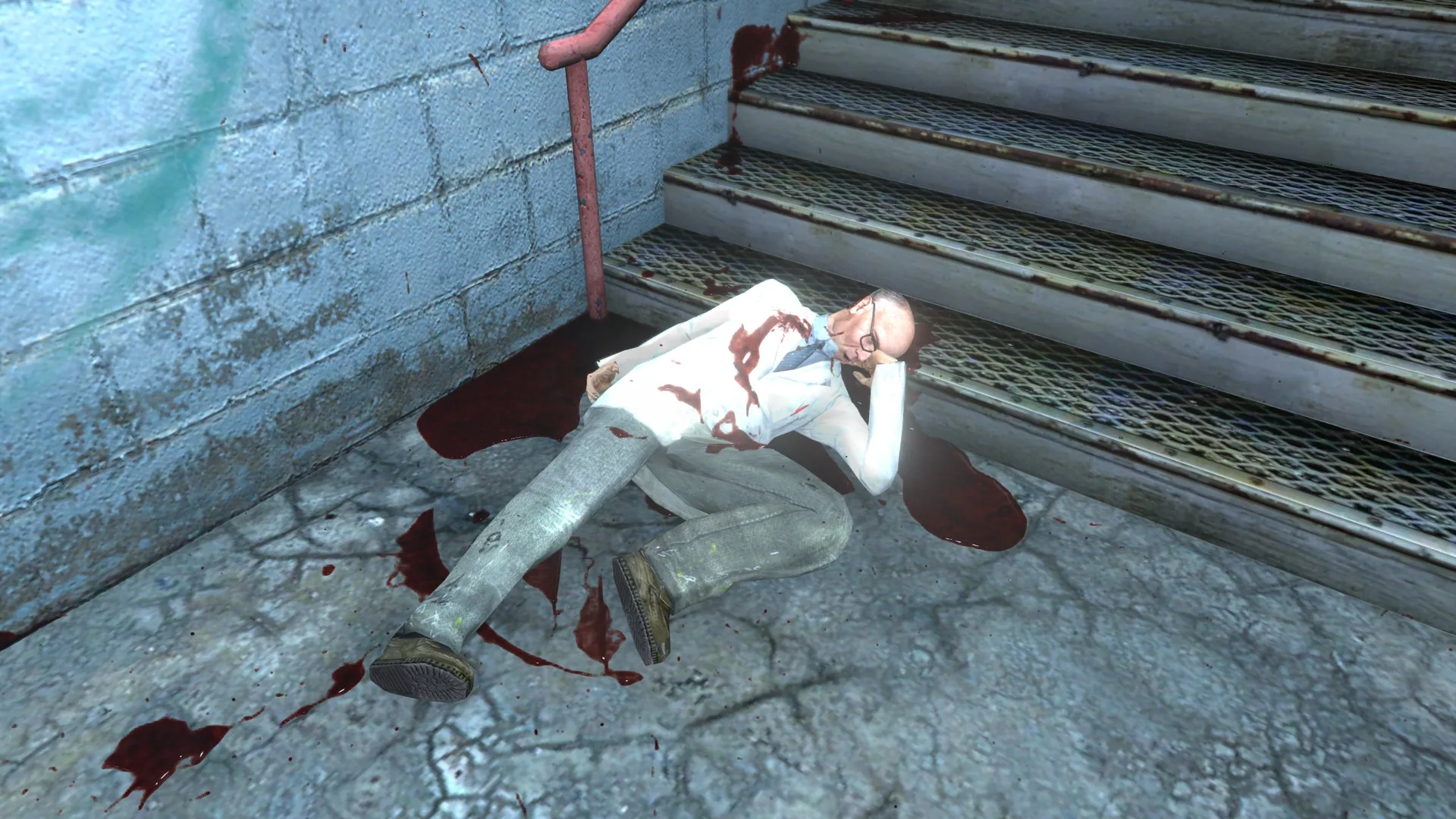
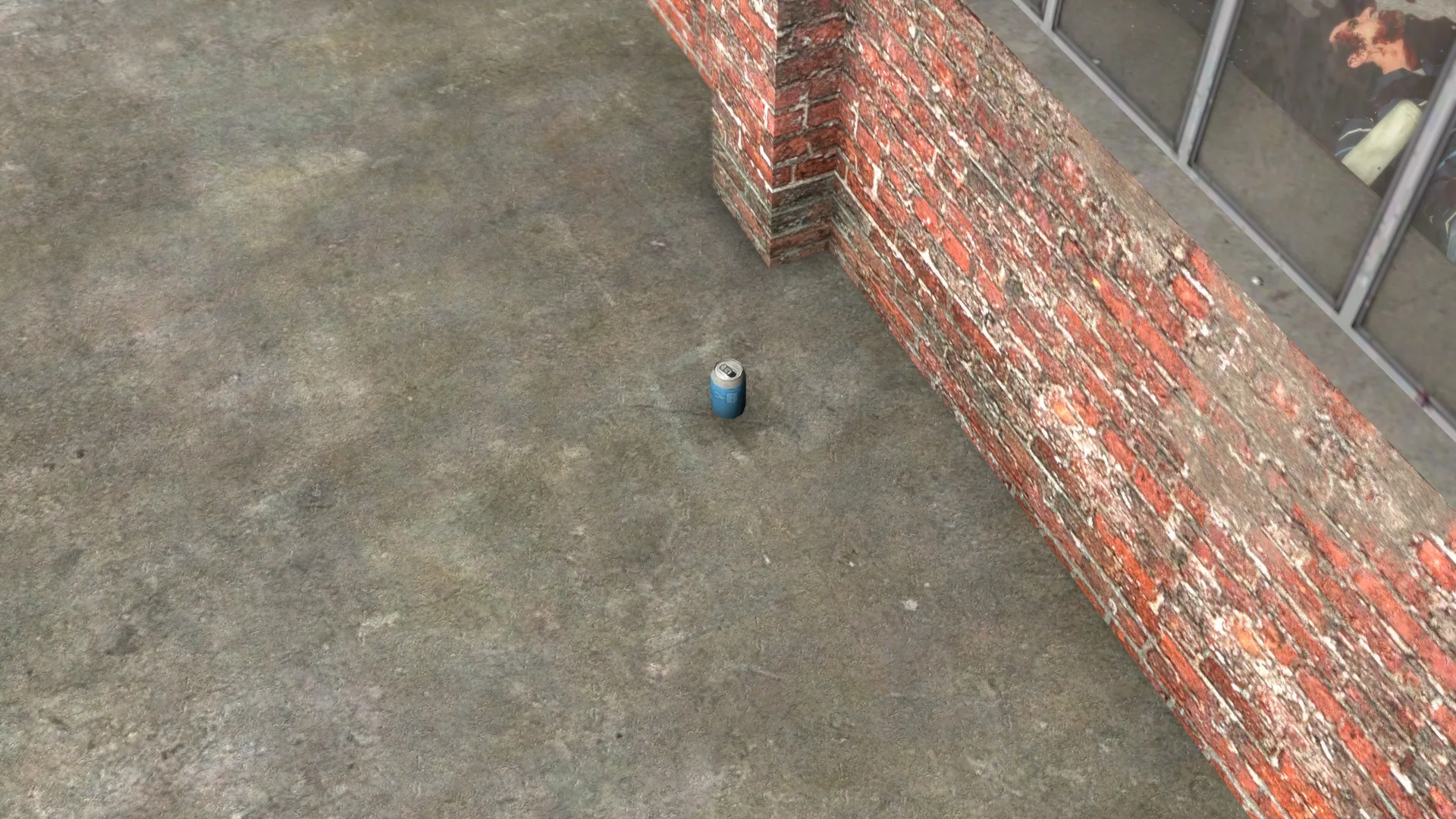
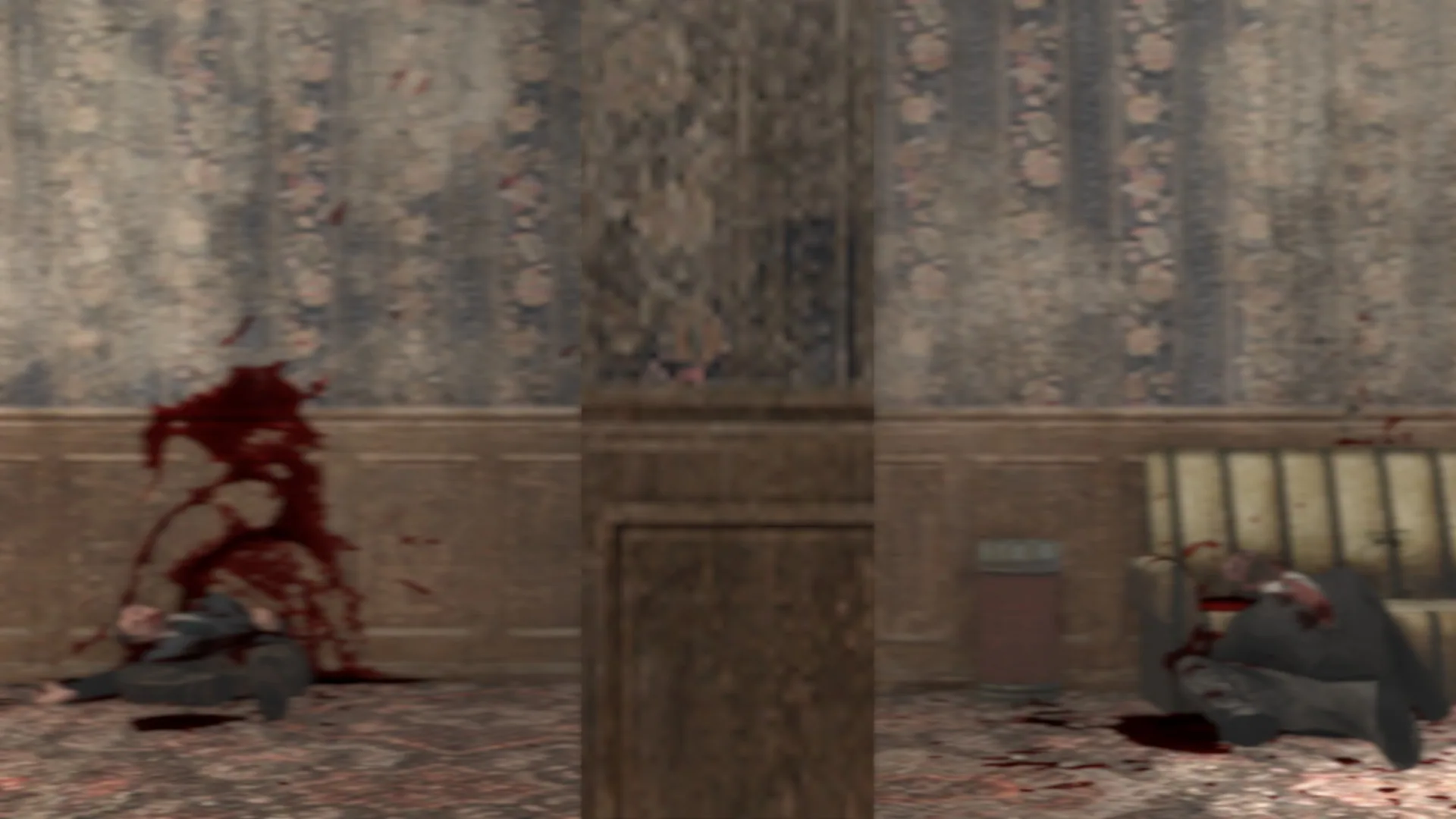
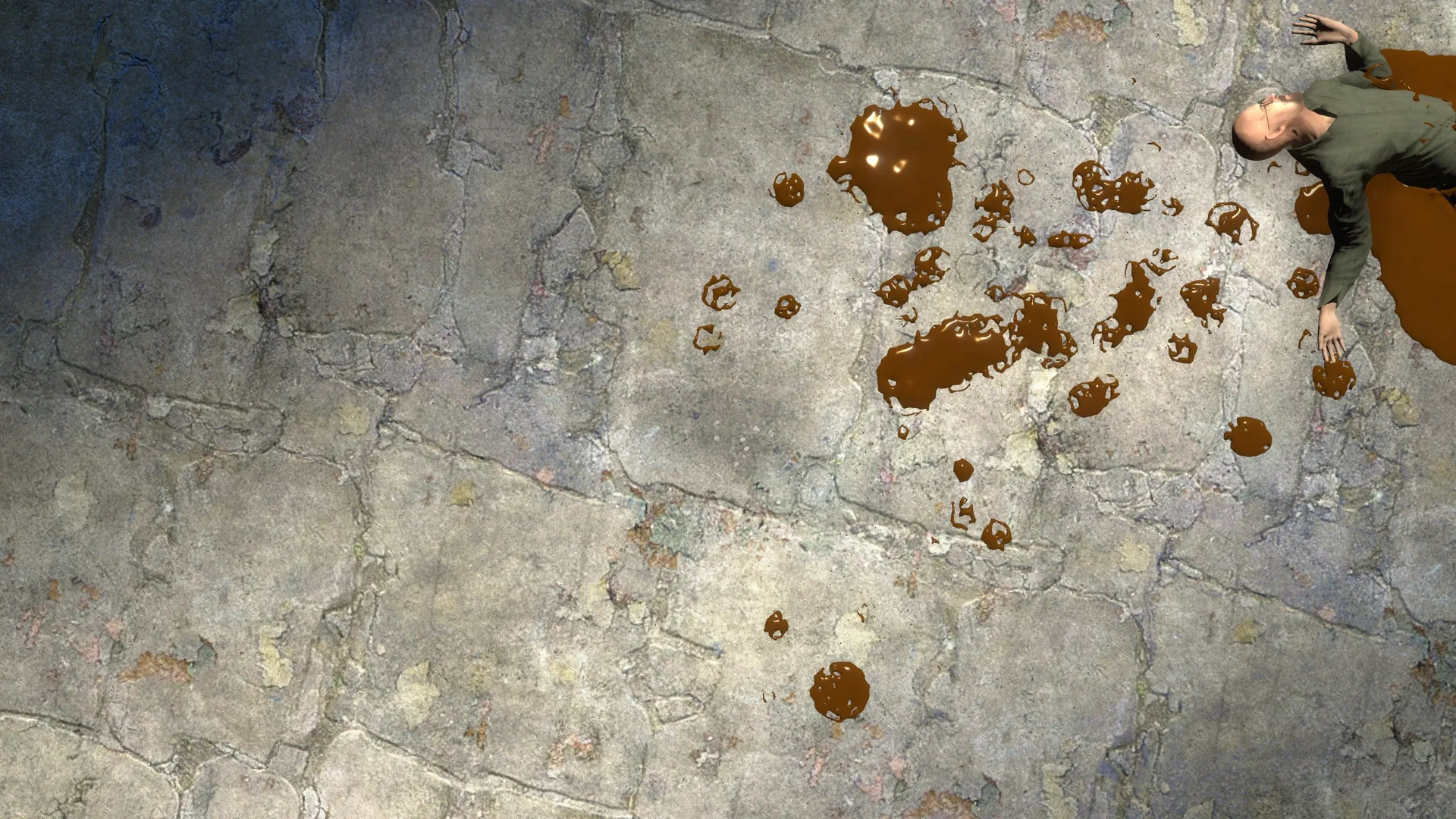
Blood reacts to props and spreads over uneven surfaces, providing a more immersive and realistic experience after shooting NPCs.
Requirements and Installation
- GWater2 is required. Subscribe and install it properly; simply subscribing on the workshop is not enough. You must download and run a .bat file from GitHub as part of the installation. Refer to the video guide if needed.
- Enable Keep Corpses in your game settings.
How to Use
- Subscribe to GWater2 and install it as required.
- Start Garry's Mod.
- Press the "G" key after loading into a map to open the GWater2 settings menu.
- Go to the "Presets" tab and select the "Blood" preset (should be installed by default).
- Adjust settings in the Q menu under the "GBlood" section. You can try different presets discussed on the workshop page for optimal results.
Customization
- The blood system is highly customizable. Settings can be tweaked in the Q menu, including blood amount and behavior. You may need to spend a few minutes adjusting these to your preference.
Troubleshooting
- If water spawns instead of blood: Press "G" to open the GWater2 menu and select the "Blood" preset.
- If the menu doesn't appear on pressing G: Ensure GWater2 is installed correctly. Installation requires more than just subscribing; follow the video guide for proper setup.
- If the menu still doesn't show: Check if the menu is bound to the "G" key in the GWater2 settings (accessible via the Q menu).
- If blood pools don't appear: Make sure "Keep Corpses" is enabled.
Additional Information
- Works in multiplayer.
- Does not conflict with other blood mods.
- All options are located in the "GBlood" section of the Q menu.
Recommended Mods
- Remove Blood But Keep Wounds - Disables blood decals but keeps wound visuals
- VIOLENT WOUNDS - Improves wound textures
- Universal Entry and Exit Wound mod - Adds exit wounds to NPCs
Screenshots 12

Comments 3
неплохой мод, надо будет поиграть с ним
Ждëм новых материалов
Прикольный мод
Log in or sign up to leave a comment.