















Find your first coach Quick Job in ETS2, drive the operator’s vehicle, board your passengers and collect the payout.
Contents
Quick Jobs in the Coaches DLC are the easiest way to try passenger work on your existing ETS2 profile. The operator supplies the vehicle for the run, so you can start without buying a coach or arranging garage space.
Switch to Coach mode and open Quick Jobs
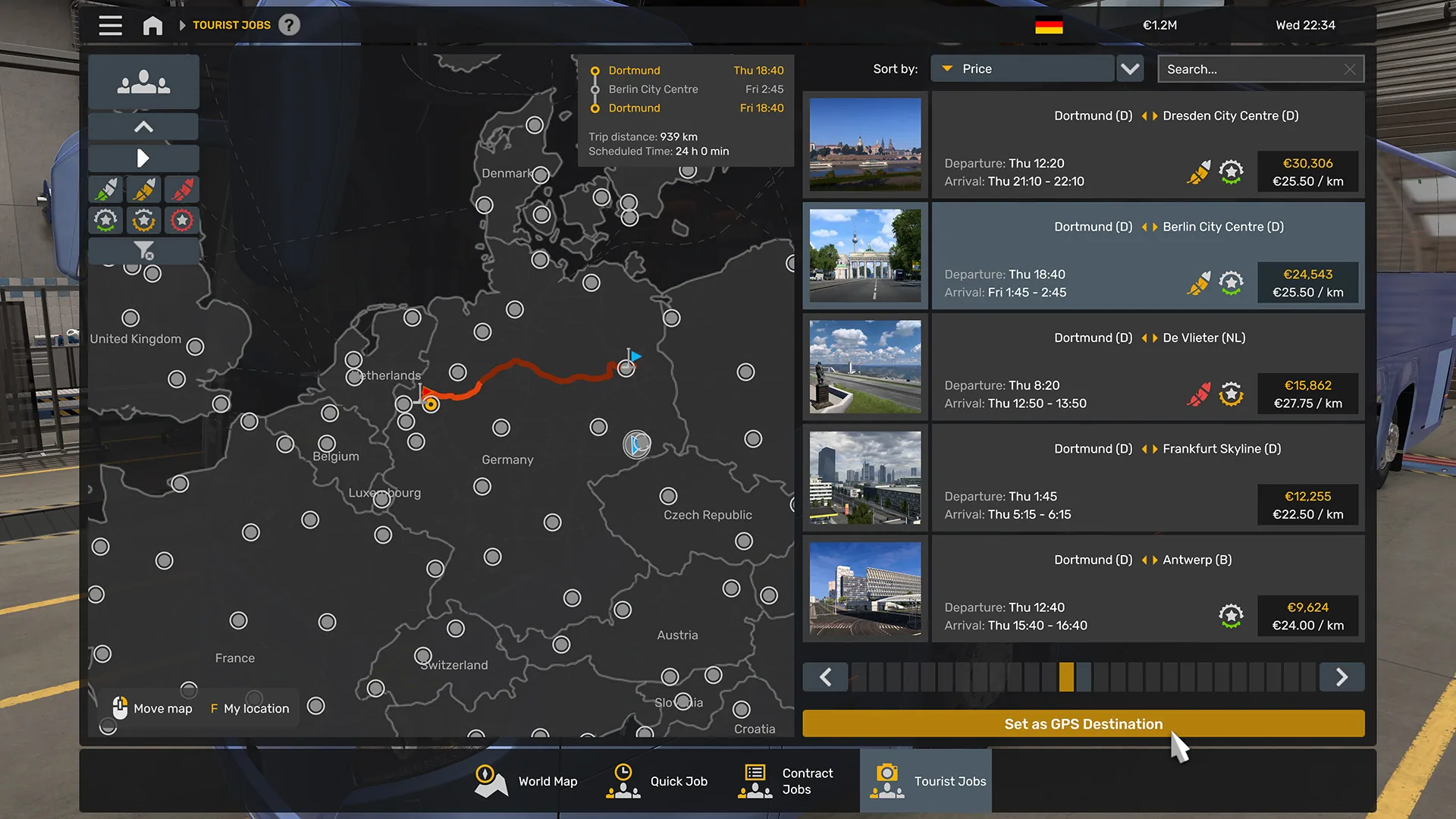
Switch from Truck to Coach mode in the main menu and open Quick Jobs. Pick a departure city on the job map, then compare the distance, destination and vehicle shown on the offers. A short daylight run gives you room to learn the coach’s dimensions.
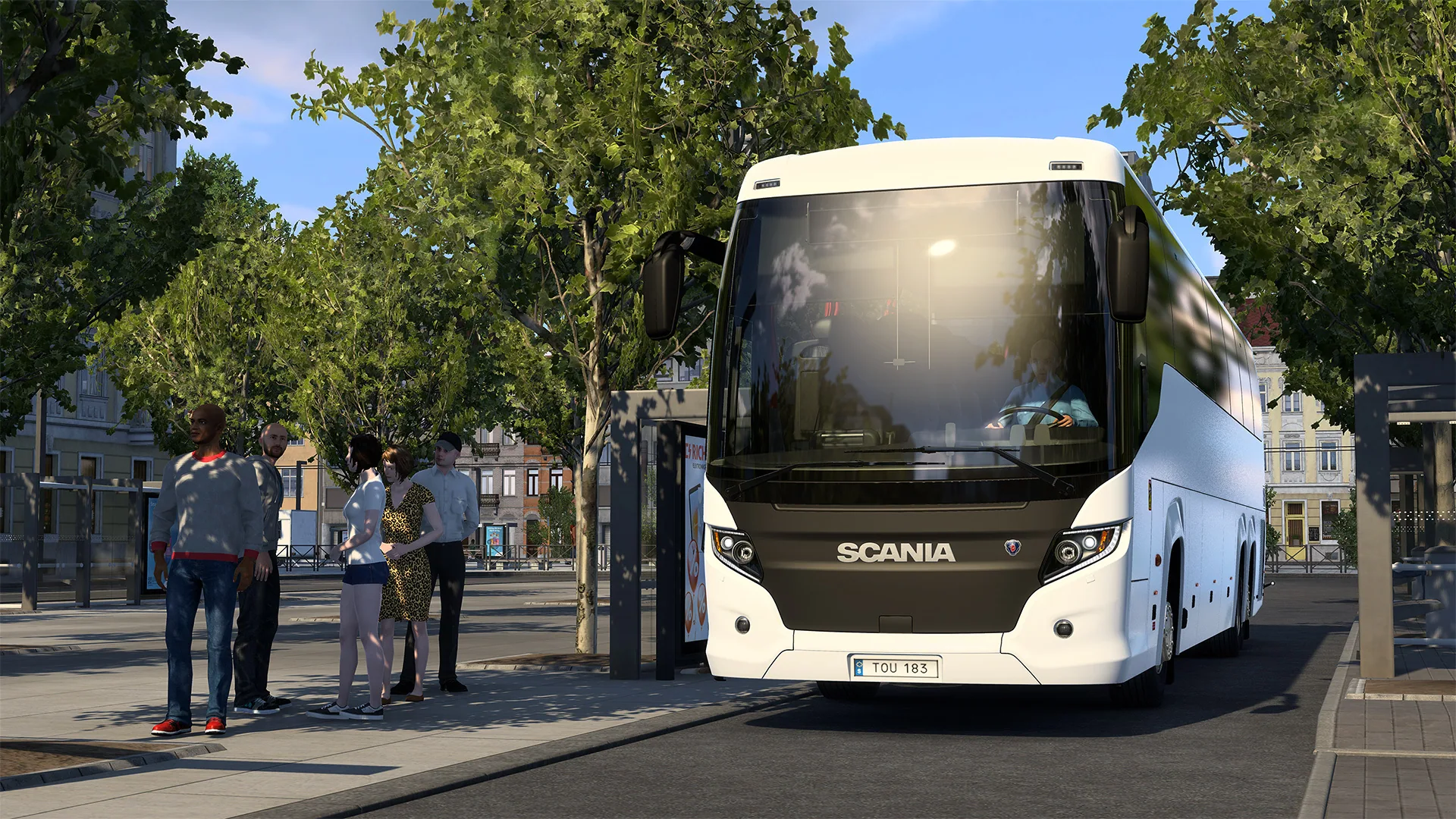
Pull up to the boarding point
After accepting the offer, follow the first objective on the navigator. At the station, line up with the marked bay until the boarding prompt appears. Watch the nearside mirror because the back of a long coach takes longer to clear the curb. Wait for boarding to finish and for the navigation objective to update.
Drop off your passengers and check the result
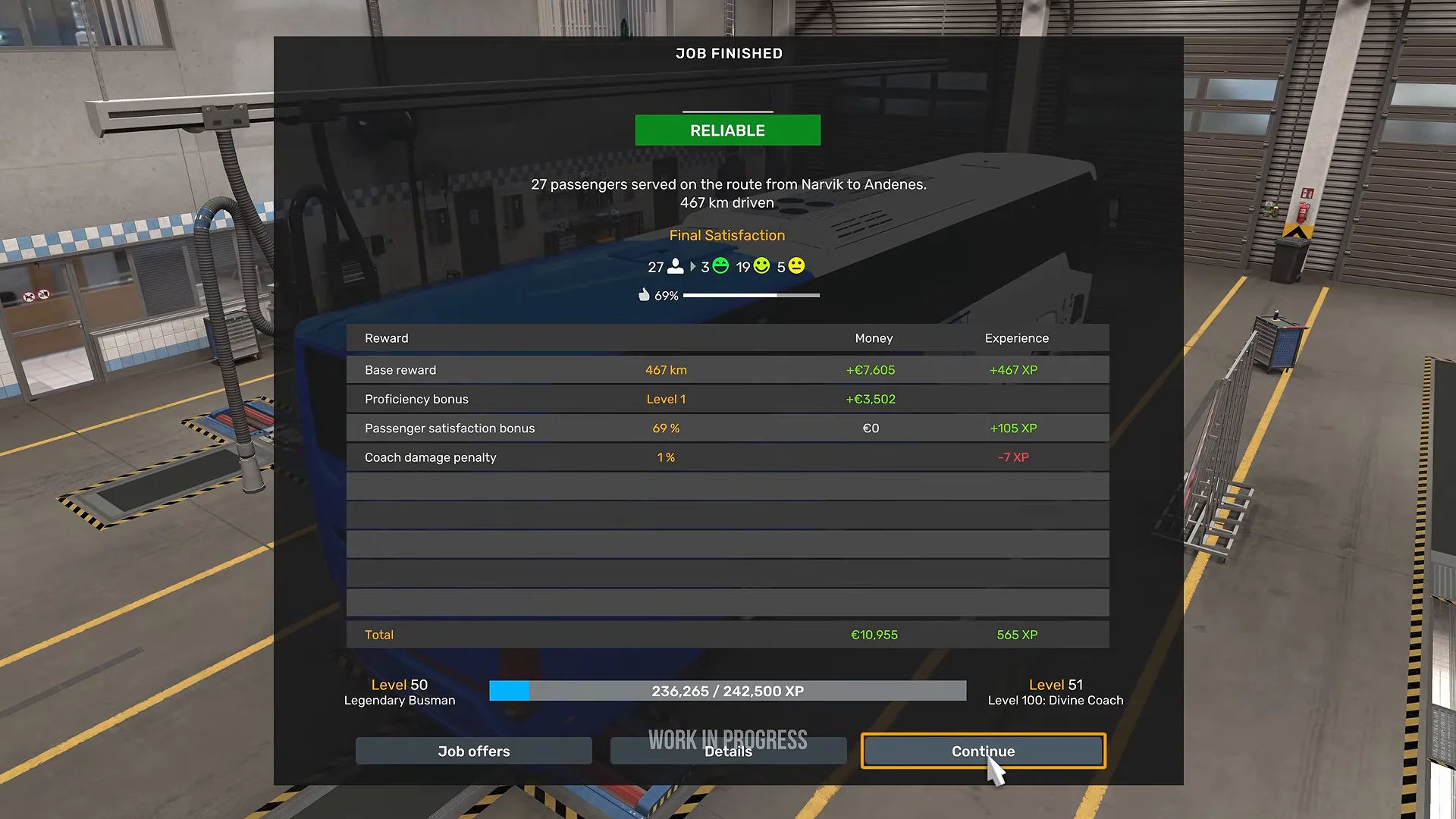
At the destination station, use the active bay and follow the on-screen prompt to let people off. Wait for the results screen. The payout goes into the profile balance you also use in Truck mode. The operator’s coach stays with the operator when the job ends.

Comments 0
No comments yet — be the first.
Log in or sign up to leave a comment.