













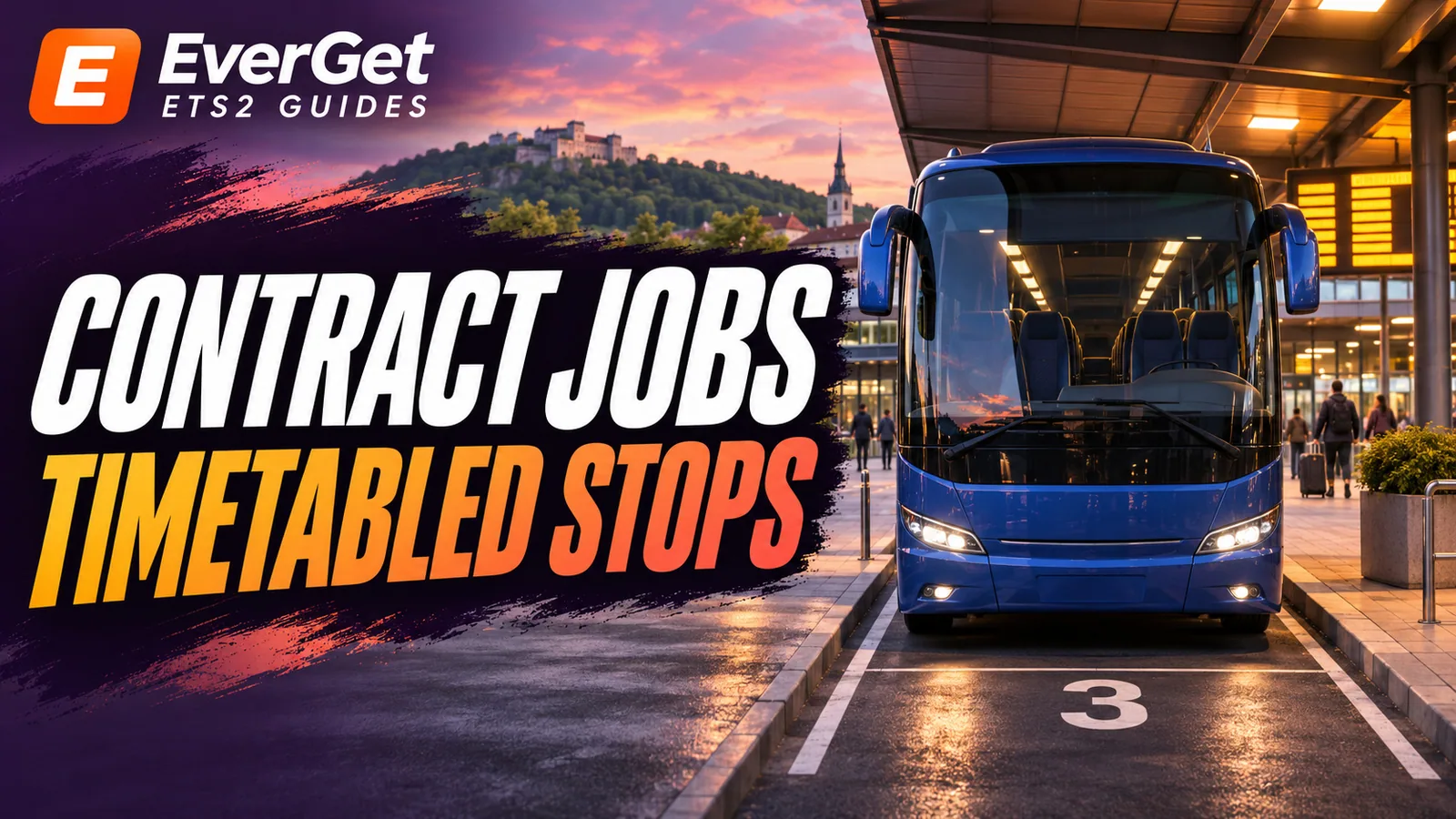


Pick a contract job in ETS2 Coaches, start at the correct station and serve the intermediate stops in the timetable.
Contents
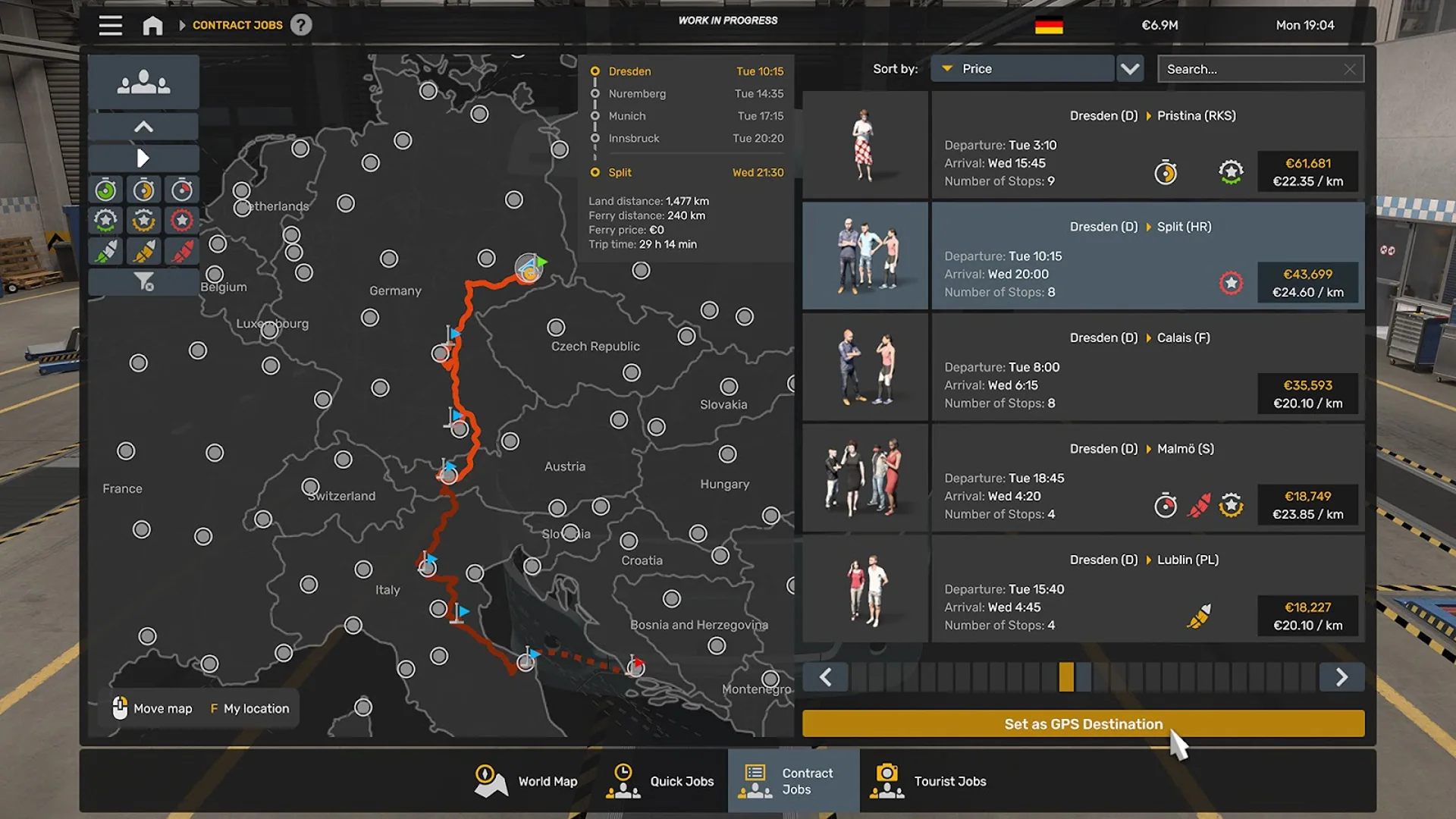
Contract work begins by taking your own coach to the departure station. The offers depend on your location, and you can inspect the itinerary before committing.
Pick a service near your coach
Open Contract Jobs in Coach mode. Browse the nearby offers and identify the departure station. For a first contract, choose a line with only a few stops. Keep the origin and destination separate in your head, since you first need to drive the coach to the origin.
Bring your coach to the station and confirm departure
Drive to the starting terminal and confirm your line when the station menu appears. The game advances to the scheduled departure time. Follow the boarding prompt and make sure the navigator changes over to the first stop on the line.
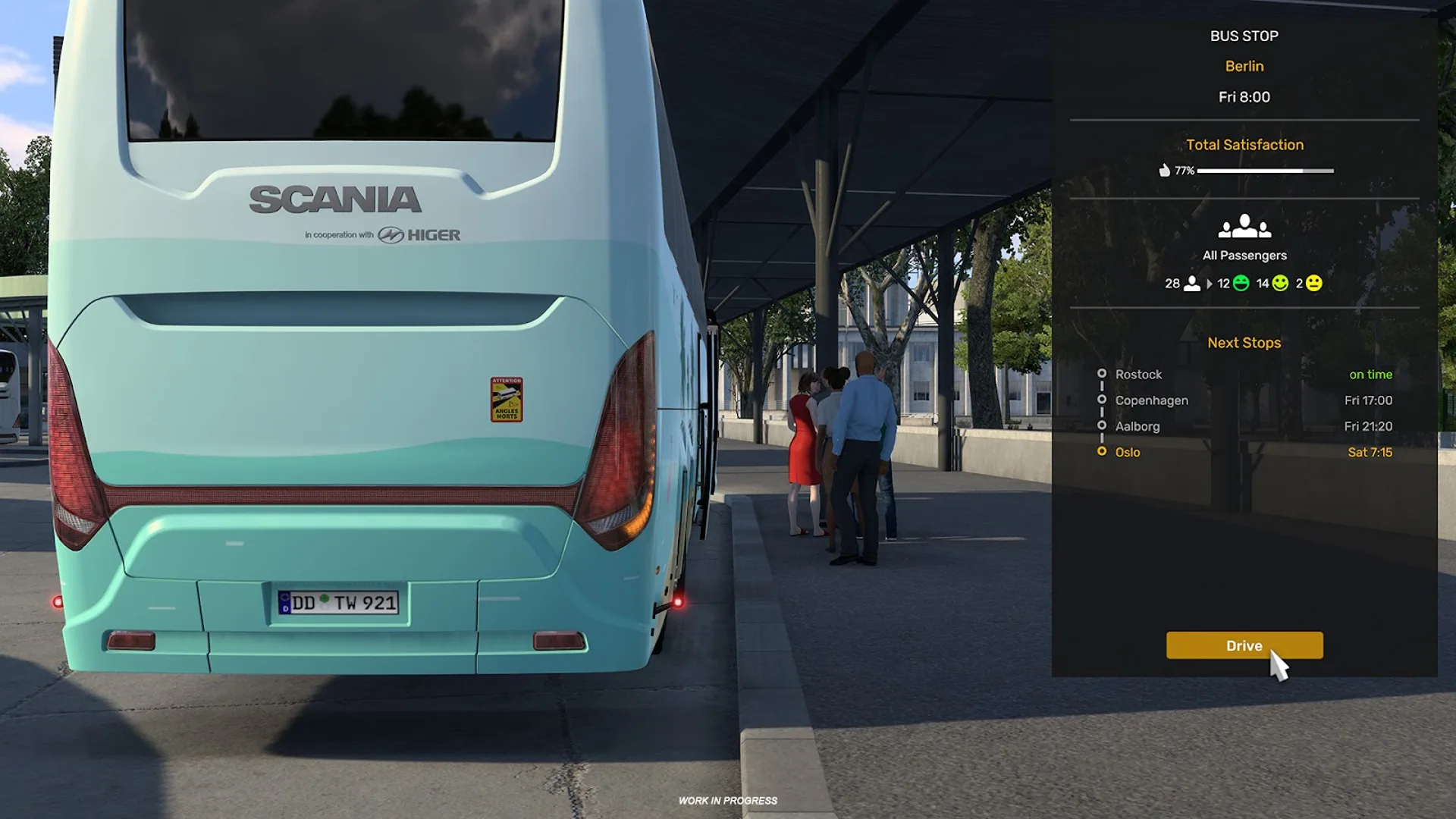
Serve the stops in order and check the next objective
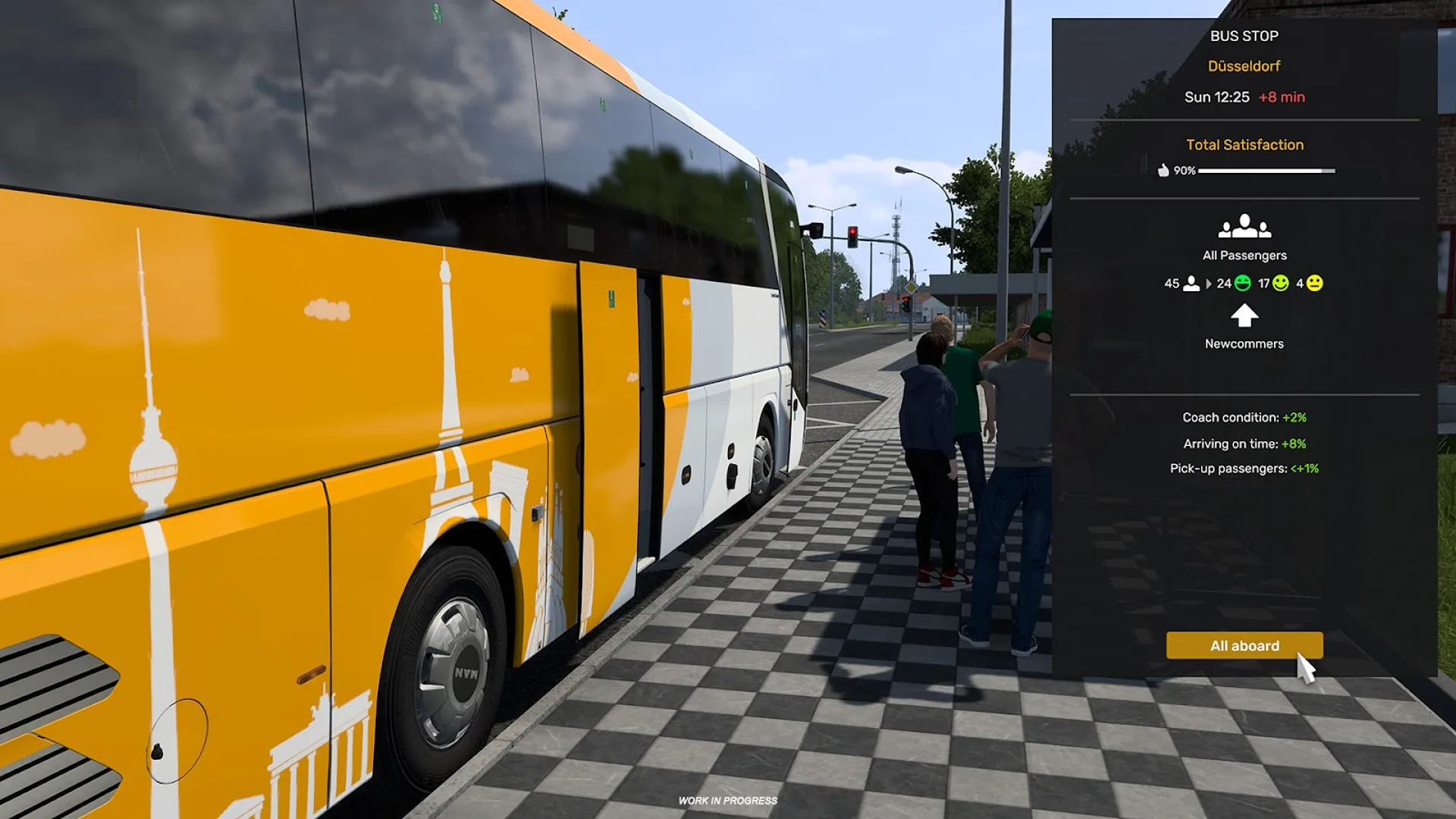
Pull into the active bay at each station, wait for boarding or unloading to finish, then check the next objective before moving off. If the final destination is visible on the map, do not take a shortcut to it while another scheduled stop remains. Check your results after unloading at the terminus.

Comments 0
No comments yet — be the first.
Log in or sign up to leave a comment.