










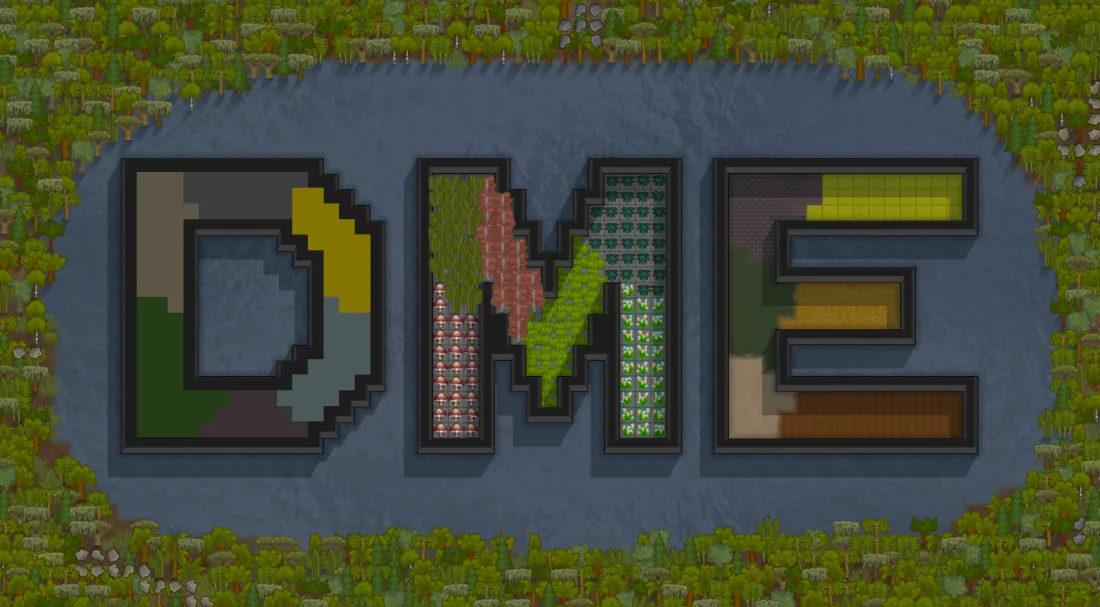



Direct Map Editor is an in-game map editing tool that allows you to modify the current map directly. You can instantly place, edit, and remove buildings, floors, natural terrain, water, rocks, ores, plants, roofs, and more without requiring resources or…
Contents
Direct Map Editor is an in-game map editing tool that allows you to modify the current map directly. You can instantly place, edit, and remove buildings, floors, natural terrain, water, rocks, ores, plants, roofs, and more without requiring resources or pawn labor.
The editor automatically detects supported objects from loaded mods and provides various editing tools, including search, favorites, history, quick placement, an eyedropper, brushes, rectangular editing, area deletion, undo, and redo.
Main Features
・Direct editing of buildings, floors, natural terrain, water, rocks, ores, plants, roofs, and more ・Directly add or remove pollution when Biotech is installed ・Automatically detects supported objects from loaded mods ・Search by name, category, or mod ・Material selection for buildings ・Favorites, usage history, and quick placement ・Eyedropper tool to select objects directly from the map ・Automatically adds objects selected with the eyedropper to history ・Copy cell states ・Single-cell, drag, and rectangular placement ・Square and circular brushes ・Random placement of multiple plant types ・Single-cell, drag, and rectangular deletion ・Delete items, buildings, terrain, plants, rocks and ores, roofs, fog, power conduits, and temporary terrain (Odyssey DLC) ・Selectable deletion categories ・Overwrite placement within the same category ・Rotate placement direction using Q / E ・Grid display for editing areas ・Undo / Redo for up to 20 operations ・Change player-owned buildings to an unclaimed state ・Individually adjust the display width of each DME tool gizmo
How to Use
Open the Architect menu and select DME → Map Editor. Choose an object from the dedicated UI and place or edit it directly on the map.
Favorites, previously used objects, and objects selected with the eyedropper can be accessed quickly through Quick Placement. During single-object placement, use Q / E to rotate the placement direction. The maximum brush size is 20 cells. Rectangular placement and deletion support up to 1,600 cells per operation. Random placement allows you to select multiple plant types and adjust placement density. Selected plants and density settings are saved.
Overwrite Placement
Overwrite placement is enabled by default. For safety, overwriting is restricted to compatible objects of the same type or category. For example, terrain can replace terrain, plants can replace plants, and compatible buildings can replace other buildings. This feature does not forcibly remove objects from different categories. Use the deletion tools first when necessary.
Undo / Redo
The editor stores up to 20 editing operations in its history. Undo / Redo is intended as a recovery tool for editing mistakes. Some special objects or map states may not be fully restored. Single operations affecting more than 5,000 cells are not saved in the undo history.
Adding or Removing the Mod Mid-Game
Direct Map Editor can be added to existing save games. Removing DME mid-game generally does not remove map changes previously made with the editor. However, this does not apply if you remove another mod that provides objects placed through DME.
DLC and Mod Compatibility
No DLC is required. The mod was developed and tested with Ideology, Biotech, and Odyssey installed.
However, full compatibility with special behaviors or placement requirements introduced by DLCs and other mods cannot be guaranteed. Some special objects may behave differently from normal or may not be placed correctly through DME.
Mod Settings
Settings → Mod Settings → Direct Map Editor DME's editing features can be enabled or disabled. They are enabled by default.
Supports RimWorld 1.6 and 1.7 and English, Japanese and Simplified Chinese. No dependencies. The author recommends a separate save before large or unusual edits.

Comments 0
No comments yet — be the first.
Log in or sign up to leave a comment.