












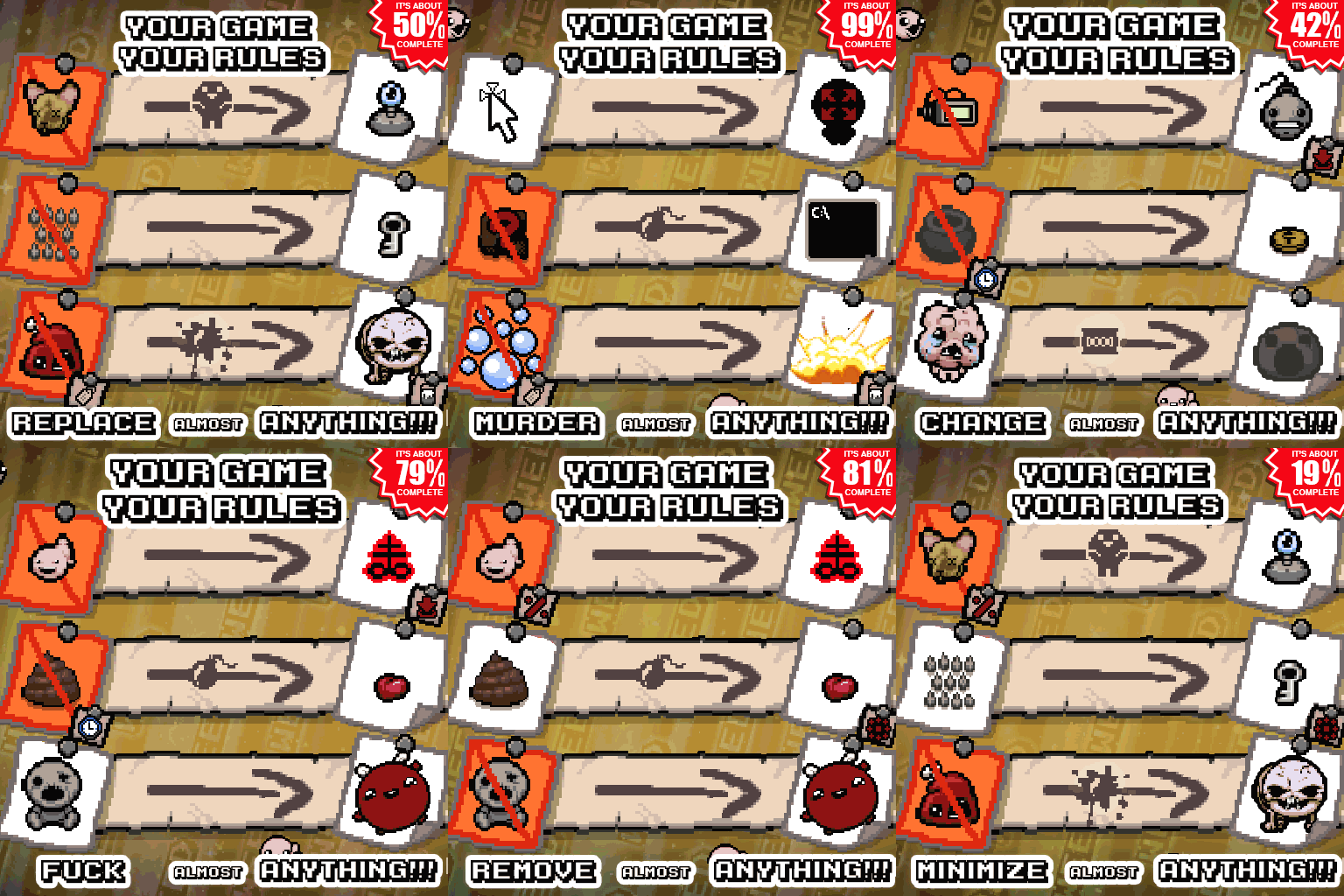



Da Rules adds a sandbox menu to The Binding of Isaac: Rebirth, letting you manipulate monsters, items, effects, and more. Includes rule sharing, mod support, and challenge modes.
Da Rules - A Sandbox Menu Thingy [Rep/Rep+/AB+]
v20.11.2026 · ModsFire, 3.4 МБ ·
6 downloads
Contents
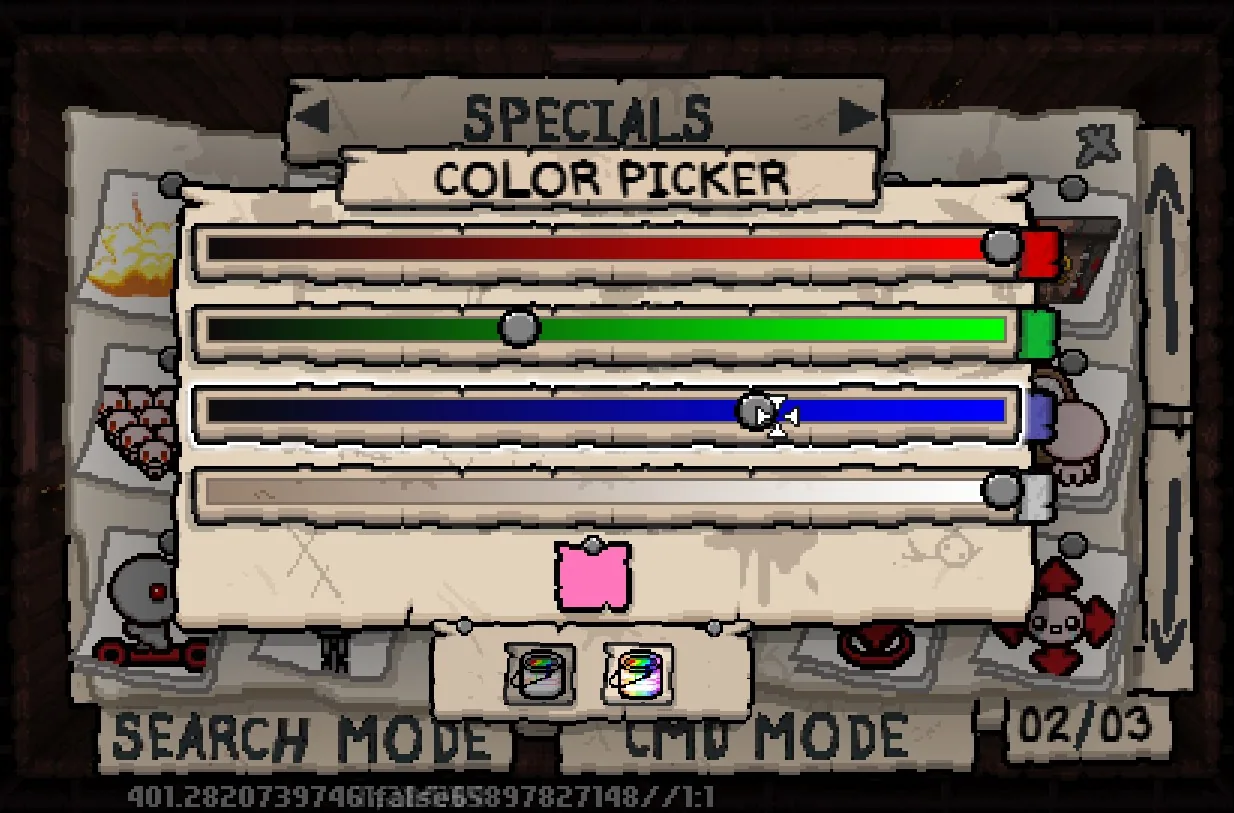
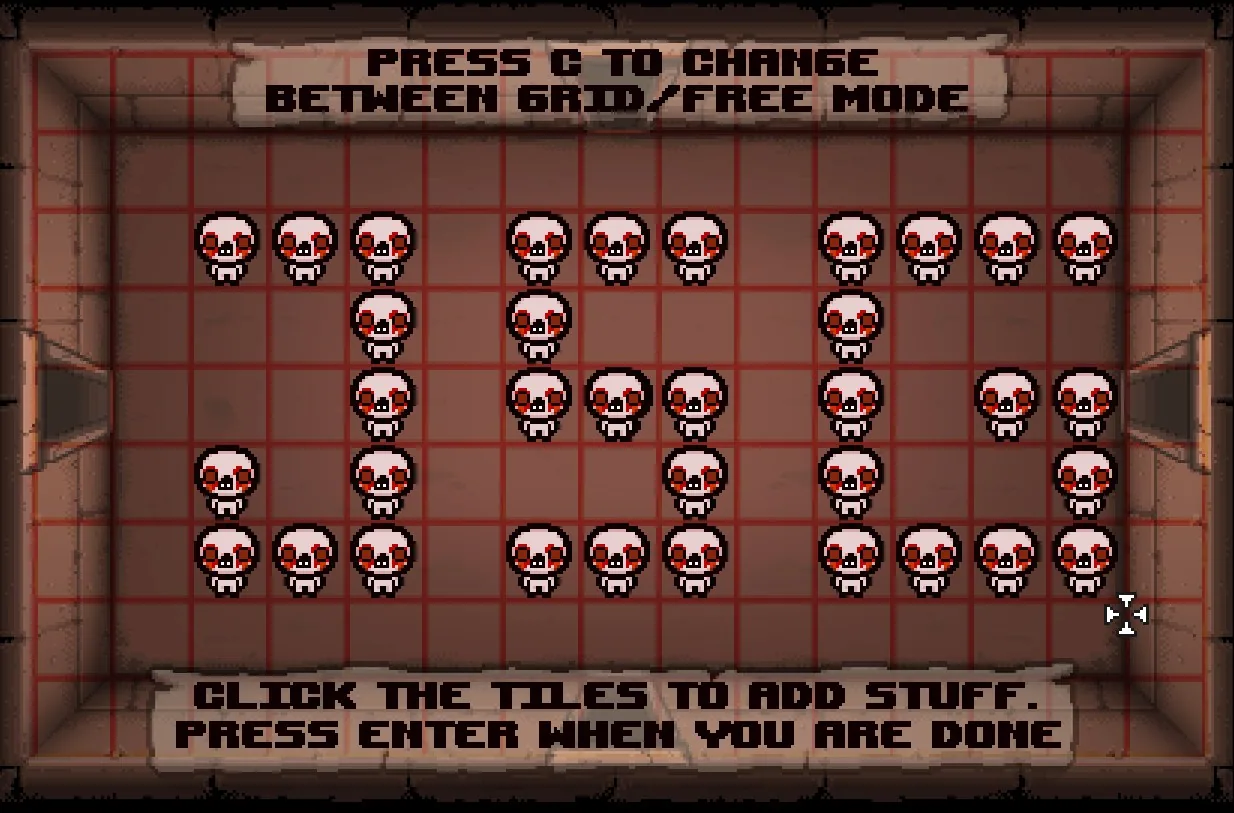
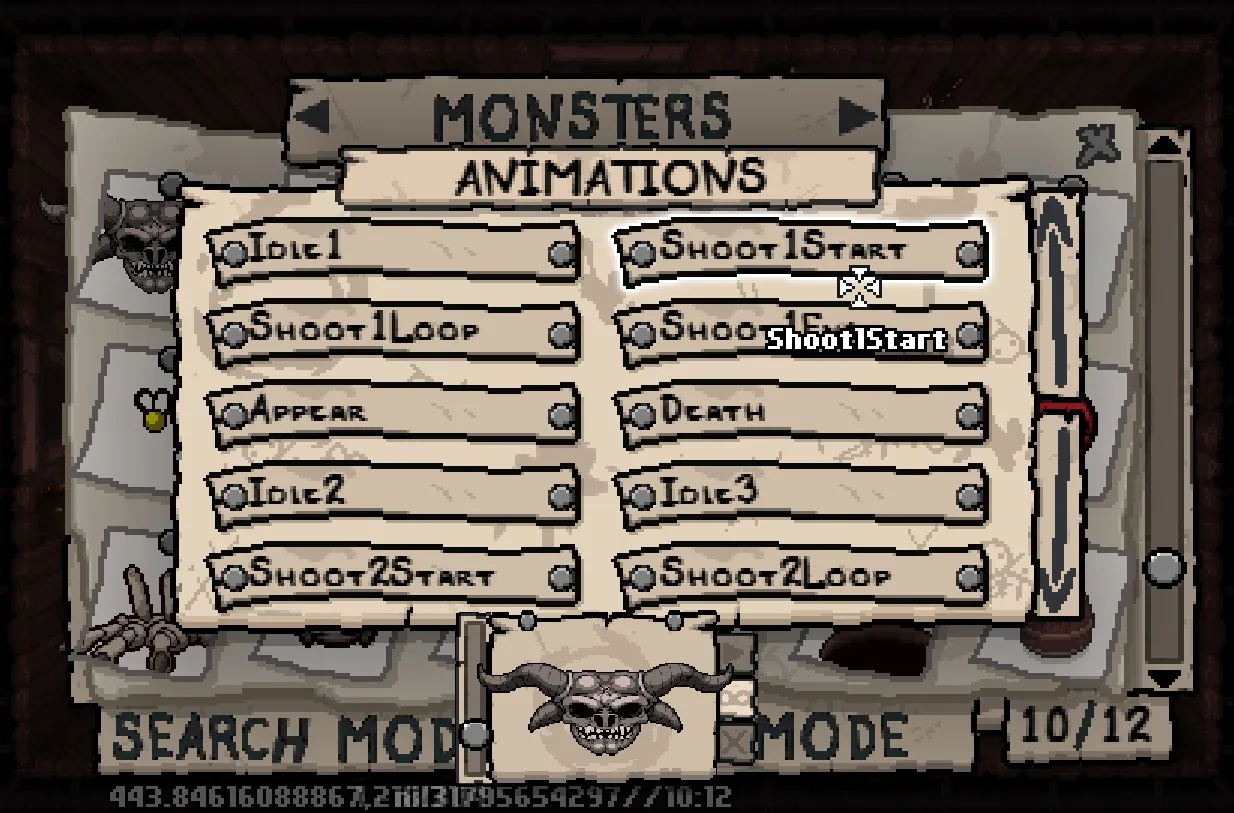
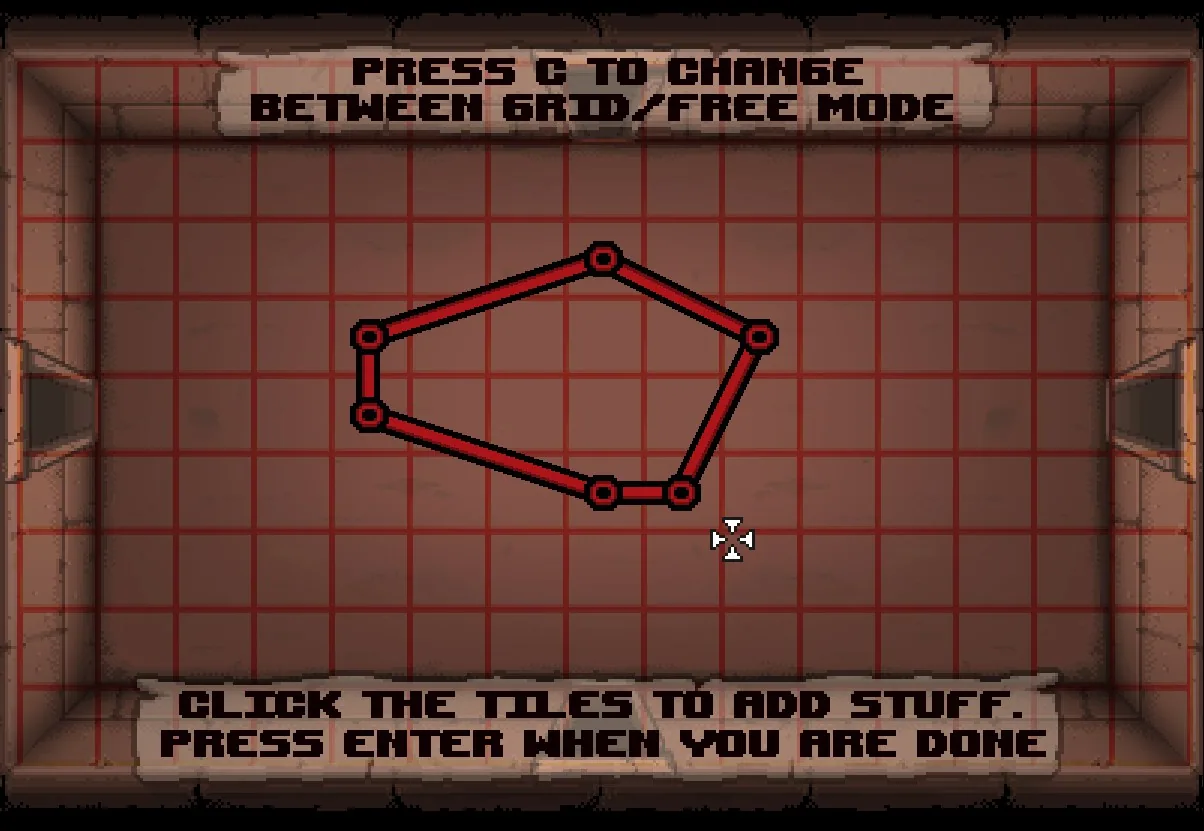
Da Rules is a sandbox-style menu mod for The Binding of Isaac: Rebirth (Repentance, Rep+, Afterbirth+) that lets players manipulate nearly every aspect of the game, including monsters, visual effects, items, and more. The menu allows you to replace, resize, push, rotate, attach, path, animate, change costumes, and perform many other actions on game entities.
Main Features
- Sandbox menu for editing in-game elements such as monsters, items, effects, and pickups.
- Actions include replacing, resizing, pushing, rotating, attaching, pathing, animating, changing costumes, and more.
- Simple menu interface, with a tutorial accessible via the '?' button.
- The menu is opened with the J key (configurable). The full menu can only be accessed in the starting room of each floor; elsewhere, a limited "Bonus Spawner" menu is available for spawning entities and using some special features.
- Controls:
- J key: Open the menu.
- Click: Select and change items.
- Right Click: Edit attributes of sources, targets, specials, conditionals, or modifiers; view variants in Monster/Pickup selectors.
- Enter/Right Shift/Right Ctrl: Confirm selections.
- The "Bonus Spawner" menu auto-hides when the mouse is at the top of the screen and reappears when the mouse is moved to the bottom.
Challenges
- "Rules Play Ground" challenge: Allows unrestricted experimentation with achievements disabled.
- "Rules Disabled" challenge: Lets you disable all rules if you get locked out of the game.
- Using the console command
saferulesenters challenge mode and disables achievements (works only on Rep unless you have rgon).
Rule Sharing and Backup
- Rules can be shared in three ways:
1. Turn your rules into a challenge (see the mod's readme for instructions).
2. Share rules via console by pasting the rule text and using
loadcmdrules data(character limit applies). 3. Import rules from a save file by pasting them into the appropriate section and usingimportpresetrulesin the console (no character limit). - Save locations:
- Main:
maingamefolder/data/darules/ - Afterbirth+:
Documents\My Games\Binding of Isaac Afterbirth+ Mods\da rules_2403871374 - Regularly back up your rules to avoid losing them during events like game reinstalls.
- Some newer specials are only compatible with Repentance; avoid sharing such rules with Afterbirth+ users.
Mod Support
- Entities from the following mods are accessible in the entity selector's "Mods" section:
- Revelations
- FiendFolio
- Deliverance
- Retribution (Rep)
- Entities from other mods can still be used via "cmd mode" even if not listed in the menu.
- For best reliability, use Da Rules alone or with as few other mods as possible. Using many mods may decrease stability.
Tips
- To trigger an action repeatedly, use a conditional timer with a low value (e.g., 0.01s).
- If a rule doesn't apply as expected, try adding a delay to resolve conflicts with other mods. Note that this may bypass anti-crash measures.
Known Issues and Limitations
- Some rule effects may not persist after quitting and continuing a run.
- Co-op and multi-character support is limited; some features may not work correctly in these modes.
- Using Enter to confirm may spawn babies if using the keyboard as player 2; use Right Shift or Right Ctrl instead.
- Stage-specific rules do not work in Greed mode.
- Undo/redo functionality is unreliable and should not be relied upon.
- Incorrect rule setups can lock you out of the game; use the "disable rules" challenge to recover.
- Excessive use of GridEntity rules may speed up the game due to rule loops.
- Familiars rules may break when changing rooms, using certain mods, or picking up familiar items. Giving the player the item directly can help.
- Command actions have intentional slight delays.
- Entities from disabled mods can cause crashes if referenced in active rules; unload such rules before disabling mods.
- Most specials affecting movement/behavior do not interact with each other.
- Collision rules are unreliable.
Frequently Asked Questions
- Locked out due to a rule?
- Enter the "disable rules" challenge, remove the problematic rule, and re-enable your rules after starting a new run.
- How to make 'every item is ...'?
- Use "No QuestItems" as a source, then select any item as the target.
- Does this mod disable achievements?
- No. Achievements remain enabled unless you enter challenge mode with
saferules. - Can I release a mod/challenge made with Da Rules?
- No, please do not upload such content to the Workshop.
- Menu not working?
- Ensure the mod is enabled and press J in-game. If issues persist, check the console/log for errors.
- How to access trailer features?
- Type
devrulesin the debug console. - Is a keyboard/mouse required?
- Yes.
- Crashes with many mods?
- Try disabling other mods to troubleshoot.
Recent Updates
- Added new Add/Remove Curse Specials
- Added new Item Count Specials
- Improved (but still limited) co-op support
Screenshots 7
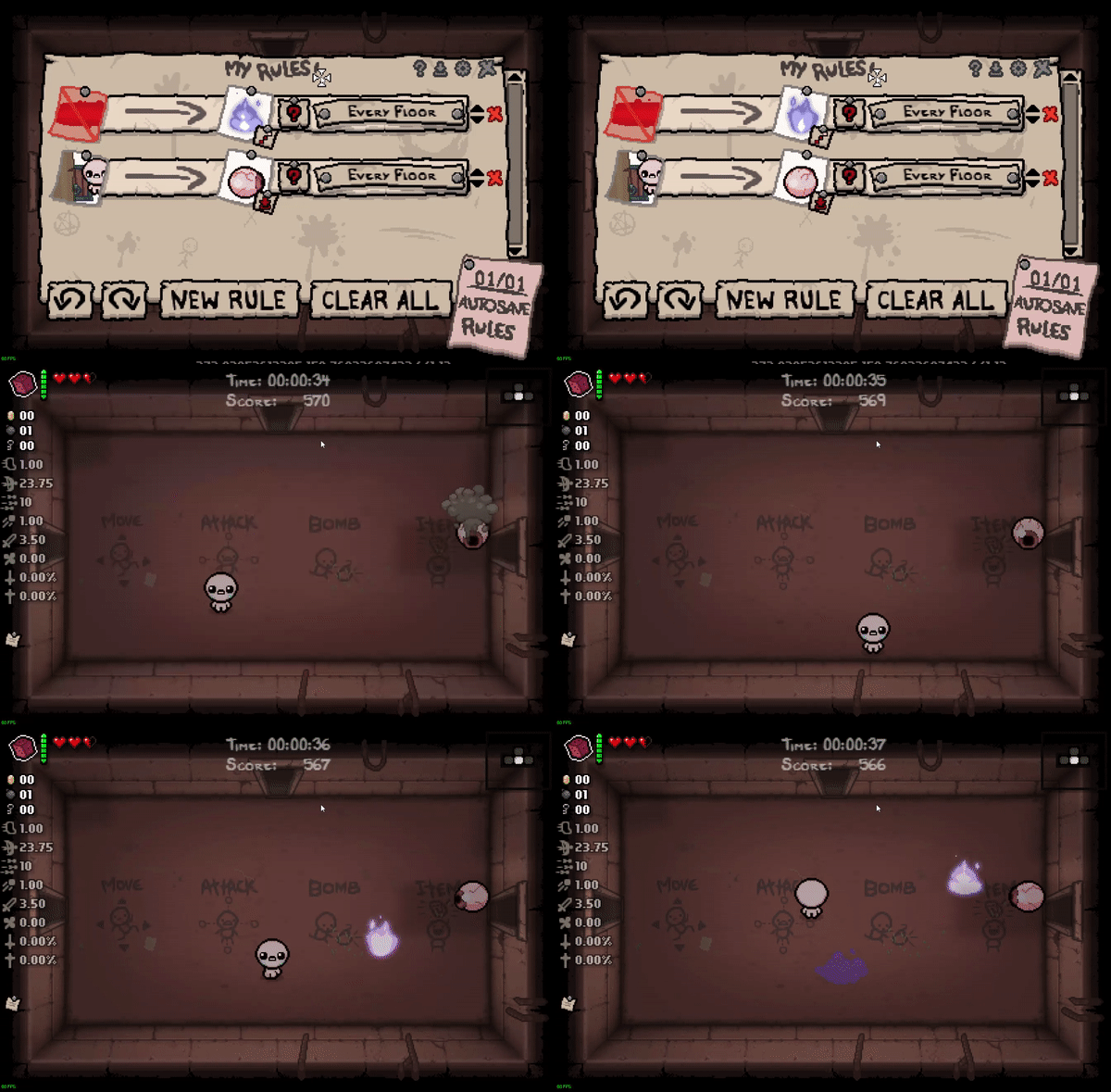
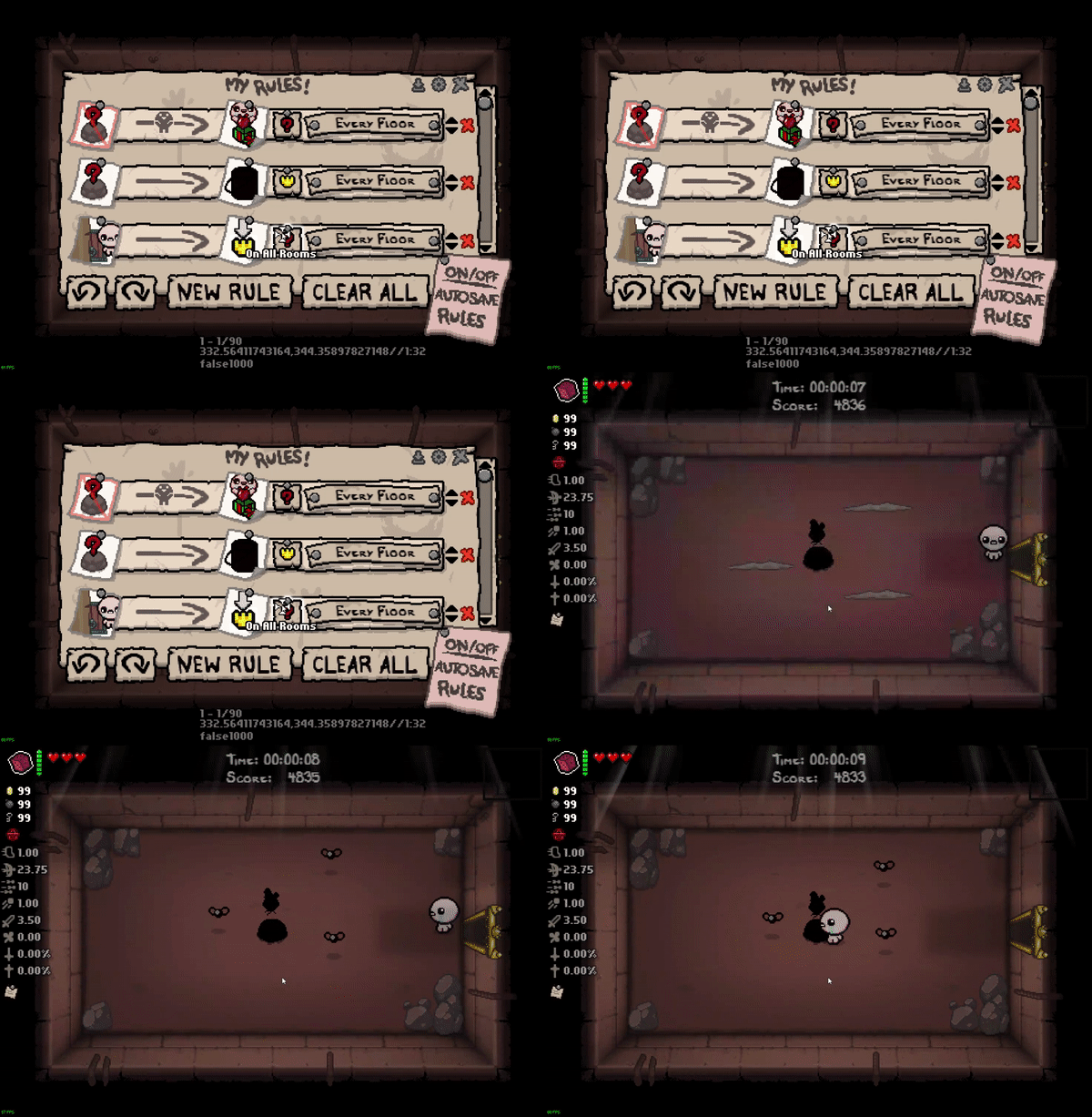
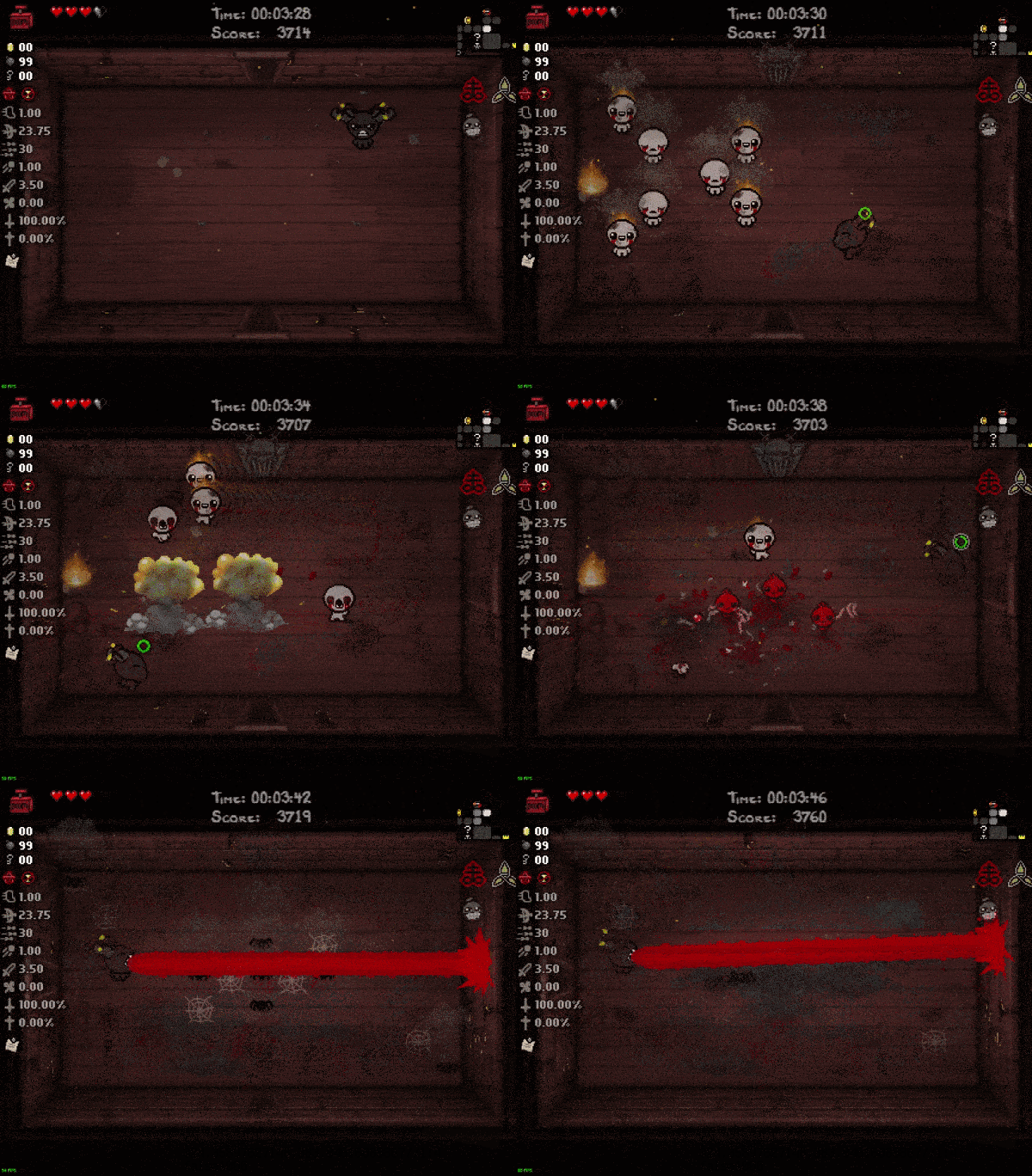

Comments 2
Обновление от 20.11.2026
Файл: Da Rules - A Sandbox Menu Thingy [Rep/Rep+/AB+]
Что изменилось:
20.11.2026:
- Proper fix for the rep+ clownery (blame Nicalis)
20.11.2026:
- temporary(hopefully) solution for Nicalis's rep+ fuckery of shaders and input
благодарен за мод
Log in or sign up to leave a comment.