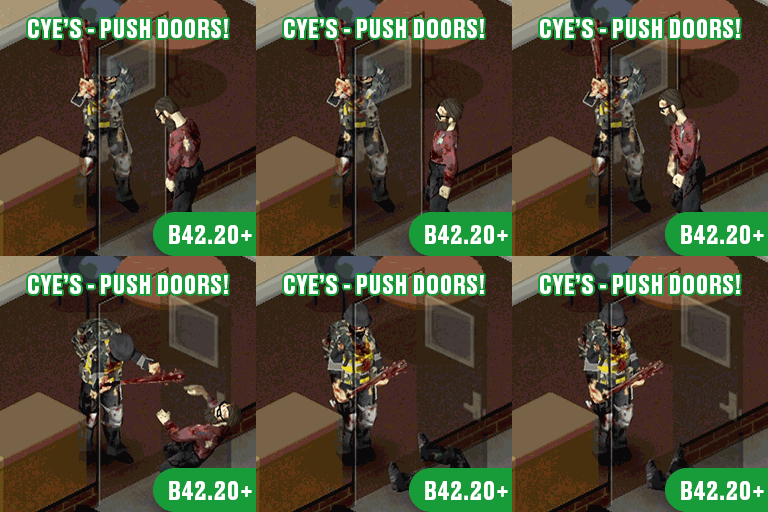

A zombie waiting behind a door creates an opportunity as well as a threat. Cye’s Push Doors! lets supported entrances strike targets directly behind them, turning an opening or closing motion into damage, a stagger, or a knockdown.
Contents
Cye’s Push Doors! — Make Every Doorway Count in Project Zomboid
A zombie waiting behind a door creates an opportunity as well as a threat. Cye’s Push Doors! lets supported entrances strike targets directly behind them, turning an opening or closing motion into damage, a stagger, or a knockdown.
Success depends on more than timing. Your character’s condition, the number of targets, and the construction of the entrance all affect the outcome. A door that helps against one zombie may refuse to move when a crowd presses against it.
Fight with the space around you
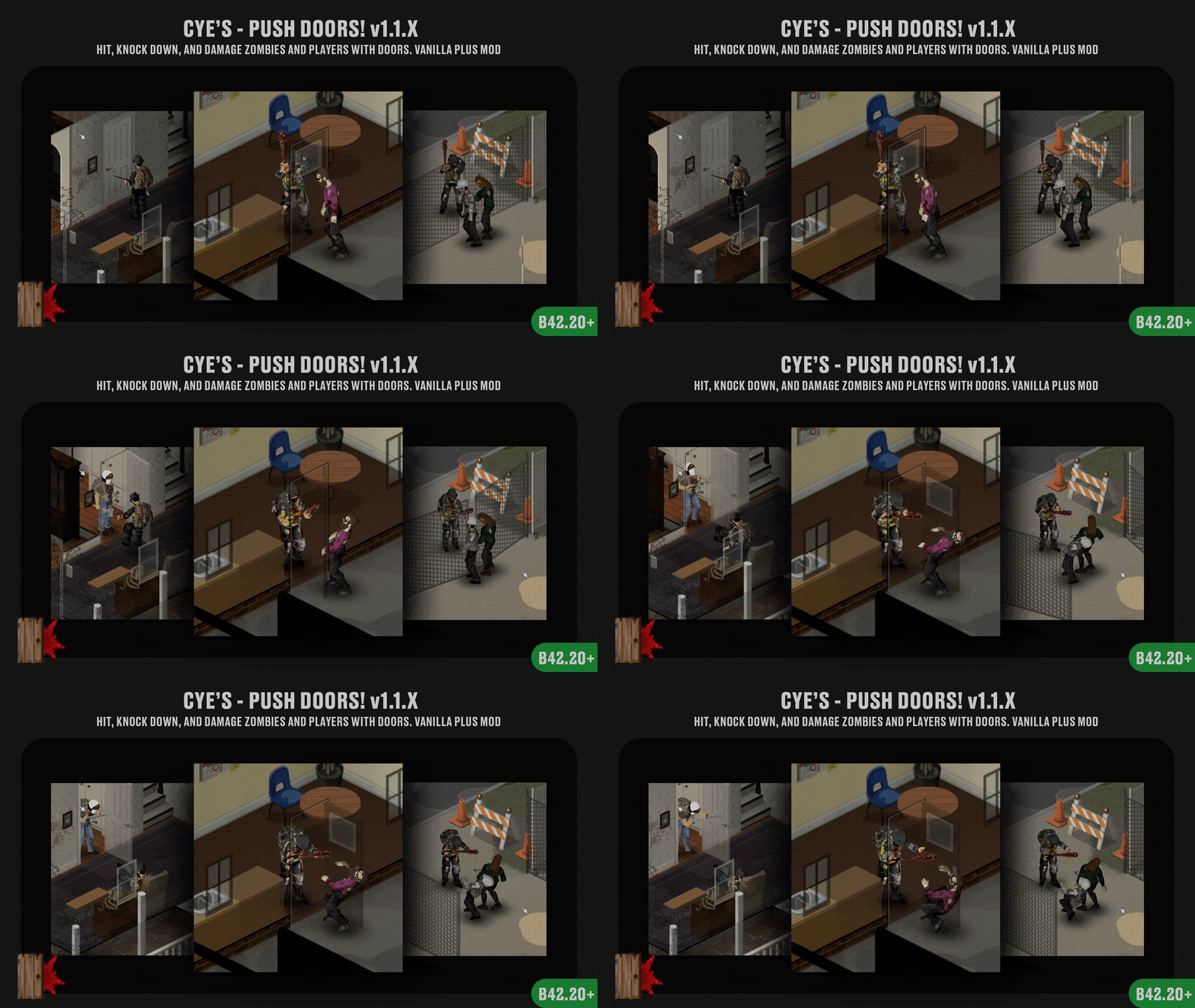
Door impacts work against standing and crawling zombies, with player impacts available under the appropriate multiplayer settings.
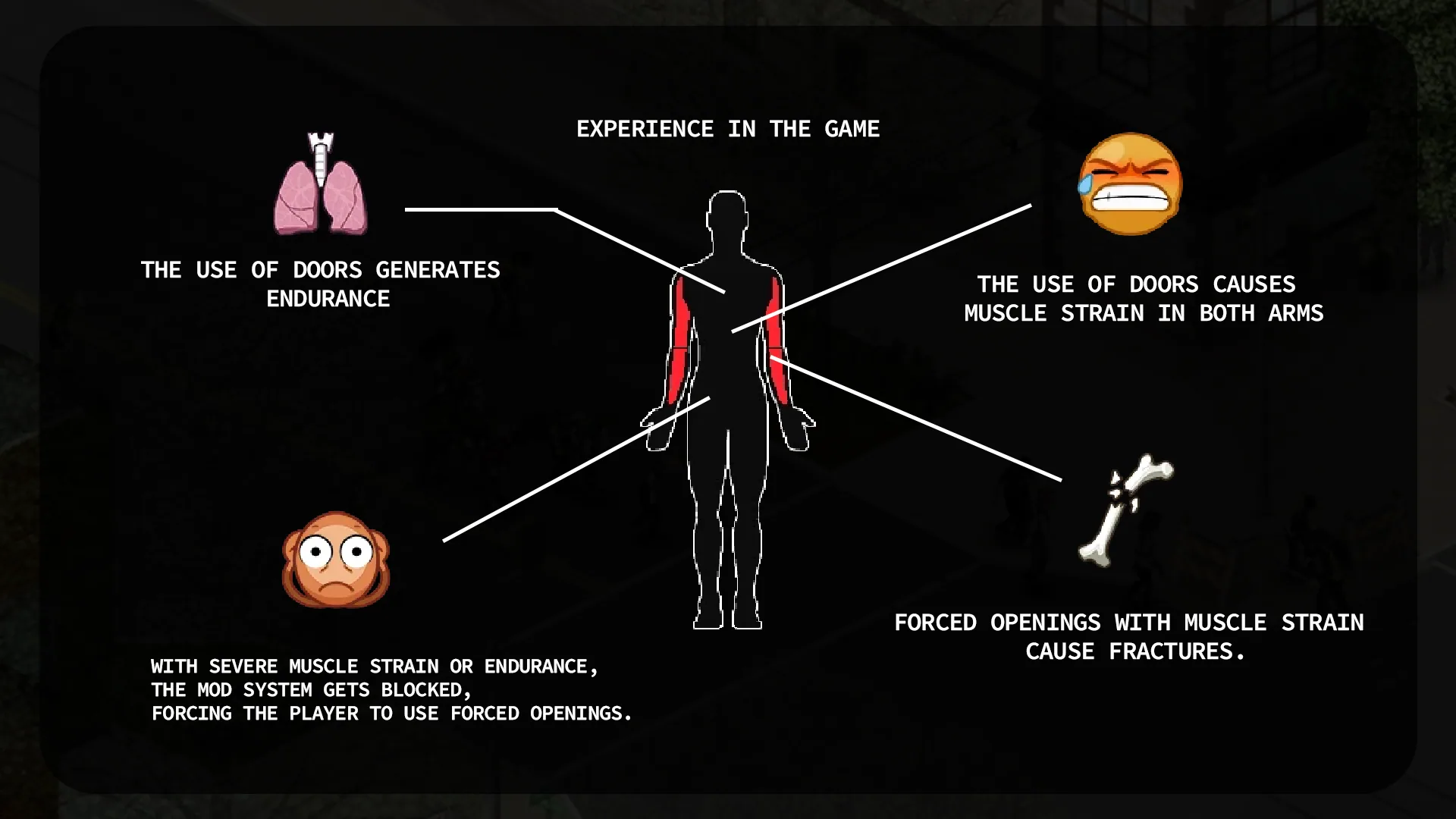
Strength governs damage, target capacity, and knockdown power. Fitness affects the physical cost and recovery, while repeated impacts consume Endurance and build Muscle Strain. Using the doorway repeatedly can leave your character less capable of handling the next encounter.
The mod steps in only when an impact, crowd pressure, or forced-opening situation applies. Ordinary interactions otherwise retain their vanilla behaviour.
Breaking through a blocked entrance
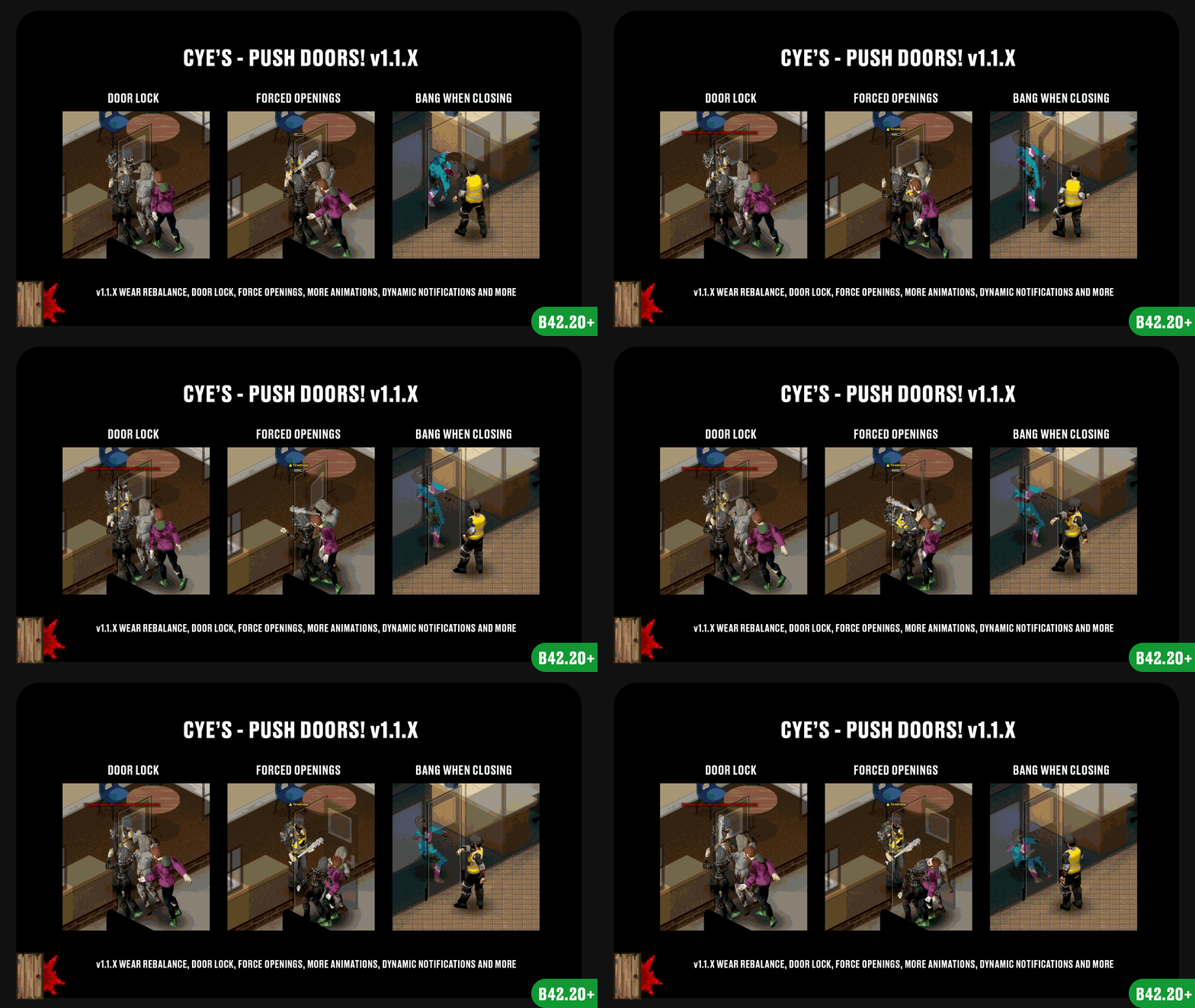
Crowds can prevent a normal opening attempt. Whether your character can move the entrance depends on Strength, the number of targets involved, and the side receiving the pressure.
A forced opening offers another option, using Alt + E by default. It demands considerable effort and increases both fatigue and Muscle Strain. There is also a chance of an arm injury, including a fracture, with greater strain making the attempt more dangerous.
That makes forcing an entrance a decision with consequences, especially when your character is already exhausted.
Different entrances, different outcomes
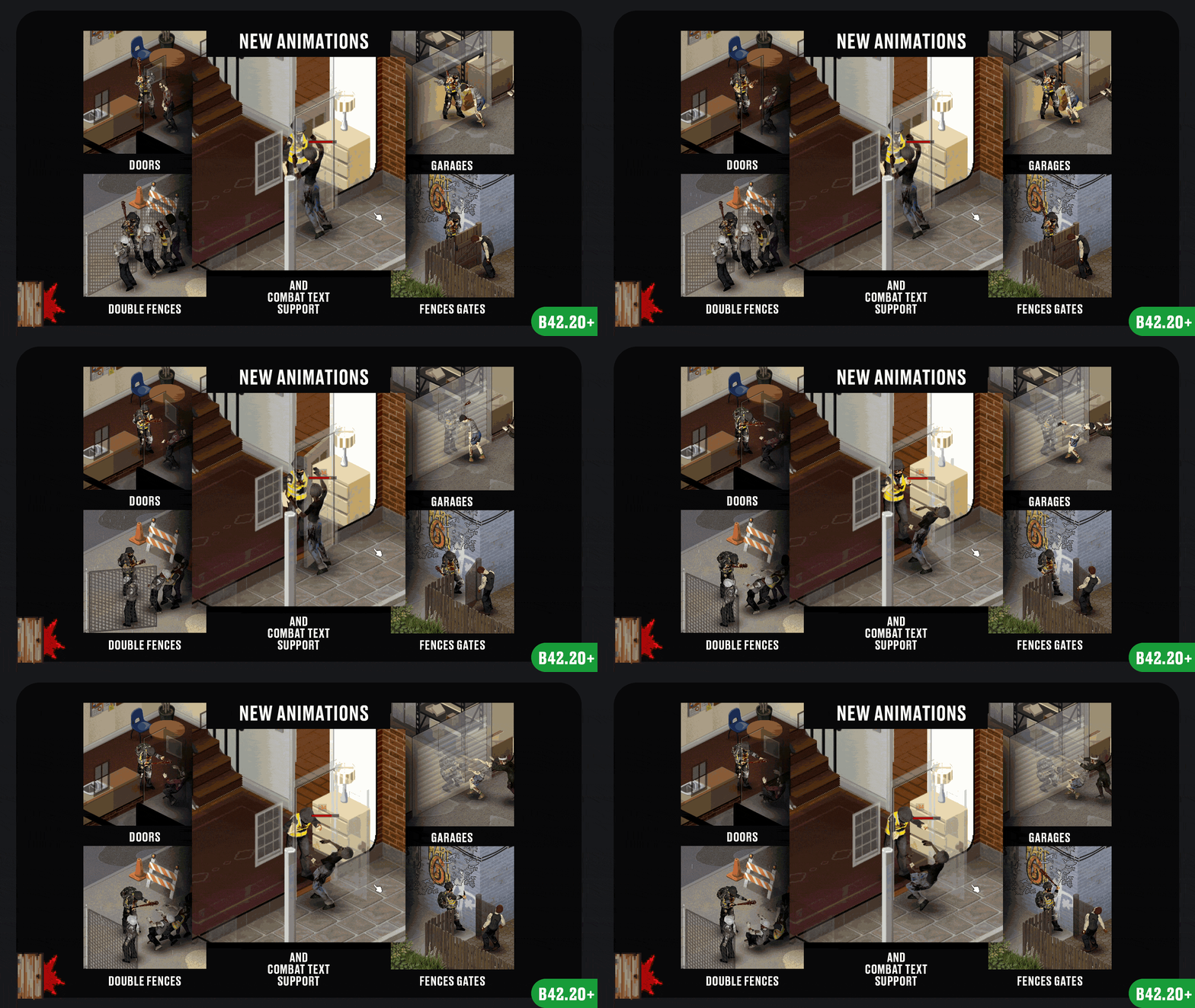
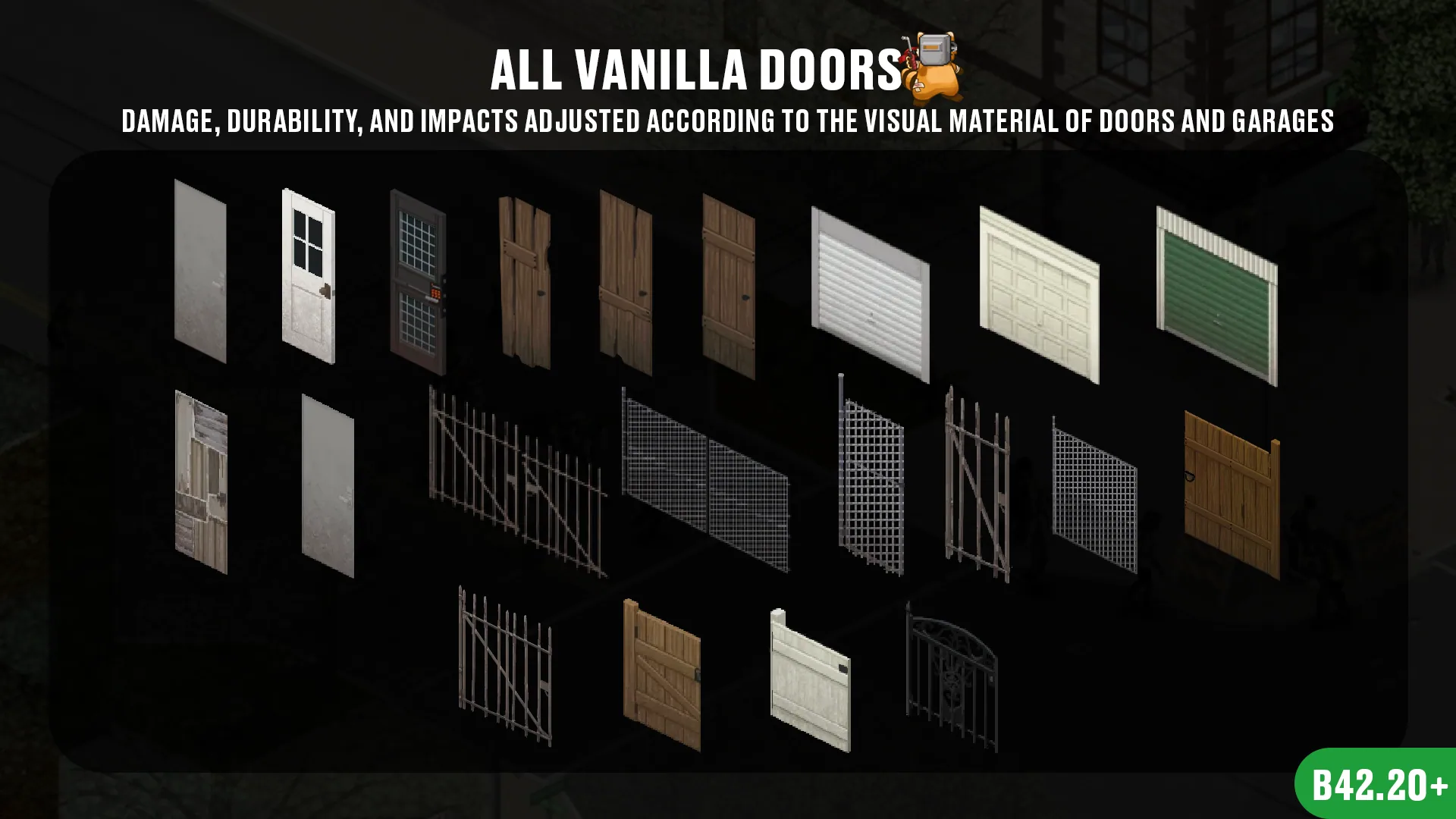
Standard doors, glass doors, reinforced and resistant types, scrap doors, double doors, garage doors, sliding doors, and fences follow distinct rules.
Wear takes account of the material, structural condition, applied force, and affected targets. Garage doors can also suffer structural failure under demanding conditions.
Contextual animations and sound feedback help communicate successful impacts, failed attempts, and the effort involved.
Tune the mechanics and feedback
Sandbox settings control damage, target limits, knockdowns, structural wear, physical costs, forced openings, and PvP behaviour. Multiplayer sessions use the active server settings for balance.
Individual feedback options are available under Options → Mods, including messages, animations, sounds, and colours.
An optional target preview outlines vanilla zombies that are expected to be hit. It is disabled by default and has a configurable colour.
Requirements and compatibility
- Requires Project Zomboid Build 42.20 or later; Build 41 is unsupported.
- Supports single-player, co-op, and dedicated multiplayer servers.
- Has no required dependencies.
- Includes compatibility handling for Companion Dogs, Bandits, and True Companions.
- Supports optional damage feedback through Combat Text.
- Works alongside Melee Target Outline, although its own preview currently highlights vanilla zombies only.
The server resolves zombie impact results in multiplayer. Player damage and knockdowns are controlled by the host’s settings.
The mod can be added to or removed from existing saves because it introduces no persistent world data. Conflicts remain possible with mods that replace entrance interactions, durability systems, zombie reactions, or related combat behaviour. Restart the game or server fully after changing the mod list.
Screenshots 5

Comments 0
No comments yet — be the first.
Log in or sign up to leave a comment.