











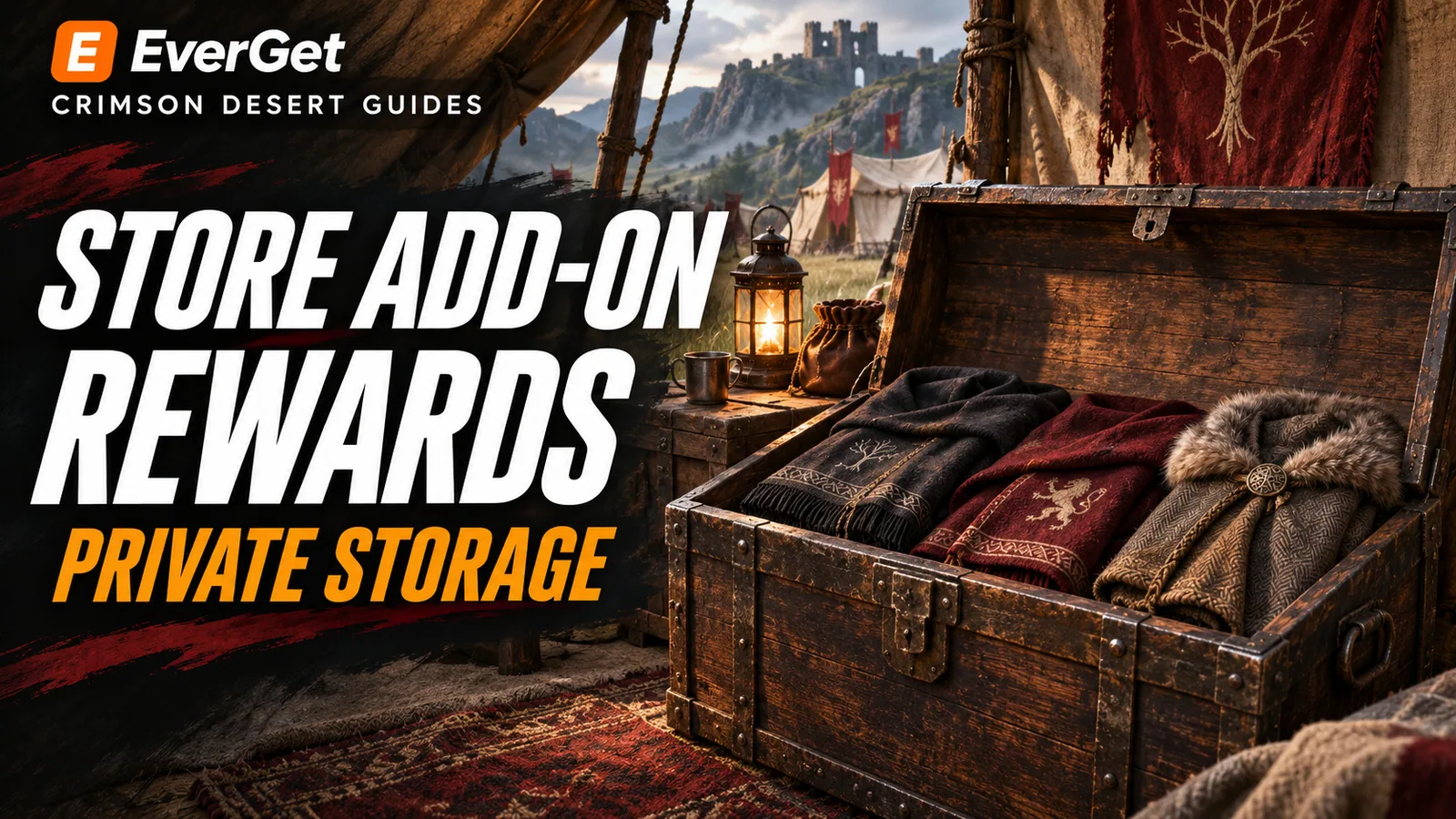



Find Private Storage and move claimed add-on rewards, including preorder items and Twitch Drops, out of your inventory.
Contents
Patch 2.06.00 lets you move claimed bonus items to Private Storage. This makes the inventory easier to browse if you have collected equipment from the Add-On menu.
Check that you have claimed the reward
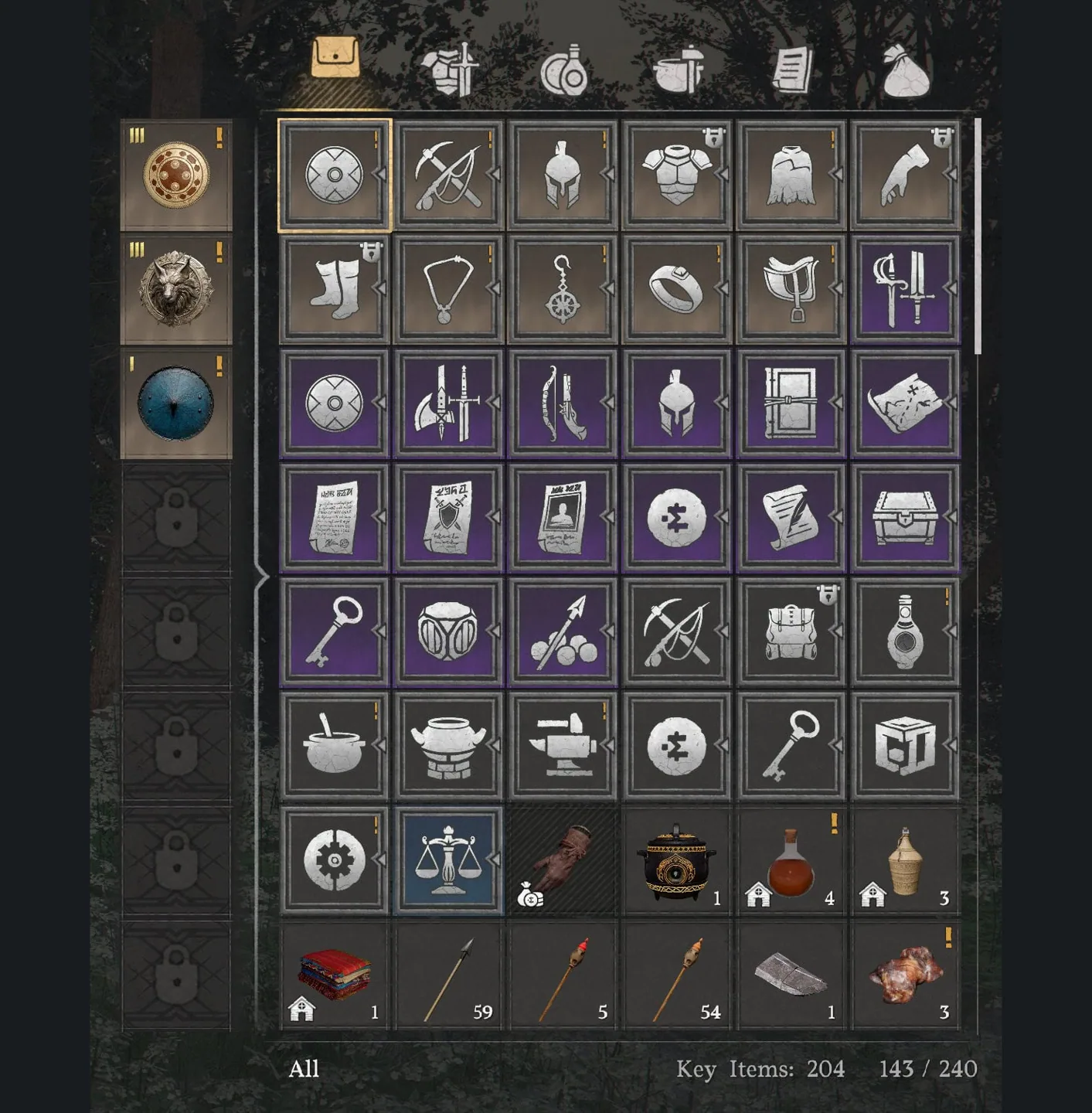
Claim the bonus from the Add-On menu if you have not already done so. Then open your regular inventory and find the item by name. Confirm it is actually in your character inventory before trying to move it.
Locate the Private Storage chest
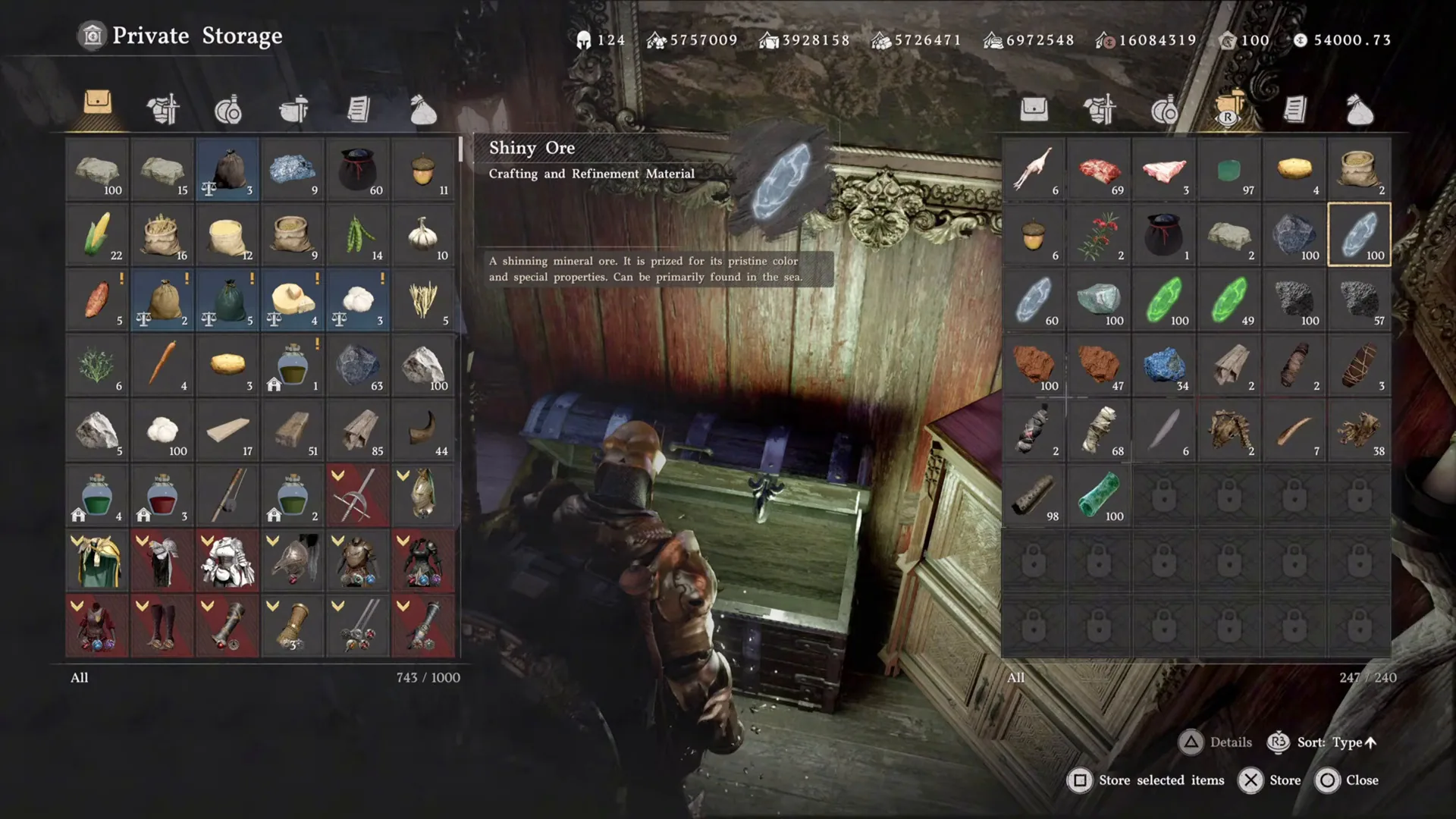
Early in the game, Private Storage is in the large tent outside Hernand. Once the Greymane Camp is set up, check the character’s tent at Howling Hill. Open the Private Storage chest. Camp resources and the wardrobe have separate interfaces.
Move the reward and check both inventories
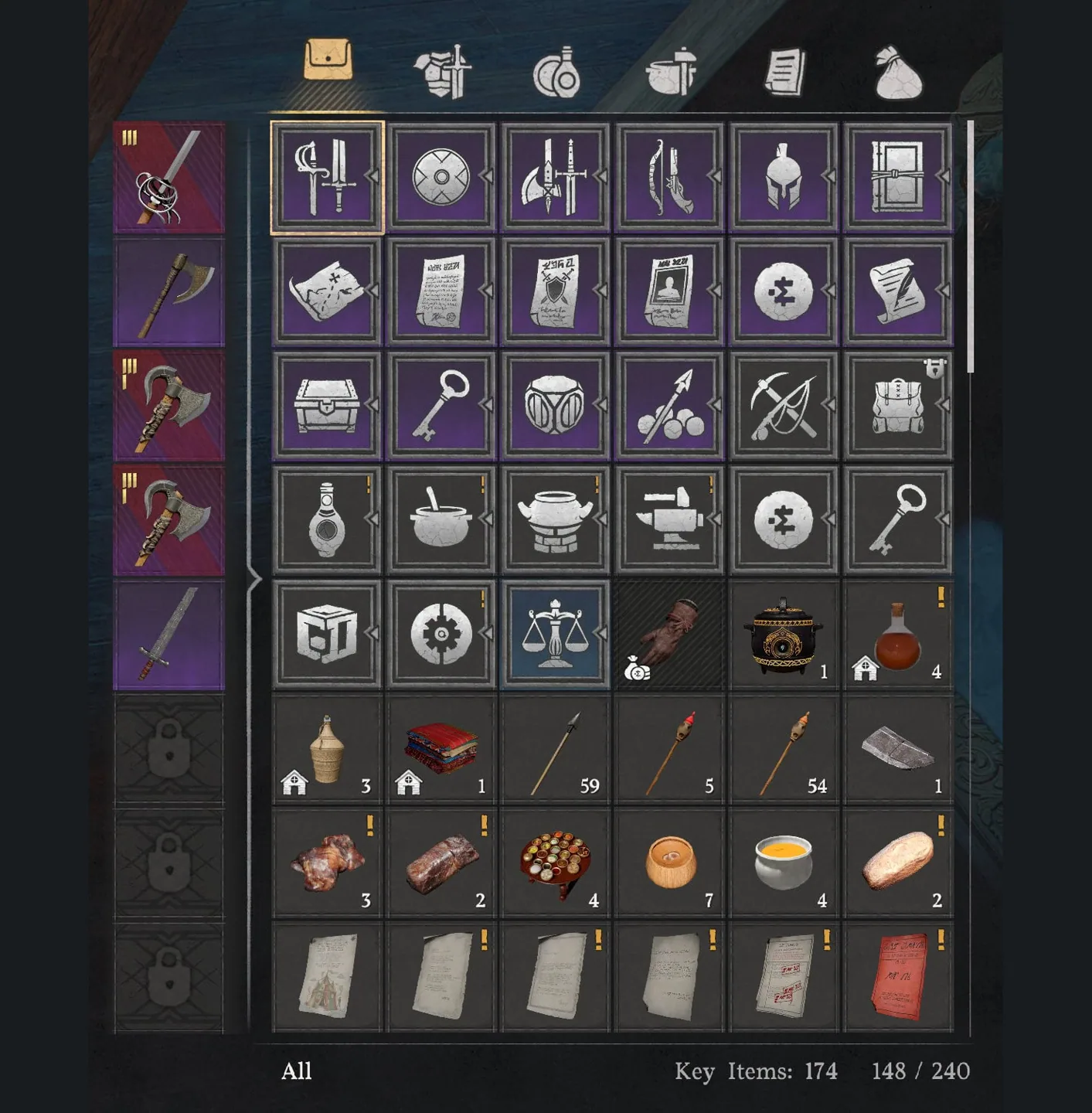
Select the bonus in the inventory panel and follow the prompt to move it to Private Storage. Confirm its name on the storage side. If the move is unavailable, check that you opened Private Storage on version 2.06.00 or later. You can take the item back from the same menu when needed.

Comments 0
No comments yet — be the first.
Log in or sign up to leave a comment.