


















Register furniture in patch 2.06.00, place extra copies of rare objects and check which costs apply at home and at facilities.
Contents
In 2.06.00, registering one piece of furniture unlocks repeat placement. Each additional copy uses Camp Resources, so check the price shown in the placement menu.
Register a single copy
Open the installable objects list at a home or facility and select the piece you want to reuse. If it is still sitting in your inventory, use the Register action. It will then appear among the placeable items. Furniture already installed when you updated registers automatically.
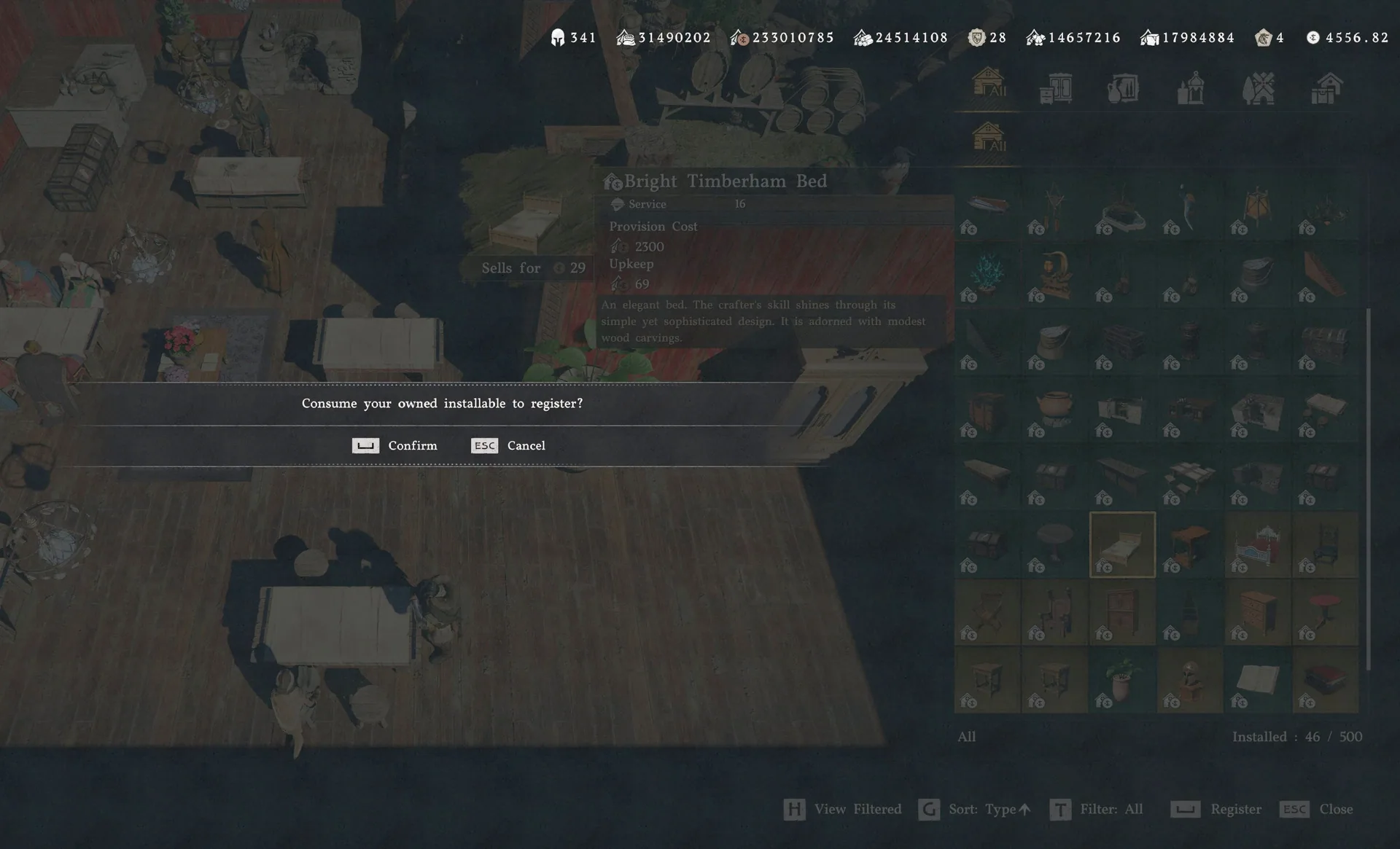
Place a copy and compare its cost
Pick the registered item and check its placement price. At a residence, placement costs Camp Resources. At a management facility, also check daily upkeep and the item’s contribution to the facility. Try one expensive placement and see how the numbers move before committing to several.
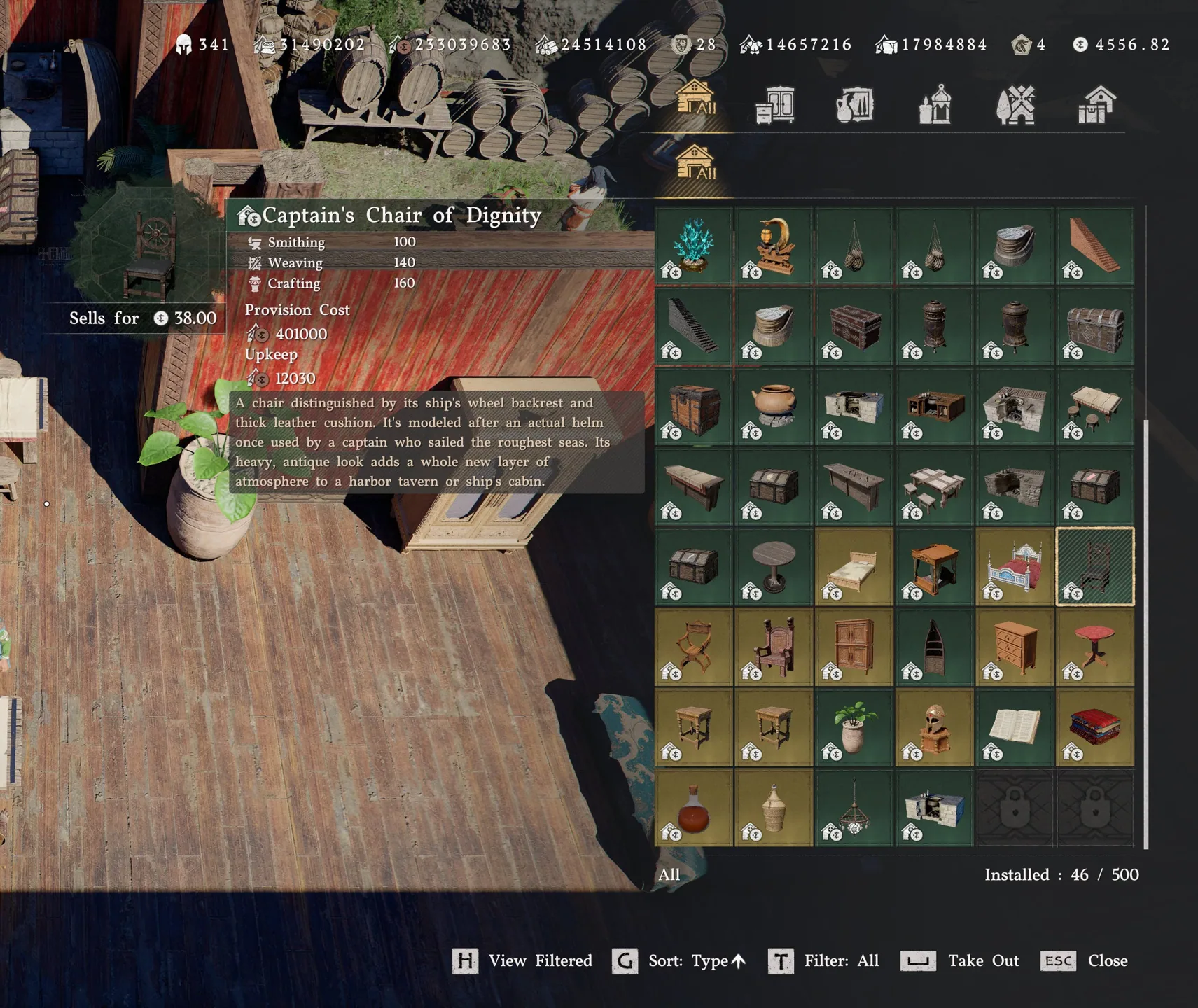
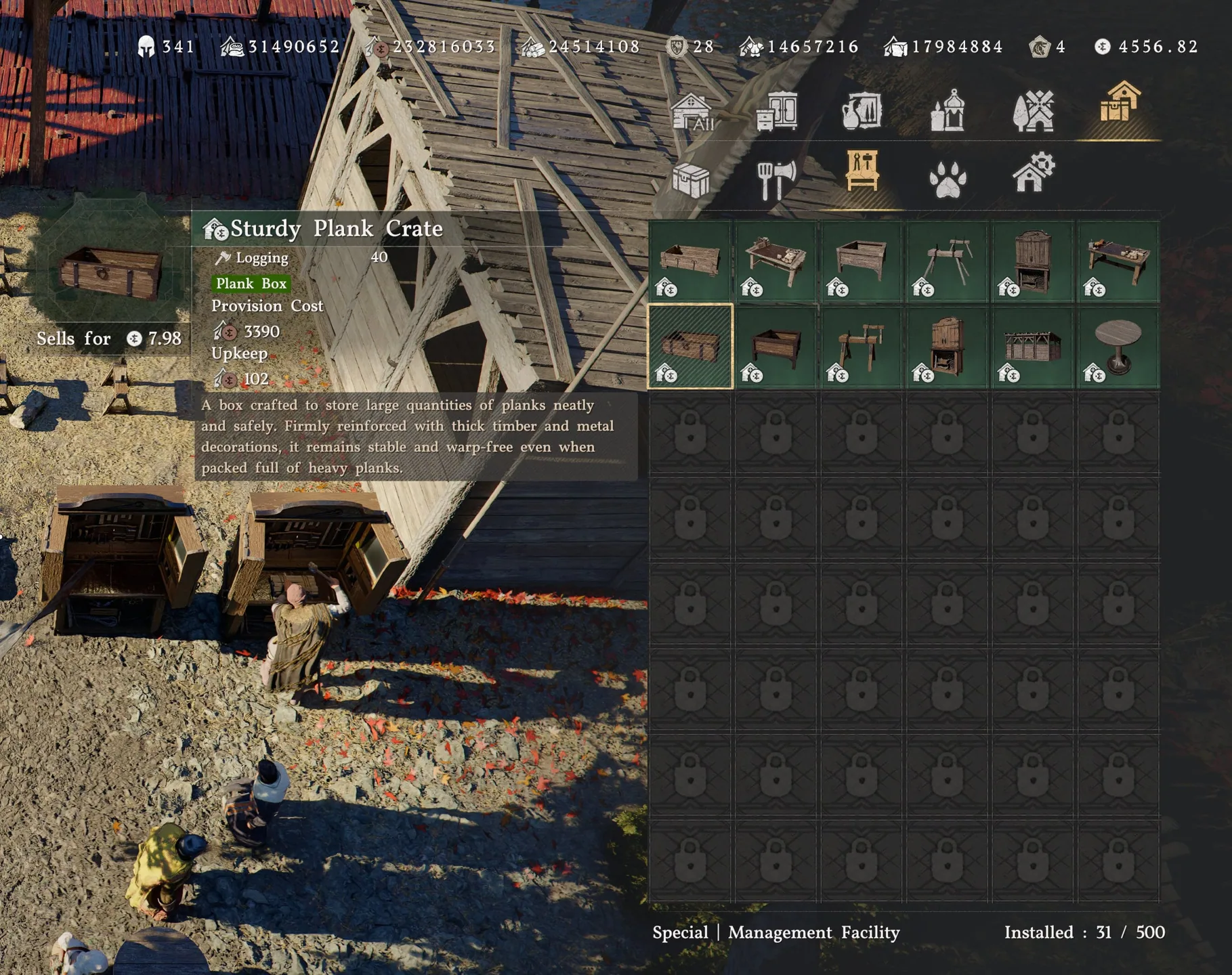
Keep your design and sell spare furniture
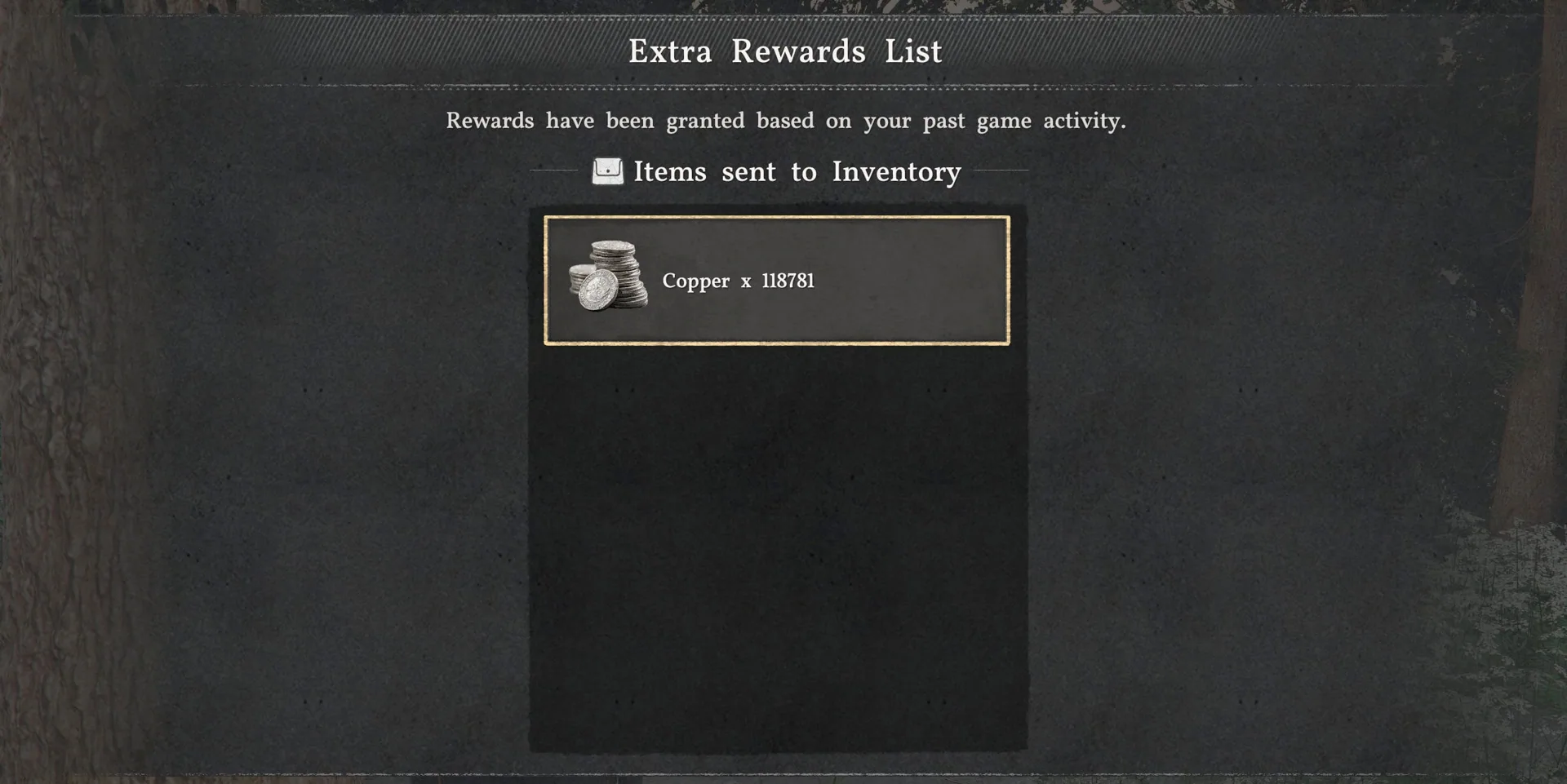
Furniture you have not placed can be sold at a furniture shop. If you already had several copies installed when you updated, check for a refund notice. The game compensates the original purchase cost of the extra placed copies. New placements show their current prices in the interface.


Comments 0
No comments yet — be the first.
Log in or sign up to leave a comment.