















Use the path tools in Crimson Desert 2.06.00 to fill an outdoor area or remove a group of tiles at once.
Contents
In update 2.06.00, you can place and remove paths in groups. The feature is available in both Home Decoration and Free Construction.
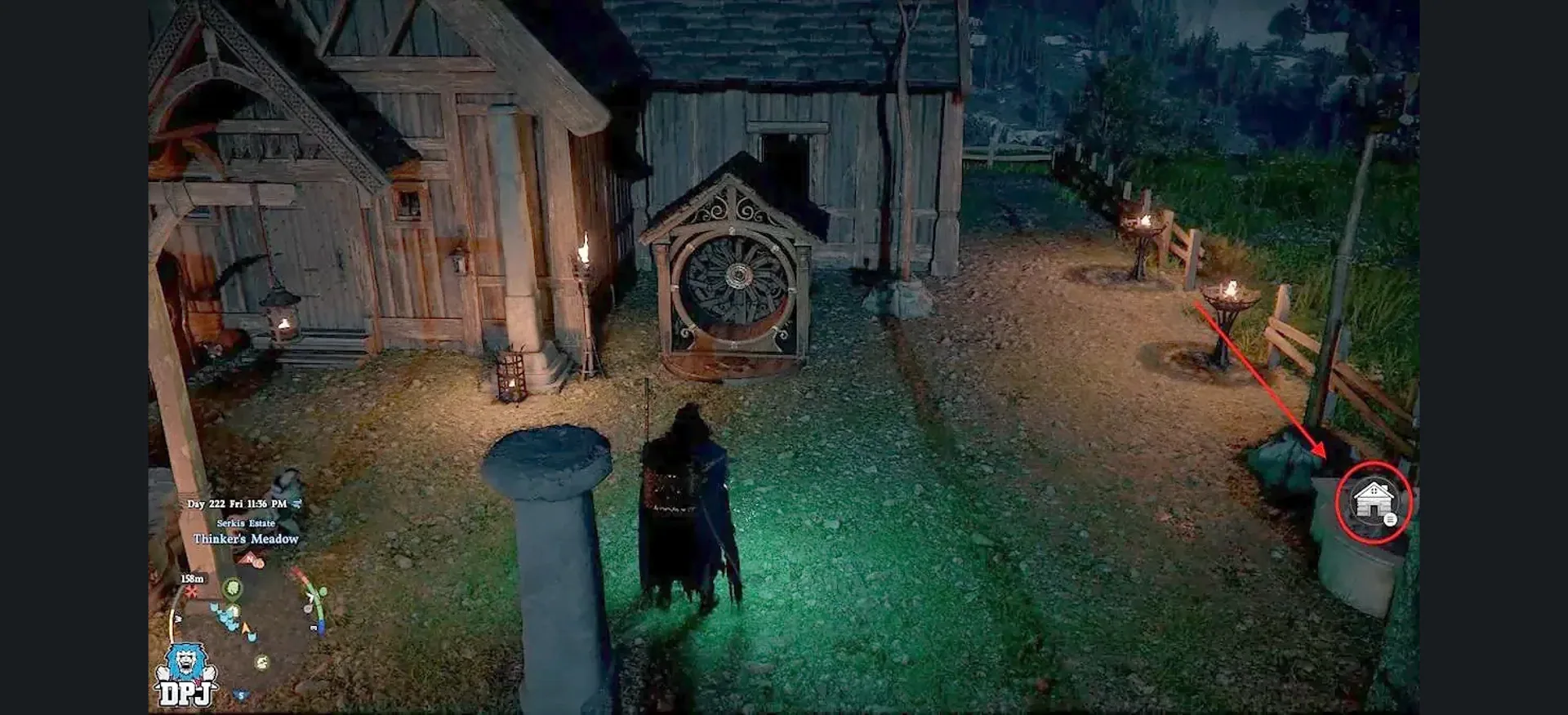
Open the outdoor decoration editor
Enter Home Decoration at the property you want to edit. If you own Charting the Unknown and have unlocked construction, you can also open Layout and choose Free Construction. Find the outdoor path category and make sure you are editing the area around the intended entrance.
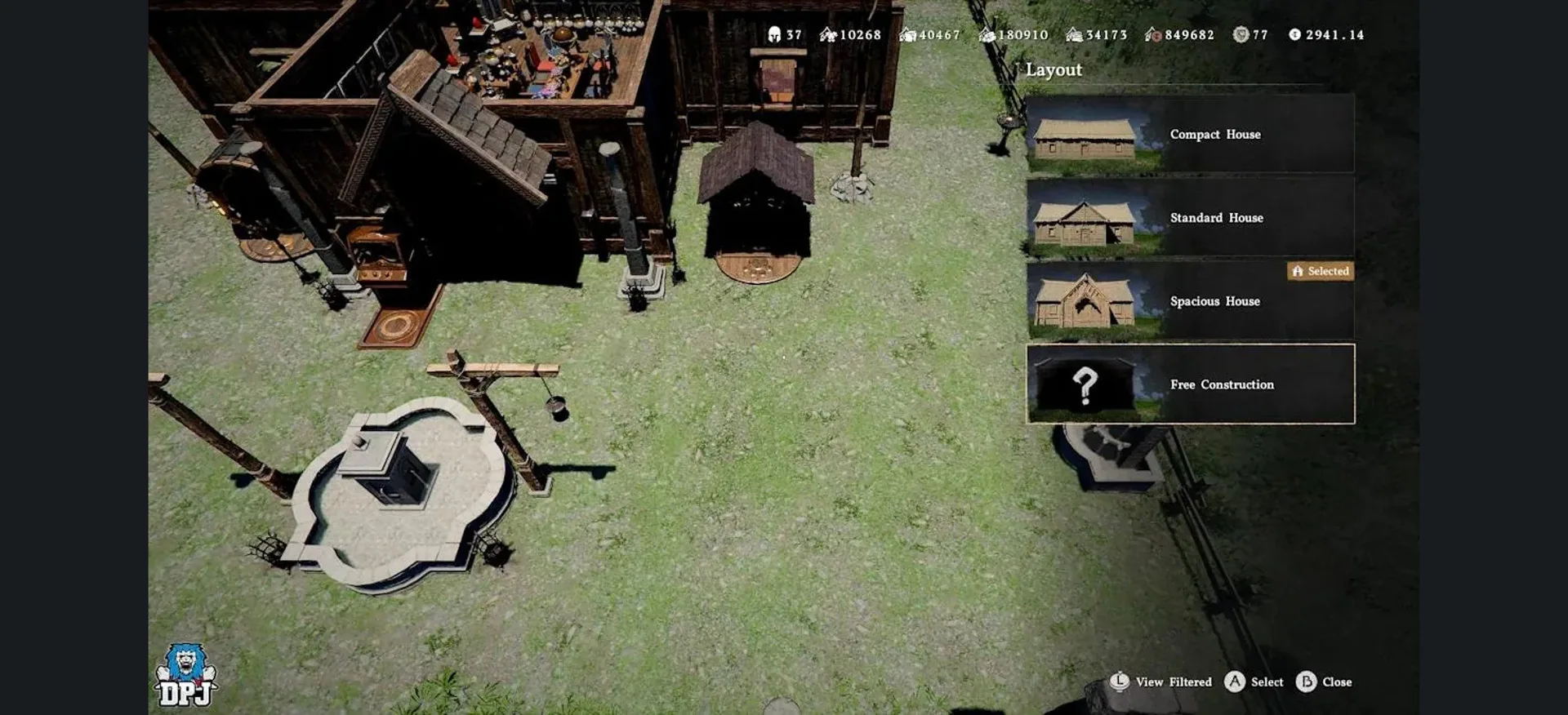
Select the area fill option
Choose a surface and switch to the option that edits an area at once. Review the selection before applying it. It is easier to finish tight turns with individual tiles after the main yard is filled. Leave room for steps or objects near the door.
Use the removal options and walk the finished route
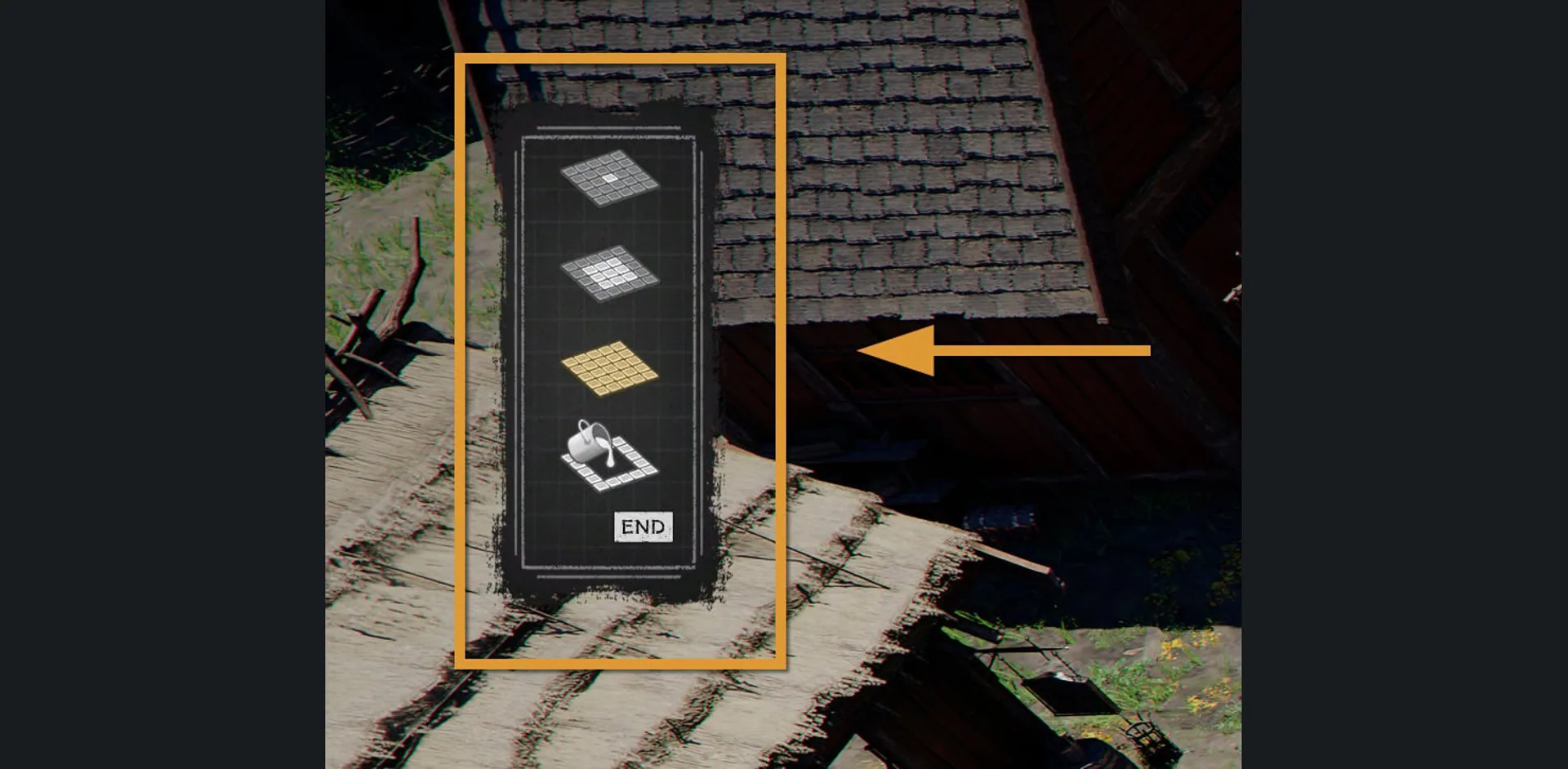
When clearing a path, open the removal options. The panel offers both single-tile and grouped modes. Start with a small selection at the edge so you do not take out part of the neighboring path. Once you leave the editor, walk from the gate to the door to spot unfinished gaps or obstacles at ground level.


Comments 0
No comments yet — be the first.
Log in or sign up to leave a comment.