












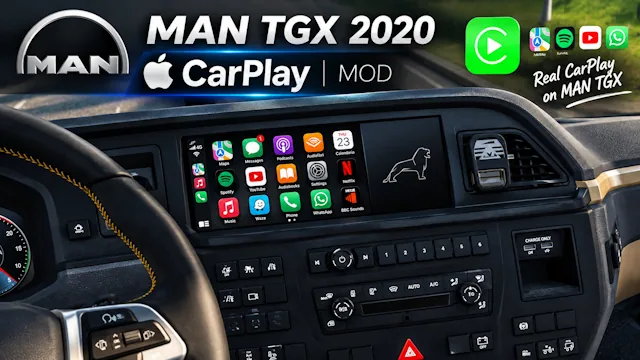



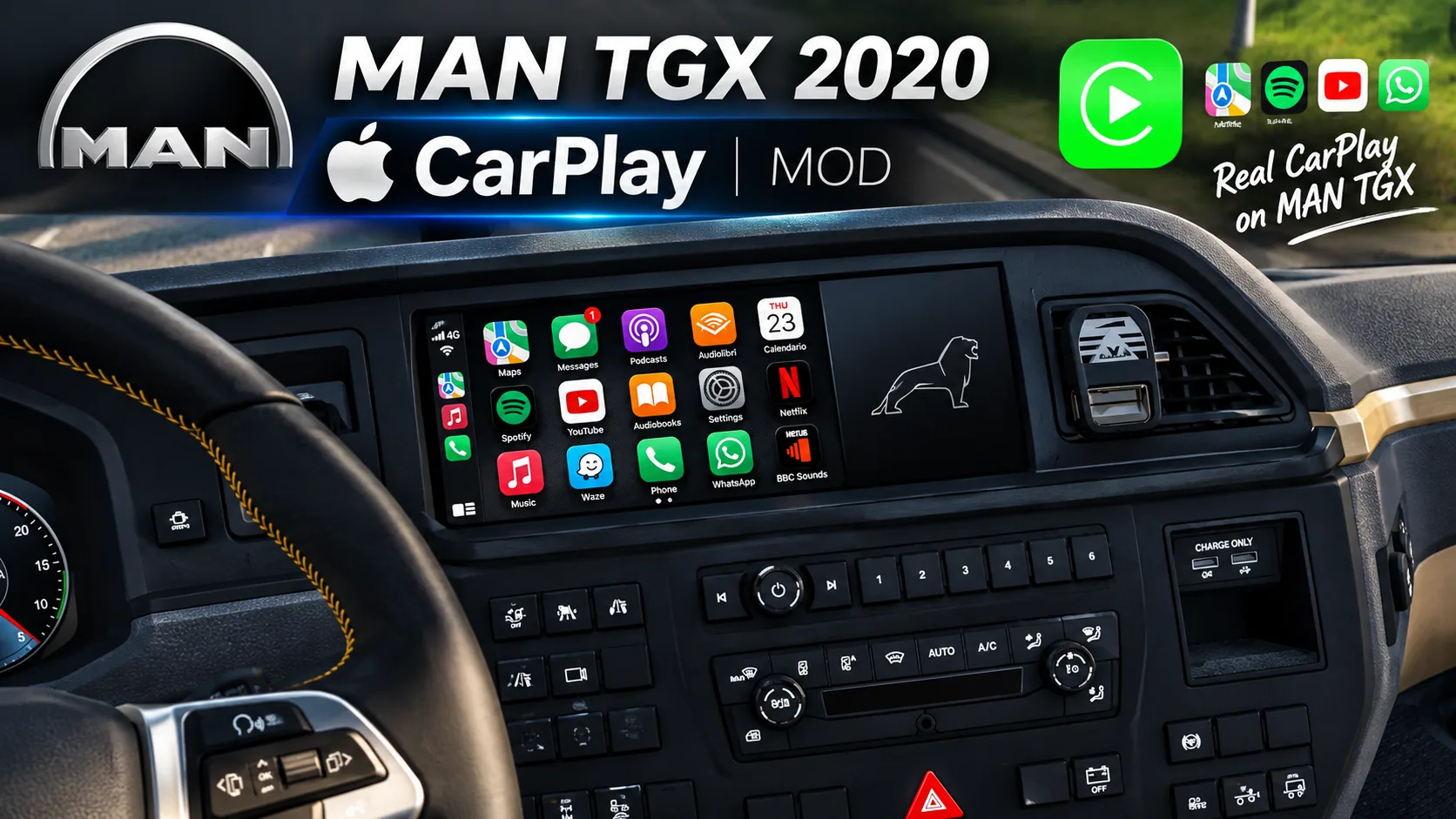
A custom CarPlay-style infotainment interface for the MAN TGX 2020 in Euro Truck Simulator 2, featuring high-resolution graphics, modern UI, and compatibility with ETS2 v1.60/1.61+.
Contents
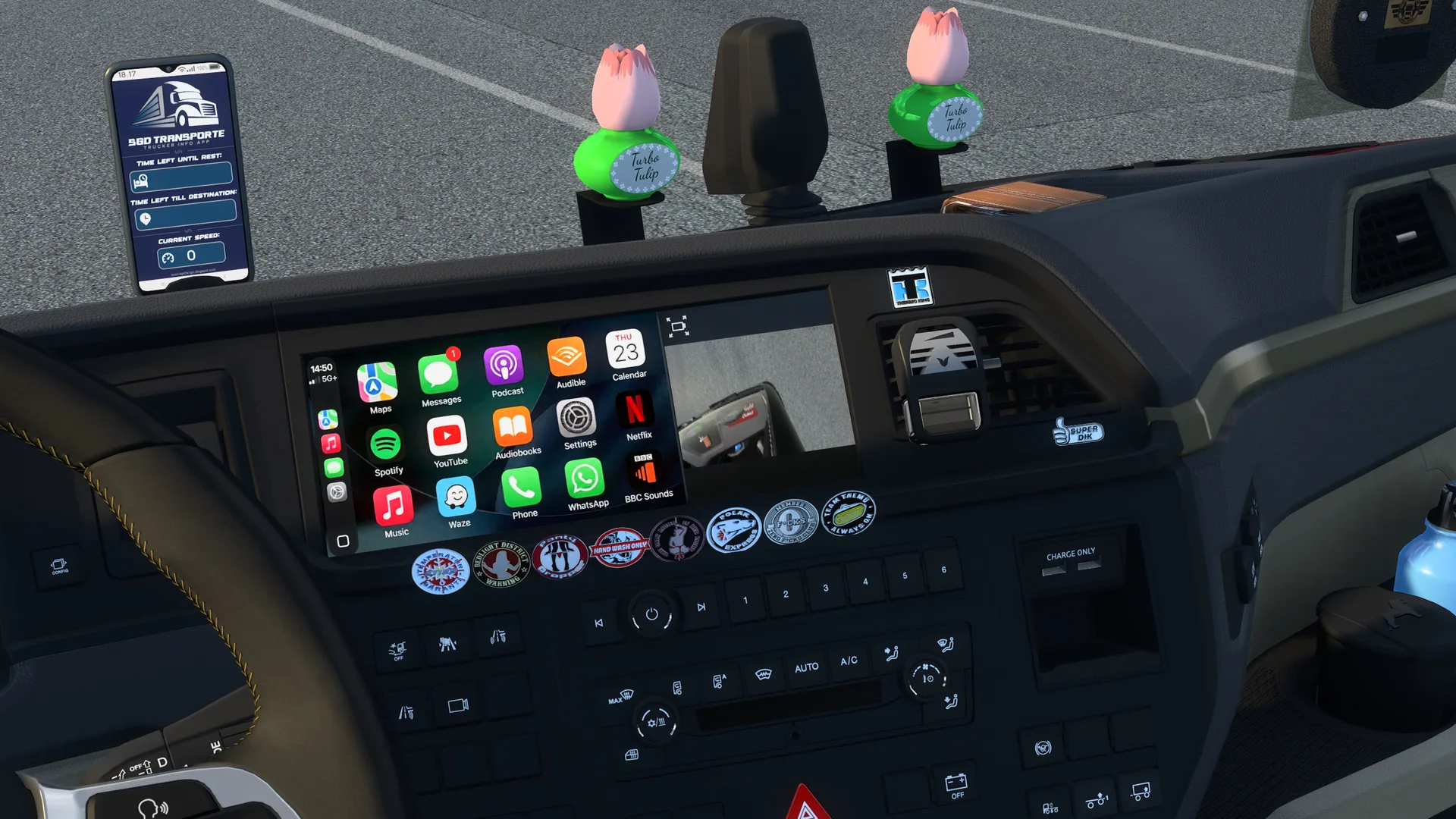
CarPlay for MAN TGX 2020 is a mod for Euro Truck Simulator 2 that replaces the stock dashboard display of the MAN TGX 2020 truck with a custom CarPlay-inspired infotainment interface. The mod introduces a clean, high-resolution media layout while preserving all native game functions.
Features
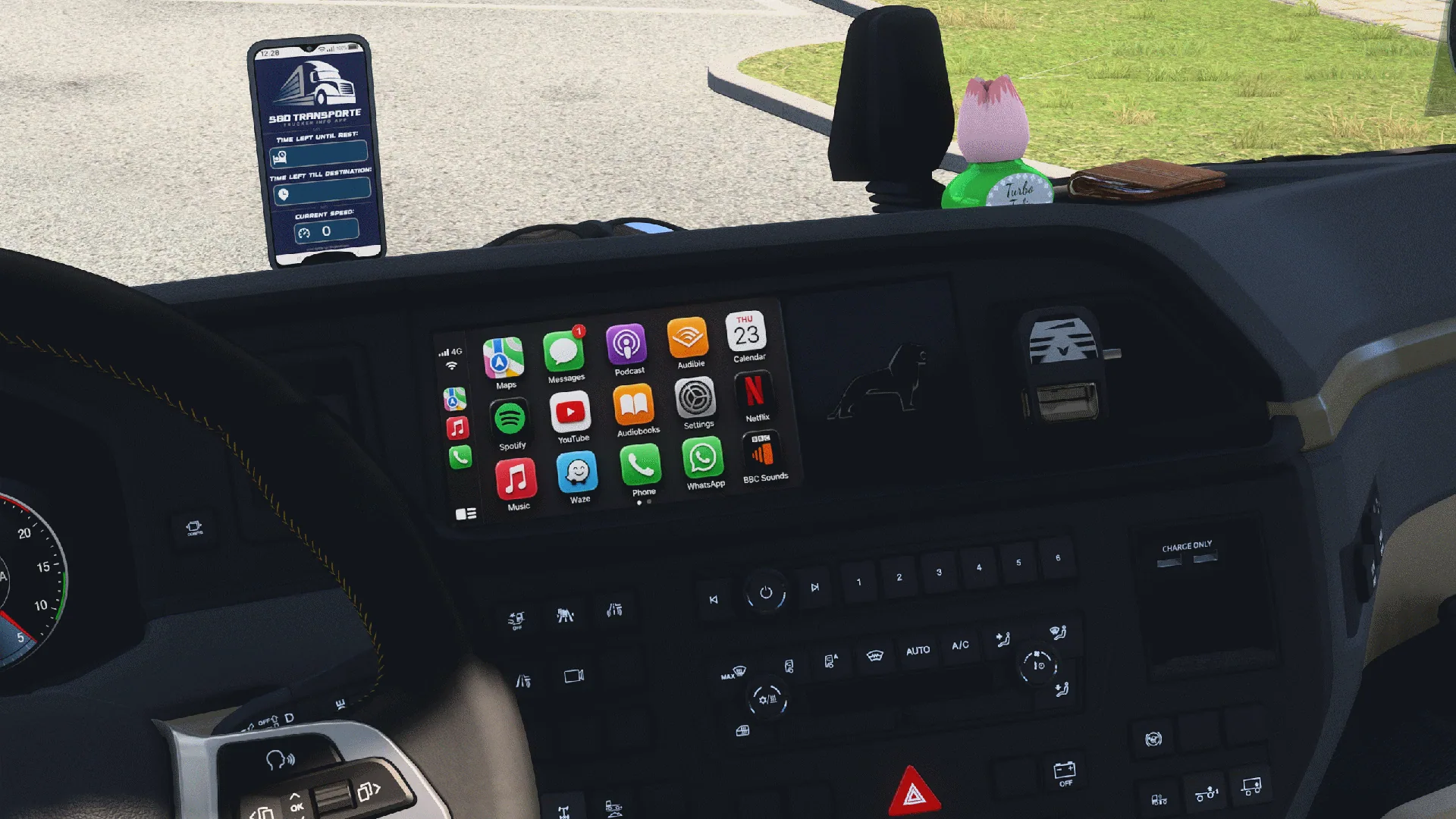
- Custom CarPlay-Style UI: Replaces default dashboard graphics with a minimal, modern CarPlay aesthetic.
- High-Resolution Textures: Handcrafted and AI-generated graphics for media and radio screens, not present in the base game.
- Native Integration: Seamlessly fits into the SCS MAN TGX 2020 interior display.
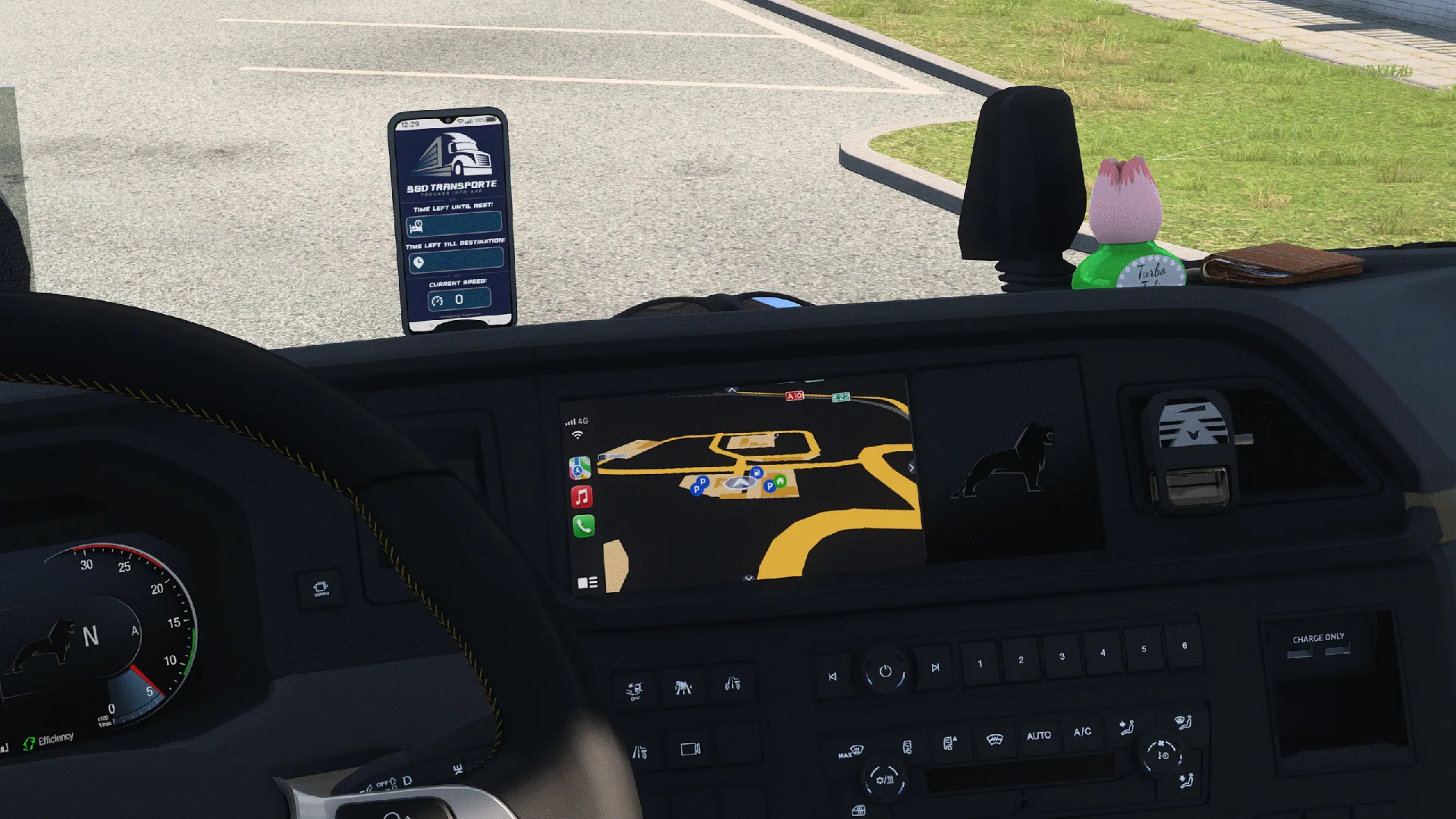
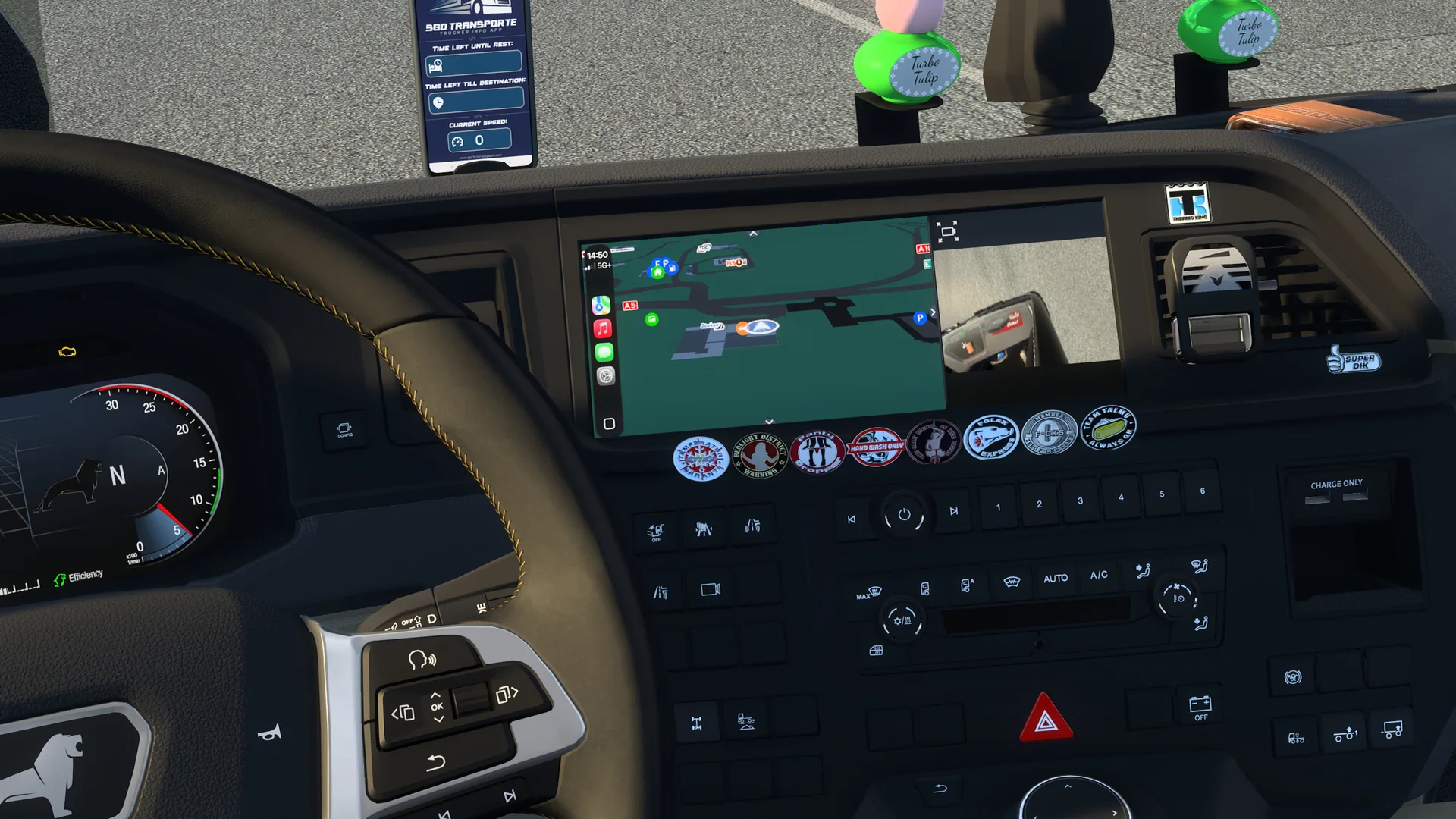
- Standalone Mod: All necessary navigation route colors are included natively, with no dependency on external color mods.
- Updated Compatibility: Fully compatible with ETS2 versions 1.60 and 1.61+ via dynamic content packaging.
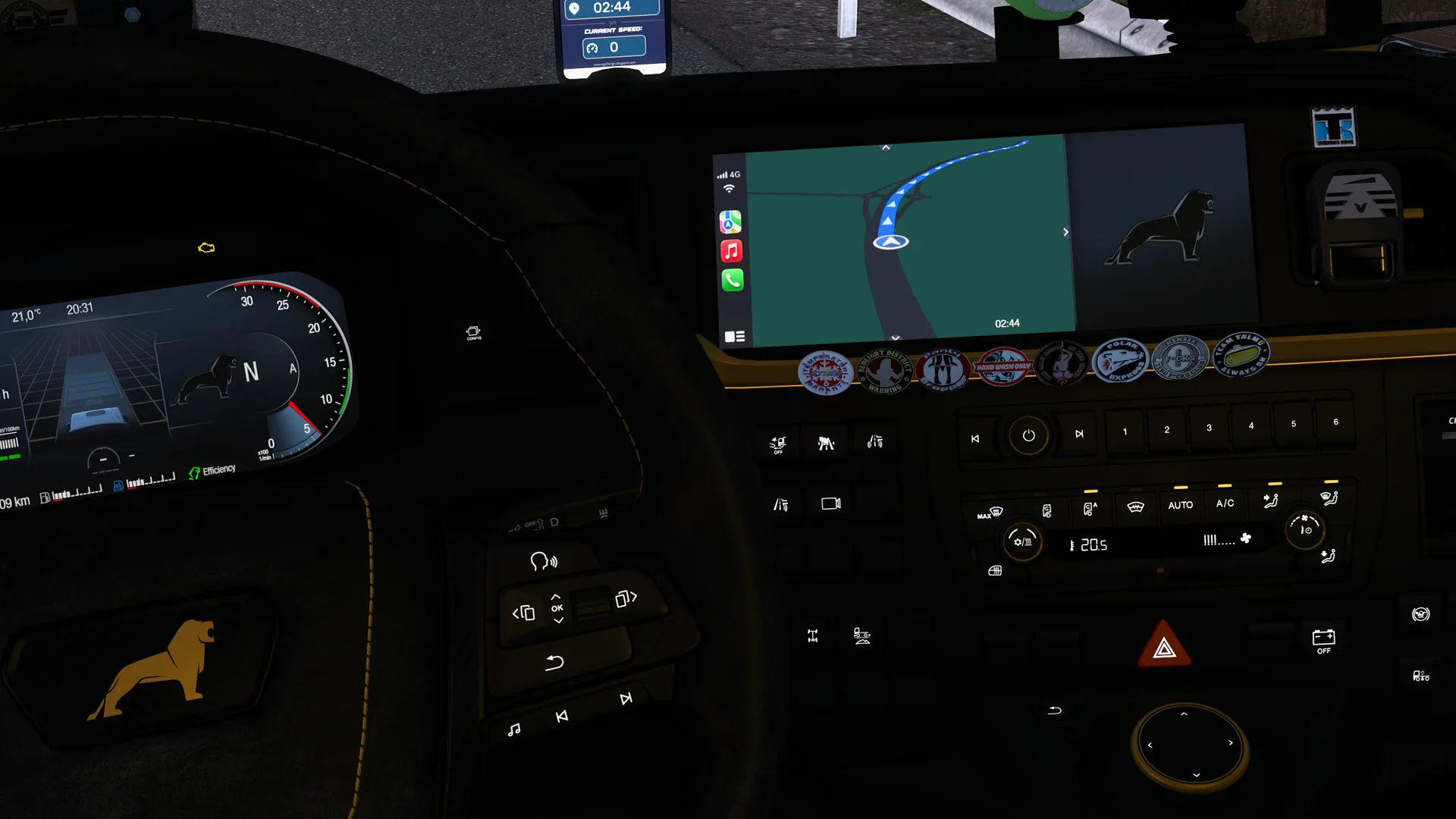
- Custom Dark Mode: Includes a dark green background simulating Apple Maps Dark Mode and high-contrast navigation route colors.
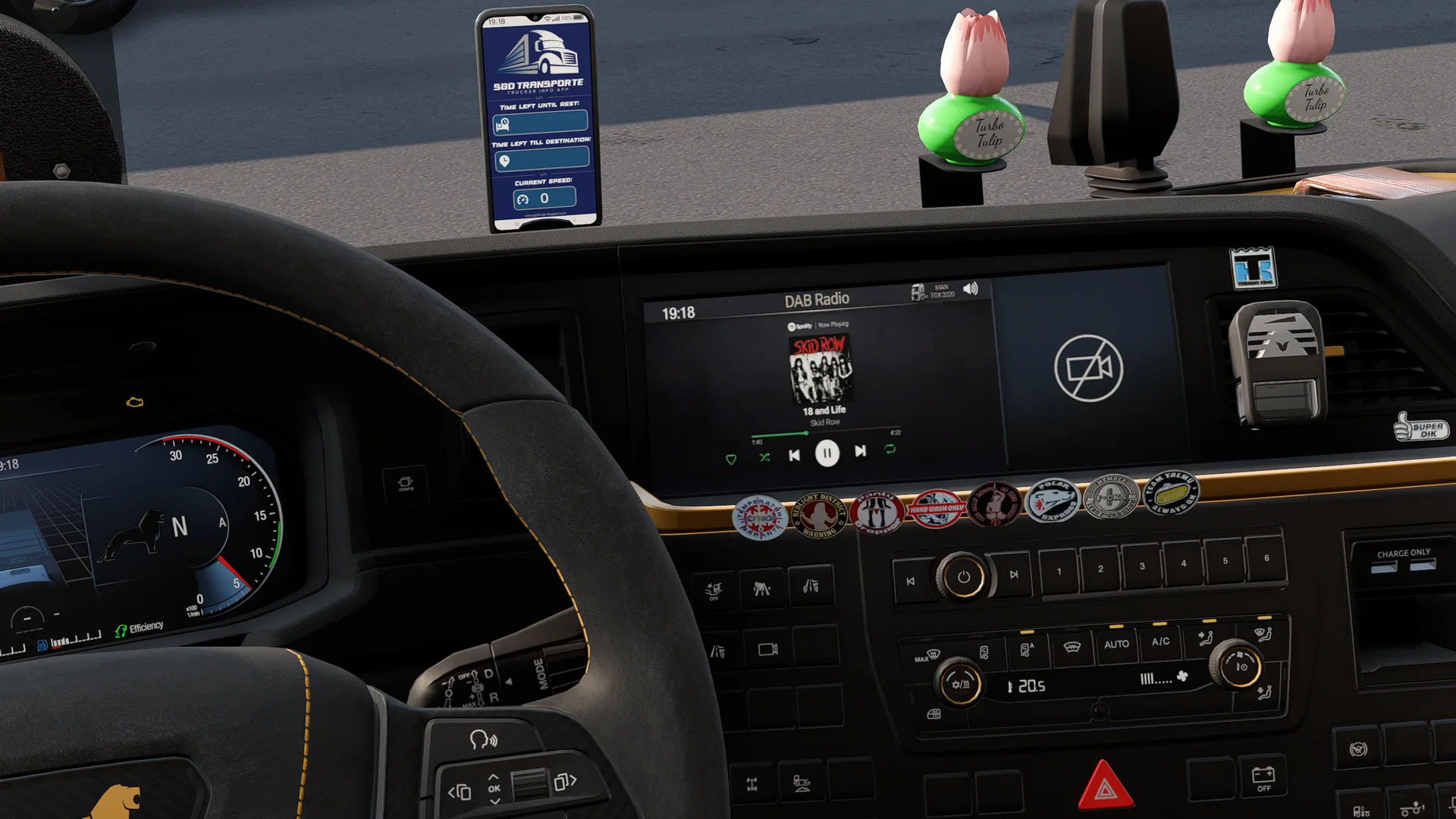
- Spotify-Style Radio Screen: Features a clean Car View layout for the radio screen, with Skid Row's "18 and Life" (1989) as an example, and retains the native DAB Radio header.
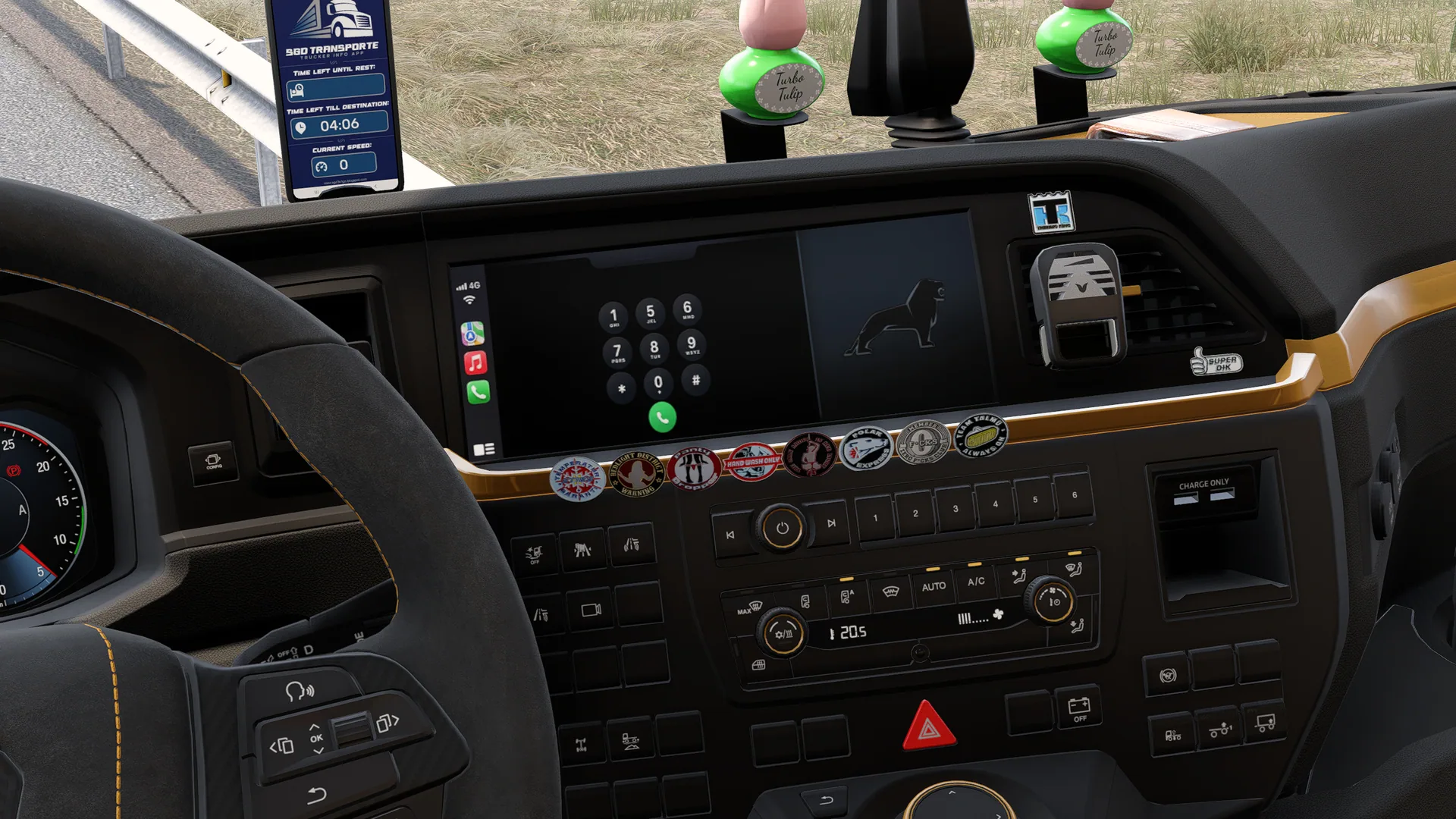
- Custom Phone Screen: Provides a dedicated CarPlay Phone layout with dual-screen support.
Dynamic Clock Behavior
Due to ETS2 engine limitations with dynamic UI elements: - The live dynamic clock is only available on the main Radio screen. - Attempting to duplicate the clock on other screens causes it to freeze at 23:59. - Restricting the clock to the main radio display ensures real-time minute updates and prevents UI conflicts.
Compatibility and Setup
- Game Version: ETS2 1.60 / 1.61+ (handled automatically)
- Supported Trucks and Mods:
- MAN TGX 2020 (SCS native)
- SGD Truck Tuning Pack (v1.4.1)
- Apple Maps Navigation (Base) (optional)
- Controls: Assign a key or button to the infotainment screen in the game's Keyboard & Buttons options to interact with and switch CarPlay display modes.
ProMods World Map Fix
If you use ProMods, the world map may appear shifted. A dedicated compatibility fix is available for ProMods users. Note that this fix is not compatible with "High Quality Background" map mods for ProMods or similar background modifications.
Recommended Load Order
For Vanilla Map Users: 1. CarPlay for MAN TGX 2020 (top) 2. Apple Maps Navigation (Base) (bottom, optional)
For ProMods Map Users: 1. CarPlay ProMods Compatibility Fix (top) 2. CarPlay for MAN TGX 2020 3. Apple Maps Navigation (Base) (optional) 4. ProMods Files (bottom)
Apple Maps Navigation is no longer required for route colors, but can be used for Apple map icons. For full CarPlay experience, Apple Siri Voice Navigation for ETS2 can also be added.
Expansion Plans
Support for additional modern trucks is planned for future updates, but not all models are guaranteed.
Limitations and Notices
- The mod is released as-is for MAN TGX 2020 and expanding to other brands over time.
- You may edit definition files locally for personal use.
- Only the Steam Workshop version is official. Downloads from other sites may be outdated or unsafe.
Screenshots 8
Comments 0
No comments yet — be the first.
Log in or sign up to leave a comment.