











Learn when to save manually in GTA 6, what Restart Mission and Retry Checkpoint do, and how to return to a finished mission.
Contents
The launch version of GTA 6 has no menu for replaying completed story missions. To revisit a scene, make a manual save before entering its mission marker. While the mission is still running, the pause menu lets you retry a checkpoint or restart the current job.
Make a separate save before starting the mission
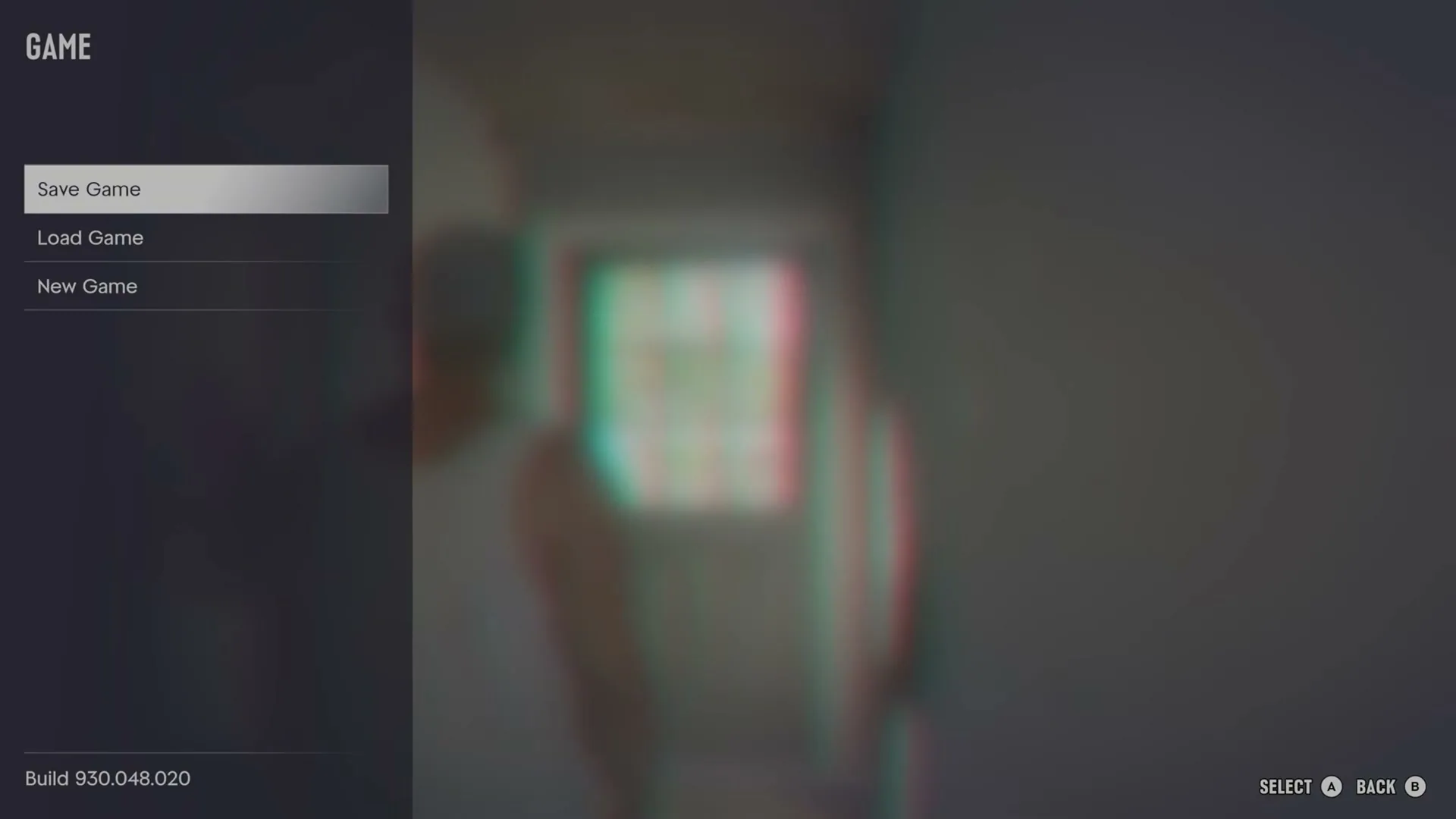
In free roam, pause and open Game → Save Game, then choose an empty slot. Do it before stepping into the marker. If Save Game is unavailable, wait until you’re back in free roam. For a long chapter, keep one slot near the start and another before the mission you might want to revisit.
Choose how far back to go
Retry Checkpoint returns you to the latest stage of the current mission, which is useful after a recent mistake. If a choice happened earlier or an item was near the beginning, choose Restart Mission while the job is active. After finishing it, load a save made before it started.
Protect your current progress before loading an older slot
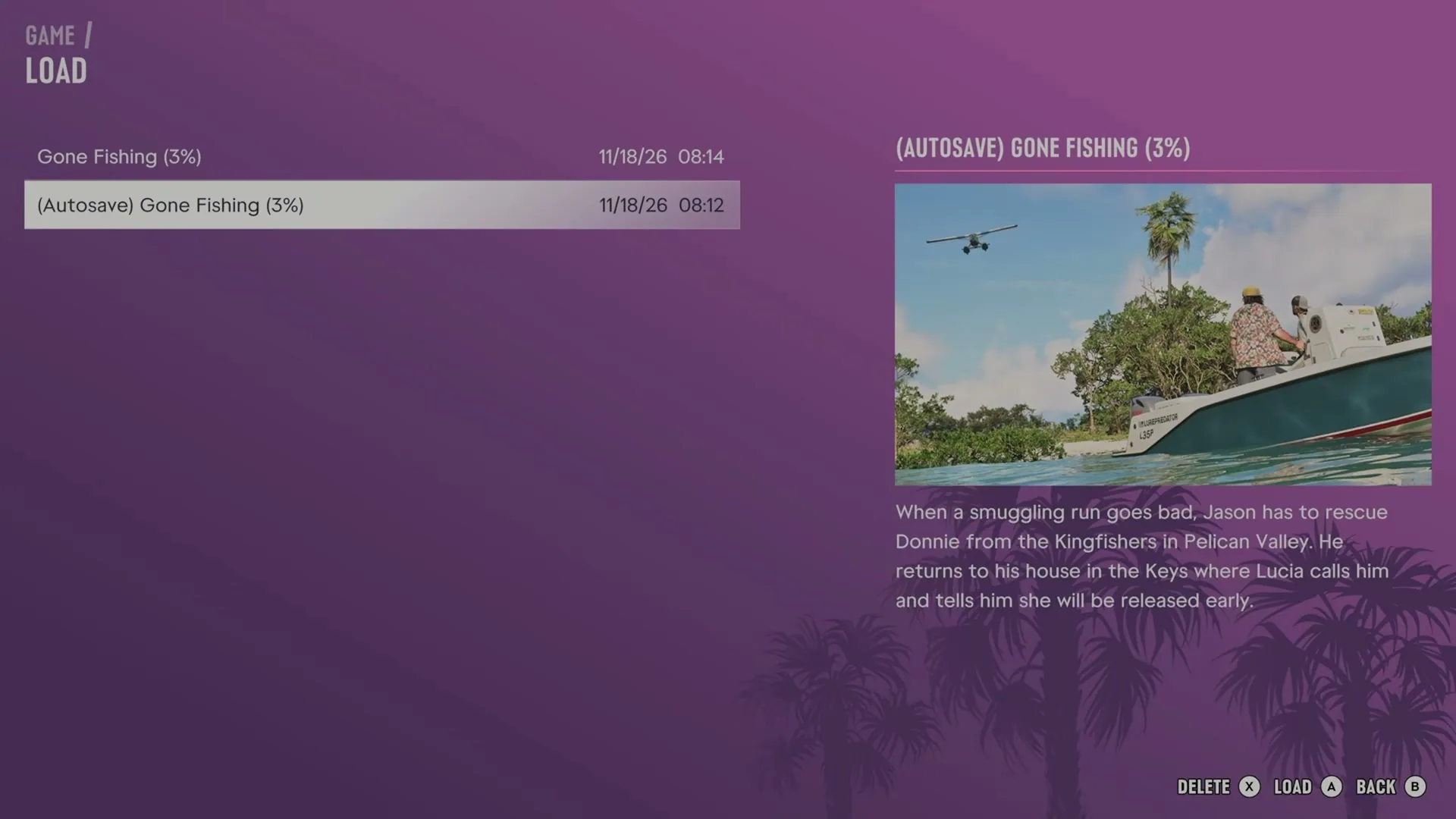
Back in free roam, save your current run in a separate slot. Then open Game → Load Game and check the mission name and timestamp before loading. Keep a manual slot for any conversation or pickup you might want to revisit. For example, a save before Chapter 2’s Checking Out lets you return to the Starlet Motel room and office.


Comments 0
No comments yet — be the first.
Log in or sign up to leave a comment.