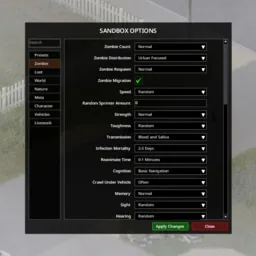

An ongoing playthrough does not always need the same rules it started with. Sandbox Settings gives you an in-game shortcut to Project Zomboid’s built-in sandbox configuration menu, allowing you to revisit world settings during an existing run.
Sandbox Settings — Adjust Your Project Zomboid World
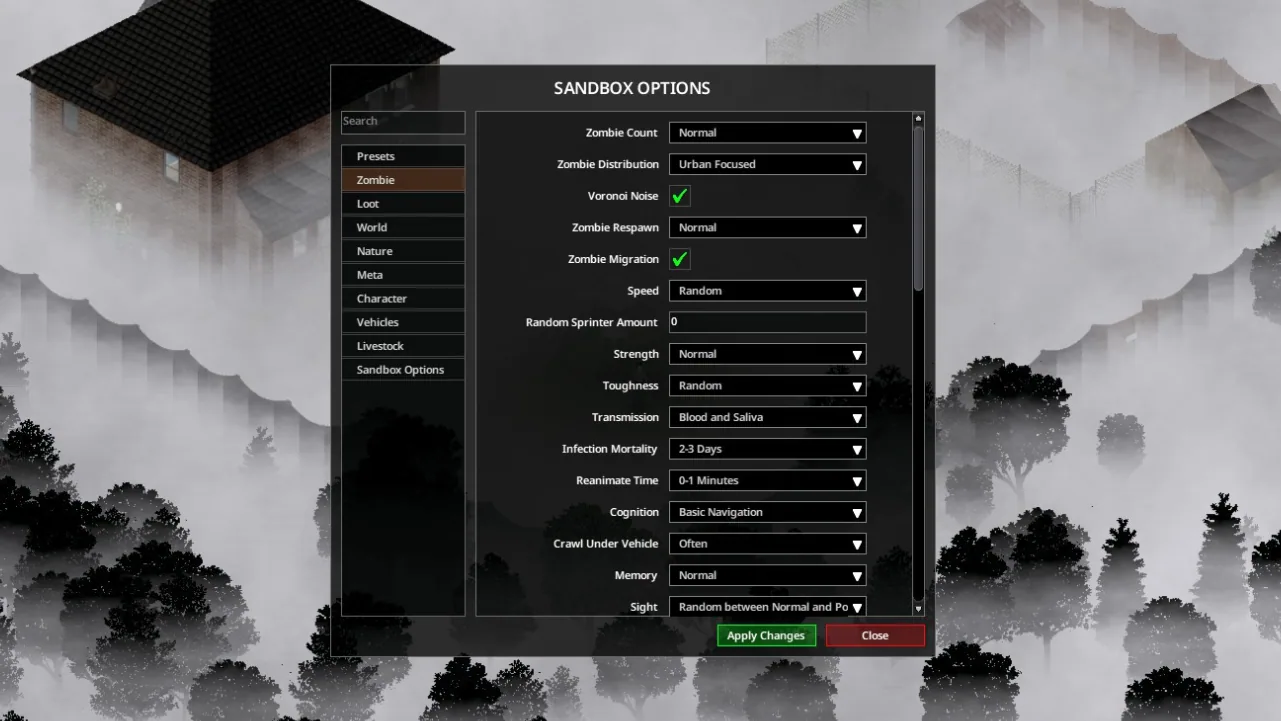
An ongoing playthrough does not always need the same rules it started with. Sandbox Settings gives you an in-game shortcut to Project Zomboid’s built-in sandbox configuration menu, allowing you to revisit world settings during an existing run.
The mod is intended for Build 42 and later. It opens the game’s own interface, so the available options and their behaviour depend on the Project Zomboid version you are using.
Accessing the menu
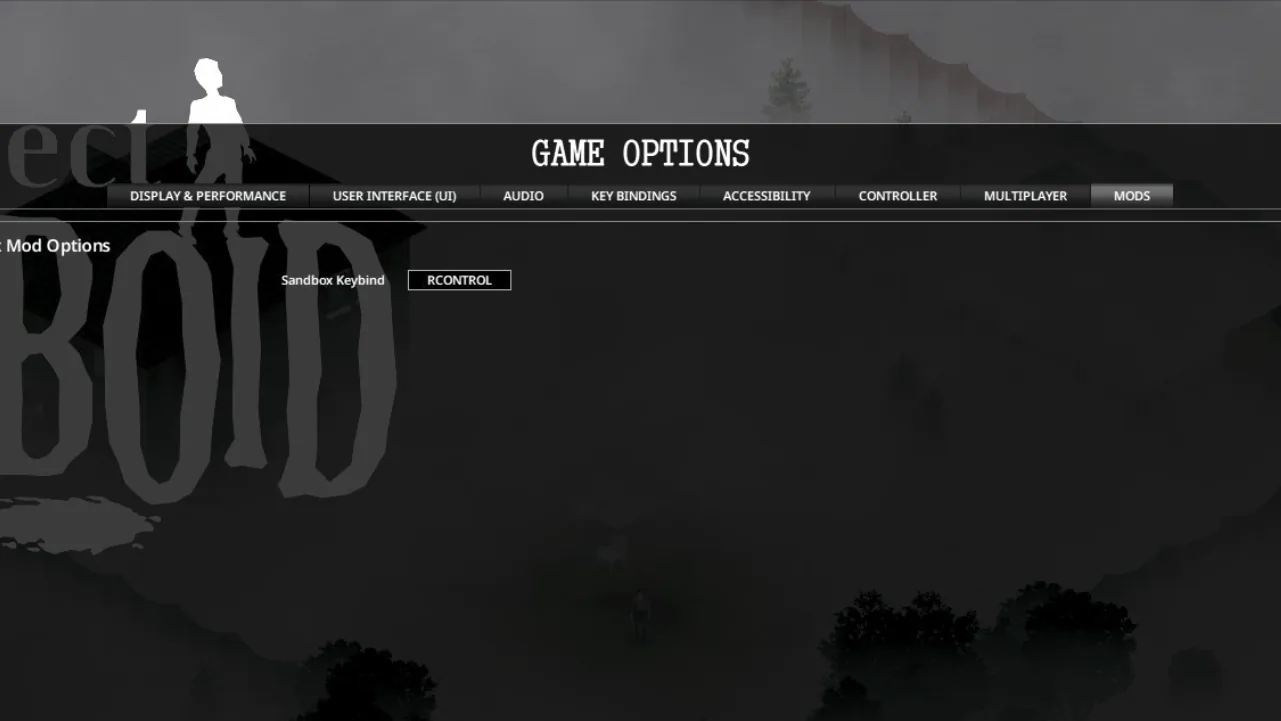
With the mod enabled, right-click in the game world and select Sandbox Options. A keyboard shortcut can also be configured under Options → Mods.
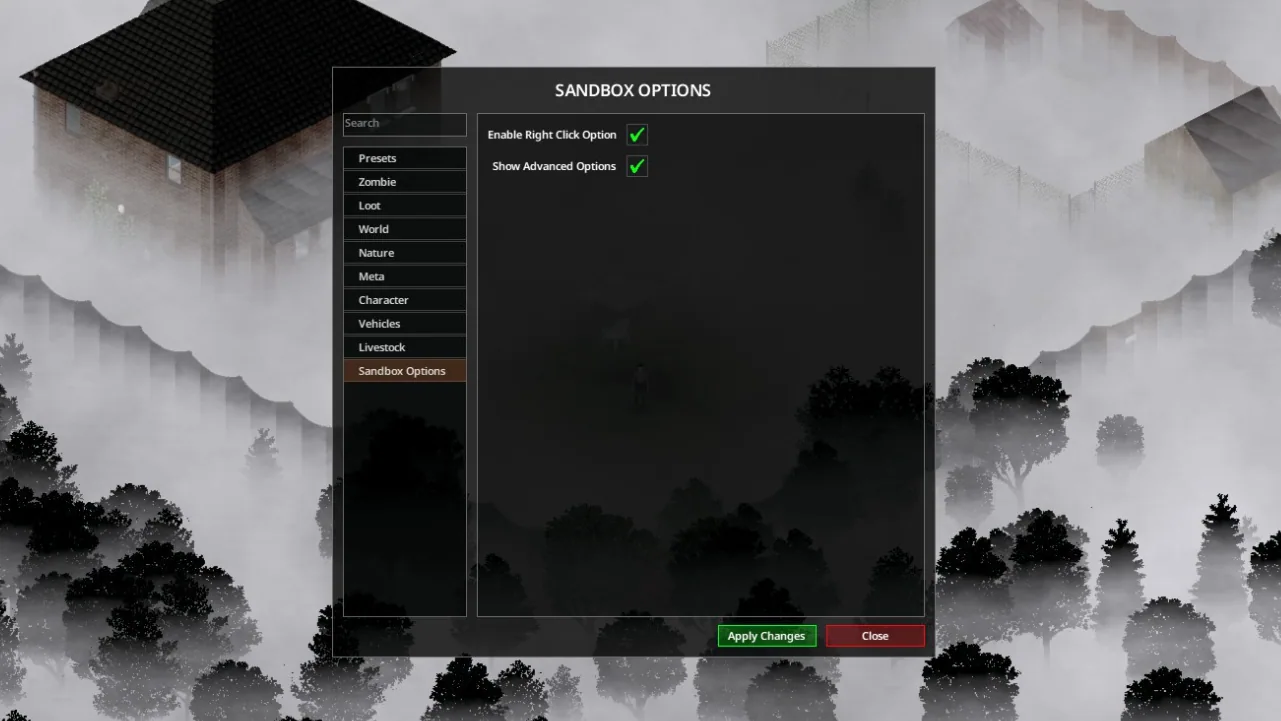
Settings let you hide the context-menu entry or disable advanced options. Return to the main menu and reload your save after changing those preferences.
Reload your save after editing world settings as well, so the changes can take effect correctly.
Enabling it for an existing save
If the menu is missing, check that the mod is active for that particular playthrough:
- Select
Loadfrom the main menu. - Choose the save.
- Open
More…and enter the mod list. - Enable Sandbox Settings, then load the world.
Multiplayer access
Multiplayer administrators already have access to sandbox settings through the Admin Panel, so this mod is not necessary for that purpose.
If you choose to use it on a server, changing sandbox options still requires administrator privileges. Installing the mod does not grant those permissions.
Missing or non-functional options may reflect limitations in the game’s current sandbox menu. This mod provides access to that menu rather than replacing the underlying systems.
Screenshots 3

Comments 0
No comments yet — be the first.
Log in or sign up to leave a comment.