








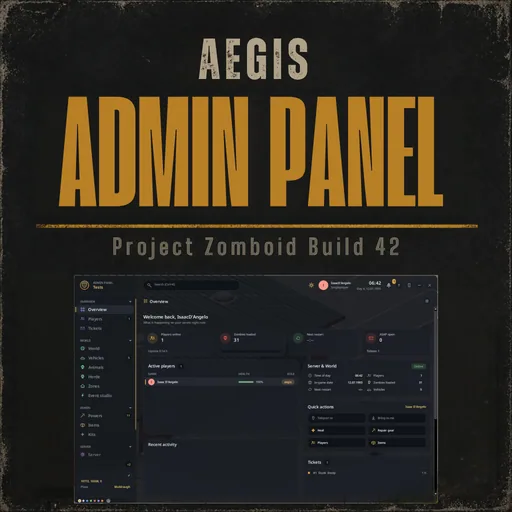



Aegis is an admin suite and player panel for Project Zomboid Build 42, for servers and singleplayer. Only real admins (set with /setaccesslevel) can open the admin panel. The player area is there for everyone.
Contents
Aegis is an admin suite and player panel for Project Zomboid Build 42, for servers and singleplayer. Only real admins (set with /setaccesslevel) can open the admin panel. The player area is there for everyone.
REWORKED AGAIN IN 2.13
The build menu got another pass. Last version turned it into a blueprint planner, this one lets you build a whole house with it: a free camera that walks through walls, levels from the cellar up to the roof, stairs that cut their own opening into the floor above, cellar entrances, roofs, and a Capture tool that reads a finished building back into a blueprint. A Guide button opens a reference with every tool, key and icon in it.
FOR ADMINS (F7)
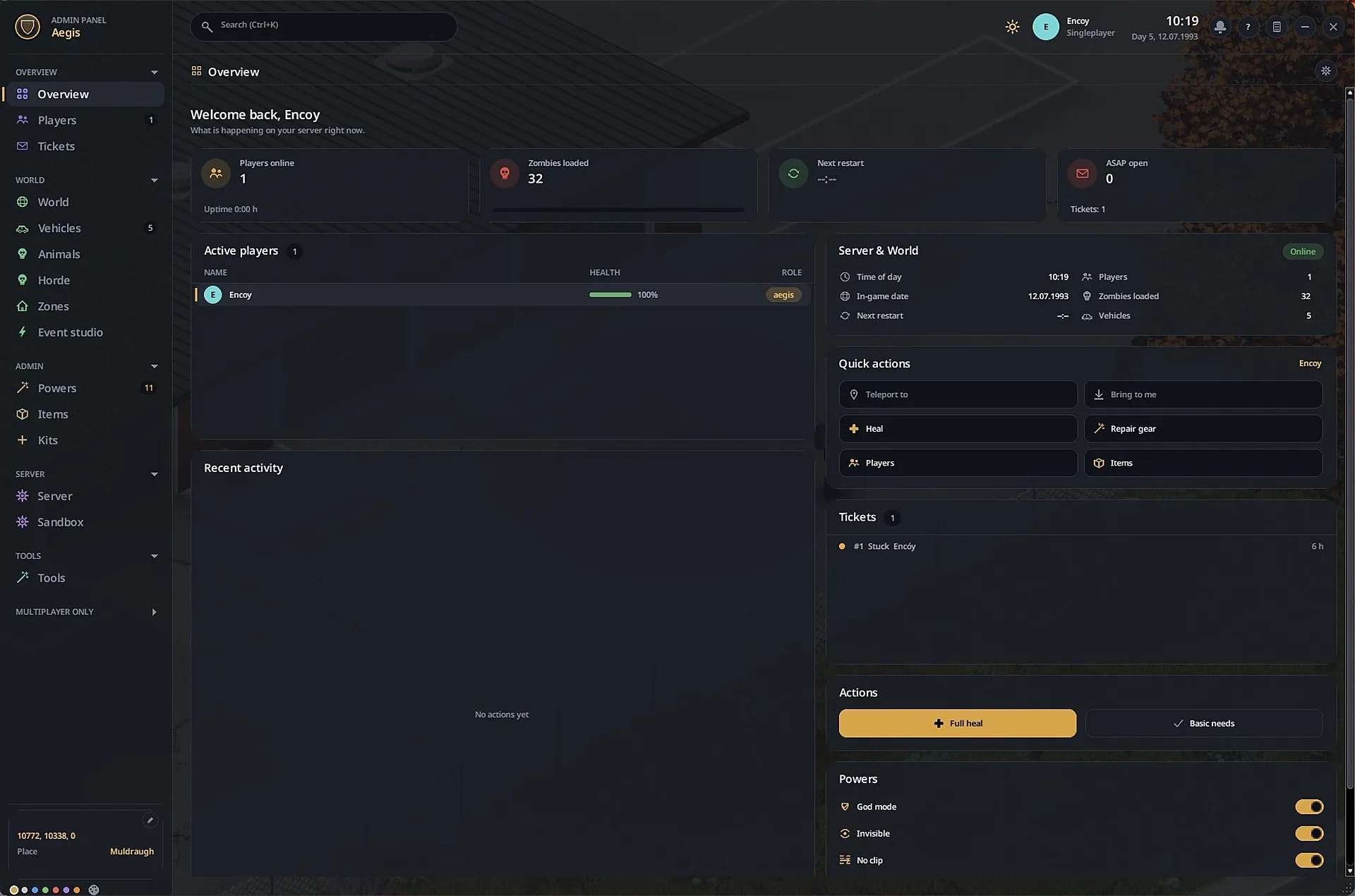
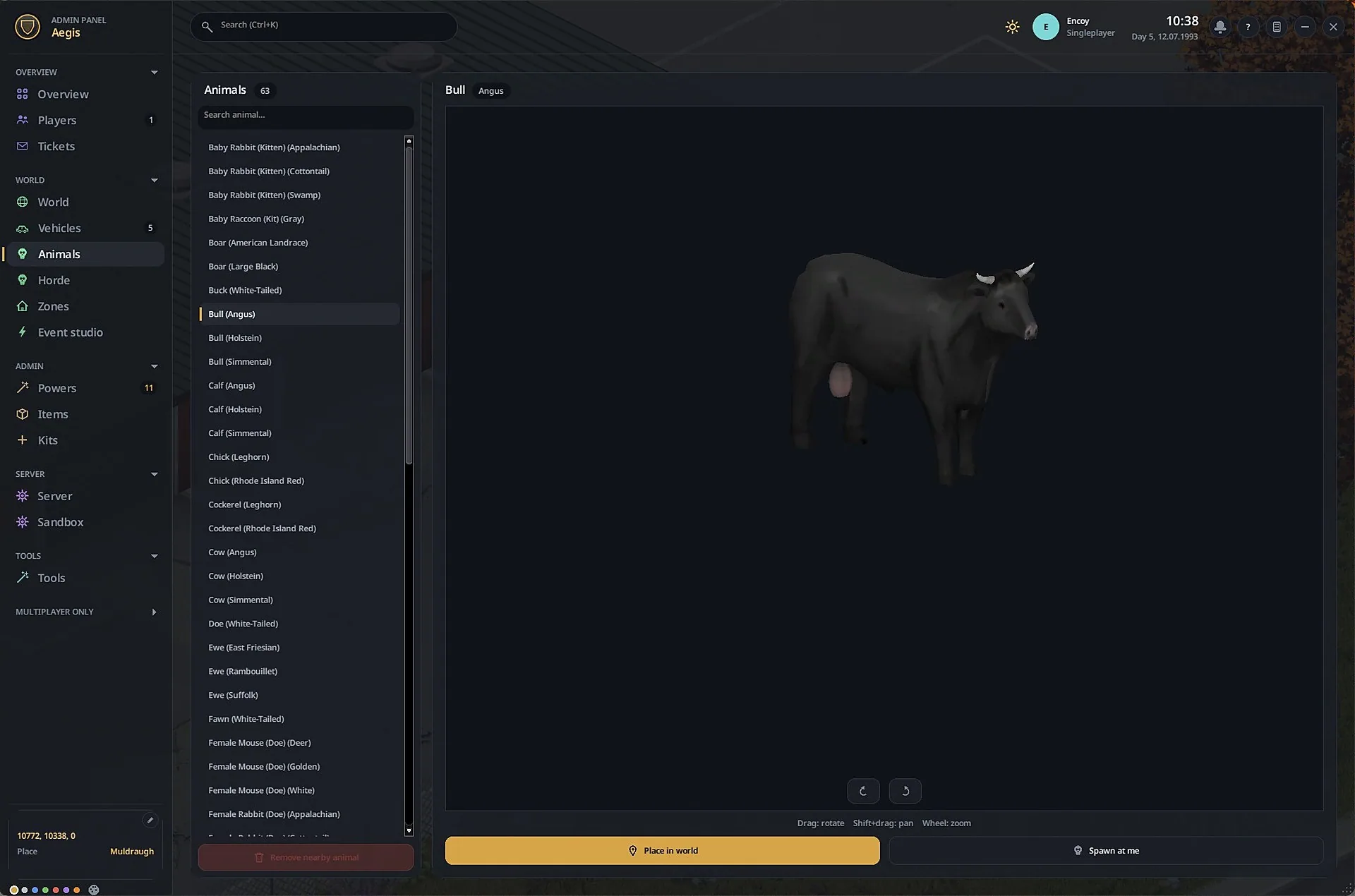
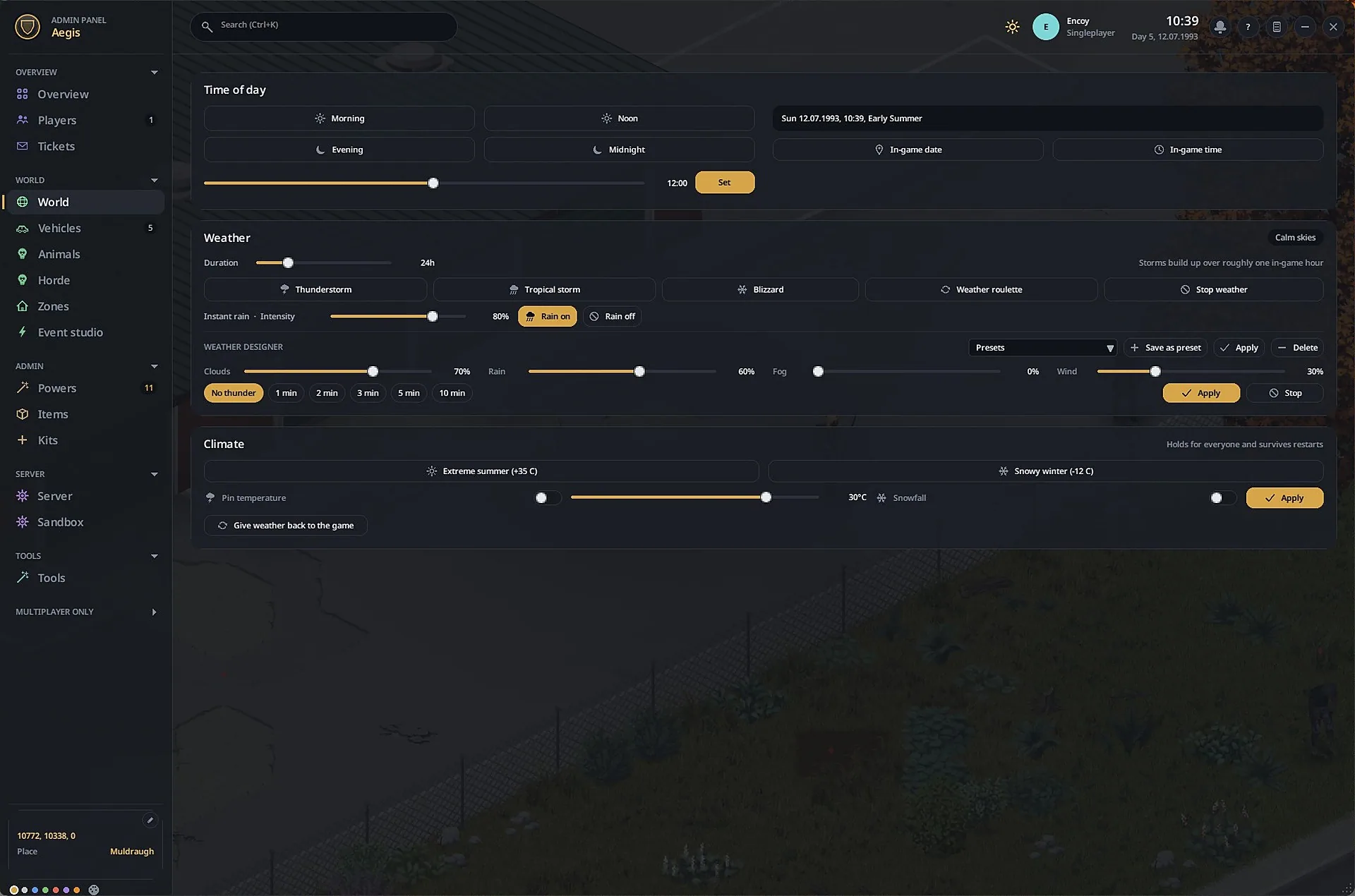
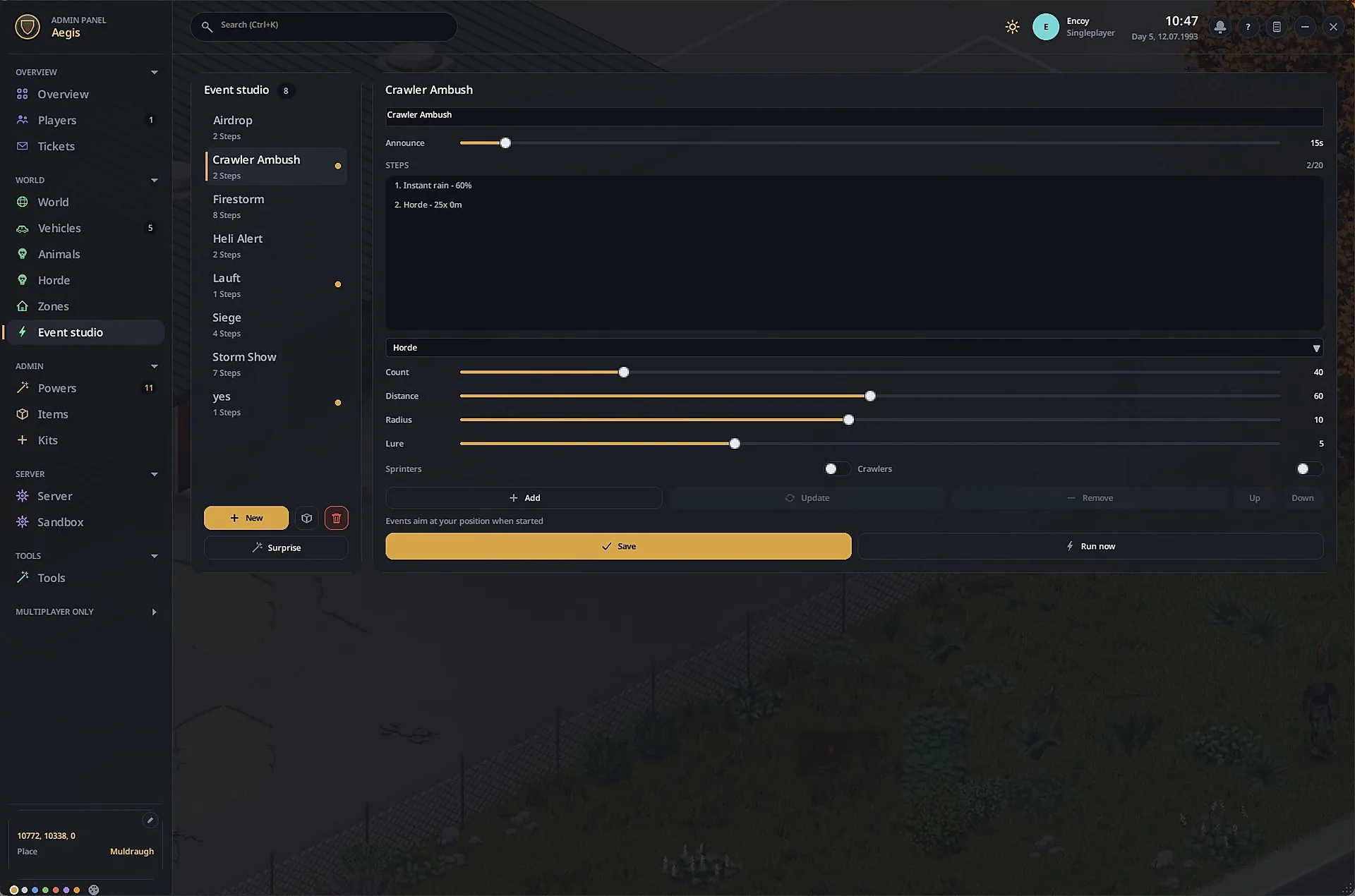
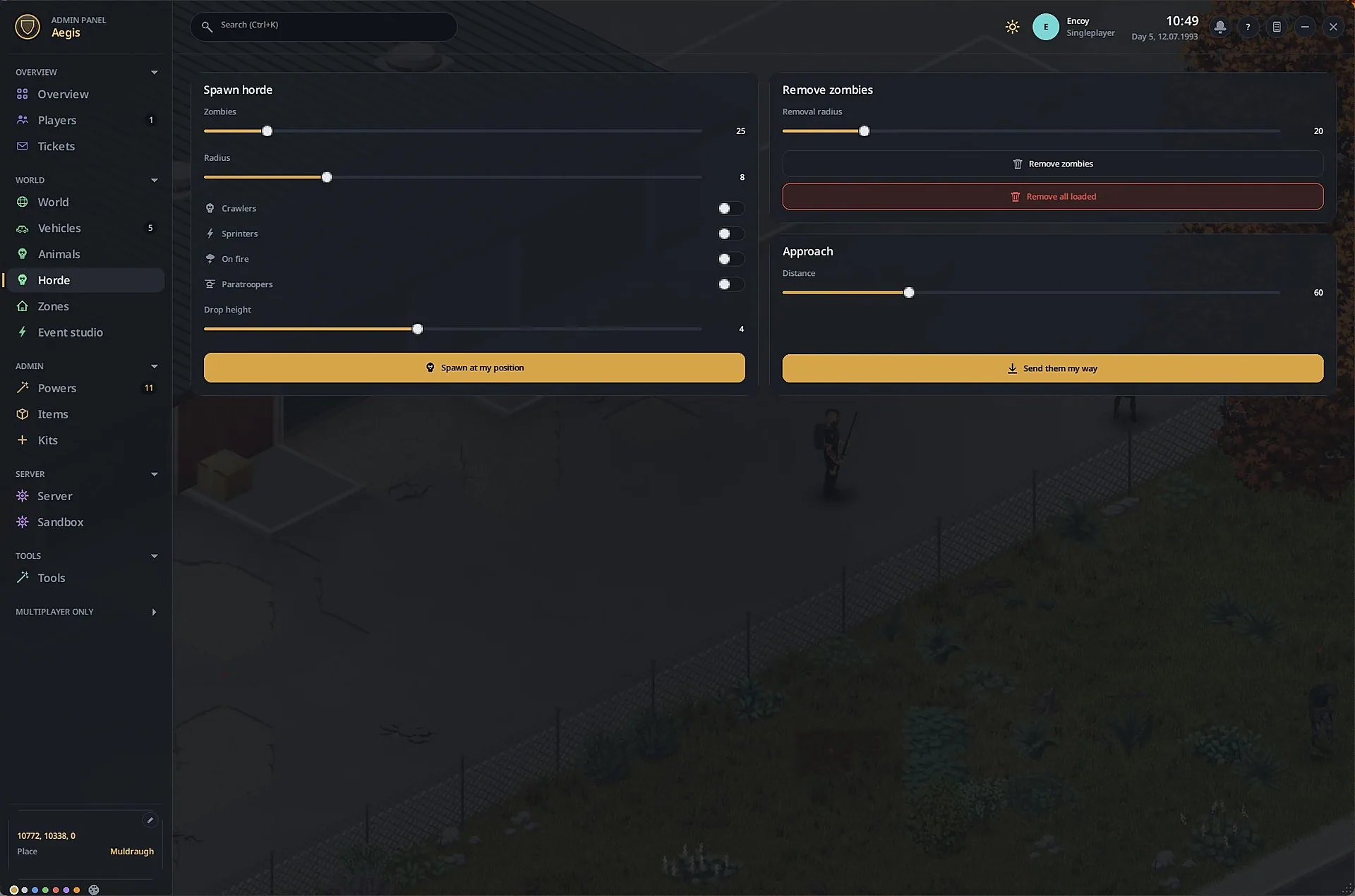
The screenshots show most of the pages. In short:
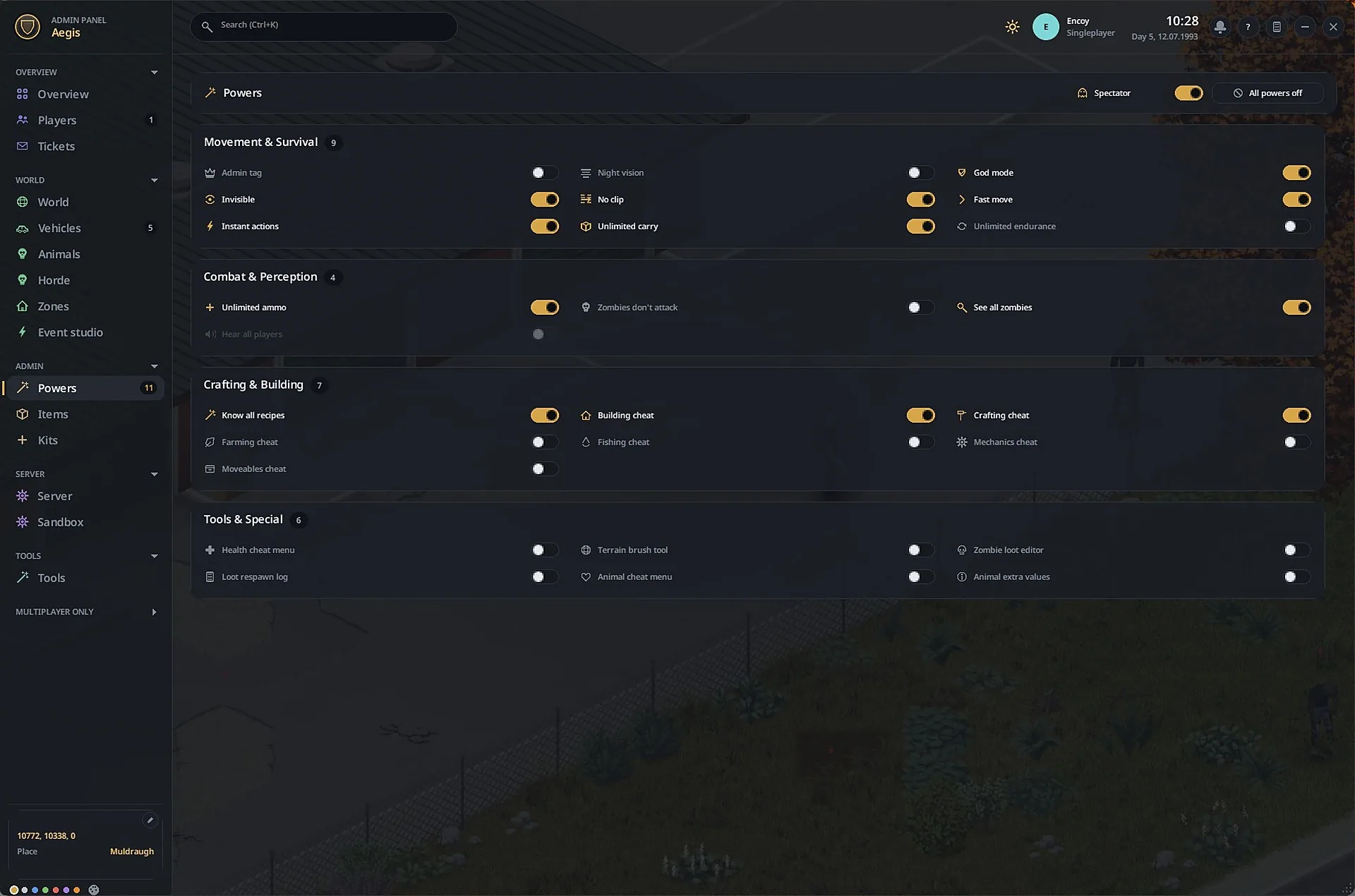
- Powers: god mode, invisible, no clip, fast move, unlimited carry, unlimited ammo, every cheat menu, see all zombies and more. One click on Spectator turns on god mode, invisible, no clip and fast move together.
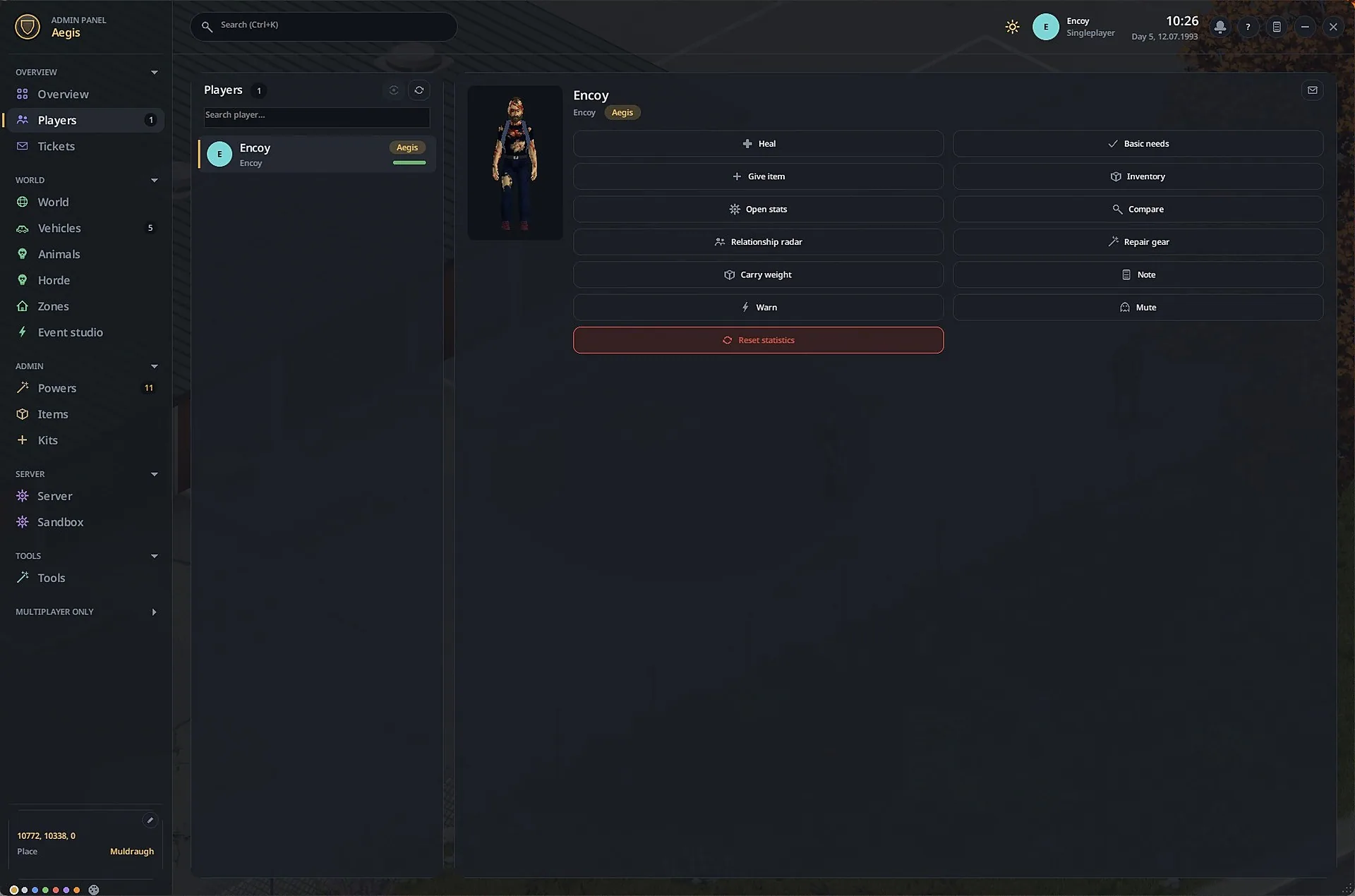
- Players: heal them, give items, check inventory and stats, set carry weight, repair gear. Warn, mute, kick, ban or tempban. Next to every name you see their record: how often they were warned, kicked, banned or muted. Every kick and ban also takes a screenshot and saves it in the Screenshots folder of the admin who did it. Aegis never deletes those, so you always know why someone got banned.
- Tickets: players open a ticket with a category and their position, your team replies, assigns it and keeps internal notes. ASAP is the emergency level. If someone spams it, a sanction ladder kicks in, up to blocking their emergency button.
- Polls: ask the whole server a question with up to five answers, one vote per account. Your team sees the result live, players once the poll ends, or right after they vote if you don't hide it.
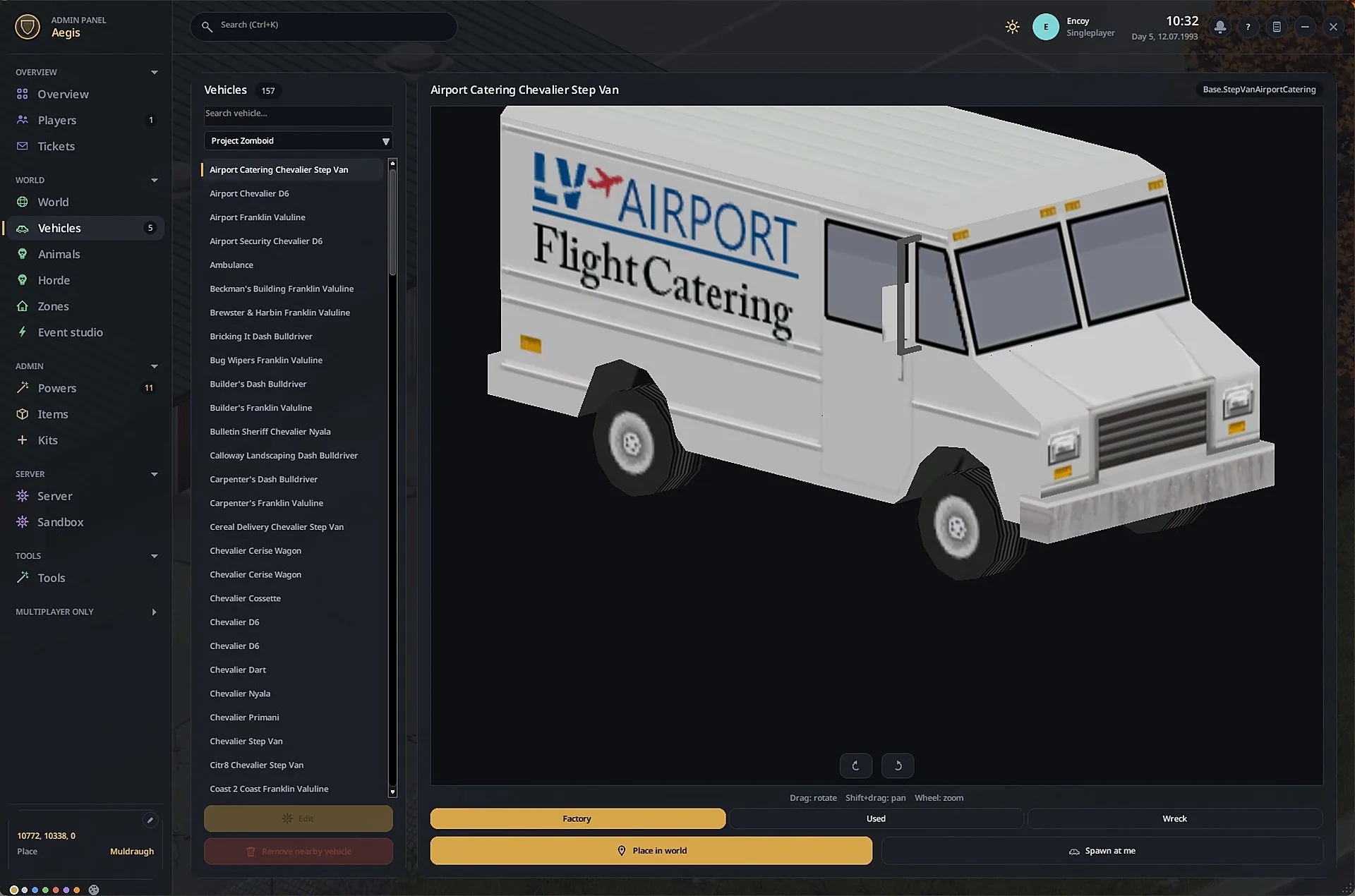
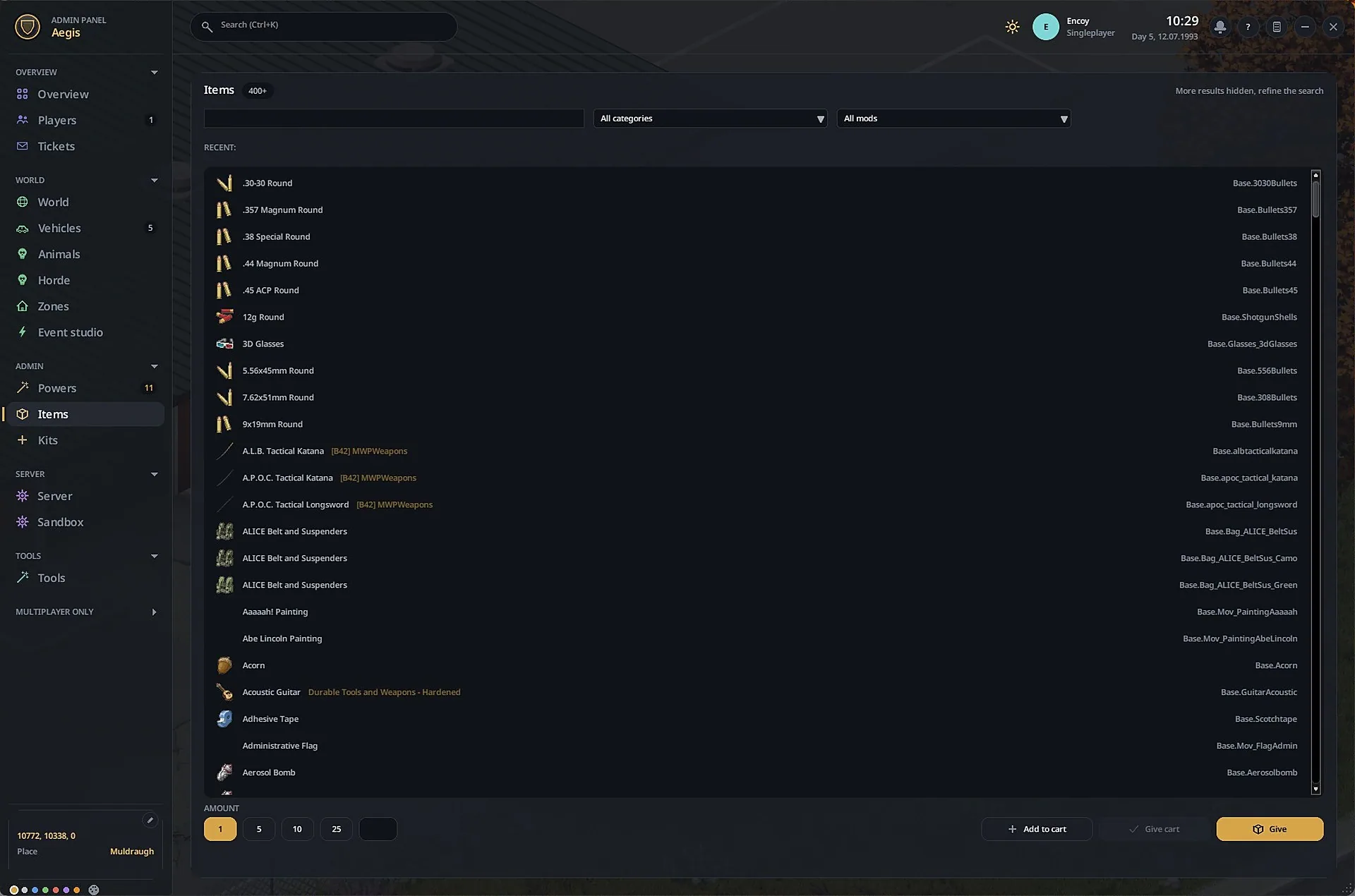
- Items, vehicles, animals: spawn anything by name, cars and animals with a 3D preview. Right-click a car or select Edit for vehicle tools.
- World: time and date, weather with its own designer and presets, power and water on or off.
- Zones: paint safehouses in any shape instead of dragging rectangles. Rule zones carry their own rules: PvP off or forced, no zombies, no building, fire protection, alarm, power or water just for that area.
- Event studio: build events from blocks like hordes, weather, sounds, announcements and pauses, save them and fire them where you stand. Or roll the dice for a random one.
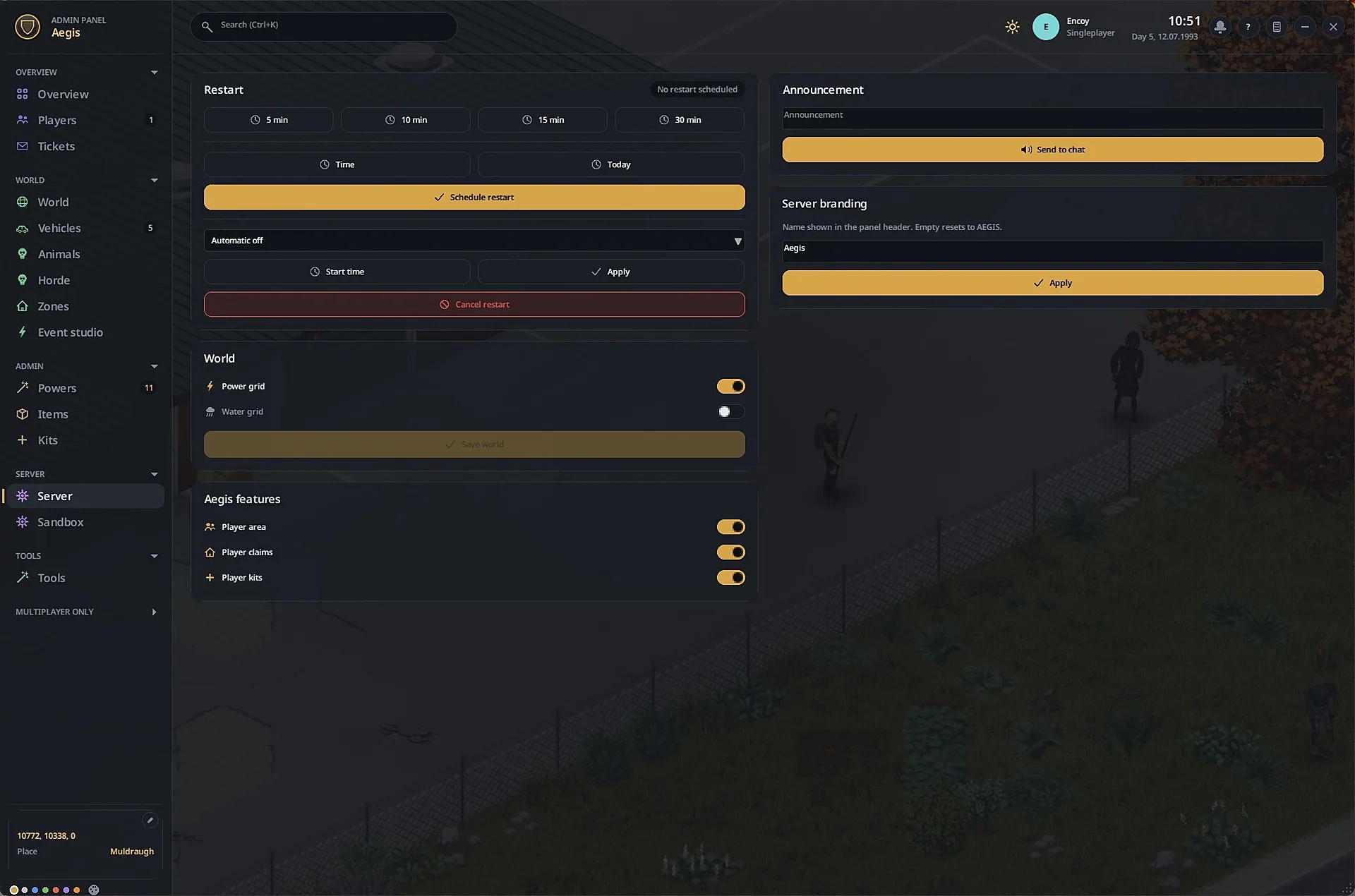
- Server: scheduled and automatic restarts with a countdown, server announcements and your server's name in the panel header.
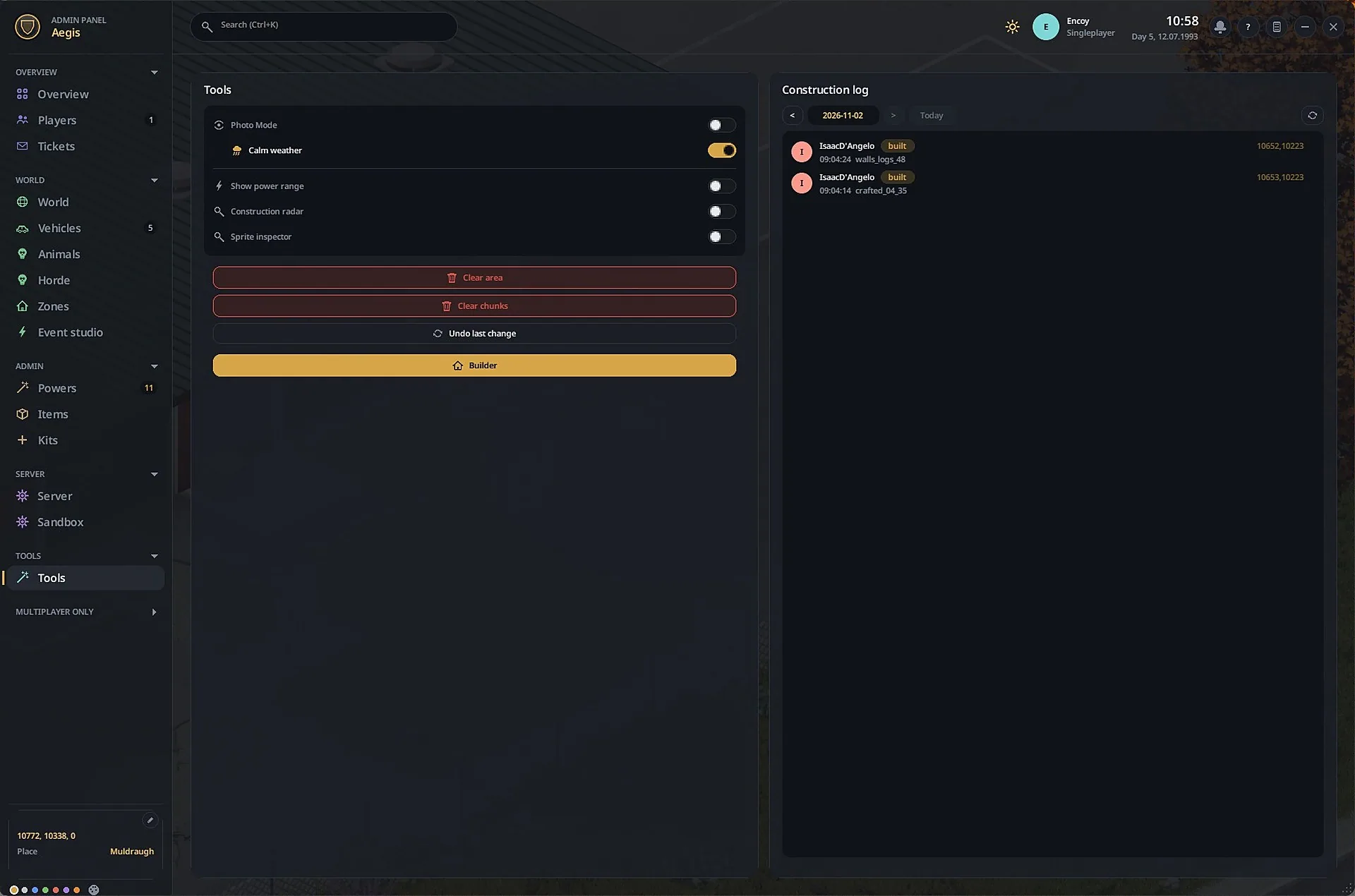
- Tools: construction radar (who built what, and when), area clearing with undo for the last few steps, photo mode and the blueprint planner.
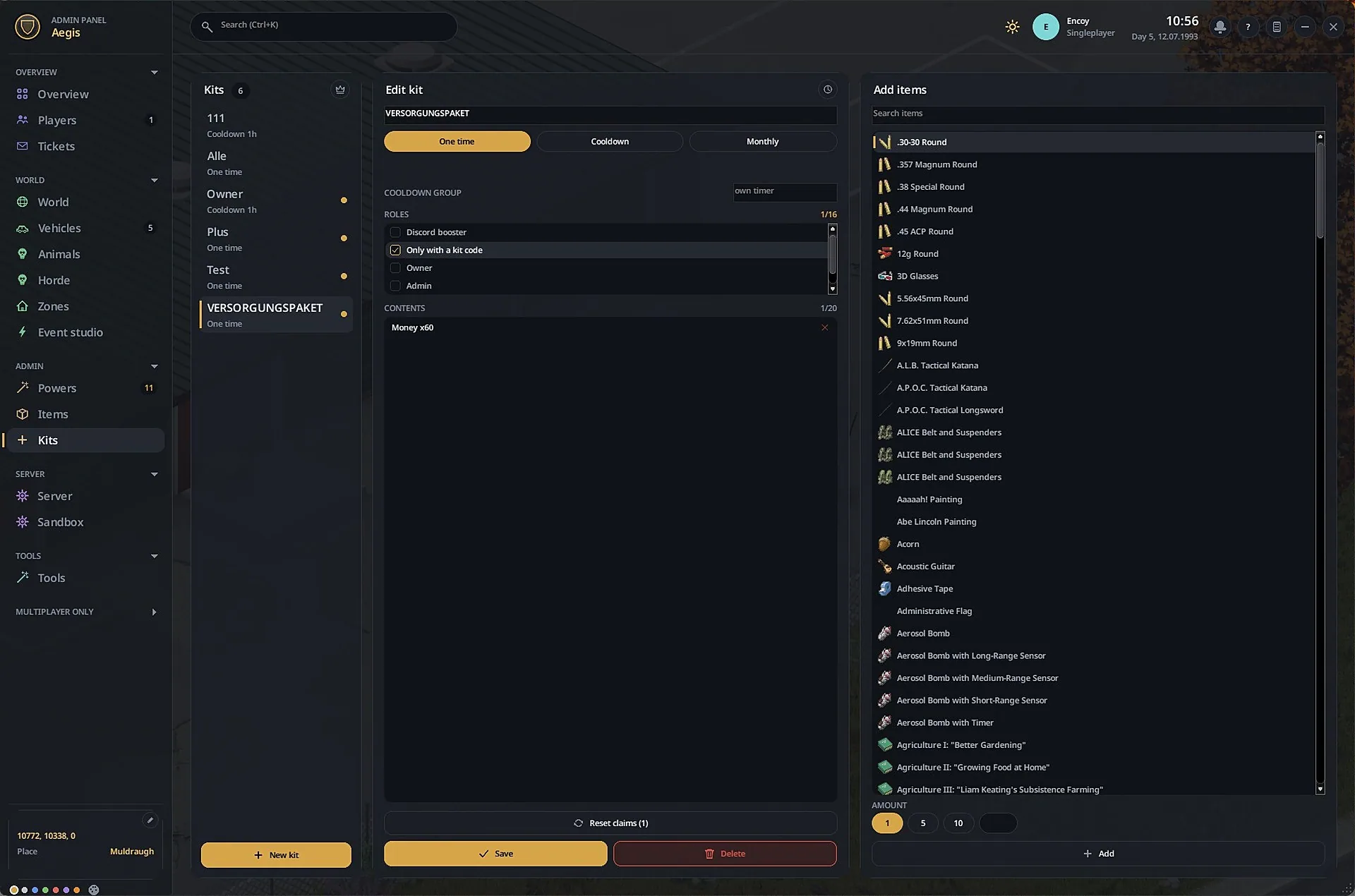
- Kits: one time or on a cooldown. Codes from a Discord bot can unlock a kit too.
- Roles: hand out parts of the panel without making someone a full admin, and give each role its own head tag in your own color.
- Logs: who did what and when. Filter by area and day, or search for a name, no matter if it's the player or the admin.
FOR PLAYERS (F6)
Every player gets their own window: profile and stats, health, their safehouse and vehicles, claims, kits to pick up, polls to vote on and a help page to open tickets.
SINGLEPLAYER
This was the big one. The game ignores cheat flags in singleplayer, so until now the powers only worked if you started the game with -debug. So I rebuilt them myself.
God mode, invisible, zombies don't attack, unlimited carry, unlimited ammo, no clip, all cheat menus, terrain brush, admin tag and see all zombies now work in a normal singleplayer game. No clip takes you through walls, furniture, cars, bushes and trees without slowing you down, and you won't trip when you sprint through the woods. Only Hear all players still needs multiplayer, for obvious reasons.
GIVING SOMEONE LIMITED ADMIN ACCESS
- In Aegis open Roles, create a role, tick only the areas that person should have, save.
- Assign the role to the player at the bottom of the same page.
- Only now set their vanilla level to observer: /setaccesslevel "name" observer. Aegis only shows the panel to levels that carry the admin tool, so observer is the lowest one that works. Until a role is assigned, observer has full Aegis access, the Roles page included, so the role always comes first.
An Aegis role can only narrow what a vanilla admin may do, it never grants anything by itself. Leave the Roles area unticked and they cannot change permissions, not even their own. Only the vanilla admin level keeps role management no matter what, so nobody can lock themselves out.
HOTKEYS
F7 opens the admin panel, F6 the player area. You can rebind both under Options, Mods. If F6 already does something in your key bindings (fast forward, for example), give one of them a different key.
LANGUAGES
The panel speaks 13 languages. Help pages and changelog are in English and German.
Version 2.13. Performance with 50 players online was not tested.
Screenshots 12
Comments 0
No comments yet — be the first.
Log in or sign up to leave a comment.