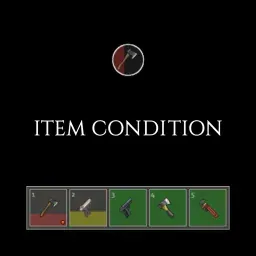
Item Condition [B41/B42] — Durability Bars on Equipped Items
Shows item condition on the hotbar and equipped-item interface using vertical or horizontal bars. Colors change with remaining condition.
Interface and quality-of-life mods for Project Zomboid improve information display, inventory management, and everyday interactions. Find custom UI panels, character status indicators, hotkeys, interface settings, and practical enhancements that make survival management more convenient.
Shows item condition on the hotbar and equipped-item interface using vertical or horizontal bars. Colors change with remaining condition.
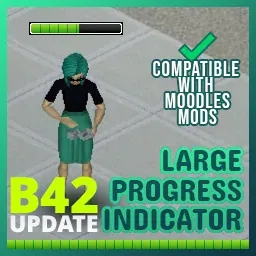
Enlarges the progress indicator so ongoing actions are easier to see. Compatible with other moodle mods.
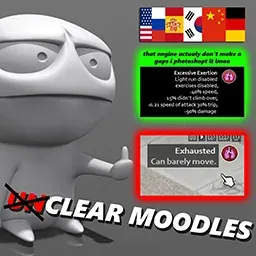
Replaces standard moodle tooltips with detailed descriptions of their positive and negative effects. Covers vanilla moodles only.
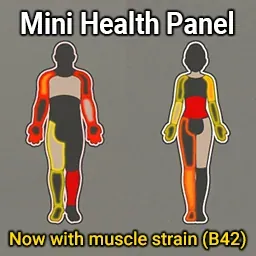
Shows wounds on a movable body silhouette without opening the health window. Build 42 also gets a separate muscle strain indicator.
Explains trait and profession effects, foraging bonuses and free recipes. Supports B41 multiplayer; does not work with B42.15+.
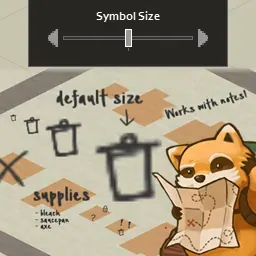
Adds a size slider for symbols and notes on the world map and map items. Can be enabled in existing saves.
Exports kills, survival time and character traits to text files for OBS or streaming bots, and adds a compact in-game display.
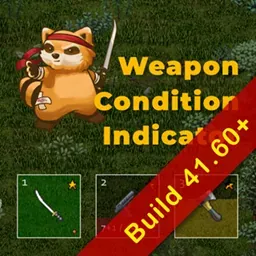
Shows weapon durability, ammunition and battery charge on the hotbar and equipped-item icon. Requires Mod Options and Build 41.60+.
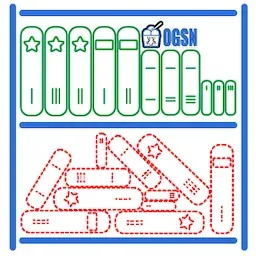
Groups literature by type, lets you mark advanced books as owned, and adds distinct magazine icons and four optional skill-book icon sets.

Automatically prepares evolved recipes in an empty bowl, frying pan or griddle pan using accessible food.
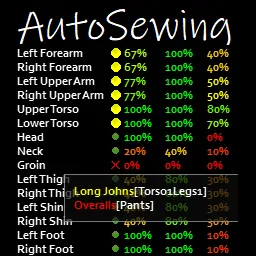
Automates tailoring practice and adds hole and patch controls to the Character Protection page. Supports Build 41.60+ and multiplayer.
Automates reloading practice with a shotgun and shells or a magazine. Training can continue while walking and stops when you run, enter combat mode or press Escape.