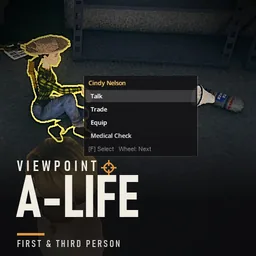

Viewpoint x A-Life adapts Project A-Life’s interface to Project Viewpoint’s 3D camera. NPC speech, interaction menus, and supported highlights appear in the correct positions while you explore in first or third person.
Contents
Viewpoint x A-Life — NPC Interactions in First and Third Person
Viewpoint x A-Life adapts Project A-Life’s interface to Project Viewpoint’s 3D camera. NPC speech, interaction menus, and supported highlights appear in the correct positions while you explore in first or third person.
This compatibility add-on requires both original mods. Normal isometric play remains unchanged.
Talk without leaving the 3D view
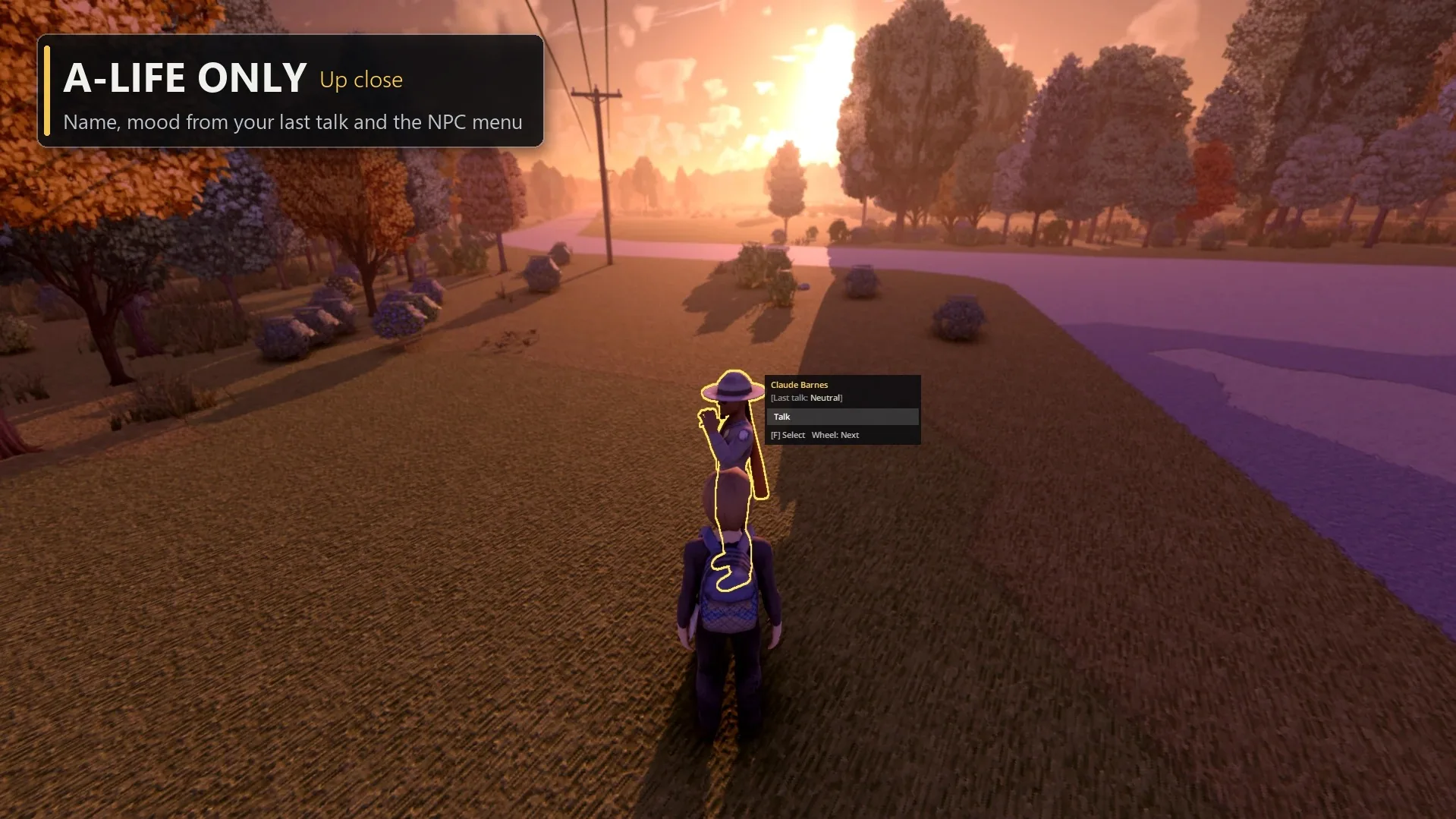
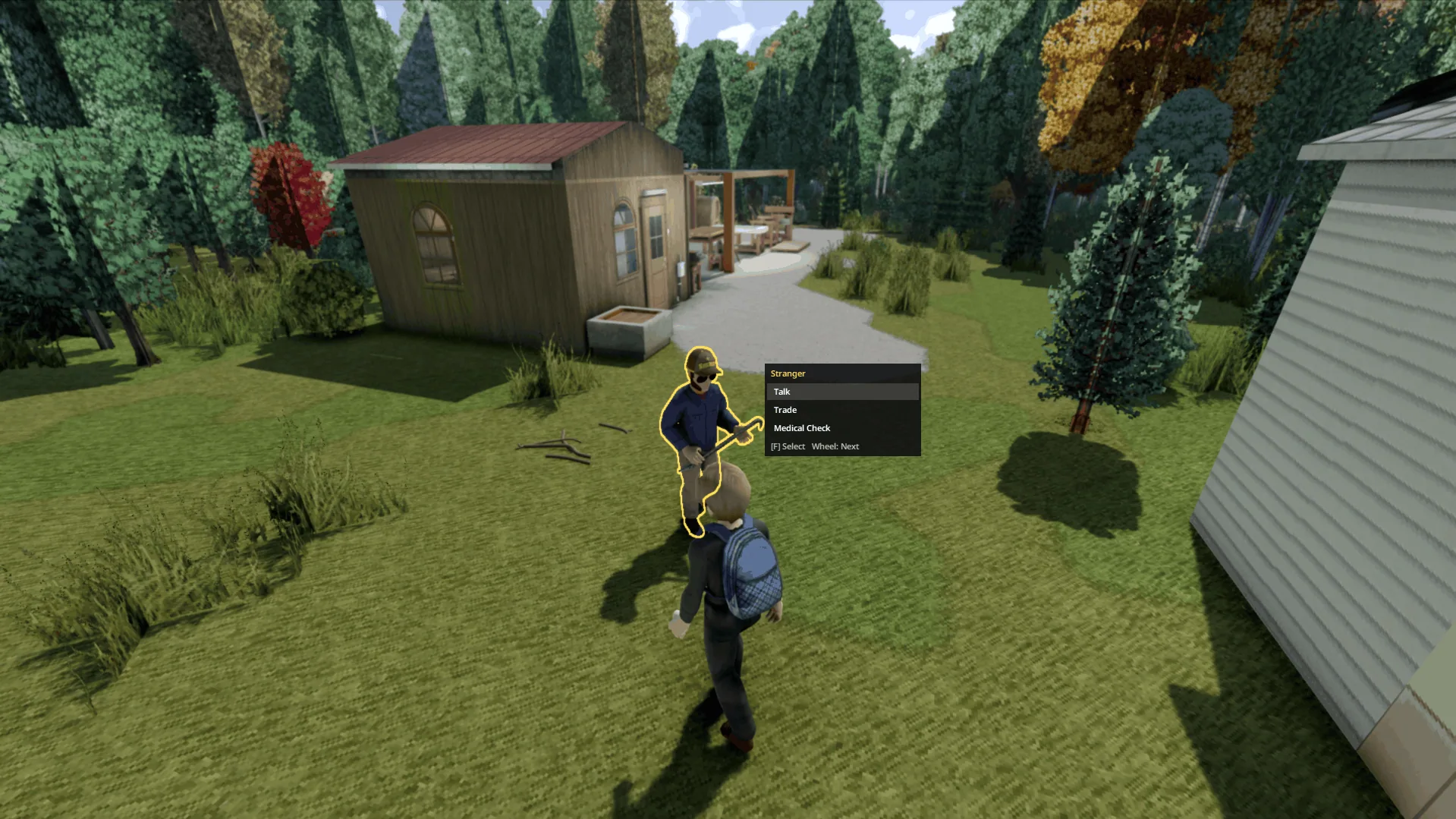
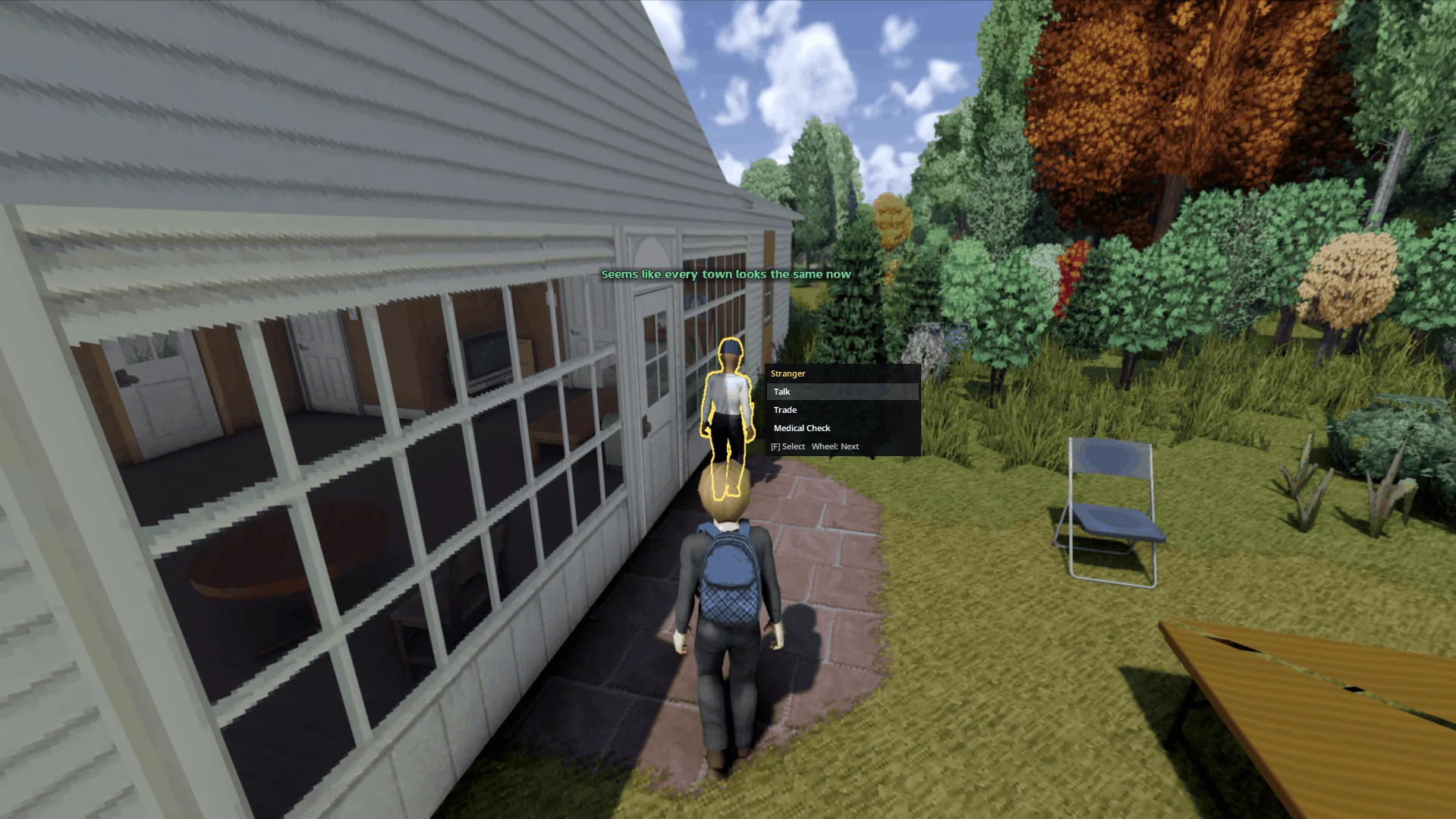
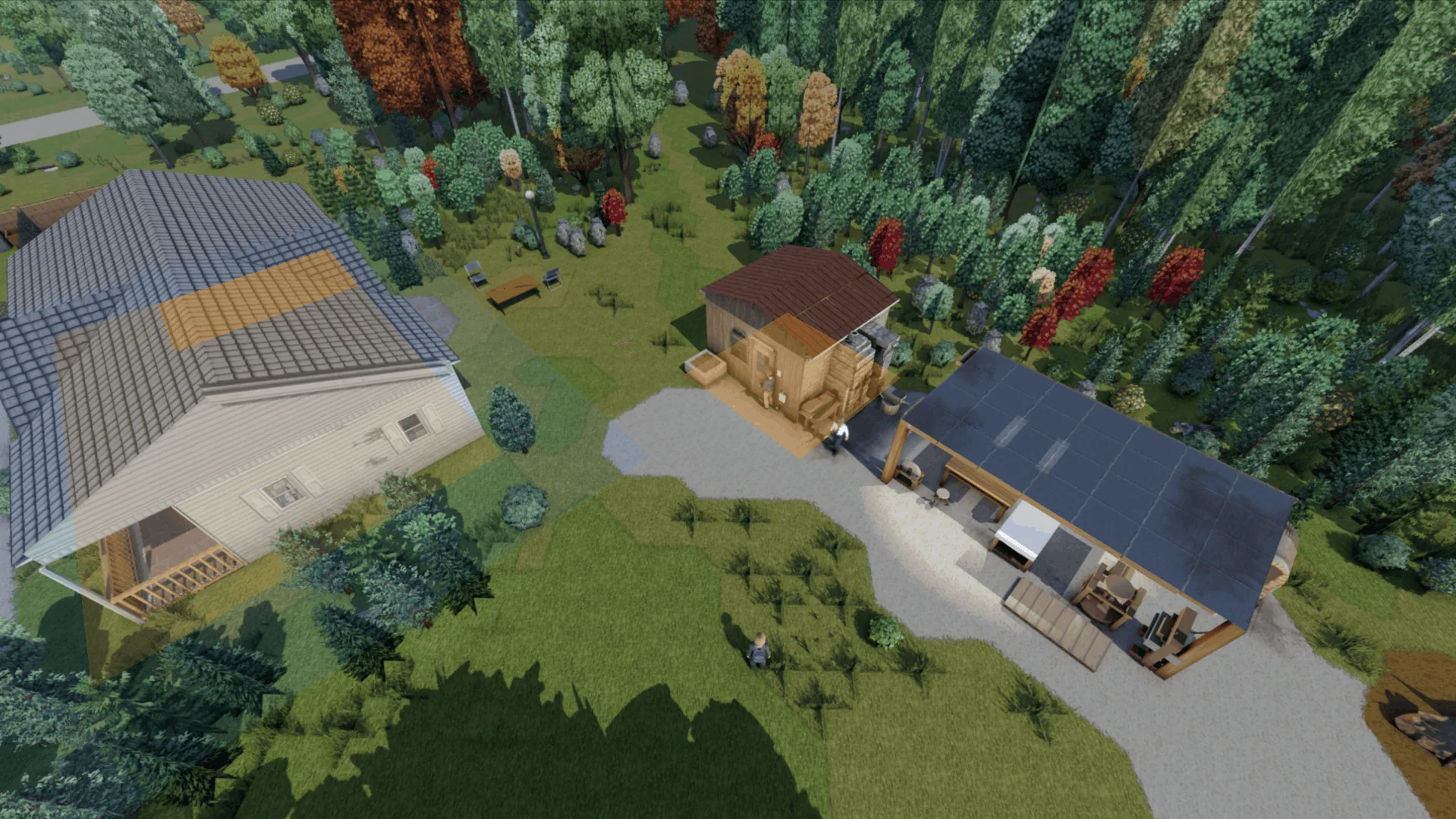
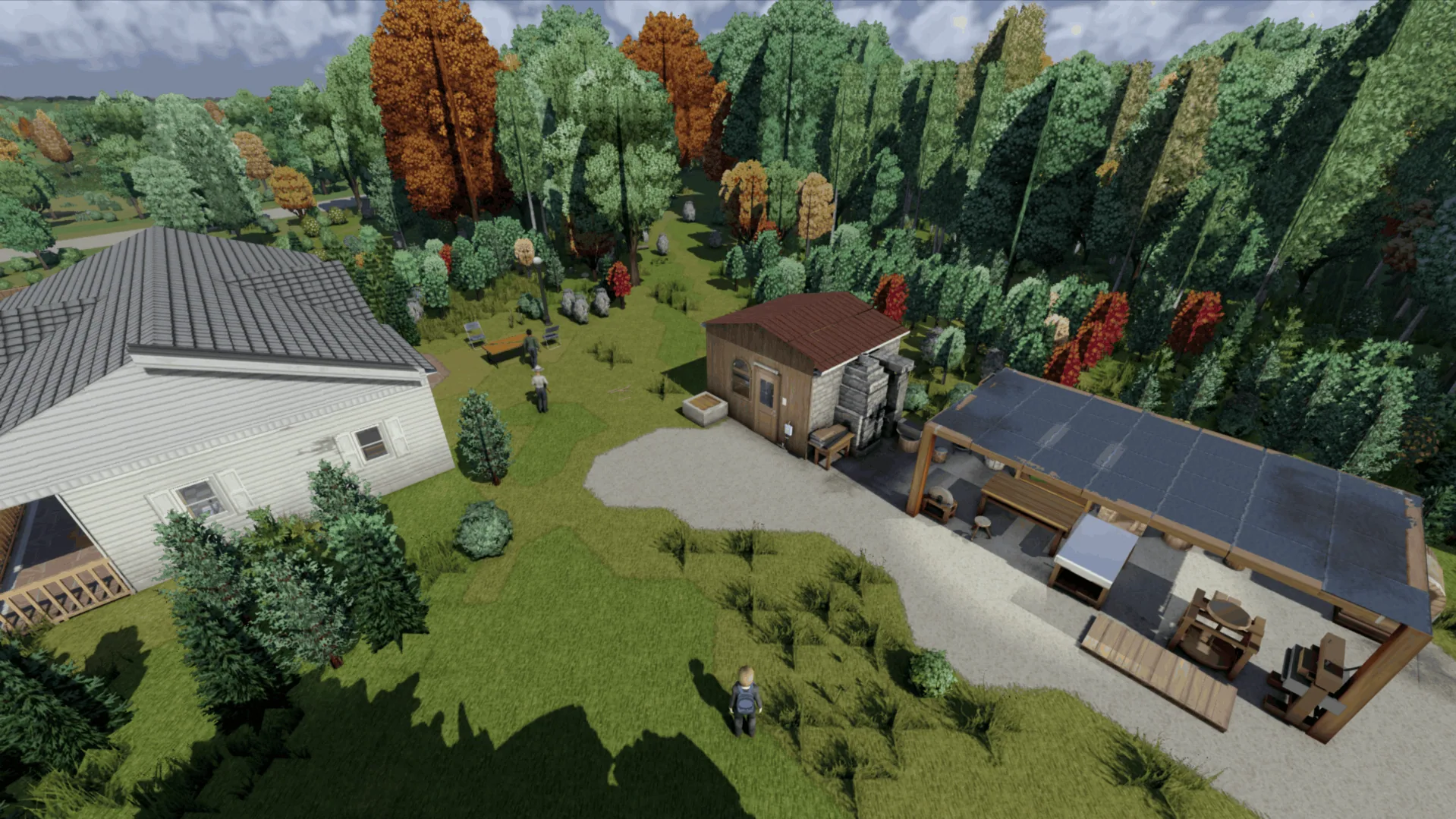
Aim at an NPC within approximately 6 tiles to display a yellow outline and a contextual menu. Available entries depend on A-Life and its installed extensions.
Default controls are:
F— perform the selected action.- Mouse wheel — cycle through menu entries.
G— activate A-Life’s Answer/Talk button.- Controller A — select an action or answer a prompt.
- D-pad — navigate the NPC menu.
The menu steps aside while aiming a weapon, during conversations, or when another window covers the screen’s centre. Crosshair interactions require the normal first- or third-person camera rather than free camera.
Speech and relationship feedback
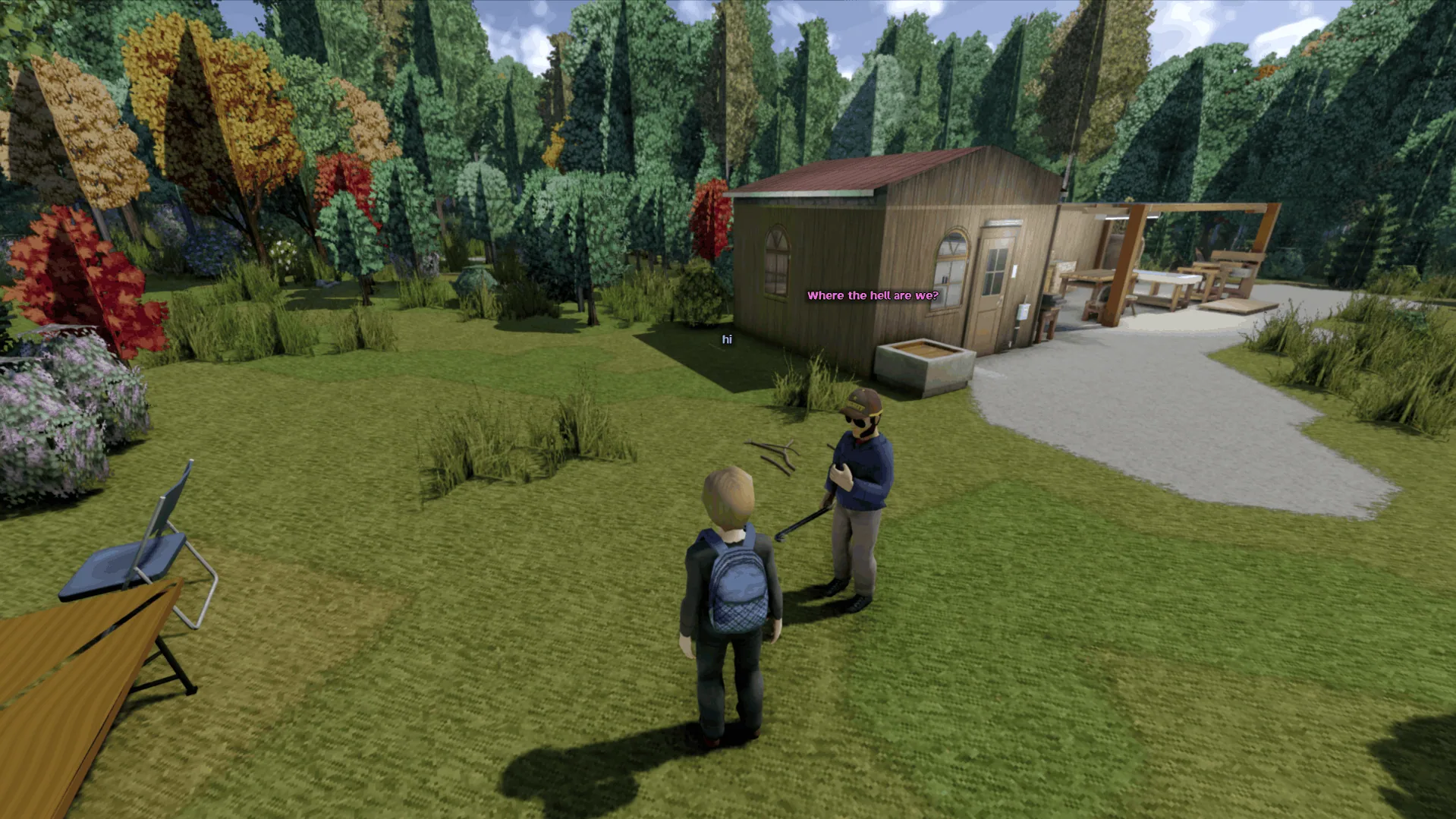
NPC dialogue can appear above the speaker’s head through Viewpoint’s renderer. The Answer/Talk button moves above the hotbar, allowing keyboard interaction without releasing the cursor.
The NPC menu also shows their attitude from your last conversation: Friendly, Neutral, Wary, or Hostile.
Speech presentation and button placement can each be switched back to A-Life’s style under Options → Mods → Viewpoint x A-LIFE. The action keys are configurable there too.
Jeem Extension integration
With Project A-Life – Jeem Extension enabled, additional support activates automatically:
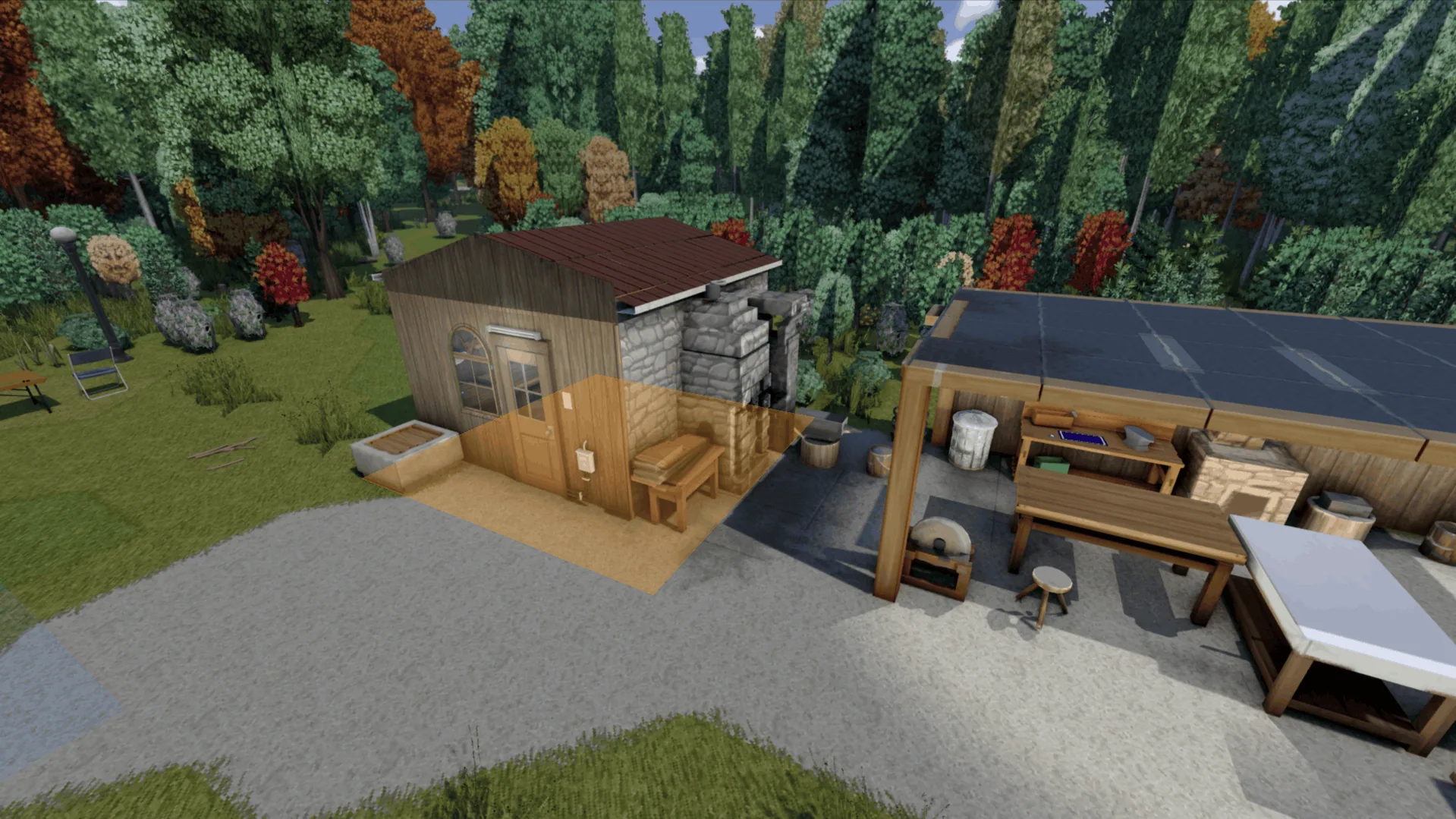
- ground-aligned base and area highlights;
- area selection by choosing two opposite corners;
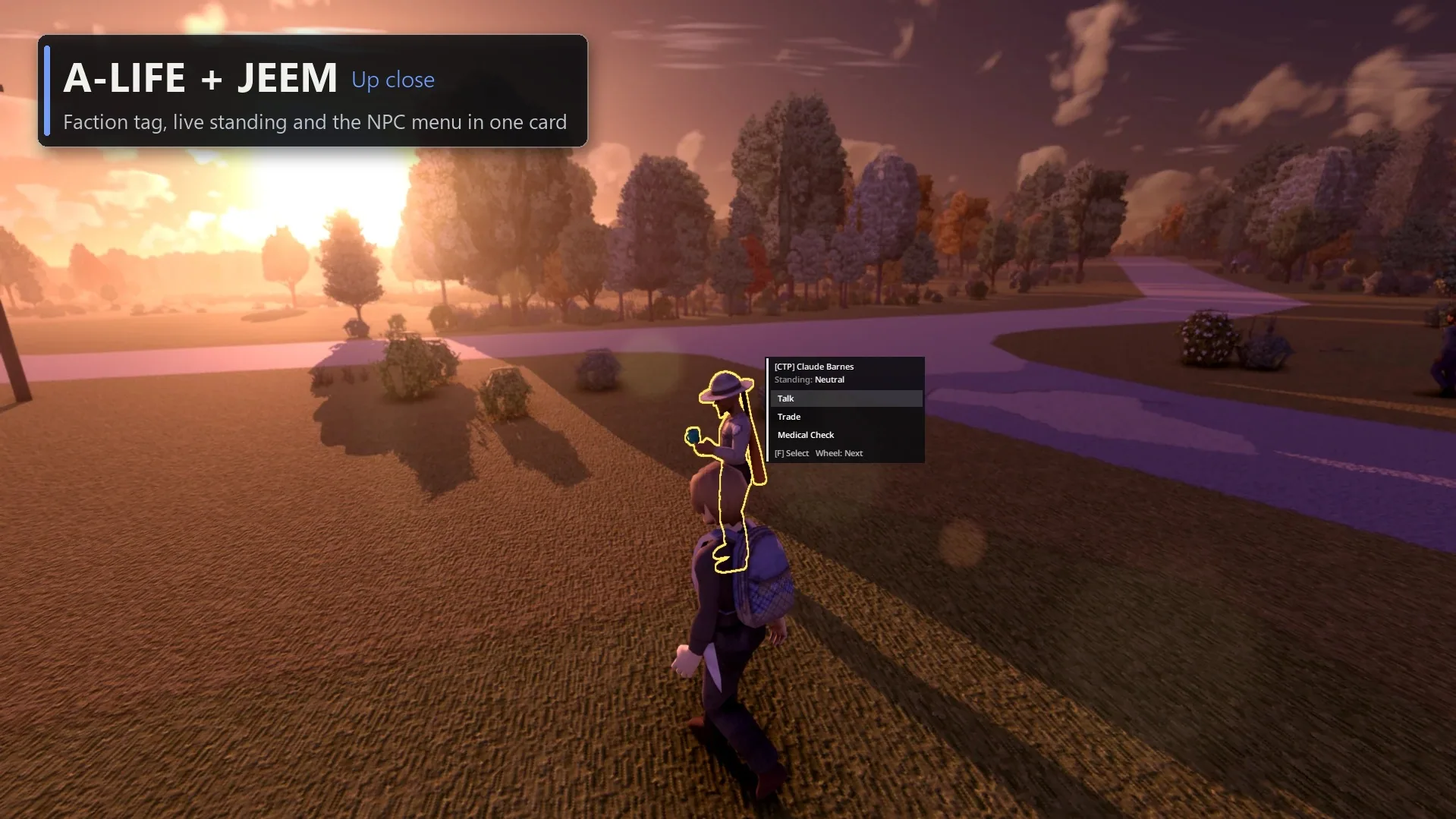
- Trade and Medical Check actions;
- faction, current standing, and activity in nearby NPC menus;
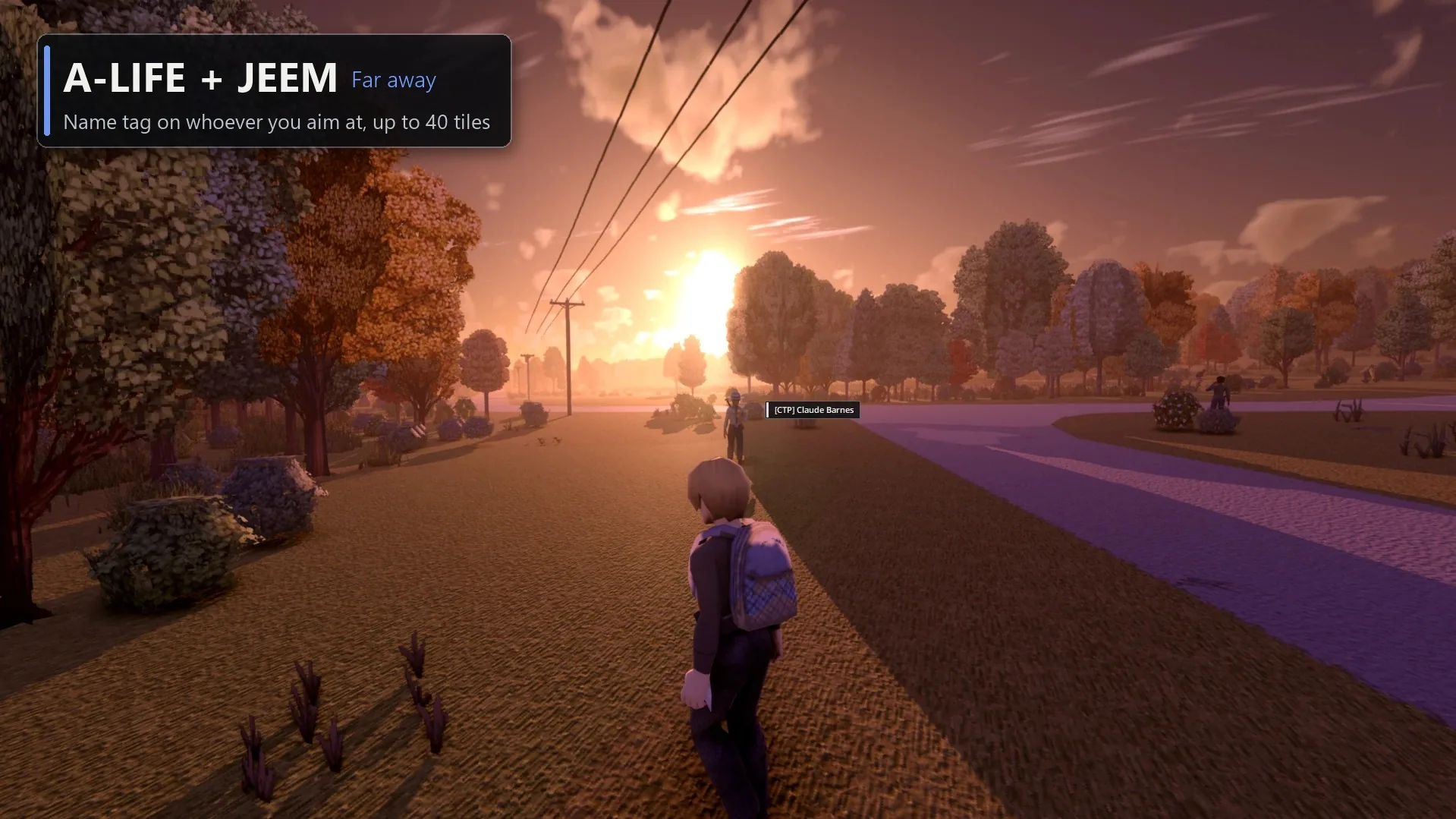
- aimed NPC name tags at distances of up to 40 tiles;
- faction-window access through
F7.
Base and area highlights also work in Viewpoint’s free camera.
Requirements and setup
Requires Viewpoint, Project A-Life [ALIFE NPCS], and ZombieBuddy. Jeem Extension is optional.
Load this patch after its dependencies, preferably near the bottom of the list. Approve ViewpointALife when ZombieBuddy requests permission for its Java component; without it, the 3D outline and menu cannot function.
Tested in single-player on Build 42.21. Multiplayer has not been tested.
If interactions are missing, check console.txt for camera bridge loaded or camera bridge missing, then verify Java approval and restart.
Screenshots 9
Comments 0
No comments yet — be the first.
Log in or sign up to leave a comment.