
















A Lua patch for Last Ones Standing - The 1993 Survivors in Project Zomboid Build 42.21 or later. Enable the base mod alongside it. Each combat, squad or everyday-life module can be switched independently in the in-game Squad panel.
Contents
A Lua patch for Last Ones Standing - The 1993 Survivors in Project Zomboid Build 42.21 or later. Enable the base mod alongside it. Each combat, squad or everyday-life module can be switched independently in the in-game Squad panel.
Combat
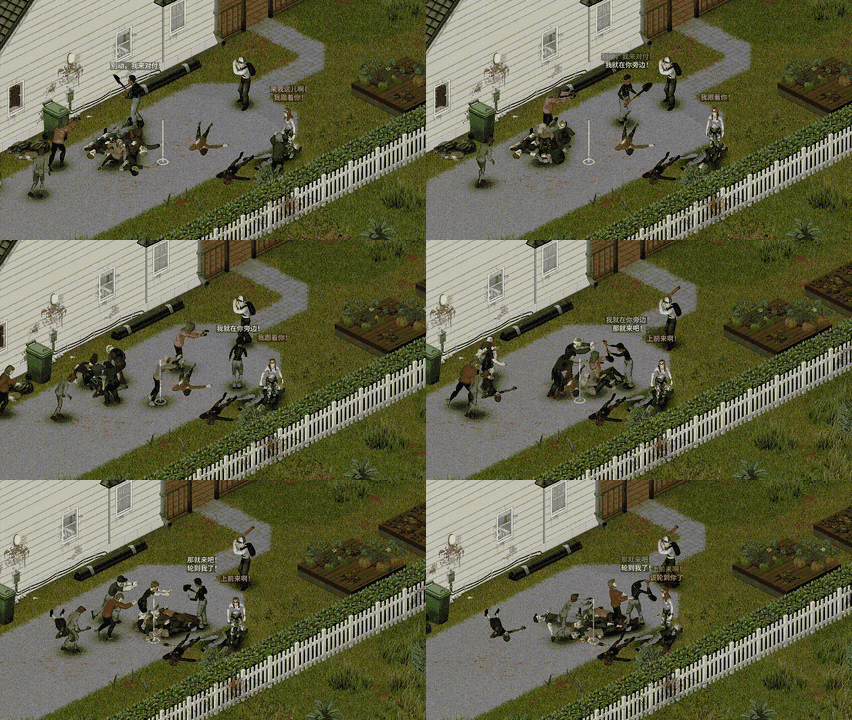
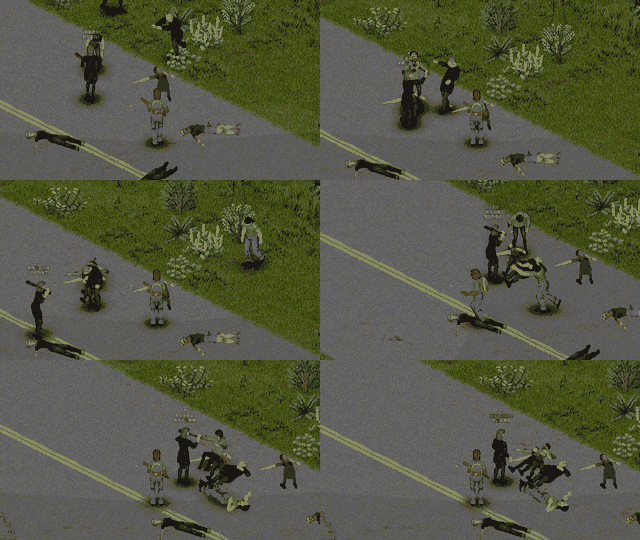
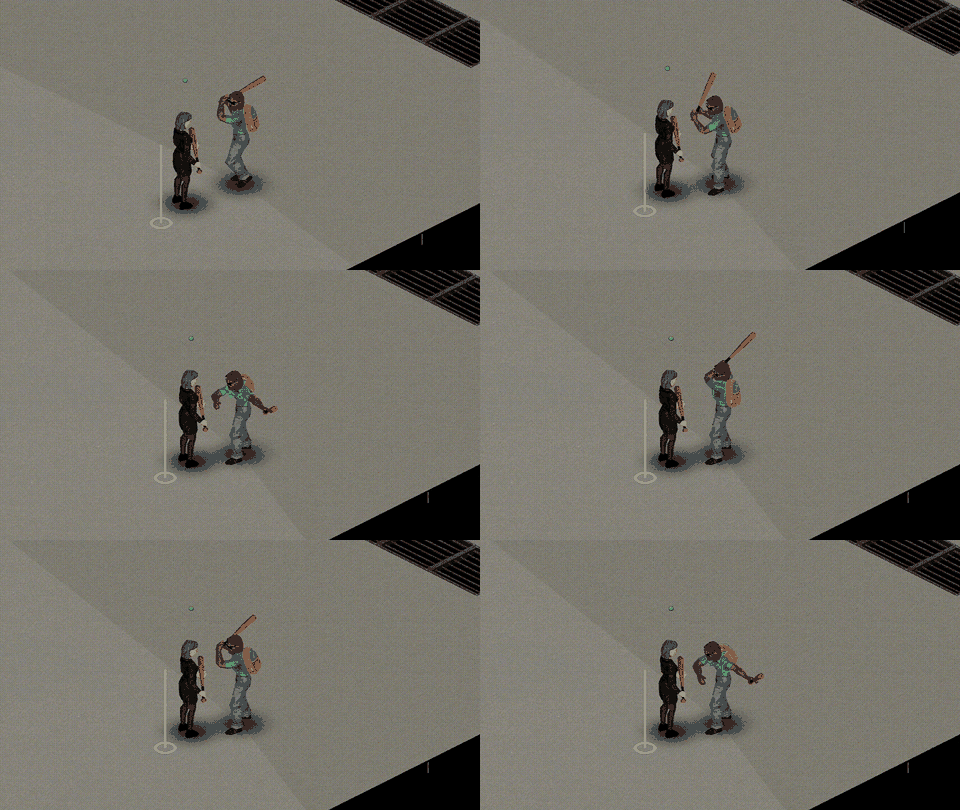
- The melee module uses Strength for shove range, target count, success rate and damage. Dexterity affects shove, attack, movement and turning speed. Downed zombies take at most three hits to finish. The fixed boost uses a two-tile shove, up to four targets at once, near-certain success and one or two finishing hits.
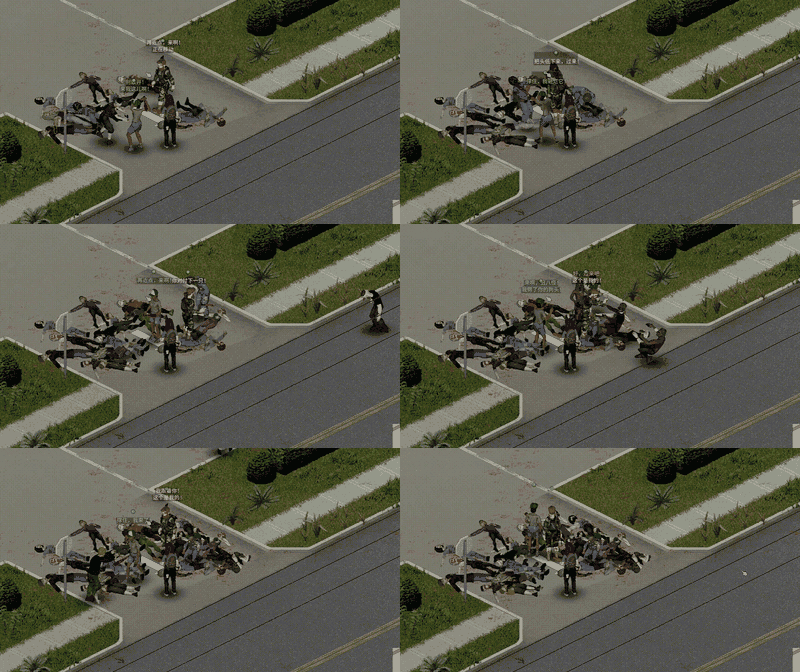
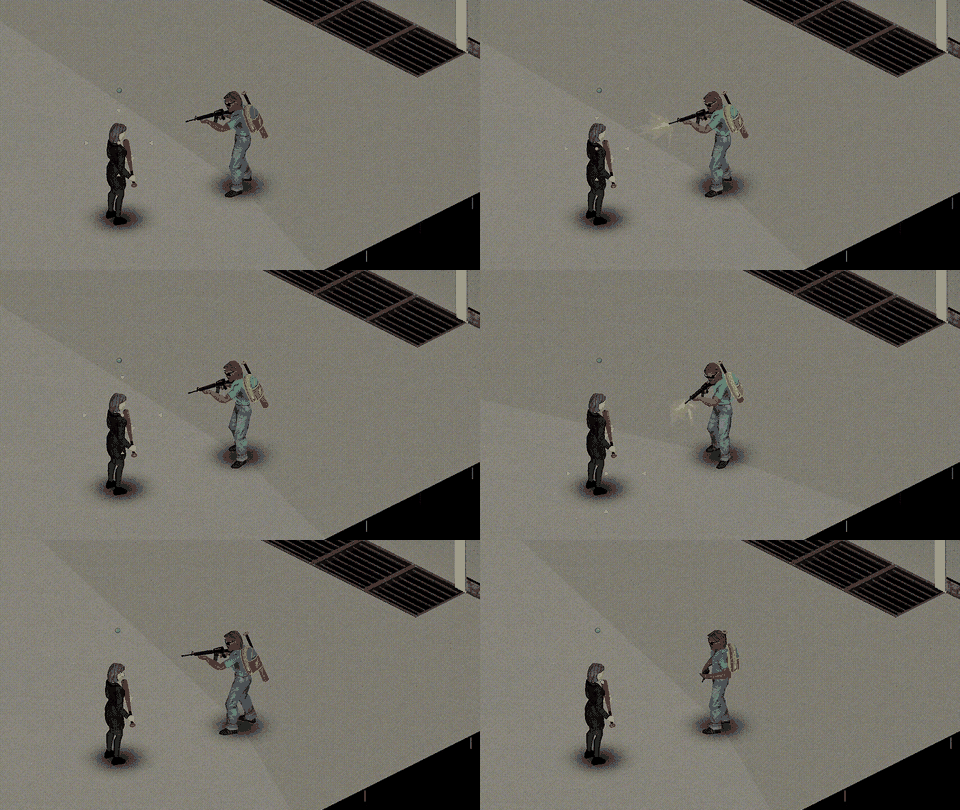
- NPCs use melee against zombies and prioritize a gun for hostile NPCs within 15 tiles. The ranged module fires groups of 1–10 rounds at the weapon's own rate, with about one second between bursts. With it off, the base mod fires one shot every 1.1 seconds or more.
- Friendly-fire protection covers friendly and neutral NPCs. Hostiles can still be hit. Nearby squadmates can prioritize zombies targeting or touching the player. A switch prevents friendlies from fleeing, and the stronger courage option triples its flee threshold.
Orders, markers and map
- Select NPCs under All friendlies or Squads. Orders go to the selected NPCs only. Create or rename up to four squads. Orders are Follow, Hold, Rest, Sleep, Melee only and Avoid. Shouts work within 15 tiles. Farther away both sides need radios on the same channel.
- Toggle green friendly markers, white neutral markers or red hostile markers separately. Green markers are visible through walls up to 30 tiles. Hostile markers need line of sight and a distance of no more than 12 tiles. Arrows identify NPCs above or below you.
- Display nearby friendly names, green map dots and NPC names on the map. Trust changes appear for two seconds in green for gains or red for losses, with the change and current value.
Inventory and appearance
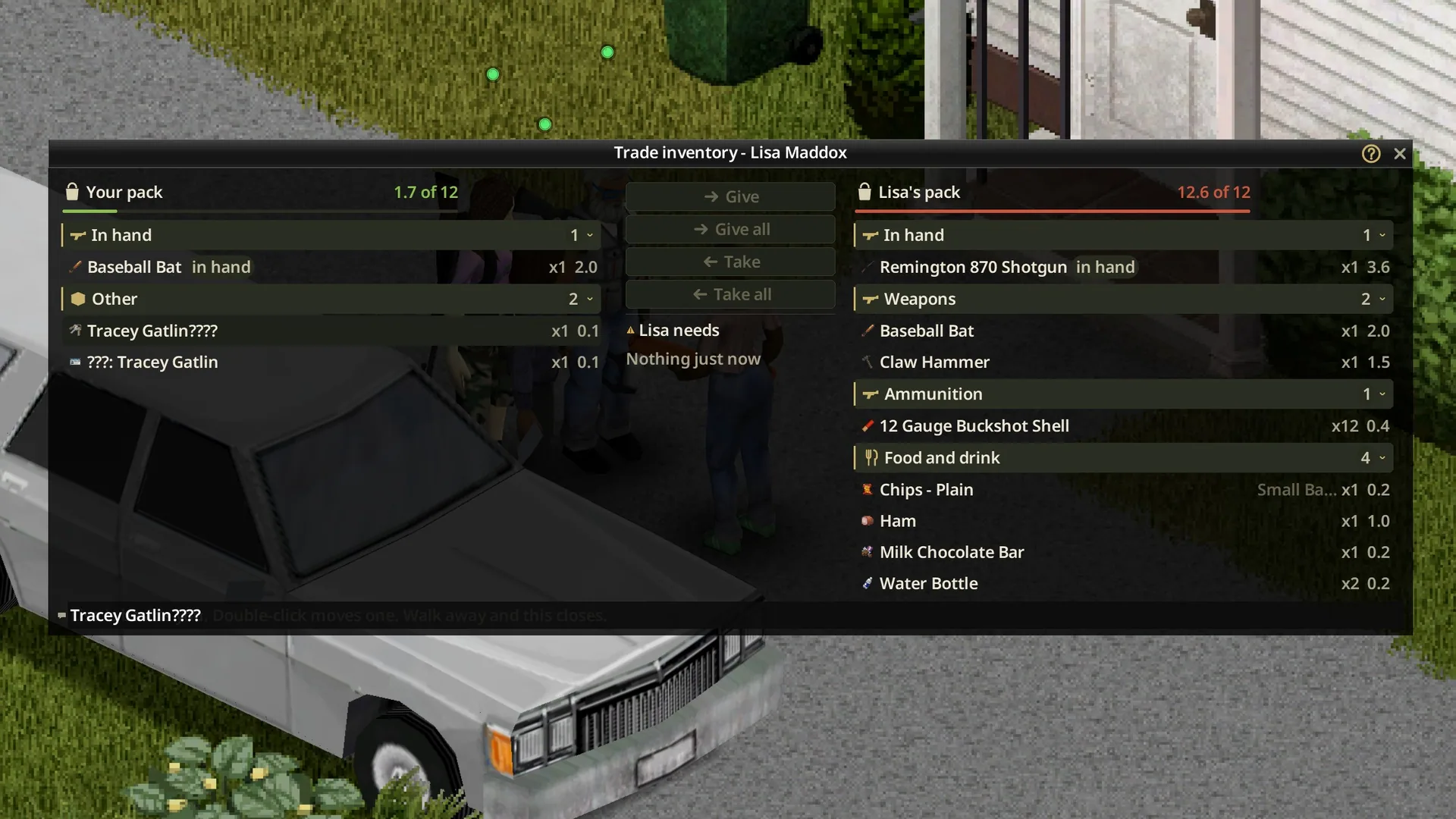
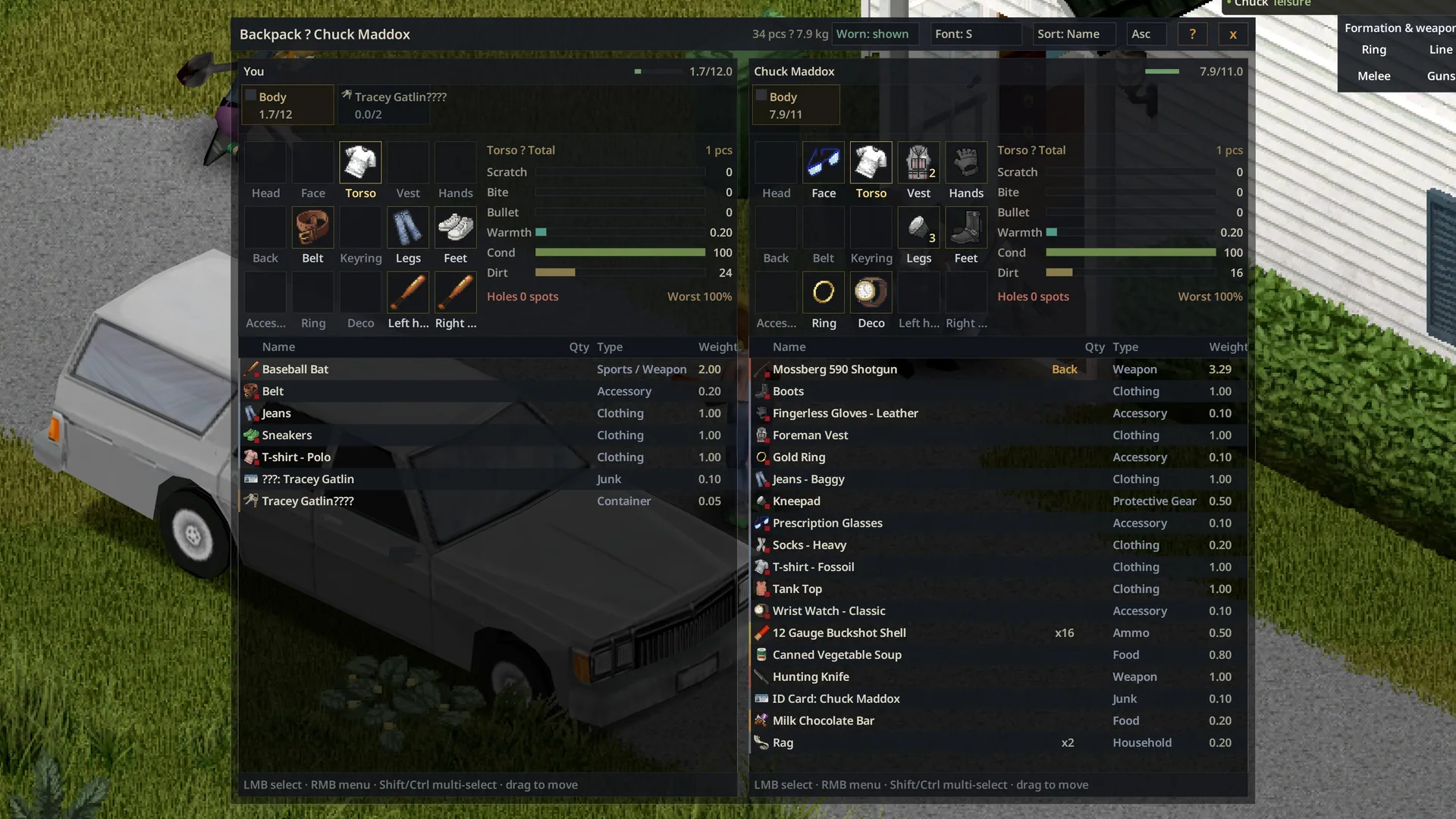
Click an overhead marker to open the custom dialogue wheel. The base wheel can also follow the green dot. Right-click an NPC within six tiles or click the wheel's center for a two-column inventory. Each side has a container bar and 15 equipment slots. Drag items between inventories or into slots to equip them, swap or remove full outfits, sort by name, type or weight, change font size and inspect armor coverage and condition. Trade listings show each item's container.
Edit NPC name, gender, hairstyle, beard, hair color, skin and facial details. Musculature follows Strength.
Everyday behavior
- Above 50% load, NPCs put items in backpacks first. They use food and medicine straight from bags and sort bag items into the matching containers. Searching containers one at a time during chores is designed to improve frame rate.
- NPCs shut doors behind them if nobody is within two tiles. Right-click a door to knock and call NPCs out. They return to their tasks when you walk ten tiles away.
- Vehicle impacts use falling animations and a separate damage calculation. With Project RV Interior, followers within 20 tiles enter the RV interior with you. The rest hold position.
- Tall fences use a Strength roll: 40% at level 0, +6 percentage points per level, and 100% at level 10. Weight and moodles are ignored and NPCs drop nothing.
Settings and compatibility
A shared switch controls infinite ammo, fatigue speed and the hunger and thirst rate. An inheritance option lets the next player character retain the entire squad and base roster after death.
Compatible with Add Slop Faces, Improved Hair Menu Build 42 and Spongie’s Character Customisation. With Project Viewpoint, also enable 1993 Patch x Viewpoint Compatibility.
Screenshots 8


Comments 0
No comments yet — be the first.
Log in or sign up to leave a comment.