 Razilator
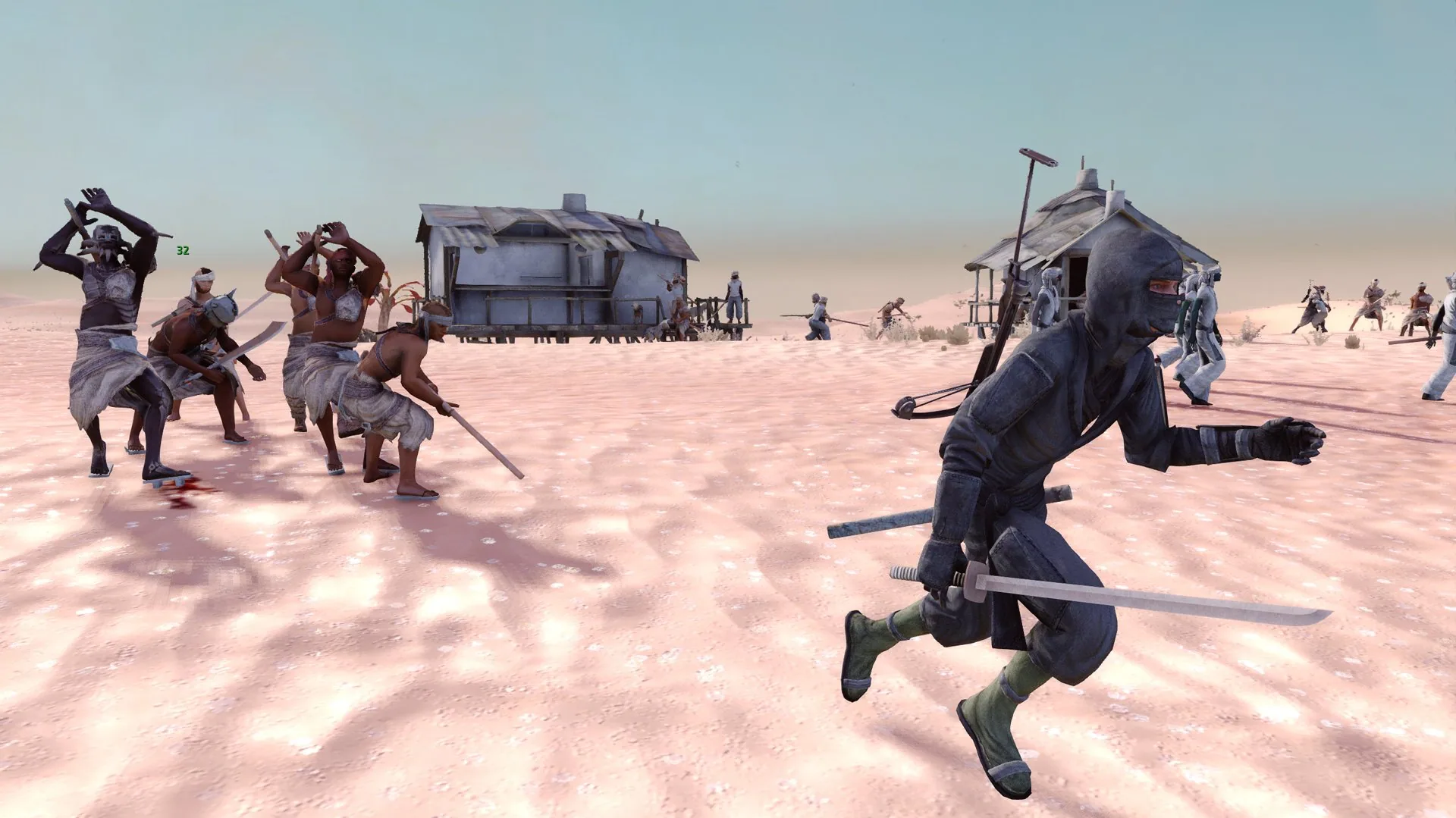
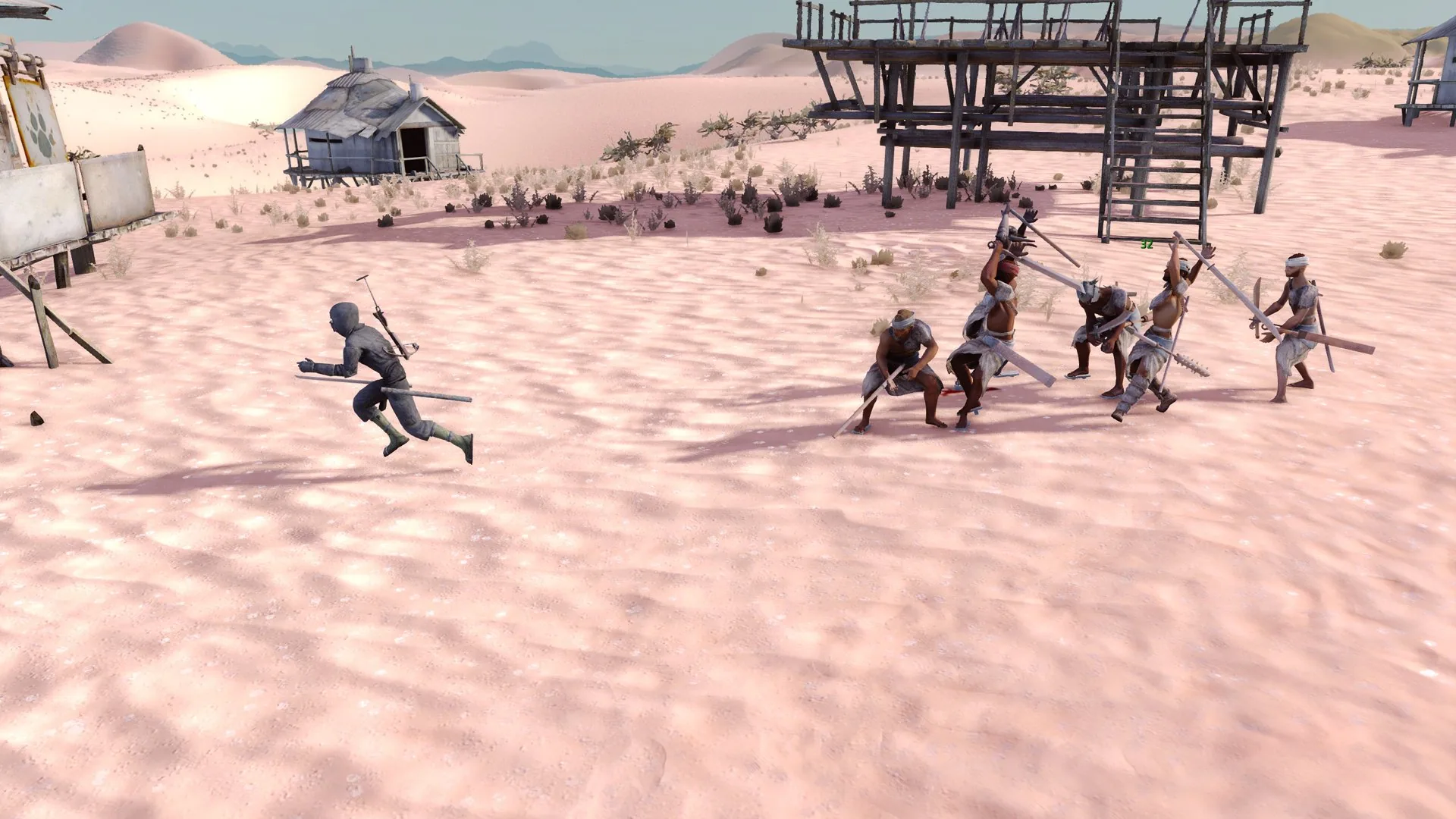
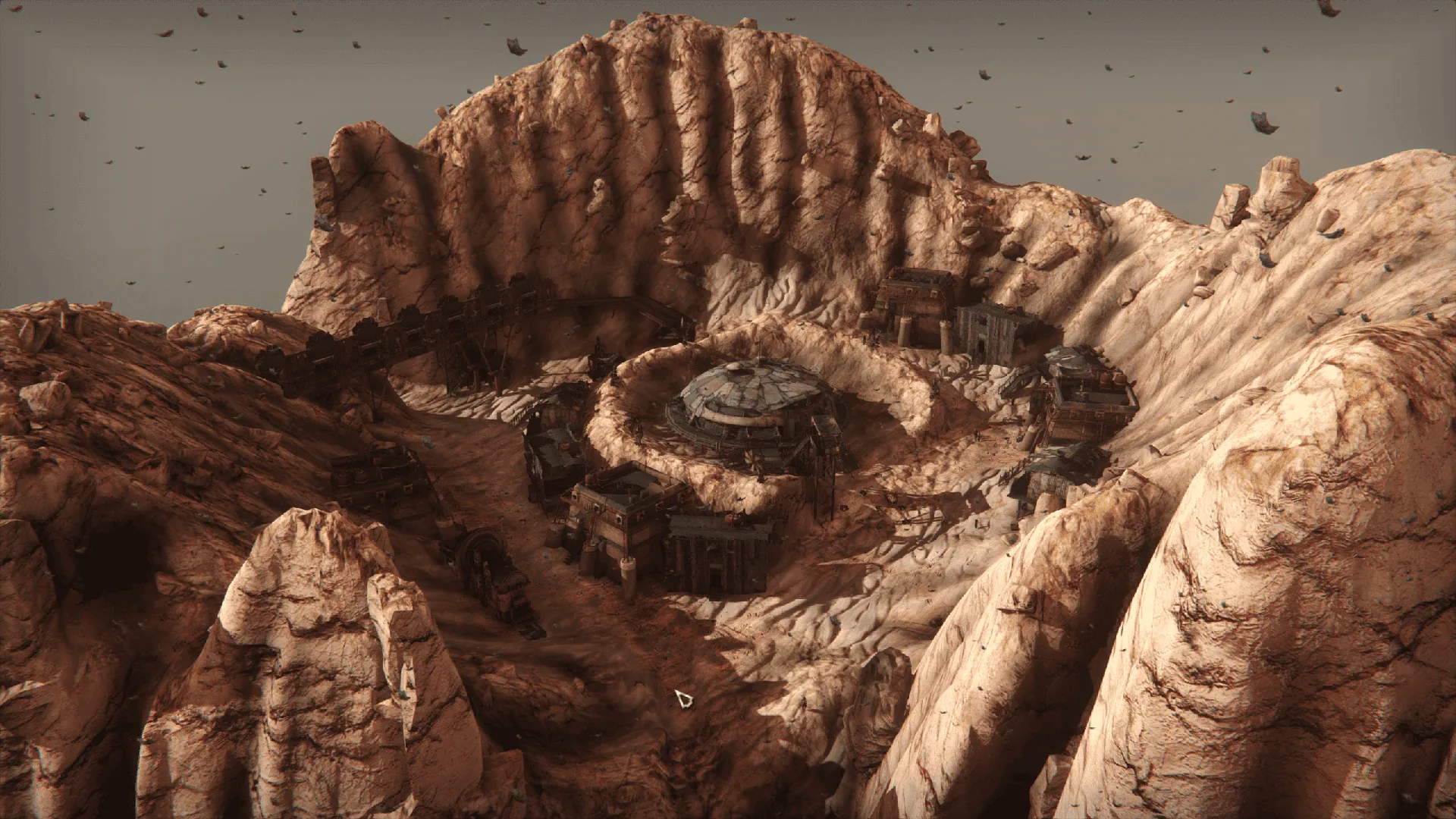
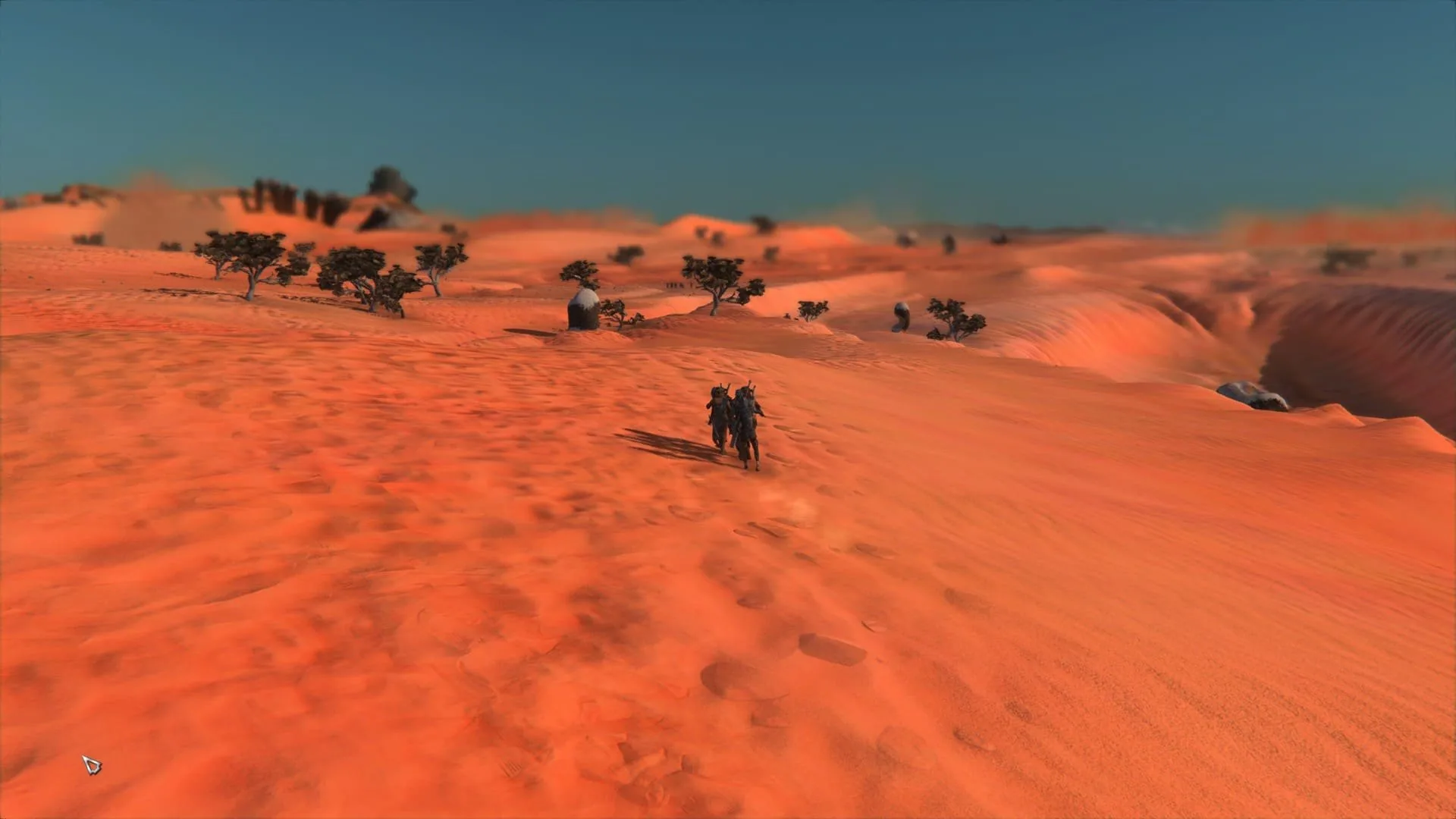
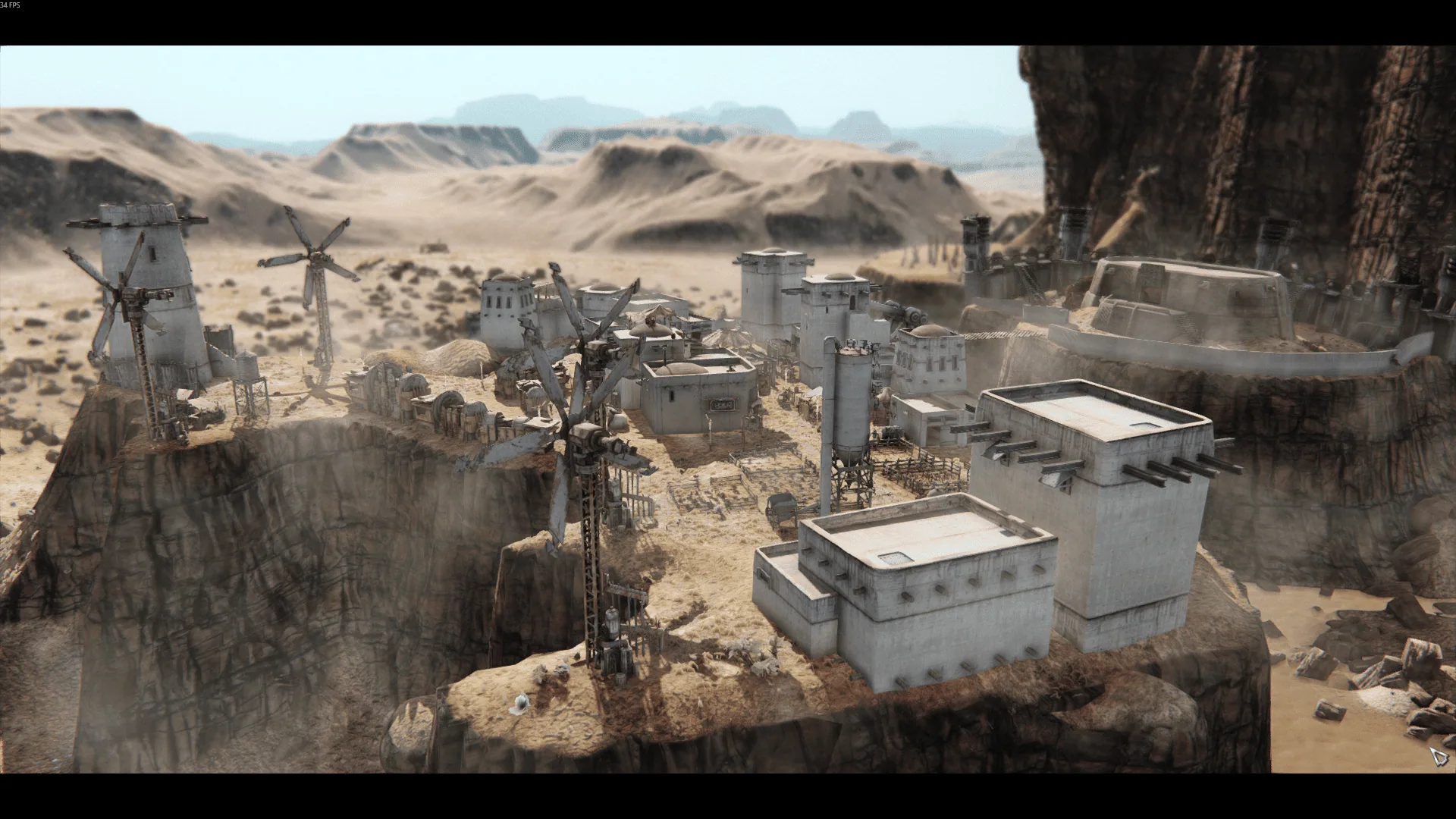
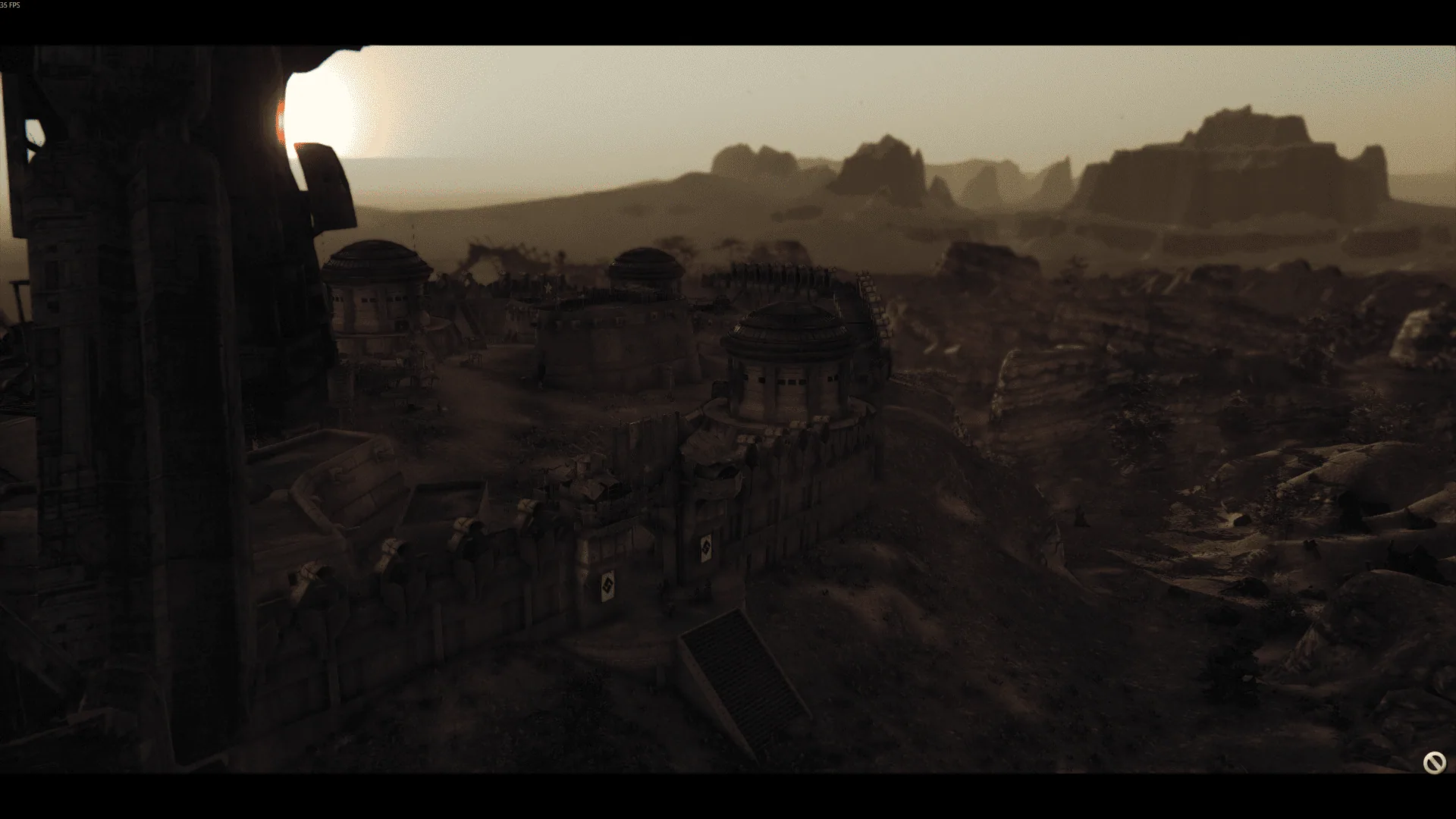
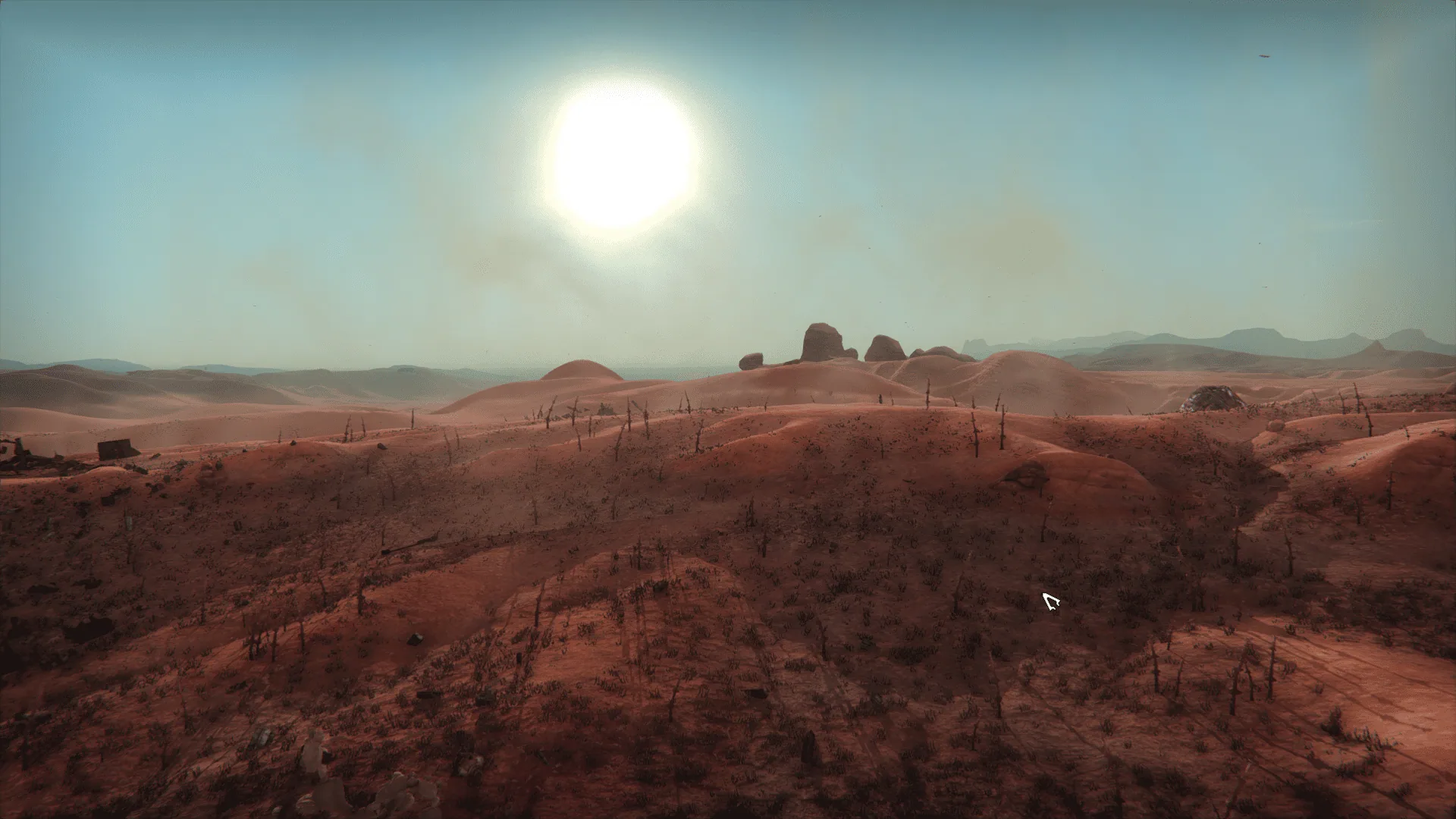
Modern visuals for Kenshi without losing its signature style. Dust adds global illumination, ambient occlusion, better shadows, colour grading, depth of field, bloom and much more. The aim is to make the game look better while keeping it unmistakably Kenshi.
Contents
Dust — Graphics Enhancement for Kenshi
Modern visuals for Kenshi without losing its signature style. Dust adds global illumination, ambient occlusion, better shadows, colour grading, depth of field, bloom and much more. The aim is to make the game look better while keeping it unmistakably Kenshi.
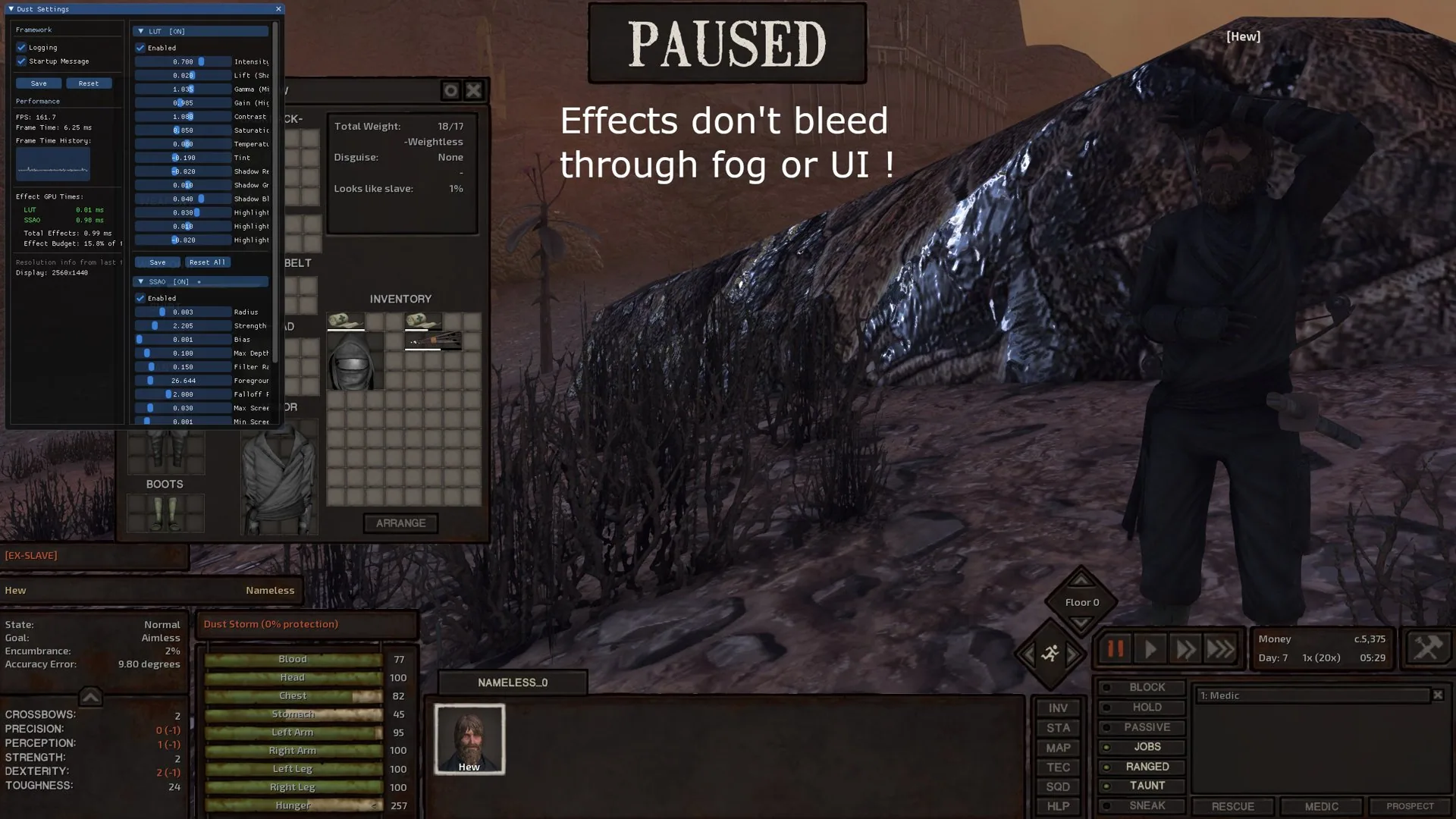
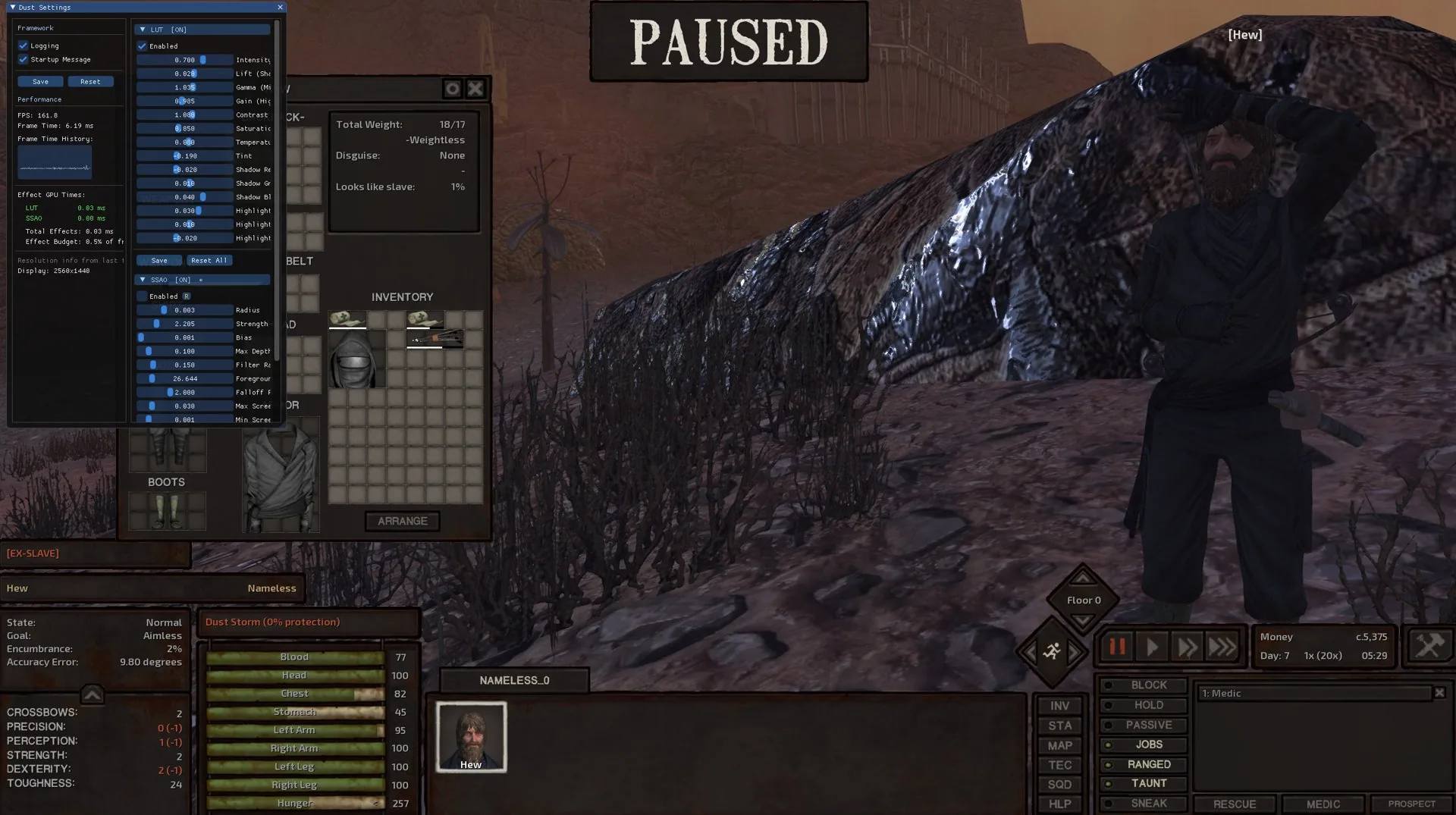
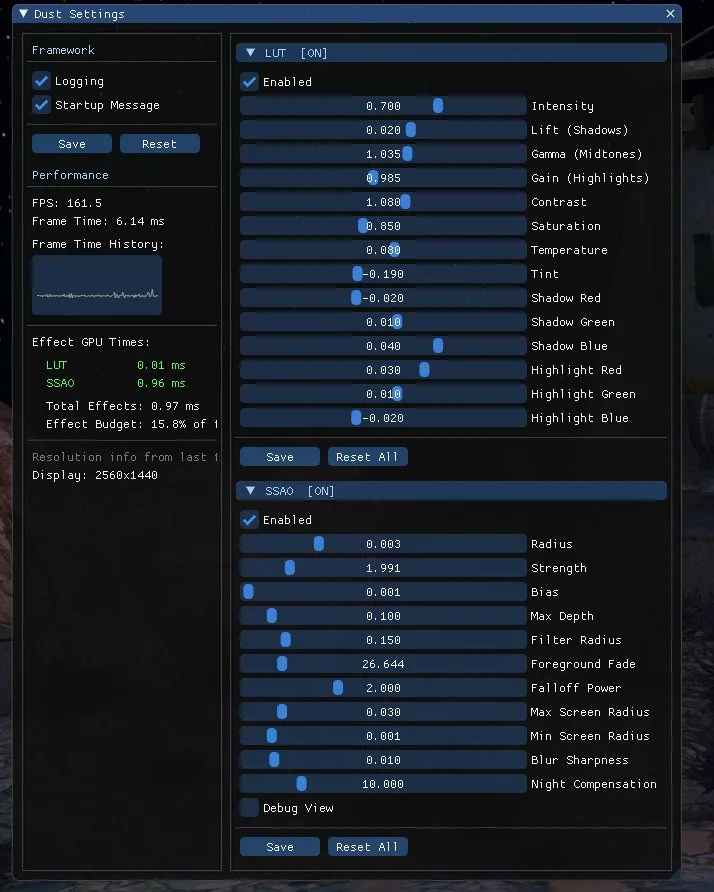
Everything can be adjusted in-game through the F11 menu: tune the effects to your taste or switch off the ones you don't like.
How Dust differs from ReShade
Dust works differently from ReShade and other injectors. It hooks directly into the game's rendering pipeline, so effects like SSAO work together with the real lighting system instead of being layered on top of the finished frame. That avoids the usual problems: fog doesn't bleed through effects, and the game's UI isn't affected.
Dust is also a plugin framework: each effect is its own DLL, so anyone can build an effect and share it.
Requirements
Effects
Lighting and shadows
- Global Illumination (RTGI): bounced light and occlusion calculated with screen-space ray tracing, with multiple bounces and temporal denoising. Very demanding; meant for high-end GPUs.
- Ambient Occlusion (SSAO): contact shadows in corners and crevices. Built into the game's lighting and aware of the day/night cycle.
- Indirect Lighting (SSIL): a lighter option, a single bounce of coloured indirect light from nearby surfaces.
- Improved Shadows: higher-resolution shadows with greater range, plus fine control over their parameters.
Image and post-processing
- Color Grading: a full HDR pipeline, a choice of tonemapper (ACES, Reinhard, AgX, Khronos PBR Neutral and more), lift/gamma/gain and split toning.
- Depth of Field: auto-focus blur with separate near and far controls.
- Bloom: physically based HDR glow, extracted before tonemapping.
- Clarity: local contrast that brings out fine detail without changing overall brightness.
- Outline: edges drawn from depth and normals, with adjustable thickness and colour.
- Kuwahara: an anisotropic painterly filter that makes the image look hand-painted.
- SMAA: subpixel morphological anti-aliasing (luma, depth or combined).
- Deband: removes 8-bit colour banding in skies and gradients, with an optional sky-only mode.
- Chromatic Aberration / Vignette / Film Grain / Letterbox: lens effects and cinematic finishing touches.
Features
- In-game settings (F11). Adjust every effect with sliders in real time, save your settings and reset them whenever you like.
- Presets. Switch quickly between Low, Medium, High and Ultra, plus cinematic and stylized variants. Custom presets can be shared with the community.
- DLSS / FSR upscaling and DLAA. Temporal super-resolution and anti-aliasing using real motion vectors. You choose the technology, and options your GPU doesn't support are filtered out automatically.
- Performance overlay. See exactly how much GPU time each effect takes.
- Hot-reloadable configs. Edit the .ini files without leaving the game.
- Plugin system. Effects are separate DLLs; anyone can create and distribute new ones.
Settings menu
Press F11 to open the settings overlay. From there you can tune any effect, check performance stats, save your configuration or go back to the defaults.
Tip: double-click any slider to type in an exact value.
Compatibility
The mod should work with any other mod, except ones that hook into the rendering pipeline themselves or modify it directly. The REST addon for ReShade, for example, appears to cause problems.
⚠️ Proton / Wine are not officially supported yet. Many players report it working, but it depends on the version.
On startup, a notification shows for 30 seconds to let you know the mod is active and which key opens the menu. You can turn it off in the framework settings.
How it works
Dust isn't a ReShade preset or a post-processing overlay. It hooks into Kenshi's D3D11 deferred rendering pipeline and injects effects at specific points in the render pass: after the GBuffer, after lighting, after tonemapping and so on. That gives effects access to the real depth buffer, HDR scene data and lighting state before the game flattens everything into the final image.
A couple of examples: - SSAO is injected into the deferred lighting pass, so it affects both ambient and direct light. - Color Grading grabs the HDR render target before the game's tonemapper runs, applies its own ACES tonemapping and writes the result back.
A generic post-processing injector simply can't do this.
For effect developers. Effects load as DLL plugins through a stable C API. The framework takes care of shader compilation, state management, constant buffers, GPU timing, config reading and writing, and the settings UI. A new effect only needs to fill in a descriptor struct and supply a pixel shader.
Credits
- BFrizzleFoShizzle: RE_Kenshi (plugin loader) and KenshiLib (game structure library)
- disi30: ShaderSSAO, the original Kenshi SSAO mod that inspired this project
- Bob: Native Stylise, another source of inspiration
- Dear ImGui: the in-game GUI library
- Atlas: made the video that sparked the idea for this mod
- NVIDIA: DLSS (NVIDIA DLSS is a trademark of NVIDIA Corporation)
- AMD: FidelityFX Super Resolution (FSR)
Screenshots 12
Comments 0
No comments yet — be the first.
Log in or sign up to leave a comment.