 Razilator
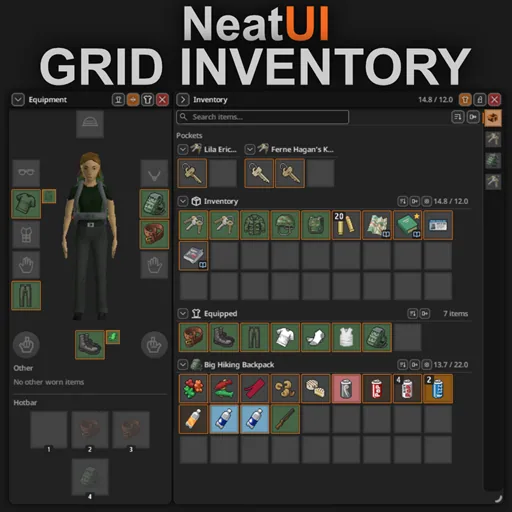
A tidy, practical inventory for Project Zomboid. Items are laid out on a grid, equipment gets its own window, and outfits can be saved and swapped in a couple of clicks. Weight and capacity rules stay vanilla: the mod only changes how the inventory looks and how you work with it.
Contents
NeatUI - Grid Inventory
A tidy, practical inventory for Project Zomboid. Items are laid out on a grid, equipment gets its own window, and outfits can be saved and swapped in a couple of clicks. Weight and capacity rules stay vanilla: the mod only changes how the inventory looks and how you work with it.
Highlights
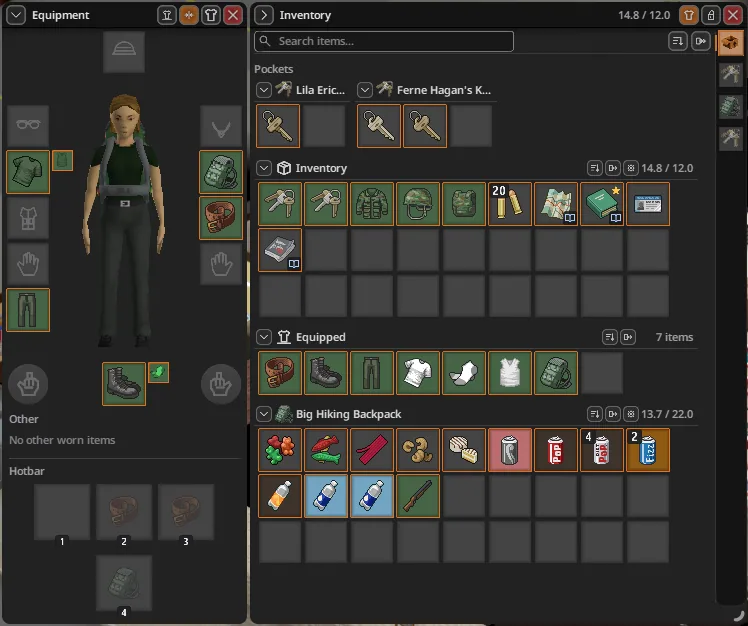
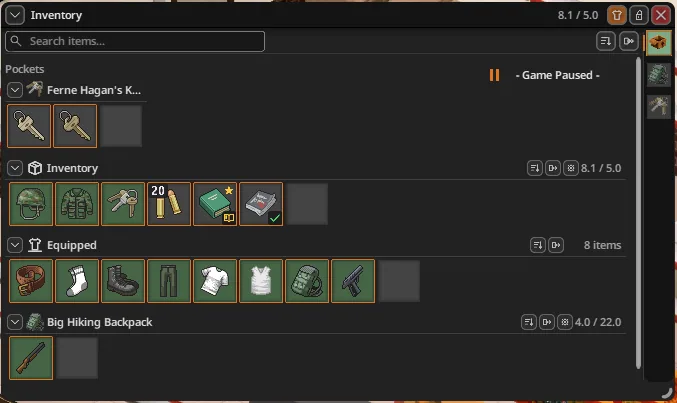
A grid, not Tetris. Every item or compatible stack takes up a single square cell. Nothing to rotate, no packing puzzles.
Search and sorting. Find what you need with search, and pick an order: category then name, name only, stack weight, stack size or item condition. - the button on the main toolbar sorts every container in the window; - a container's own button sorts just that container; - the sorting method is chosen in Grid Inventory's Mod Options.
Fast transfers. Drag and drop, double-click an item, or hit Transfer all to send everything to the selected container. You can also transfer by category: food, weapons, tools, medical supplies, ammo, clothing, books and magazines, and bags. Favourites and equipped gear are left alone, and transfers go through the game's own action queue with capacity checks.
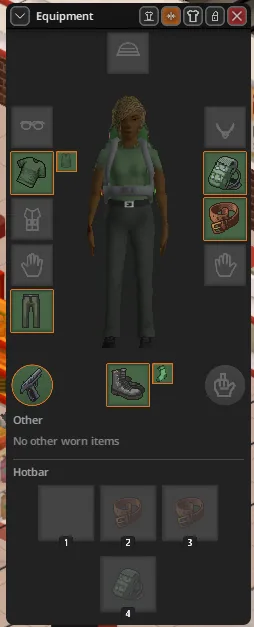
Equipment at hand. Clothing layers, held items and hotbar slots are shown next to your character. Drag an item over to equip it, and rearrange hotbar slots freely.
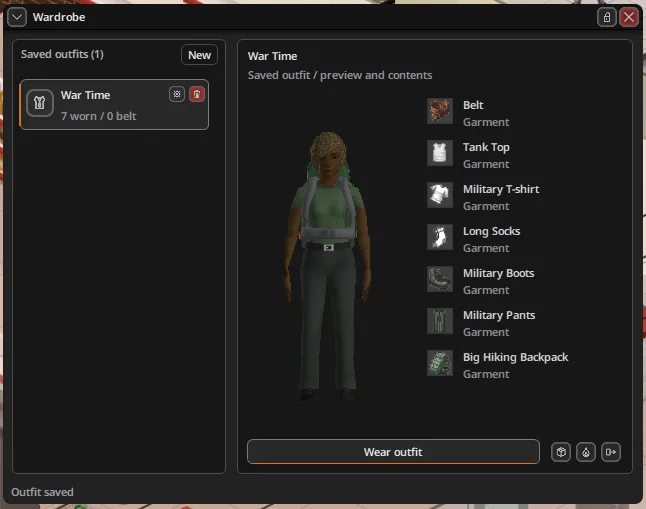
Outfit wardrobe. Save outfits under your own names, preview what's in them and change into them using the items you have.
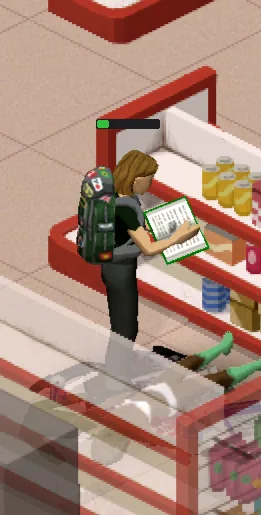
Handy indicators. See whether a book has been read, whether a recipe is known, an item's condition and remaining resource, plus progress while you're using something.
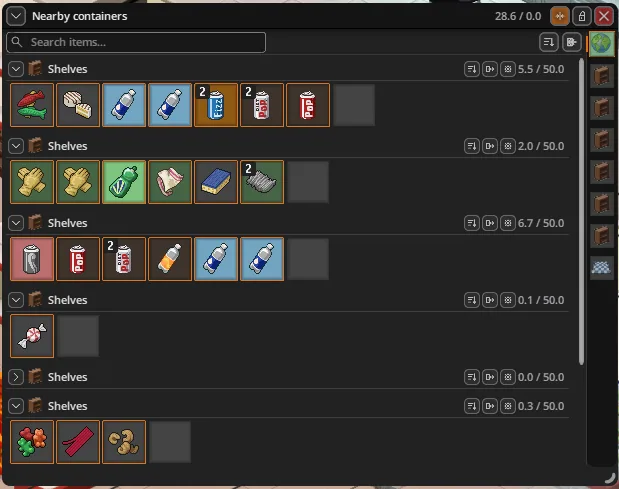
Flexible windows. Dock the equipment window and nearby container windows or let them float, lock their position and size, and your window layout is kept between sessions.
Make it yours
Shared settings for every module are in Options > Mods > NeatUI - Core: - accent colour; - text size; - icon scale (75–150%); - window opacity; - master styling switch.
Grid Inventory's own settings: - slot scale (75–150%); - sorting method; - toggles for equipment and read indicators; - whether the grid keeps one spare slot or a full empty row.
Optional modules
The inventory comes with modules you can enable individually. Each has its own on/off switch.
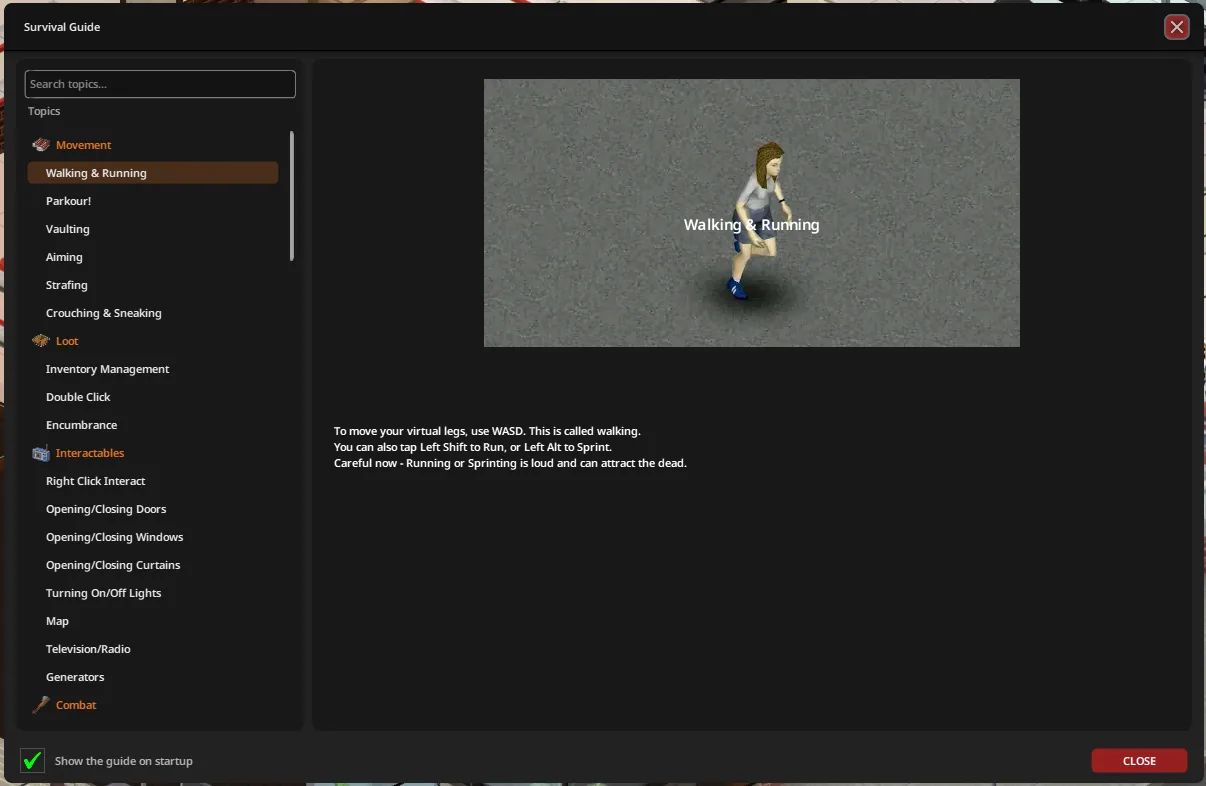
- Survival Guide: searchable topics and matching styled scrollbars; the game's tutorial content stays in place.
- Context Menus: restyled context menus.
- Tooltips: restyled tooltips.
- Progress Bar: restyled progress bar.
The modules work without Grid Inventory, too. Just enable NeatUI Framework, NeatUI - Core and only the modules you want. To restyle only the progress bar, for example, those three mods are all you need. Anything without a module enabled stays vanilla.
Core holds the shared artwork and appearance settings for every addon. The pause banner remains part of the main mod.
Requirements and compatibility
- Build 42.21 and newer only.
- Required: NeatUI - Core (included in this same Workshop item) and NeatUI Framework.
- Optional: Proximity Inventory, which combines nearby containers into a single list.
❌ Use only one inventory overhaul. With Grid Inventory enabled, don't run CleanUI, NeatUI Equipment, Comfy Grid, Nyx Inventory or Inventory Tetris alongside it. Further conflicts are declared in the mod's metadata.
Mod IDs
| Required | NeatUI_Core, NeatUI_GridInventory |
| Optional | NeatUI_SurvivalGuide, NeatUI_ContextMenus, NeatUI_Tooltips, NeatUI_ProgressBar |
After updating, restart the game and enable Core and your chosen modules in the mod list, existing saves included.
Early-release limitations
- Controller navigation isn't implemented yet.
- Outfit actions in multiplayer still need more testing.
About
Made by LYIVX. This is an independent addon built on NeatUI Framework, not an official release from its creators.
Design inspired by CleanUI, Clean HotBar, Comfy Grid and NeatUI Equipment.
Screenshots 7
Comments 0
No comments yet — be the first.
Log in or sign up to leave a comment.