














Find Electric Chargers in GTA 6, mark a nearby station and use the charge prompt for an electric car or motorcycle.
Contents
Electric Chargers have their own map category. Select a known charger and stop next to the terminal in your electric car or motorcycle.
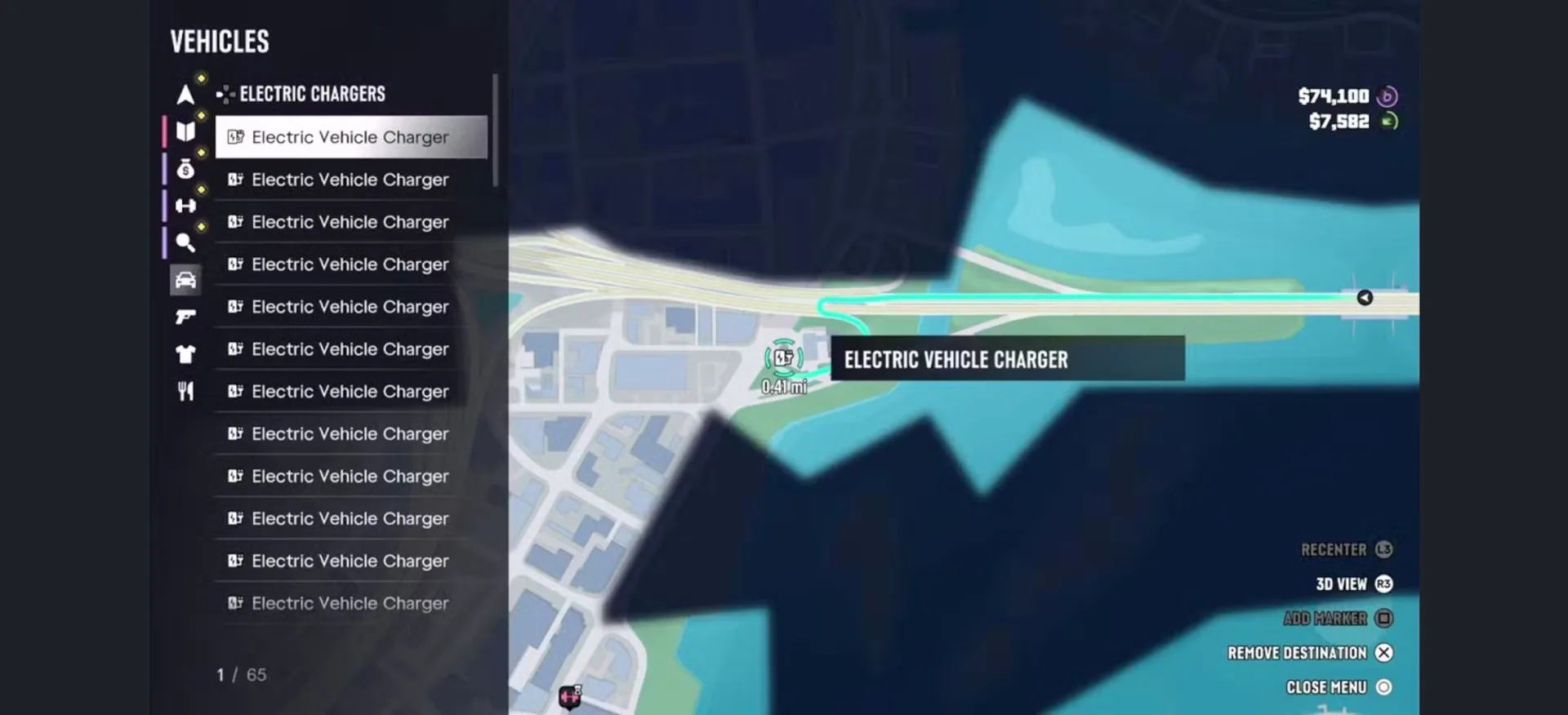
Open the charger list and set a waypoint
Open the map and find Electric Chargers in the vehicle category. Press Right on the D-pad to expand the list on default controls. The first entry is the nearest one you have discovered. Select it with Cross on PS5 or A on Xbox to set a waypoint.
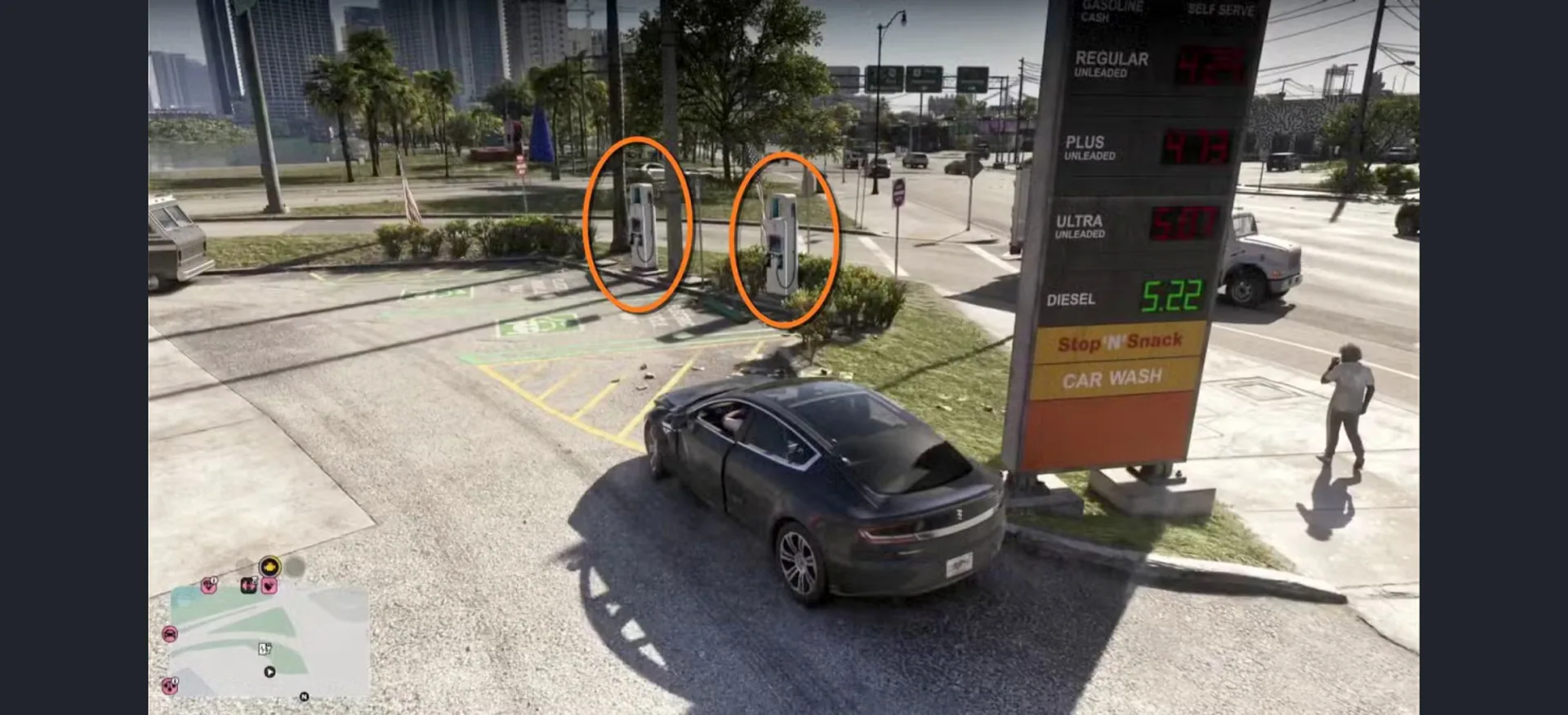
Pull up alongside the charging terminal
At the location, find the charging pedestal and cable. Pull up and stop in the bay next to it. If there is no prompt, move closer and confirm that you are using an electric vehicle. Some sites have a fuel pump nearby, so make sure you are beside the charger.
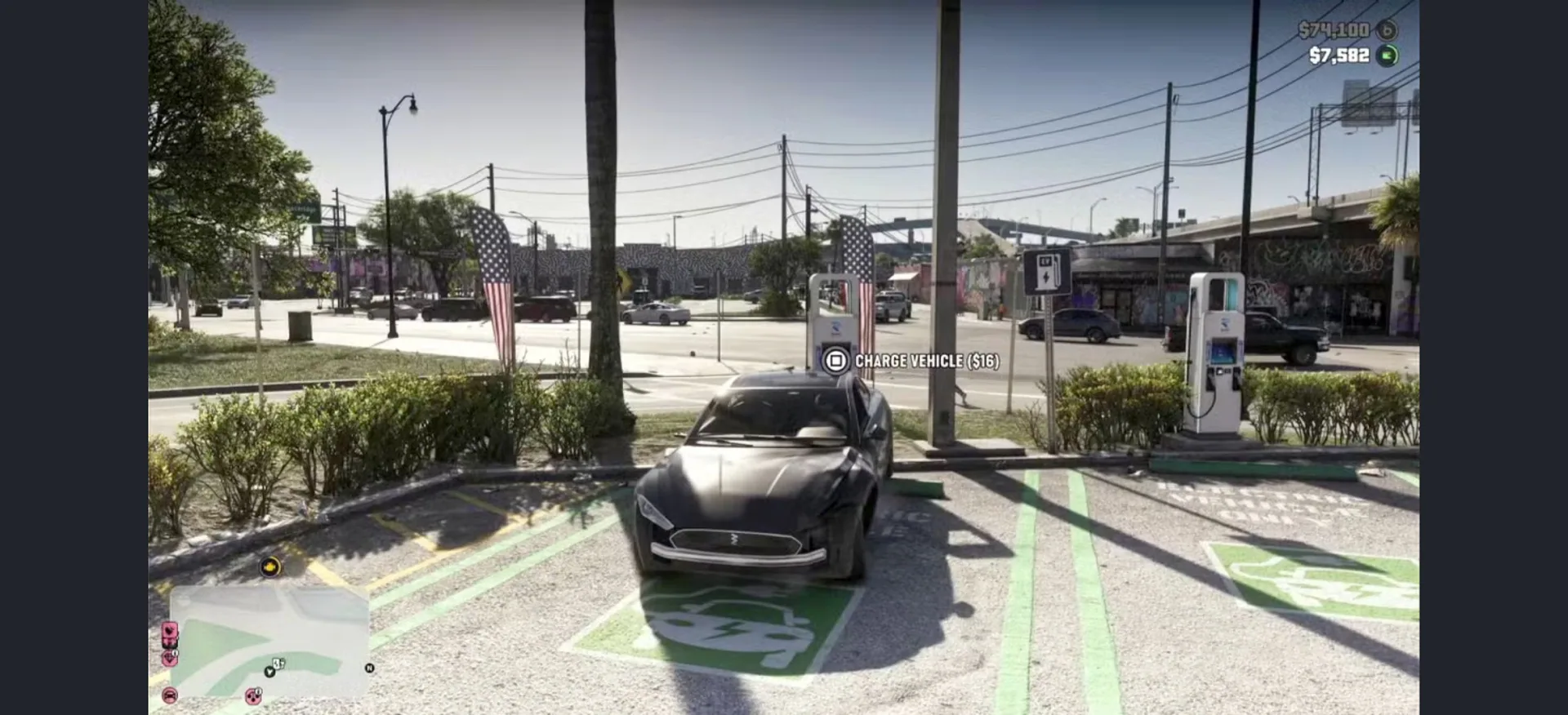
Pay for charging and check the battery
Wait for Charge Vehicle and read the price shown for your top-up. Hold the indicated input until the action completes, then check the battery gauge before leaving. The charger handles charging. Use a workshop or an available repair service for body damage.


Comments 0
No comments yet — be the first.
Log in or sign up to leave a comment.