













Open the Ammu-Nation Modify screen, understand the 11 attachment types and find the separate weapon cosmetics menu.
Contents
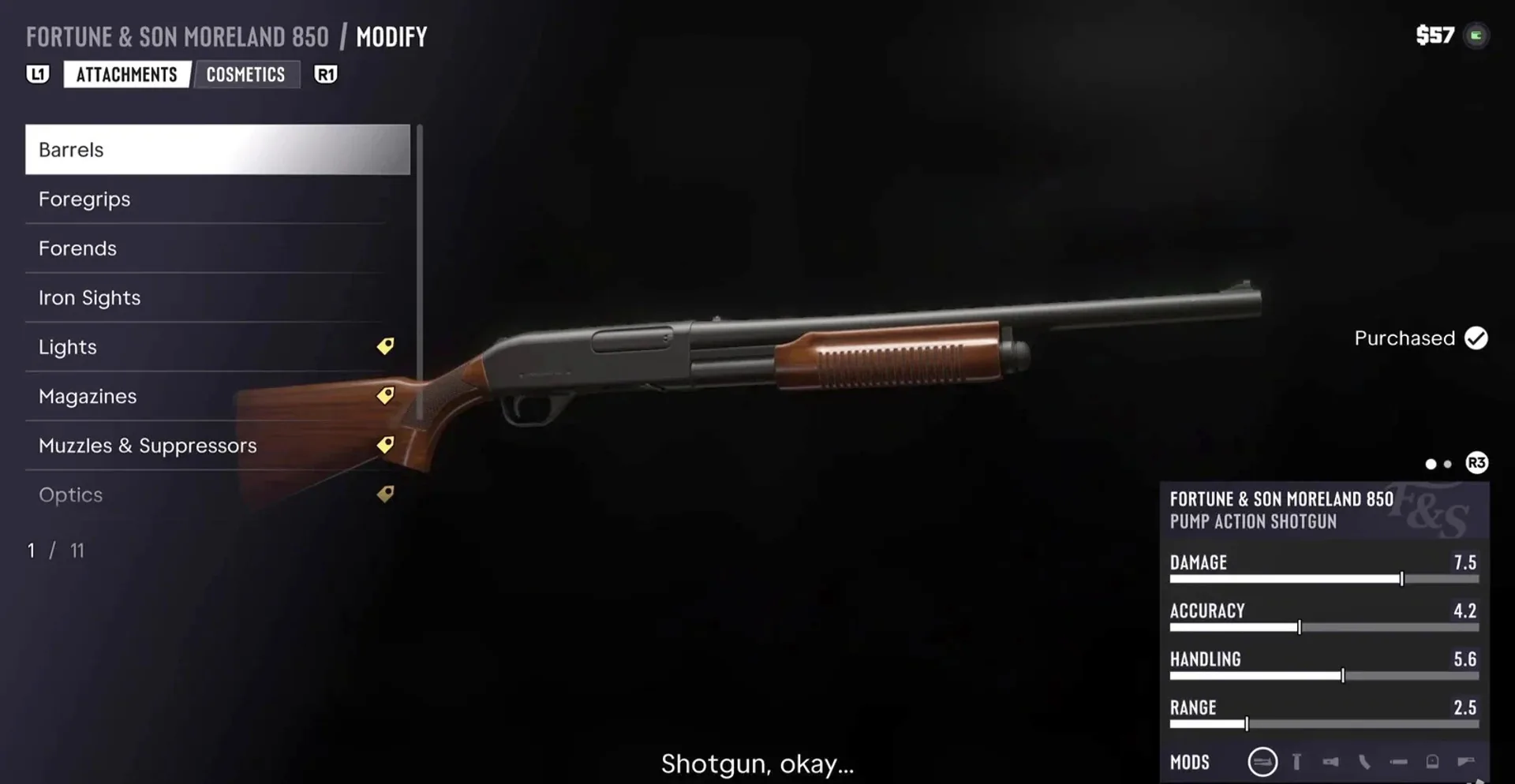
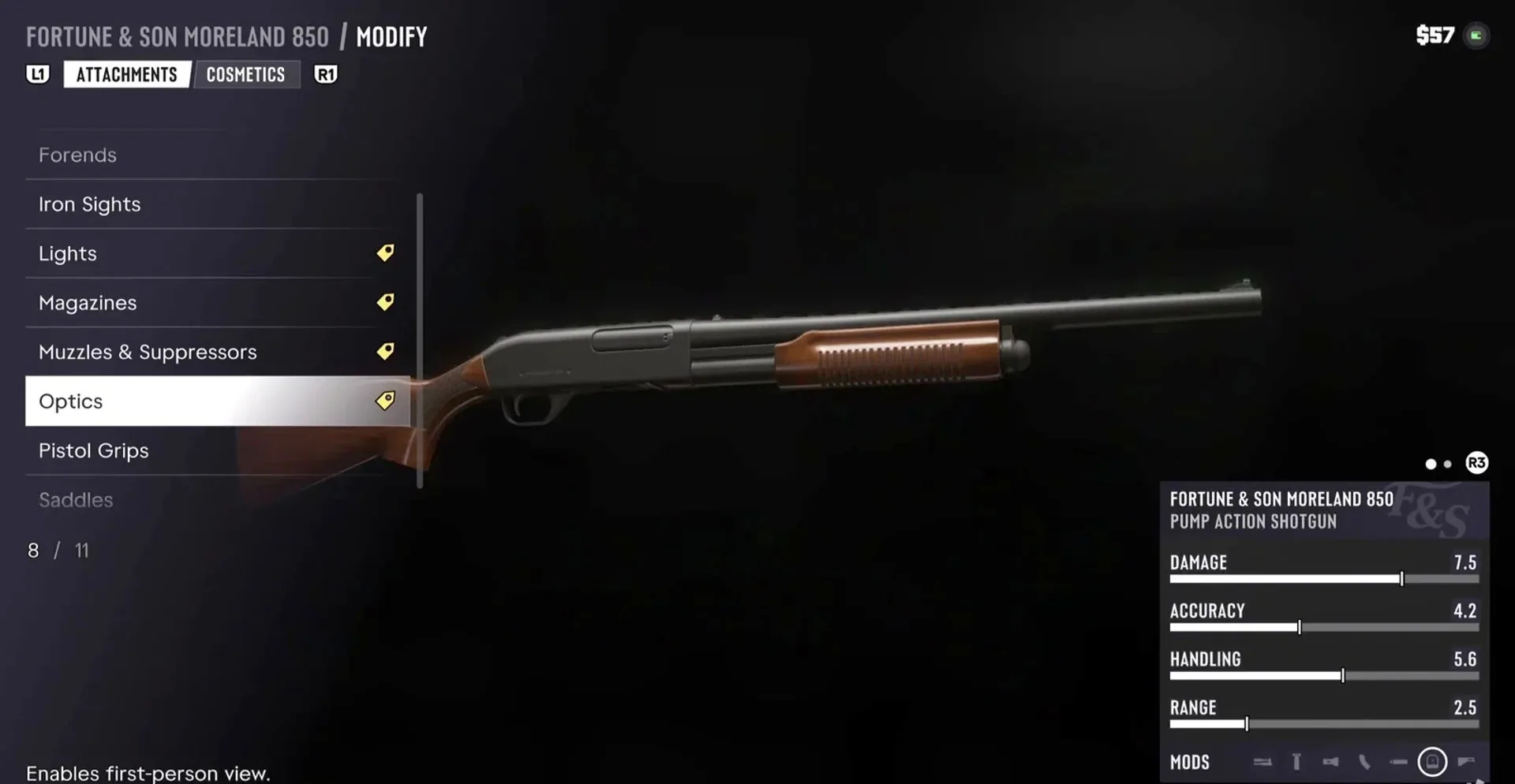
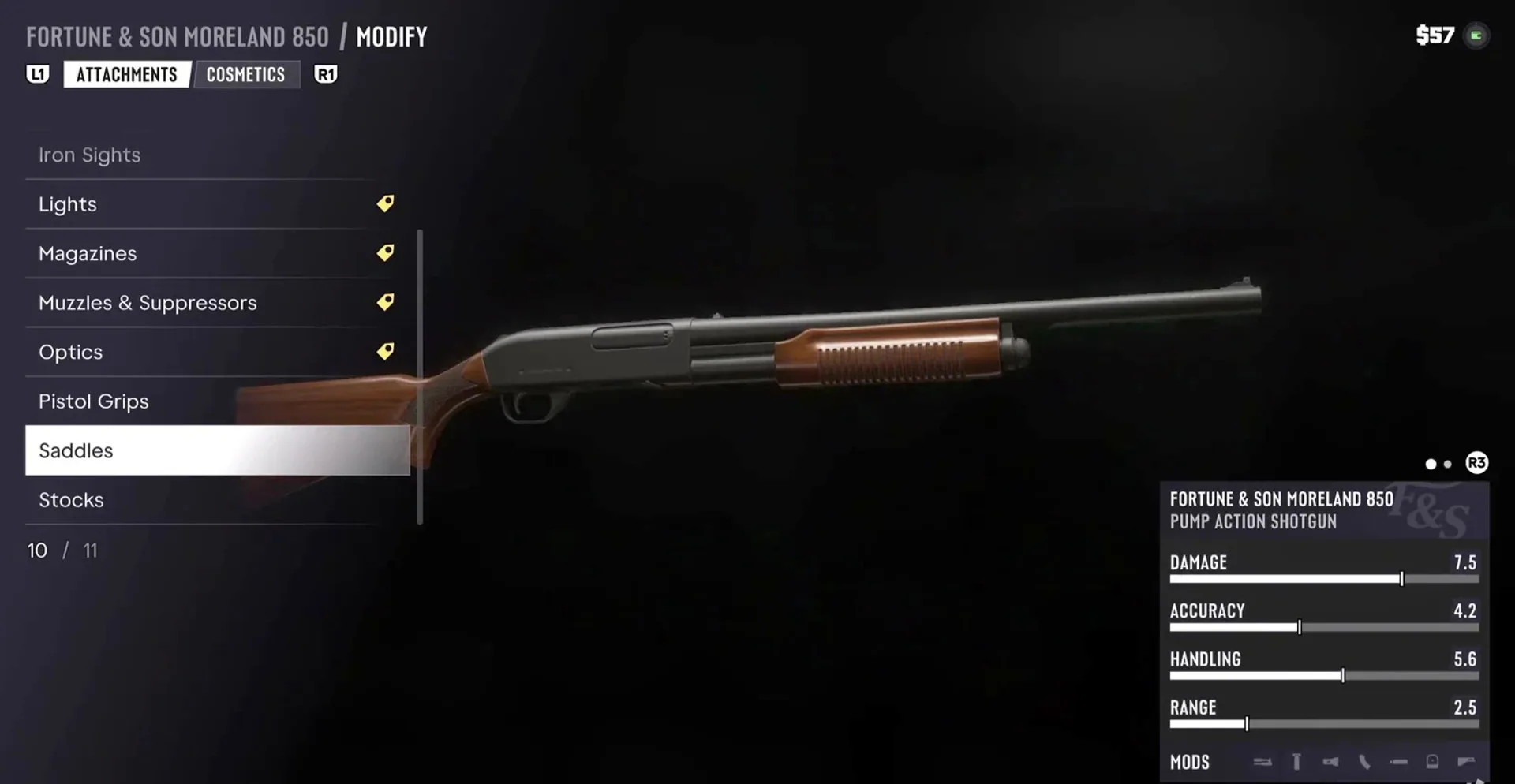
Ammu-Nation has a Modify screen for weapons. The full list below is shown on the Moreland 850. Check the available slots and descriptions on your chosen item.
Open Modify for the selected weapon
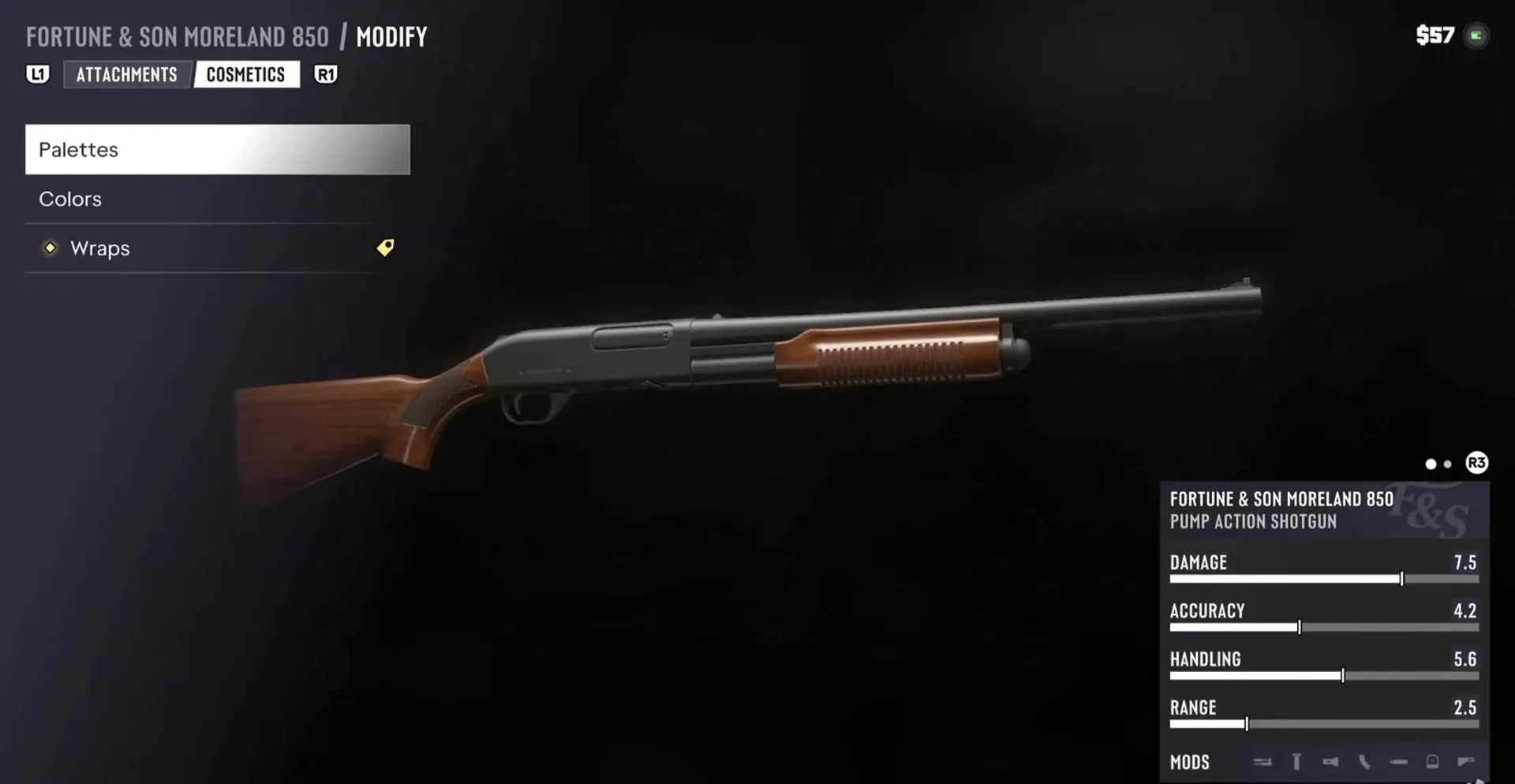
Approach the clerk. On default PS5 controls, hold L2 and press Triangle to open the shop. Highlight an owned weapon and choose Modify. Buying a weapon can also bring up this screen. Switch between Attachments and Cosmetics with L1 and R1.
Compare the eight categories with a gameplay effect
Range and capacity. Barrels affect damage at range and magazines change ammo capacity. Handling. Foregrips help the weapon recover after firing, stocks steady the aim, and the muzzle and suppressor category lists recoil and sound effects. Visibility. Iron sights help manual targeting, lights illuminate targets, and optics add a first-person view. Compare the price and stat panel for the specific part.
Check the three visual categories and the Cosmetics tab
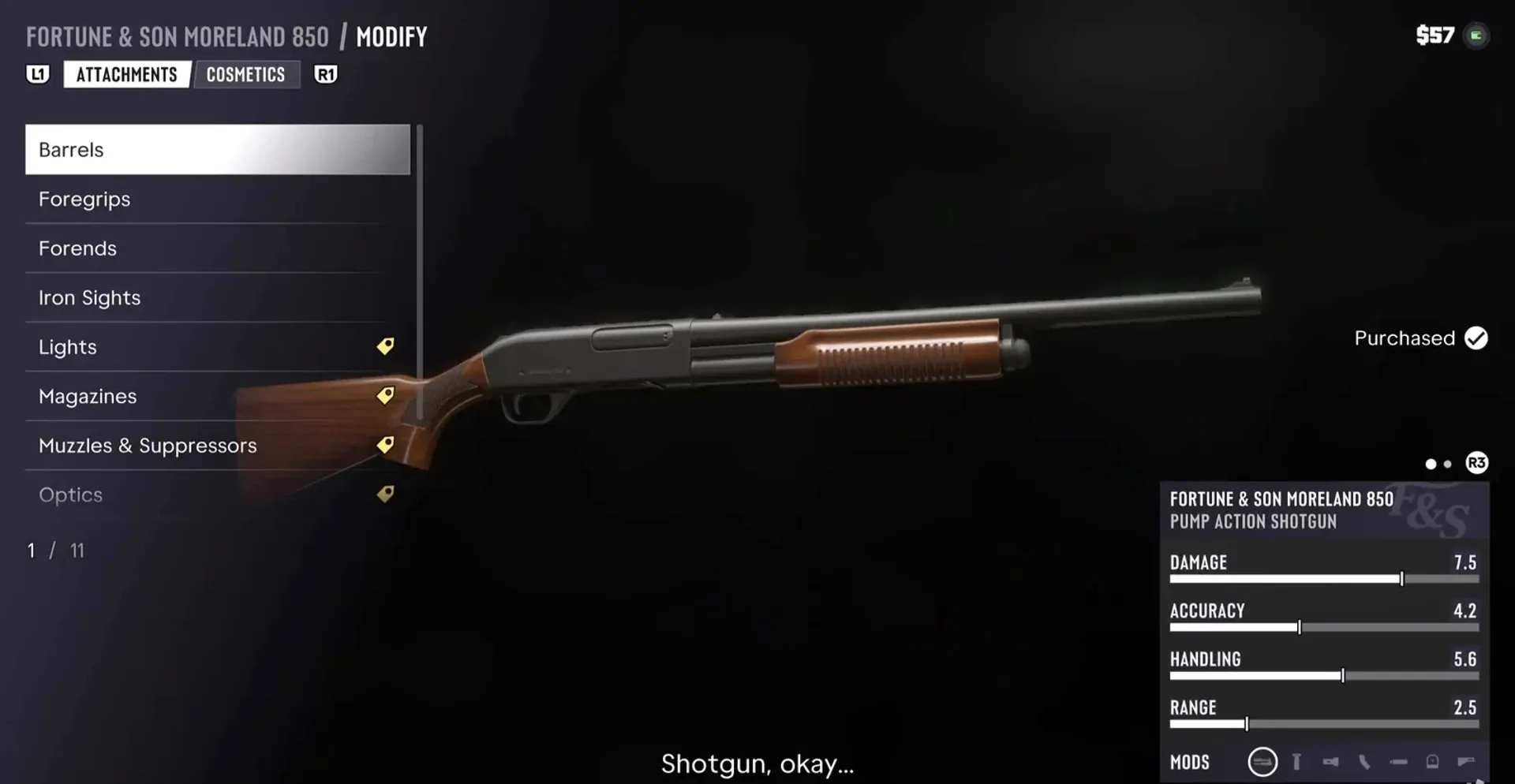
On the Moreland 850 list, forends, pistol grips and saddles are described as visual options. For a new color or pattern, switch to Cosmetics. That tab offers palettes, colors and wraps. If you want a gameplay effect, return to the description of the specific attachment before buying.


Comments 0
No comments yet — be the first.
Log in or sign up to leave a comment.