










Bring back the fuel gauge, respond to the low-fuel warning and find an airstrip where you can switch aircraft.
Contents
GTA 6’s fuel gauge can fade out during flight. You can bring it back. If the warning has already appeared, choose the nearest suitable strip. The recorded runs don’t establish a way to refuel a plane.
Bring back the fuel gauge
Tap D-pad Down in flight to bring the vehicle status back beside the minimap. If quick navigation opens, release the button and try a shorter tap. If the gauge still doesn’t show, enable Vehicle Name & Status under Player & Vehicle Status in the UI settings.
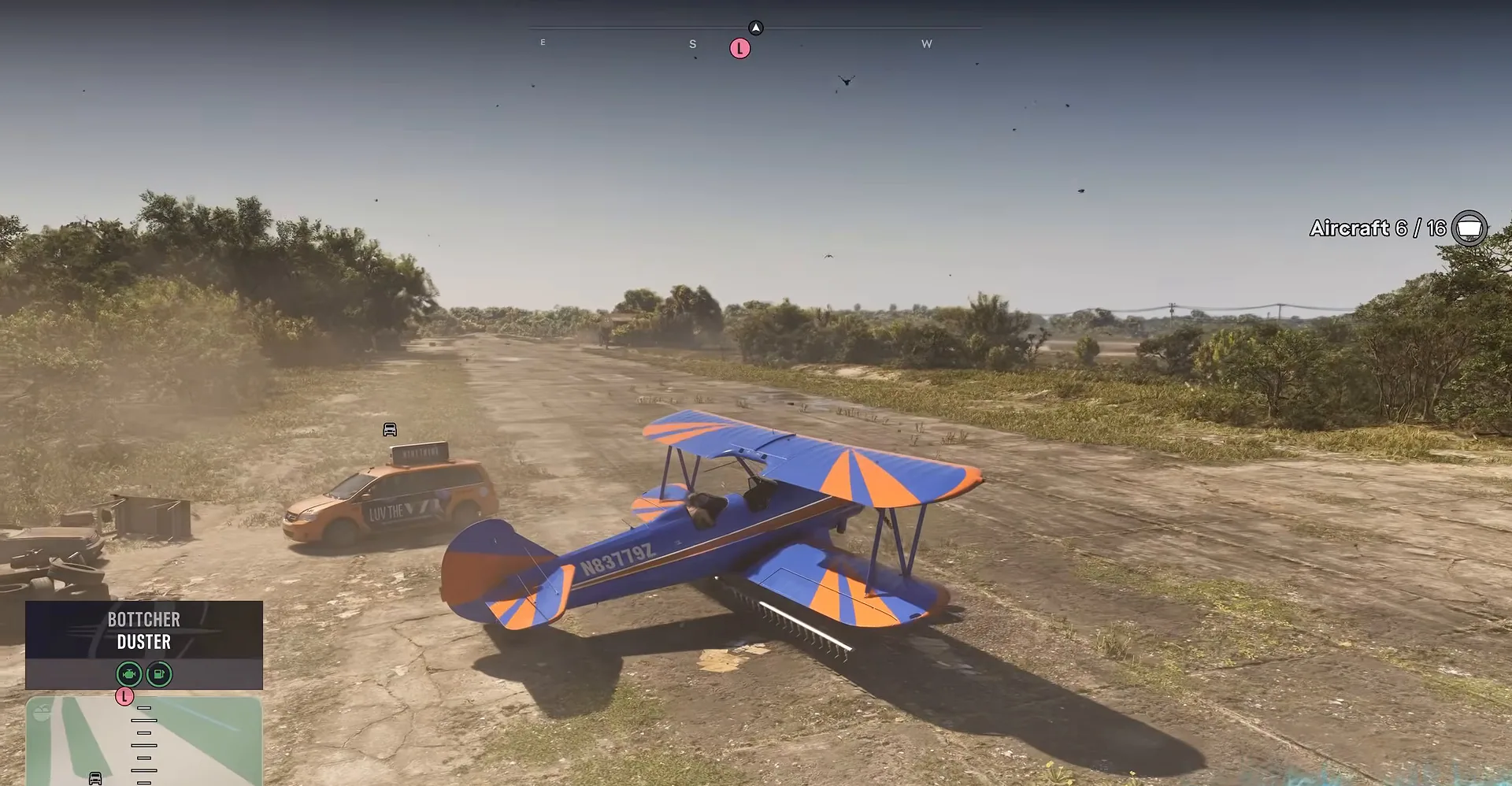
Pick an airstrip when the warning appears
Open the map when the gauge turns yellow and set a waypoint for an airstrip ahead. Don’t use the red warning as a countdown. The footage shows a red alert, but remaining range depends on the aircraft and the flight. Set up your approach while you still have time to change course.
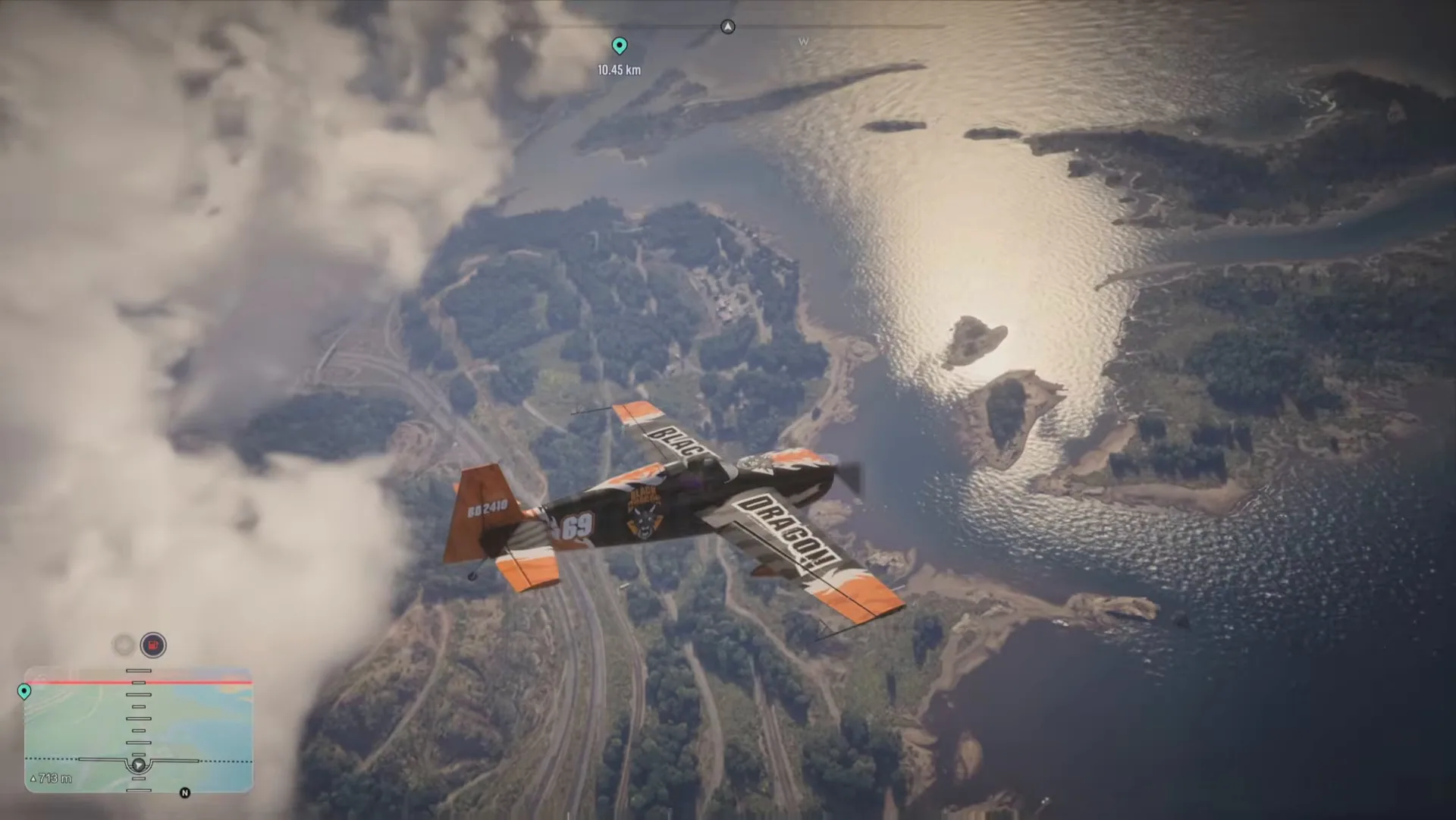
Look for a replacement on the ground
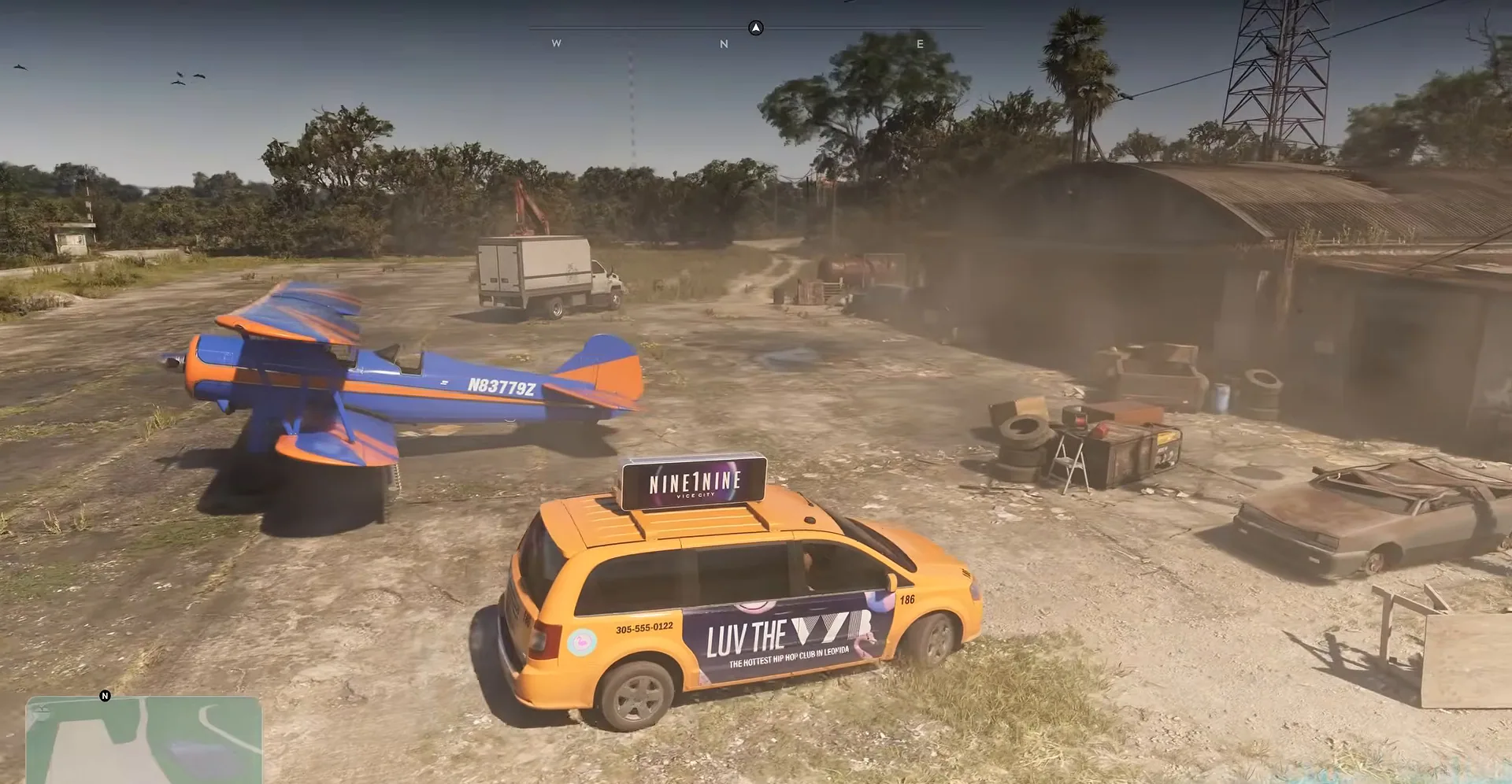
In the Keys, check the north end of Southpoint Airfield off Boundary Road for a civilian Duster. If you’re already over Kelly County, its central strip is a better stop than flying back south. After landing, check the apron and the area around the hangars. If nothing is parked there, save on the ground and continue by road.


Comments 0
No comments yet — be the first.
Log in or sign up to leave a comment.